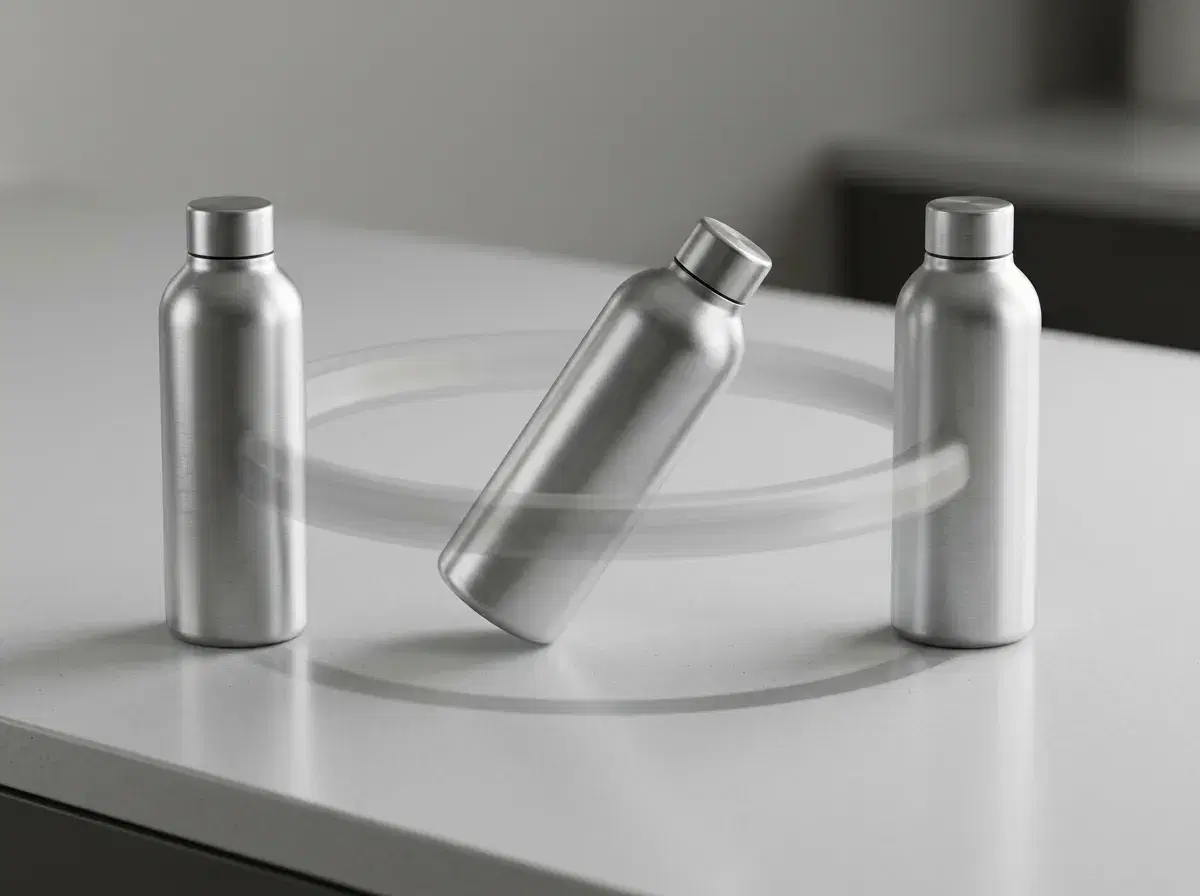
An AI product demo video generator turns a product image or script into a short walkthrough video — the kind that shows a product in motion for a landing page, ad, or social post. In 2026, Pose AI does this natively with Kling, Veo, and Sora 2, so you can generate a demo without filming. This guide covers what a product demo video is and how Pose compares with Synthesia, InVideo, and Supademo.
You'll see which tool fits which kind of demo.
Create product demo videos in the Pose AI Video Studio.
- The best AI product demo video generator for 2026 is Pose AI — native Kling, Veo, and Sora 2 turn a product image into a moving demo walkthrough, with voice cloning for narration.
- Native engines: Kling for controlled motion, Veo for photorealistic scenes, Sora 2 for longer sequences — no external tool.
- One plan: 400 credits every week cover product demos, UGC, and talking heads — from $4.99 the first week, no watermarks.
- vs Synthesia (avatar explainers), InVideo (template editor), and Supademo (interactive screen demos): Pose is the native generative option.
What is a product demo video?
A product demo video is a short clip that shows a product in use — its features, how it works, and why it matters — for a landing page, ad, or social feed. An AI product demo video generator creates that clip from a product image, script, or prompt, generating the motion and scene instead of filming a shoot or screen-recording a UI.
AI product demo video generators compared
| Tool | Approach | Best for | Pricing |
|---|---|---|---|
| Pose AI | Native generative video (Kling, Veo, Sora 2) | Generated product motion + UGC demos | $4.99 first week, then $14.99/week |
| Synthesia | Avatar-led explainer video | Talking-head product explainers | From ~$29/mo |
| InVideo | Template + stock editor | Assembling clips from templates | From ~$25/mo |
| Supademo | Interactive screen-capture demos | Clickable software walkthroughs | Freemium (varies) |
Pose AI is the native generative option — it creates product motion and UGC-style demos from an image. Synthesia suits avatar explainers, InVideo template assembly, and Supademo interactive software walkthroughs.
How to create a product demo with AI in Pose
Upload a product image (or a selfie for a presenter-led demo), pick an engine — Kling for controlled motion, Veo for realistic scenes — and describe the shot. Add narration with ElevenLabs voice cloning, then export vertical or landscape for your channel. Everything runs on one 400-credit weekly plan, so you can generate several demo variations to test.
For a creator-style demo, pair a talking-head hook with the product motion in the same project.
For creator-led product demos, see Pose AI UGC video.
See the plan on the Pose AI pricing page.