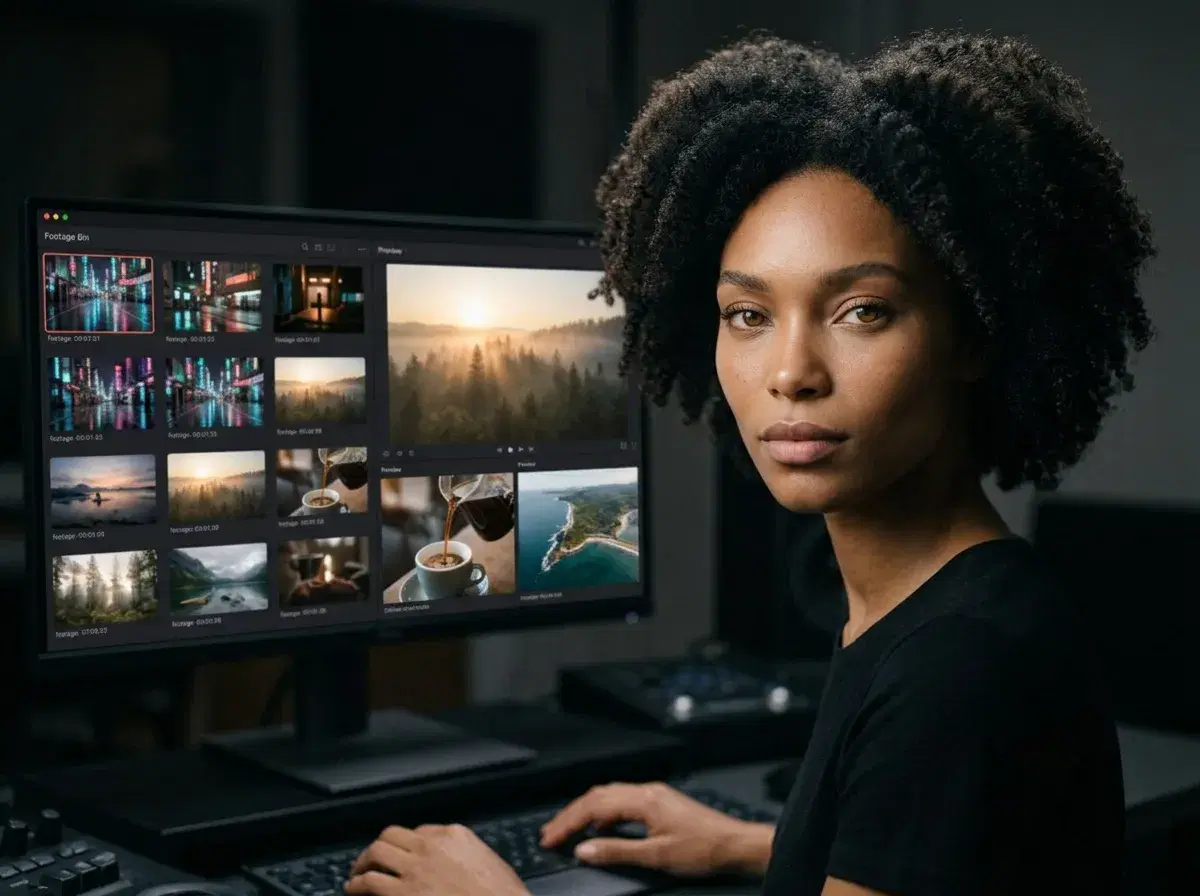
An AI b-roll generator from text turns a written prompt into short, stock-style supplemental footage — the cutaway clips that sit under a voiceover or between talking-head shots. In 2026, Pose AI generates this b-roll natively with six video engines, so you can describe a scene and get usable footage without licensing a stock library.
This guide explains what text-to-b-roll is, how Pose AI creates it, and when it fits your edit.
Generate b-roll in the Pose AI Video Studio from a text prompt.
- Pose AI generates b-roll from text using native Kling, SeedDance, Wan, Veo, and Sora 2 — no external stock library needed.
- Describe the scene (subject, setting, motion, lighting) and Pose renders a short clip you can drop under your voiceover.
- One plan covers b-roll, talking heads, and product clips — 400 credits every week, from $4.99 the first week.
- Best for filling gaps in vlogs, ads, explainers, and social edits without filming or licensing footage.
What is text-to-b-roll?
B-roll is the supplemental footage that plays over narration or between your main shots — a city street, a coffee being poured, a laptop screen. Text-to-b-roll means writing a description of that clip and letting an AI video model generate it, instead of filming it or downloading a stock clip.
A good b-roll prompt names the subject, the setting, the motion, and the lighting — for example, "slow push-in on a rainy neon city street at night, cinematic." The more specific the motion and mood, the more usable the result.
How Pose AI generates b-roll from text
Pose AI's Video Studio includes six native video engines — Kling, SeedDance, Wan, Veo, Sora 2, and HeyGen — so text-to-b-roll happens inside one app with no external tools. Type a prompt, pick an engine for the look you want (Kling for cinematic motion, SeedDance for fast iteration, Veo for realism), and generate a short clip.
Because every generation draws from one 400-credit weekly plan, you can iterate on several b-roll variations and mix them with talking-head or product footage in the same project.
Text-to-b-roll vs stock footage vs filming
| Approach | Speed | Cost | Best for |
|---|---|---|---|
| AI b-roll from text (Pose) | Minutes per clip | 400 credits/week, from $4.99 | Custom scenes on demand, no license |
| Stock footage libraries | Instant download | Per-clip or subscription license | Common, generic scenes |
| Filming your own | Hours to days | Gear + time | Exact, real-world footage |
AI b-roll is the fastest way to get a specific, custom cutaway without a license or a shoot — while stock and filming still fit generic or real-world needs.
Compare all six engines in the best AI video generator guide for 2026.