The free-versus-paid question for creator tools has a cleaner answer than most round-ups admit: free tiers are genuinely good at editing and layout, and they stop at generation. Canva and Picsart will design your carousel for nothing; neither will produce a new photo of you.
So the line isn't quality, it's capability. Paid plans are where identity lock and native video live — here's what that actually buys.
For the full ranking, see the best AI photo app for content creators guide.
- Paid plans (Pose, Adobe) unlock what free tiers don't have: identity-locked generation and native video. Free tiers (Canva, Picsart) are strong at editing and layout, and stop before generation.
- Free and worth using: Canva for carousels, templates, and layout. Picsart for fast mobile edits and cutouts. Both have real free plans, not trials.
- Free with a catch: AI features on free tiers are typically watermarked, capped, or queued — that's where the upsell sits.
- Paid, and the reason to pay: Pose at $4.99 the first week then $14.99/week (400 credits) for identity-locked photos plus six native video engines. Adobe for professional finishing and Firefly generation inside Creative Cloud.
- Honest answer for most creators: one free editor plus one paid generator. They're not competing for the same slot.
What the free tiers actually give you
Canva's free plan is genuinely generous: templates, layout, basic editing, and enough design tooling to run a content calendar's worth of carousels without paying. Picsart's free tier is similarly real — background removal, retouching, effects, collage, all strong on mobile. Fotor sits alongside them with a free editor and AI tools bolted on.
What all three share is the shape of the limit. The editing is free; the AI generation is the part that's watermarked, capped, or gated behind the upgrade. That's not a trick — running a generation model costs money per image in a way that applying a filter doesn't.
Free vs paid AI photo apps for creators
| Tool | Free tier | Paid tier | Best for |
|---|---|---|---|
| Canva | Real free plan — templates, layout, basic editing | From ~$15/month — more assets, brand kit, AI credits | Carousels, layout, and design |
| Picsart | Real free plan — mobile editing, cutouts, effects | From ~$5-13/month — removes limits, more AI | Fast mobile edits and finishing |
| Fotor | Free editor; AI output watermarked or capped | From ~$9/month | Quick edits and enhancement |
| Adobe | Limited free entry points | From ~$10-60/month depending on plan | Professional finishing and Firefly generation |
| Pose AI | No free tier | $4.99 first week, then $14.99/week (400 credits) | Identity-locked photos plus native video |
The free column is where Canva and Picsart win outright, and if editing and layout are your bottleneck you can genuinely run on free. The paid column is where the capability changes rather than the limit lifting: identity-locked generation and native video don't exist on any of these free tiers, at any cap. Pose's free cell is a plain 'no' — it's the paid contrast here, not a free option.
What paying actually buys
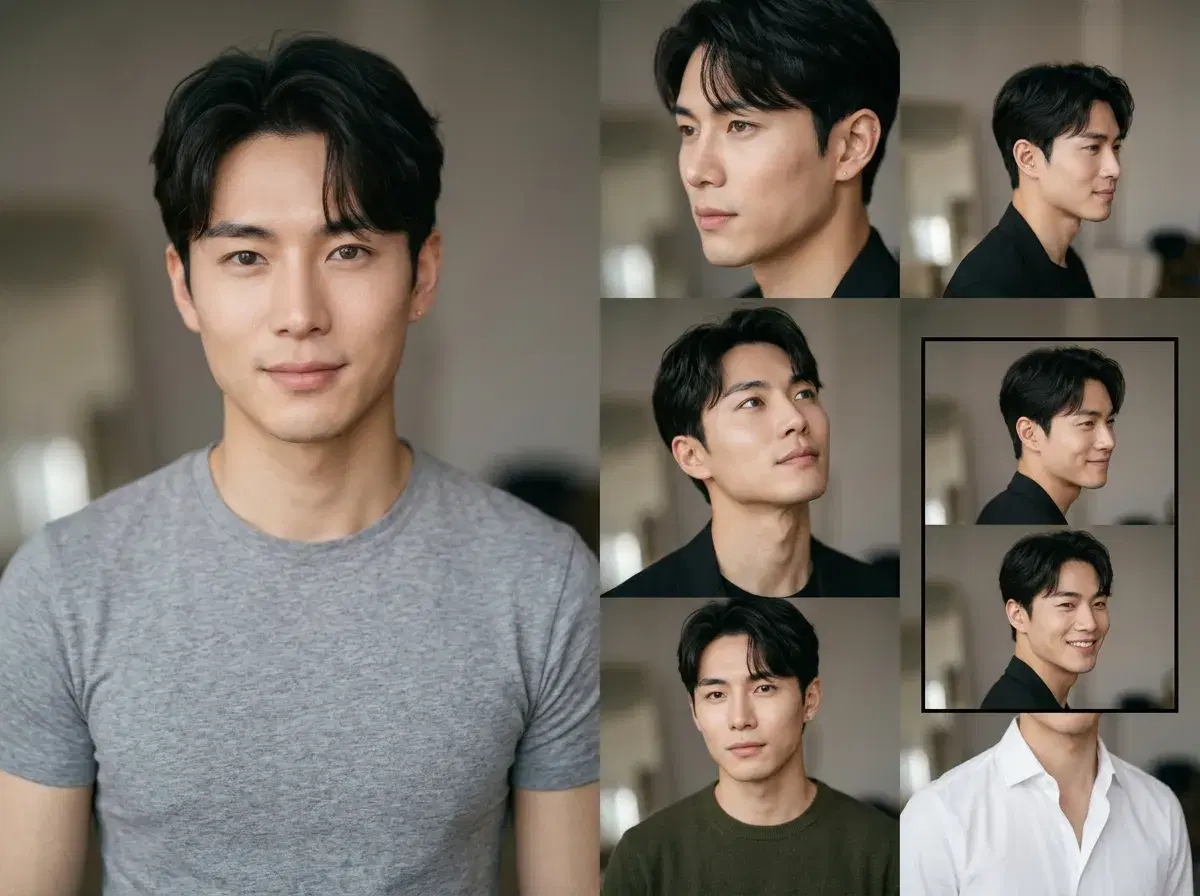
Two things a free tier structurally can't give you. The first is identity lock: a photo that's recognisably you, held steady across every style, so a week of posts reads as one person rather than a grid of strangers. Pose does that from a single selfie via Nano Banana 2, with no training step.
The second is native video. Short-form is where the reach is, and no free photo tier generates it — Canva and Picsart edit clips you already filmed. Pose runs Kling, SeedDance, Wan, Veo, Sora 2, and HeyGen on the same 400 weekly credits as the photos, so a reel and a grid post come from one pool.
Neither of those makes the free tools worse. It means the realistic setup is both: generate on a paid plan, assemble and finish on a free one.
See exactly what a week of credits covers on Pose AI pricing.
The native video side lives in the Pose AI Video Studio.