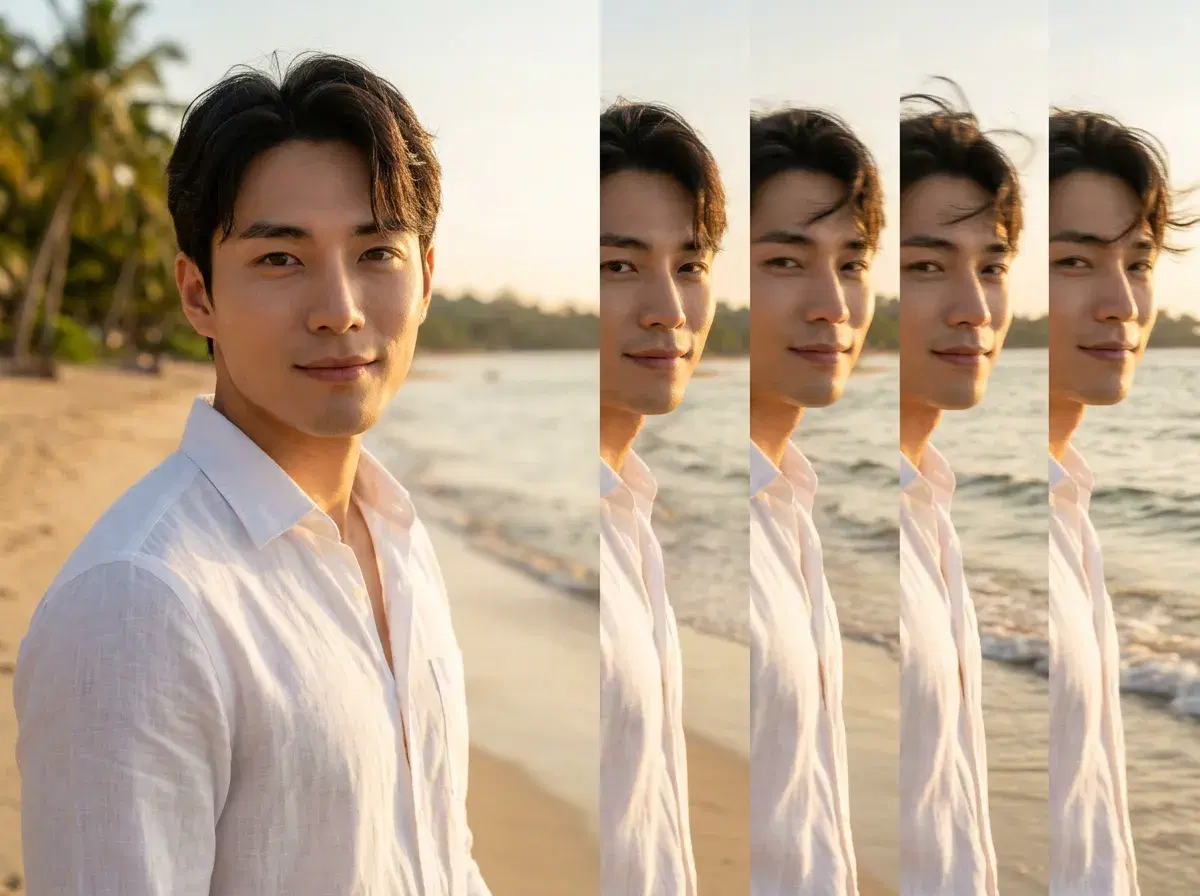
Most vacation photo generators stop at the still. You get a beach, a villa, a street at dusk — and then the idea ends, because the tool has no way to make it move. An AI vacation photo generator with video does both steps in one place: the photo first, then a short clip built from that same photo.
Pose creates vacation photos and videos in one studio — identity-locked stills via Nano Banana 2, and clips via Kling, Veo, and SeedDance on the same plan. This guide covers the workflow, what the video step is genuinely good at, and where it falls short.
Start with a destination in AI Bali travel photos.
- Pose creates vacation photos and videos in one studio via Nano Banana 2 for the still and Kling for the clip — the same face carries from one to the other, so the person on the beach in the photo is the person in the video.
- Photo step: upload one selfie, pick a destination, generate in seconds. Regenerate freely — five scenes cost credits, not five purchases.
- Video step: the still drops into the Video Studio and becomes a short clip — a slow push along a coastline, a scene with movement in it.
- Scenery-only generators (Midjourney, DALL-E) render beautiful places, but a different plausible person each time and no video step at all.
- One plan: 400 credits every week, $4.99 the first week then $14.99, no watermarks.
- The honest bit: a generated clip is a styled scene, not footage of a trip. Post it as creative work rather than as a memory.
What an AI vacation photo generator with video actually does
An AI vacation photo generator with video is a tool that renders a person into a destination as a still image, and then animates that same still into a short clip without starting over. The distinction matters because most tools do one or the other. Scenery generators are excellent at the place and indifferent to who is standing in it. Video tools want a source image you already have. A generator that covers both hands the output of the first step directly to the second.
In Pose that means Nano Banana 2 renders the still from a single selfie, holding your face steady, and then Kling, Veo, or SeedDance take that frame and give it motion. Nothing is exported, re-uploaded, or re-prompted between the two — and the identity that made the photo recognisable is what keeps the clip recognisable too.
The workflow: photo, then clip
Upload one selfie and choose a destination — a beach at golden hour, an infinity pool, a night market, a clifftop. The still generates in seconds. Try a few; the point of a credit pool rather than a photo pack is that a scene you don't like costs you almost nothing to abandon.
When one lands, take it into the Video Studio. Kling is the pick when the shot wants a camera move — a slow push toward the water, a drift along a coastline. Veo handles a photorealistic scene that needs to hold together. SeedDance is the one when the subject should move rather than the frame. You describe what should happen and the clip renders from the same weekly credits as the photo.
The result is a few seconds long, which is the honest scope of it. This is a social clip — a story, a reel, a moving profile header — not a travel film. Within that scope it's a genuinely better piece of content than the still on its own, because motion is what stops a scroll.
The clip step happens in the Pose AI Video Studio — Kling, Veo, and SeedDance, all on the same weekly credits.
Where scenery-only generators fit
Midjourney and DALL-E deserve credit for what they're actually built to do. Ask either for a Balinese cliffside at sunset and you'll get something genuinely beautiful, often more artful than a photo-realistic render. For concept art, mood boards, and backgrounds, they're the better tool and it isn't close.
They're the wrong tool for this job for two reasons. The person in the frame is a different plausible human on every generation, which is fine for a mood board and fatal for a profile picture or a creator feed. And there's no video step — the image is where it ends. If what you want is a place, use them. If what you want is you in a place, and then that shot moving, that's a different tool.
For a wider set of creator styles, browse AI aesthetic photo dumps.