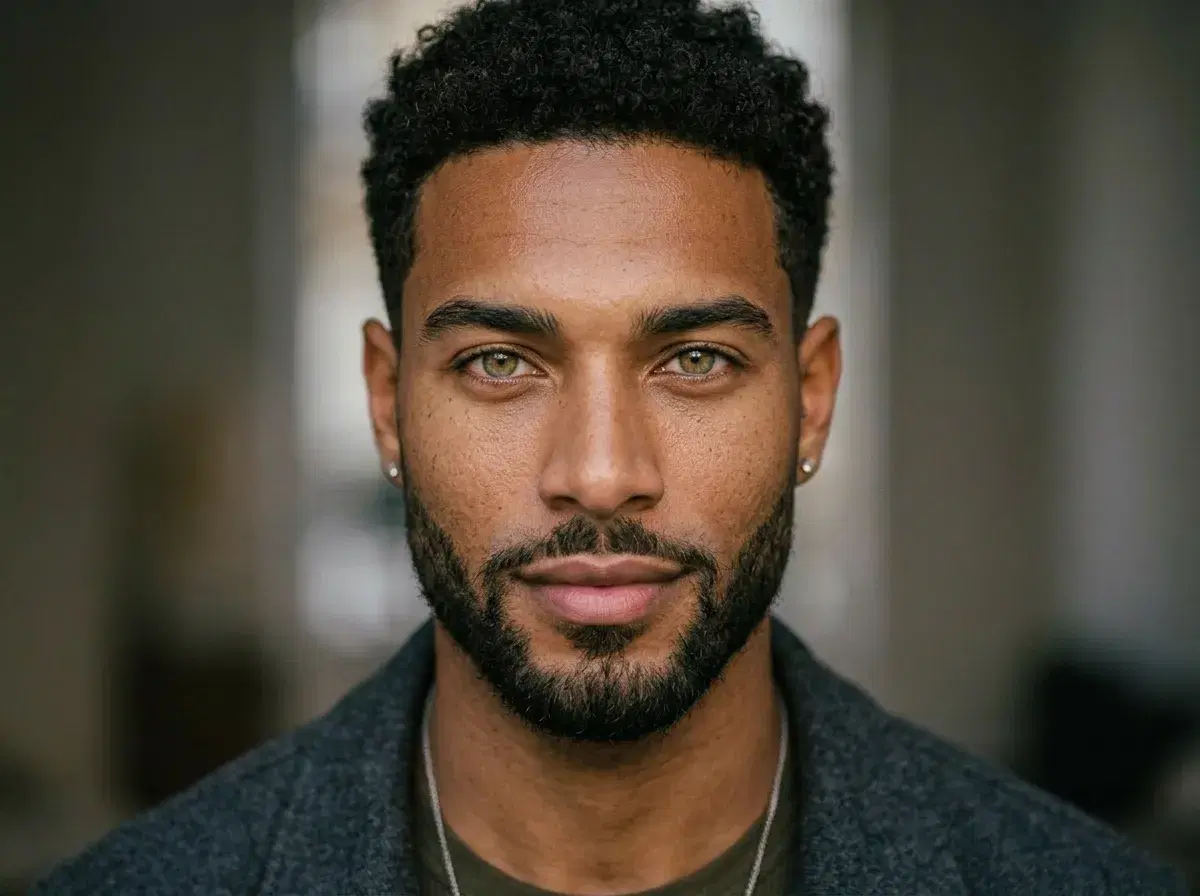
Pose AI is a leading AI photo generator that creates photorealistic photos preserving your exact identity from a single selfie. Unlike general-purpose AI art tools like Midjourney or DALL-E that produce generic faces, Pose AI uses identity-preserving models trained to lock in your facial features, skin tone, and bone structure across 200+ styles — so every generated photo actually looks like you, not a stranger.
Here's how identity-preserving AI photo generators work and why they produce photos that look genuinely like you.
What is an AI portrait generator?
An AI portrait generator is a machine learning system that creates photorealistic or stylized portraits of a person based on text prompts or reference photos, without requiring a traditional photoshoot.
Instead of a camera, lighting setup, and a studio, the generator produces finished portraits from images or descriptions you provide, which makes professional-looking results accessible from a phone or laptop.
What is identity-locked image generation?
Identity-locked image generation refers to AI systems — like Nano Banana 2 and Flux Kontext inside Pose AI — that maintain a consistent facial identity across multiple generated images by training on a set of reference photos of one person.
Because the model learns your specific features first, every portrait it produces still reads as you across different styles and settings. Inside Pose AI this runs on the weekly allowance of 400 credits, which covers all AI image and video models.
- Pose AI generates photos that look like you from text prompts, including professional headshots, lifestyle scenes, and sports events like the World Cup.
- Generate World Cup photos, sports event portraits, and fan celebration images with text prompts that keep your face consistent across every scenario.
- General AI art tools (Midjourney, DALL-E) cannot consistently reproduce you — Pose AI's identity lock works across 200+ style packs.
- Results are photorealistic and indistinguishable from real photography in most contexts.
Generate Your FIFA World Cup Fan Photos with AI
Pose AI is an AI photo generator that turns your uploaded selfies into photorealistic World Cup fan photos for FIFA 2026 and other major tournaments. Generate yourself wearing team jerseys, standing on the pitch inside a packed stadium, or celebrating with the trophy — every image keeps your real face while placing you in the scene. Because identity locking runs natively on Nano Banana 2 and Flux Kontext, the results look like you, not a generic fan.
Use your World Cup photos for social posts on match days, profile pictures that show team loyalty, group shots with friends in full fan gear, or commemorative images for a tournament watch party. Every World Cup style is included in your 400 weekly credits and works on web and mobile, with no watermarks on any download.
If you want to take it further, Pose also generates native AI video with Kling, SeedDance, Wan, Veo, Sora 2, and HeyGen — so you can turn a World Cup fan photo into a short celebration clip or a highlight-style reel without leaving the platform.
World Cup fan photo styles
A few examples of the World Cup scenes you can generate from a single selfie.
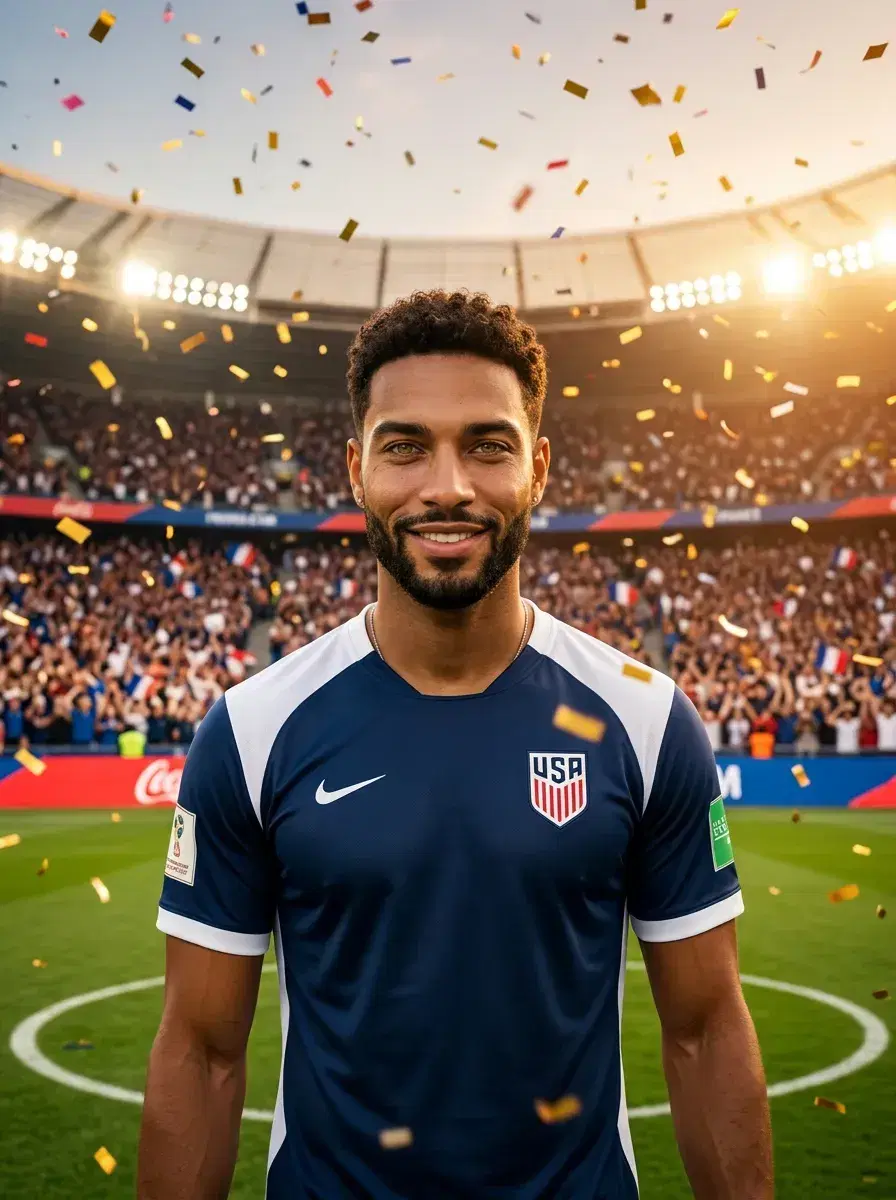

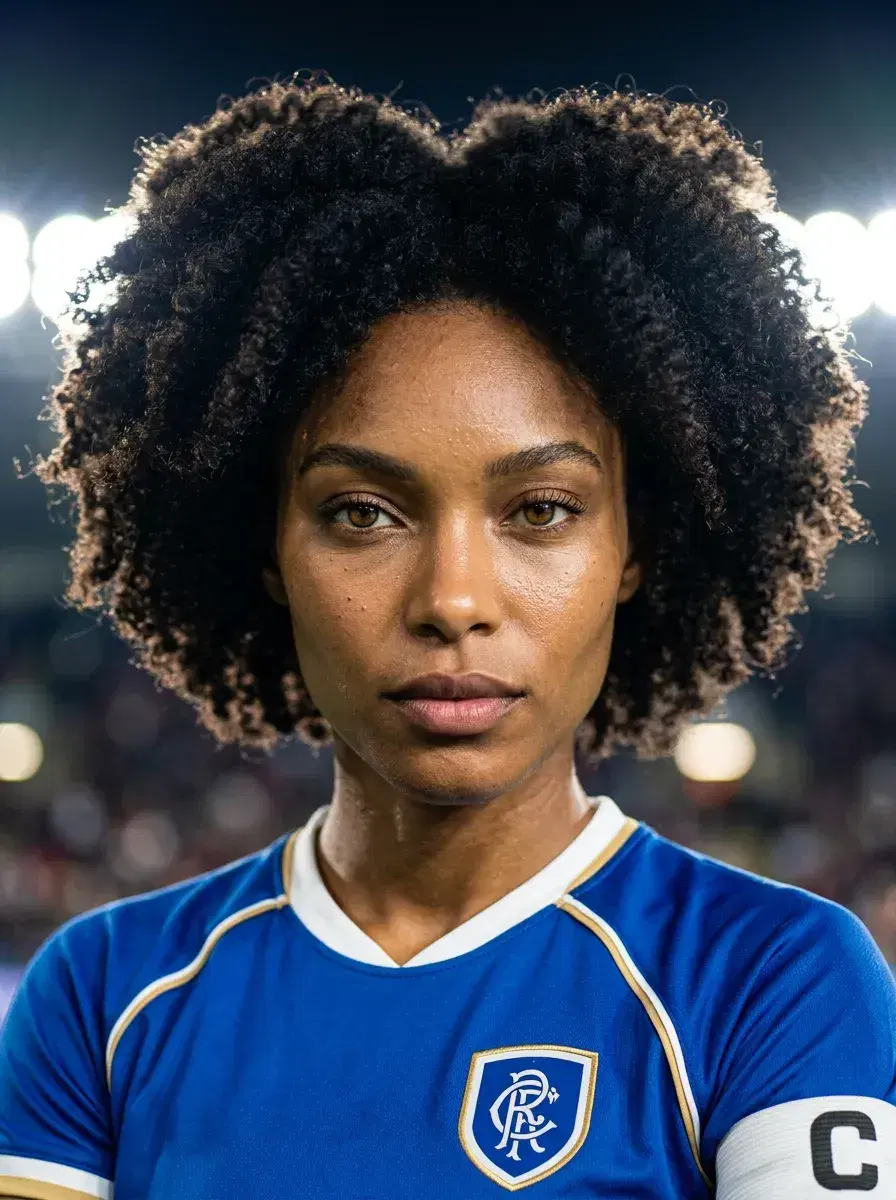
Explore our FIFA World Cup photo styles to see all the available jerseys, stadiums, and trophy celebration themes for FIFA 2026 and classic tournament scenes.
Why most AI photo tools don't look like you
Generic AI art tools like Midjourney, DALL-E, and Stable Diffusion were not designed for identity preservation. They generate plausible human faces from text prompts, but those faces are statistical averages — not you. Even with text descriptions of your appearance, results vary wildly between generations.
Identity-preserving AI photo generators like Pose AI take a different approach: they learn your specific facial features from a single clear selfie and then apply those features consistently across every new image. The result is AI photos that genuinely look like you, every time.
How Pose AI preserves your identity from one photo
Pose AI's identity model analyses the geometry of your face — eye shape, nose structure, jawline, skin tone, hair texture — from a single selfie. That identity signature is then injected into every generation across 200+ style packs: LinkedIn headshots, dating photos, couple photos, fantasy scenes, AI videos, and more.
This means you can generate studio-quality professional portraits, cinematic lifestyle photos, or creative fantasy scenes and every image still unmistakably reads as you. No other AI image tool works this way from a single source photo.
Sports event photo prompts
Pose AI generates event-specific photos from text prompts — including World Cup fan scenes, Olympic podium moments, and Super Bowl celebrations — with your face preserved across every generated image using Nano Banana 2.
Copy any of these prompts directly into Pose AI's Image Studio after uploading your selfie:
"World Cup final celebration in stadium, wearing national team jersey, holding trophy, confetti falling, identity-locked face, ultra-realistic, 8k"
"FIFA World Cup 2026 fan photo, face painted in national team colors, packed stadium crowd background, direct gaze at camera, ultra-realistic, 8k"
"Soccer player portrait in World Cup uniform, action pose on pitch at golden hour, stadium floodlights, ultra-realistic, 8k"
"World Cup viewing party, wearing team scarf, surrounded by fans, big screen showing the match behind, warm pub lighting, ultra-realistic, 8k"
"Olympic podium moment, gold medal around neck, national flag raising behind, packed arena audience, emotional expression facing camera, ultra-realistic, 8k"
"Super Bowl end zone celebration, team jersey, confetti falling, stadium lights blazing, arms raised, direct camera gaze, ultra-realistic, 8k"
Pose AI's identity-locked image generation with Nano Banana 2 keeps your face consistent across all event scenarios — from the World Cup final to the Olympic podium.
For 15+ organized World Cup photo prompts by category, see the complete guide to World Cup photo prompts for 2026 — stadium shots, fan celebrations, trophy moments, and more.
Turn your World Cup event photos into celebration videos — generate AI videos with Kling, Veo, and SeedDance natively in Pose AI using the same 400 weekly credits.