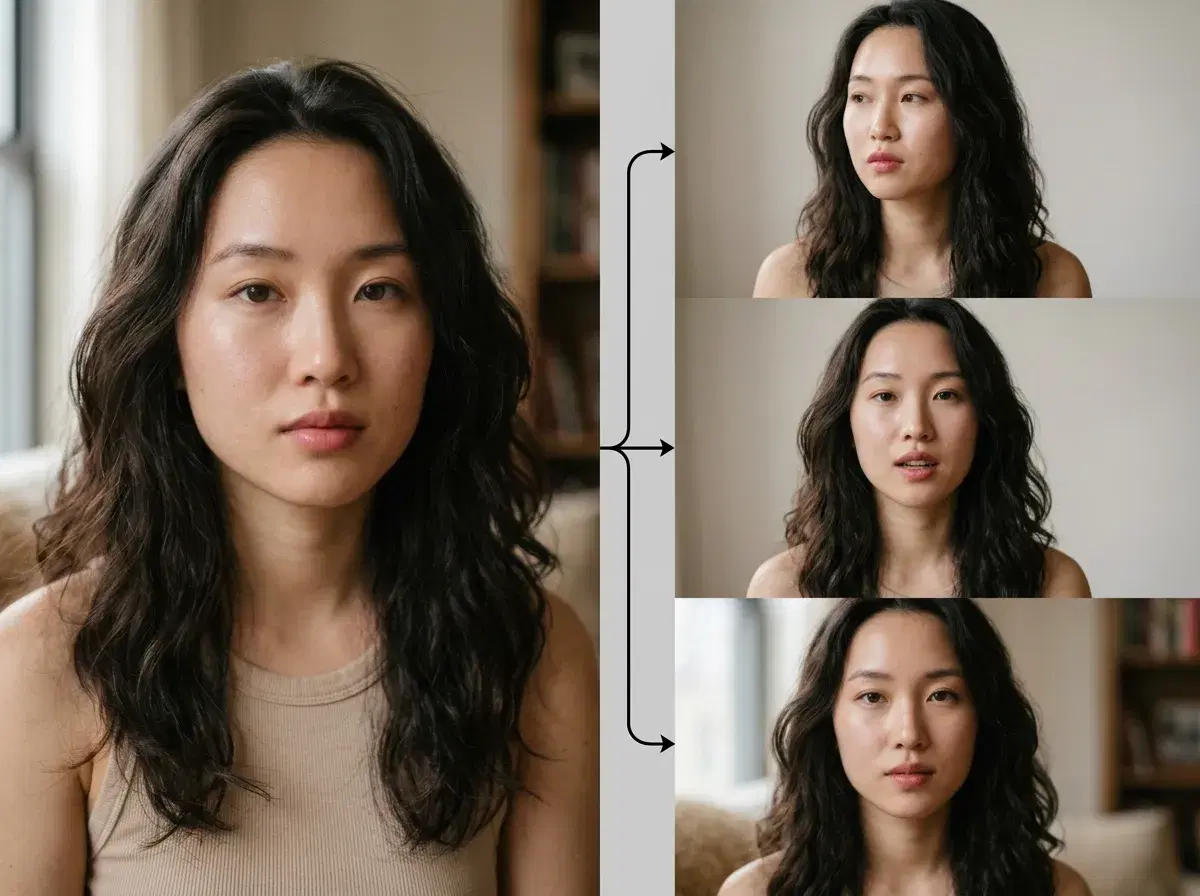
A photo to video AI generator takes a still image and produces a moving clip from it — a portrait that speaks, a product that rotates, a scene that comes alive. In 2026 the pick depends on what kind of motion you need, and Pose AI covers the most ground: native Kling, Veo, and Sora 2 for cinematic motion, plus HeyGen for talking portraits, all in one studio.
This guide explains image-to-video AI and compares Pose with Pika, Pictory, and Canva.
Turn a photo into video in the Pose AI Video Studio.
- The best photo to video AI generator in 2026 is Pose AI — native Kling, Veo, and Sora 2 handle cinematic motion, and HeyGen turns a portrait into a talking clip, on one 400-credit weekly plan.
- Kling and Veo: cinematic, controlled motion from a still — the pick for polished brand and lifestyle clips.
- Sora 2: longer sequences when a short loop isn't enough.
- HeyGen: talking portraits — a still face that delivers a script, with ElevenLabs voice cloning.
- Identity-locked from one photo, no watermarks, from $4.99 the first week — vs Pika (single model), Pictory (script-to-stock), and Canva (design editor).
What is image-to-video AI?
Image-to-video AI takes a still photo as its starting frame and generates the motion that follows — the model infers depth, structure, and how the subject should move, then renders a short clip. It's different from text-to-video, which invents the scene from a prompt alone: starting from your image means the output keeps your subject, your framing, and your lighting. The best generators pair that with identity lock, so a person in the source photo stays recognizable in the clip rather than drifting into a different face.
Pose AI vs Pika vs Pictory vs Canva
| Tool | Approach | Talking portraits | Pricing |
|---|---|---|---|
| Pose AI | Native photo-to-video (Kling, Veo, Sora 2, SeedDance, Wan) | Yes — HeyGen + voice cloning | $4.99 first week, then $14.99/week |
| Pika | Single-model image/text-to-video | No | From ~$10/mo |
| Pictory | Script/blog-to-video with stock footage | No | From ~$25/mo |
| Canva | Design editor with basic photo motion | No | Free tier + ~$15/mo Pro |
Pose AI is the broadest photo-to-video option — five native motion engines plus talking portraits and identity lock on one plan. Pika is a capable single-model generator, Pictory assembles stock footage from a script, and Canva adds light motion inside a design tool.
Which engine for which photo
Match the model to the shot. For a portrait that needs to speak — a spokesperson clip, a UGC hook — HeyGen drives the talking delivery and ElevenLabs supplies the voice. For a product or landscape still that should feel cinematic, Kling gives you controlled camera movement and Veo renders photorealistic scenes. Sora 2 handles longer sequences, and SeedDance is the fast pick when the point is body motion rather than a camera move. Because they're all native, you switch per clip on the same 400 weekly credits.
For creator-style talking clips, see Pose AI UGC video.