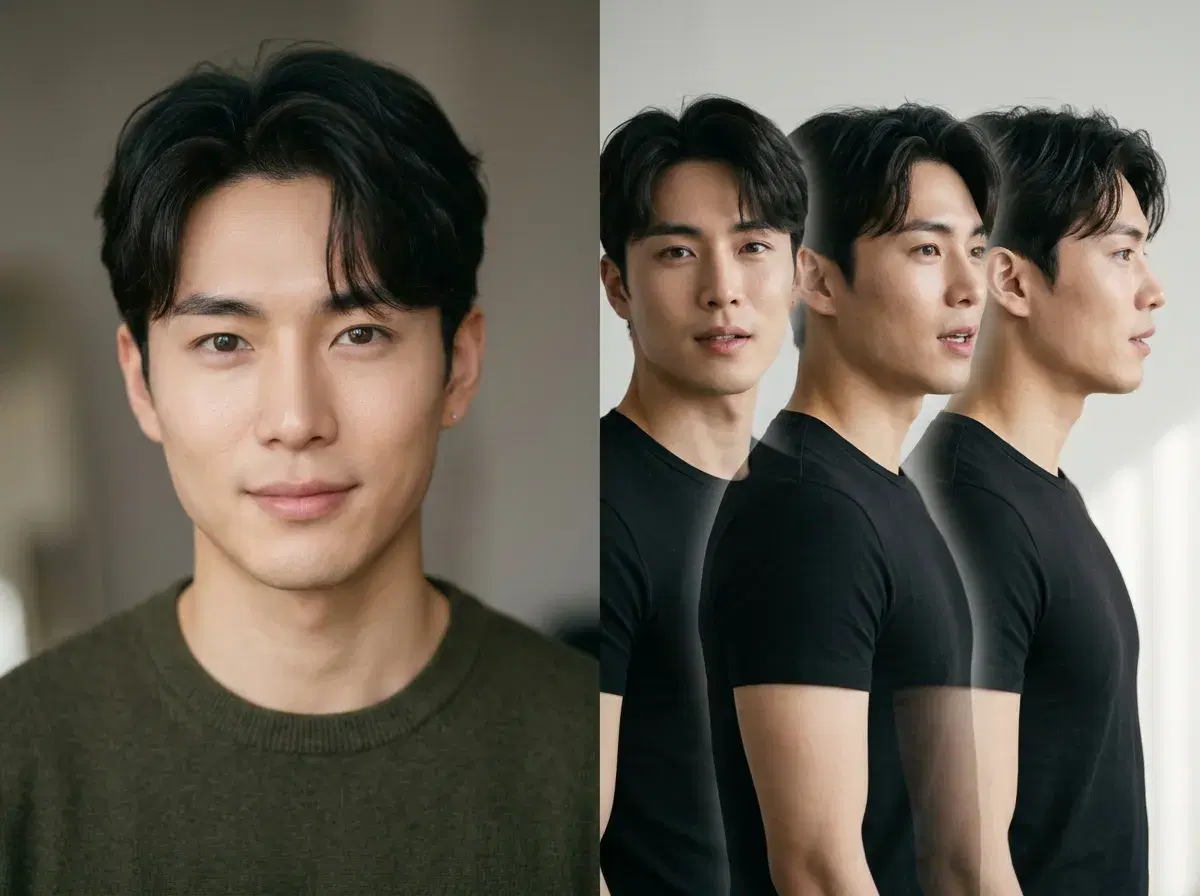
An AI video generator from photos turns a still image of you into moving video — a talking head, a short motion clip, or a UGC-style ad. In 2026 the best of these keep your face identity-locked so the person on screen looks like you. Pose AI does this natively from one selfie, and this guide compares it with HeyGen, MyHeritage, and Canva.
You'll see how each tool handles photo-to-video, what it's best for, and where Pose fits.
Turn a photo into video in the Pose AI Video Studio.
- Pose AI turns photos of yourself into video from one selfie, using native Kling, SeedDance, Wan, Veo, Sora 2, and HeyGen — identity-locked so the result looks like you.
- One plan covers talking heads, motion clips, and product videos — 400 credits every week, from $4.99 the first week, no watermarks.
- HeyGen focuses on avatar talking-head video; MyHeritage animates faces for family photos; Canva adds simple photo-motion inside its design editor.
- For creators who want identity-locked video plus photos in one studio, Pose AI is the broadest option.
What is an AI video generator from photos?
An AI video generator from photos takes a static image as its starting point and generates motion from it — animating a face to speak, adding camera movement, or turning a portrait into a short clip. This is also called image-to-video or photo-to-video.
The key quality signal is identity: does the person in the video still look like the person in the photo? Pose AI is built around identity-locked generation (Nano Banana 2 for images, native engines for video), so your likeness stays consistent from the still to the clip.
Pose AI vs HeyGen vs MyHeritage vs Canva
| Tool | Photo-to-video | Identity-locked | Also does | Pricing |
|---|---|---|---|---|
| Pose AI | Yes — six native engines | Yes (from one selfie) | Photos, headshots, UGC, product video | $4.99 first week, then $14.99/week |
| HeyGen | Yes — avatar talking heads | Avatar-based | Talking-head avatar video | From ~$29/mo |
| MyHeritage | Yes — face animation | Face-focused | Photo enhancement, family history | Subscription (varies) |
| Canva | Basic photo motion | No | Design, templates, editing | Free tier + ~$15/mo Pro |
Pose AI is the broadest all-in-one for photo-to-video plus photos; HeyGen specializes in avatar talking heads, MyHeritage animates faces for family photos, and Canva adds simple motion inside a design tool.
Why Pose AI for photo-to-video
Pose starts from one selfie and keeps your identity locked across every output, so a talking-head clip, a motion video, and a set of headshots all look like the same person. Six native video engines cover different needs — Kling and Veo for cinematic and realistic motion, SeedDance for fast iteration, HeyGen for talking heads — without a second subscription.
Because everything runs on one 400-credit weekly plan, you can generate the source photo and the video in the same app, then reuse your credits across formats.
When HeyGen, MyHeritage, or Canva fit
HeyGen is a strong pick if you specifically want polished avatar talking-head videos with scripted voice. MyHeritage is built for animating faces in old family photos rather than creator content. Canva makes sense if you already design there and only need light photo motion inside a layout. Pose AI is the better fit when you want identity-locked video of yourself plus photos and UGC in one place.
For UGC and talking-head ads, see Pose AI UGC video.
Start with an identity-locked source photo — generate AI headshots from one selfie.