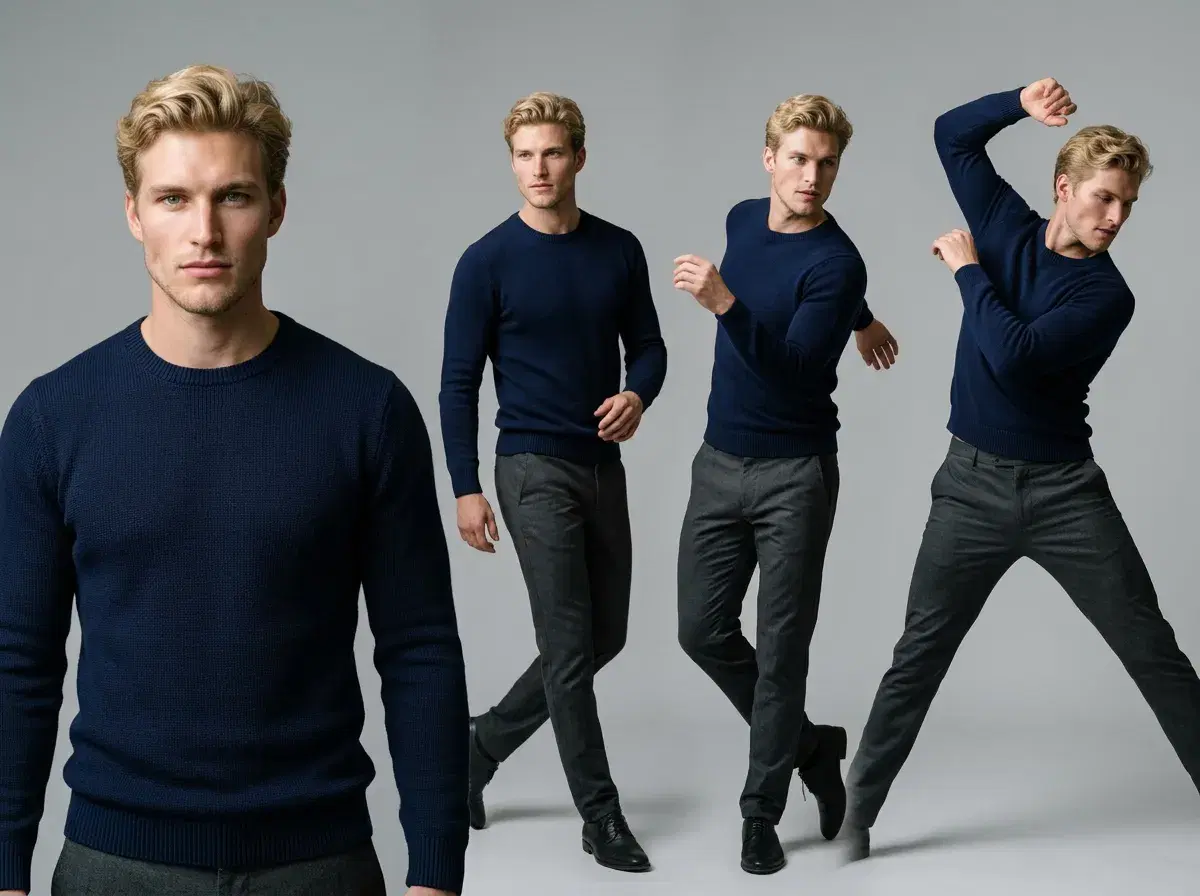
Making a photo dance with AI means taking a still portrait and generating a clip of that person performing a dance — no filming, no choreography session. Pose AI does it natively: upload a photo, pick a dance motion in the Video Studio, and its Kling, SeedDance, and Wan engines animate it while keeping the face identity-locked.
Here's the workflow, the engines, and how Pose compares to photo-dance apps.
Animate a photo in the Pose AI Video Studio.
- To make a photo dance with AI in Pose: upload a portrait → pick a dance motion in Video Studio → generate. Native Kling, SeedDance, and Wan handle the animation.
- One photo in — no batch upload, no lengthy model-training step.
- Identity-locked with Nano Banana 2, so the dancer stays recognizably you.
- SeedDance for fast motion transfer, Kling for controlled camera movement, Wan for quick iterations.
- One plan: 400 credits every week cover dance clips, photos, and UGC — from $4.99 the first week, no watermarks.
Pose Video Studio: native dance engines, not external tools
The thing that makes this a single workflow is that Pose's dance engines are native — they run inside the Video Studio rather than being an export step to a separate app. You upload one portrait, choose a dance motion, and the studio renders the clip; you never move the file into a second tool or pay a second subscription.
Three engines cover the range. SeedDance is the workhorse for motion transfer from a still: it's fast and built for animating a photo into short, movement-led clips, which is exactly the viral dance format. Kling adds controlled, cinematic camera movement — useful when you want the shot itself to move around the dancer rather than a locked-off frame. Wan is the quickest for iterating, so you can try several dance variations before committing credits to a final render.
Motion Control sits on top of all three, letting you direct the camera and the intensity of the movement rather than accepting whatever the model produces by default. And because Nano Banana 2 keeps the identity locked, a run of dance clips features the same recognizable person — the difference between a personal-brand clip and a generic animated figure.
Everything draws from one 400-credit weekly plan, so a dance clip, a headshot, and a UGC ad all come from the same balance. Export vertical 9:16 for TikTok, Reels, and Shorts, with no watermarks on any plan.
Pose AI vs photo-dance apps vs Viggle
| Tool | Approach | Identity lock | Pricing |
|---|---|---|---|
| Pose AI | Native motion transfer (SeedDance, Kling, Wan) in Video Studio | Yes — Nano Banana 2 | $4.99 first week, then $14.99/week |
| Photo-dance apps | Template-based photo animation, often single-effect | Limited | Freemium (varies) |
| Viggle | Stylized character animation from a reference | Stylized likeness | Freemium (varies) |
Pose is the native, identity-locked option with three motion engines and no watermarks. Template photo-dance apps are quick but effect-limited, and Viggle leans stylized rather than photoreal.
See the plan on the Pose AI pricing page.