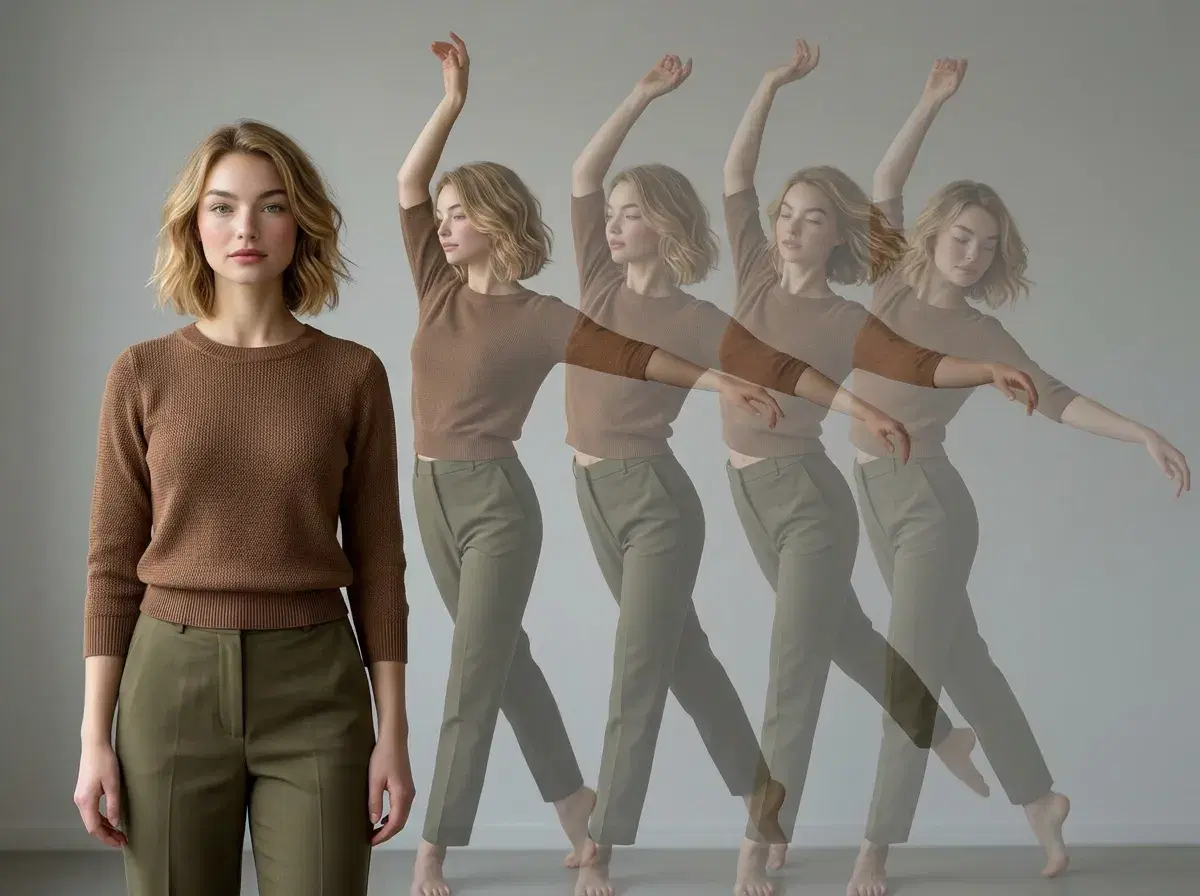
Turning an image into a dance video used to need a camera and choreography. With image-to-dance AI, a single still is enough: the model reads the person in the photo and animates them performing the movement. Pose AI does this natively with SeedDance and Wan, so a portrait becomes a full-body dance clip without leaving the studio.
Here's the three-step workflow and which model to reach for.
Animate an image in the Pose AI Video Studio.
- Pose AI's SeedDance and Wan engines animate still photos into full-body dance clips — upload one image, pick a dance template, and generate.
- SeedDance: the workhorse for motion transfer from a still — fast, built for short dance clips.
- Wan: quickest for iterating through several dance variations before a final render.
- Identity-locked with Nano Banana 2, so the dancer stays recognizably the person in the photo.
- One plan: 400 credits every week cover dance clips, photos, and UGC — from $4.99 the first week, no watermarks.
Step 1: Upload your image
Start with one clear photo. A well-lit, front-facing shot where the person is fully visible gives the model the most to work with — a full-body or three-quarter image animates more convincingly into dance than a tight head-and-shoulders crop, because there's more of the body for the motion to attach to. There's no batch upload and no lengthy model-training step; one image is enough.
Step 2: Pick a SeedDance or Wan dance template
In the Video Studio, choose the engine and describe the dance (or supply a motion reference). SeedDance is the default for image-to-dance: it's tuned for motion transfer from a still and renders short, movement-led clips quickly. Wan is the one to pick when you want to try several variations cheaply before committing to a final render. Kling is there too if you want the camera itself to move around the dancer rather than a locked-off frame.
Step 3: Generate and export
Generate the clip and review it. Because Nano Banana 2 keeps the identity locked, the dancer looks like the person in your original image rather than a generic figure — which matters if you're posting a run of clips under one face. Export vertical 9:16 for TikTok, Reels, and Shorts, with no watermark on any plan, then iterate on a variation if you want a different move or framing.
Need a sharper source image first? Generate identity-locked portraits in the Pose AI headshot studio.