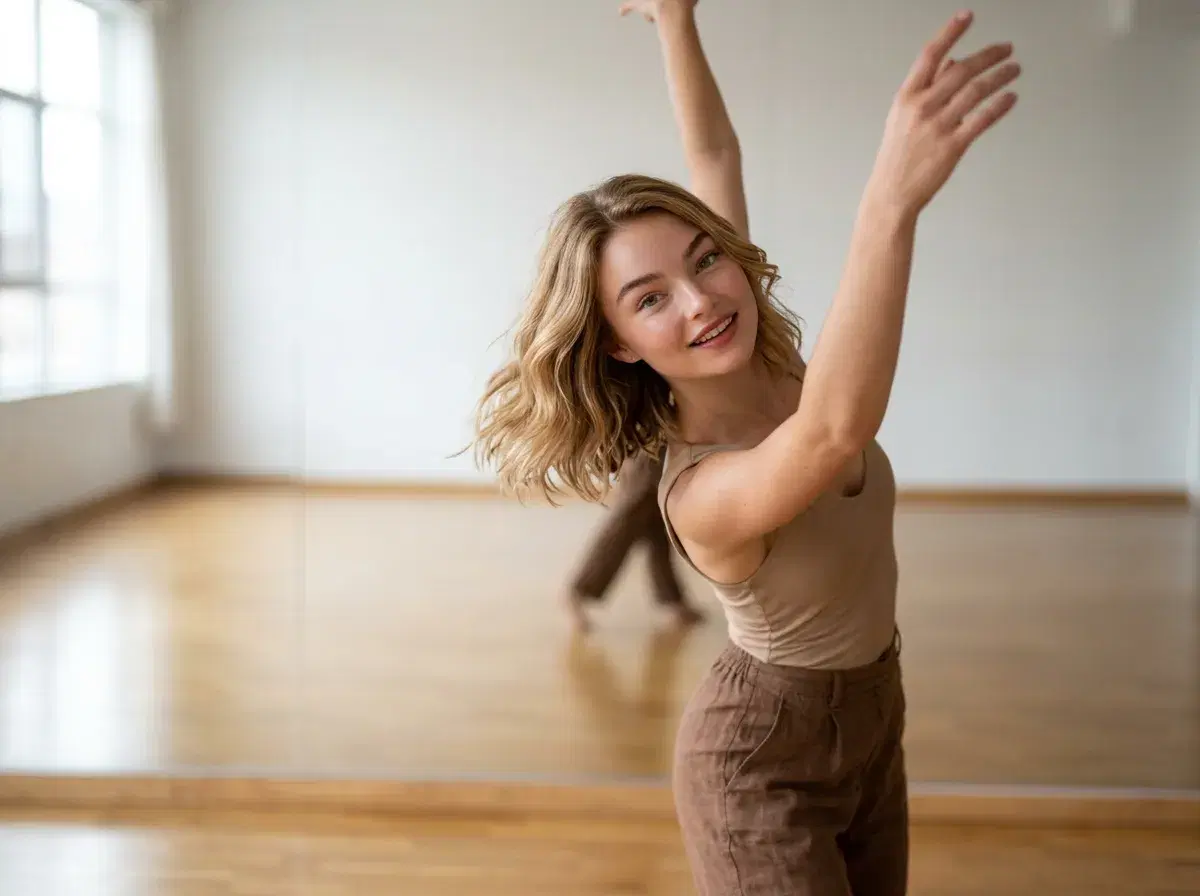
Making an AI dance video comes down to two decisions: which engine renders the movement, and how you tell it what that movement should be. Pose runs SeedDance, Kling, and Wan natively, and each one is the right answer to a different version of the question. This guide covers the workflow, how to choose between them, and what actually drives cost and quality.
Make one in the Pose AI Video Studio.
- SeedDance: the default for dance — it handles motion transfer, so you can describe the movement or supply a reference and it maps onto your subject.
- Kling: reach for it when the camera should move too — an orbit or push in around the performance rather than a locked-off frame.
- Wan: the fast pick for iterating on several movement ideas before you commit credits to a final take.
- All three are native to Pose on one 400-credit weekly plan from $4.99, identity-locked from a single photo, with no watermarks.
Step 1: Start from a photo or a prompt
You have two entry points. Upload a single photo of your subject and the engine animates that person — generation is identity-locked with Nano Banana 2, so the dancer stays recognizably them rather than drifting into someone else across the clip. Or start from a text description and let the model build the subject and scene from scratch. The photo route is the one most people want, because the whole point of a dance clip is usually that it's you in it.
Step 2: Choose SeedDance, Kling, or Wan
SeedDance is the workhorse here — it's built for body motion and handles motion transfer, which means it can take a reference and map that movement onto your subject rather than guessing from a text description alone. Kling earns its place when the camera is part of the performance: an orbit around a spin, a push in on the chorus. Wan is fastest, which makes it the sensible place to test three ideas before spending credits on the version you'll actually post. You're not locked in — switching engines between takes costs nothing but credits from the same weekly pool.
Step 3: Describe or reference the motion
Be specific about the movement and keep it to one idea. A clear "slow shoulder roll into a spin" reads far better than a vague "dancing energetically," and a few seconds of video can't carry three routines stacked on top of each other. If you have a specific movement in mind, supplying a reference for it is more reliable than describing it in words — that's what motion transfer is for. One caveat worth stating plainly: you're responsible for the rights to any reference material or music you bring.
Step 4: Generate, review, iterate
Generate a take, watch it, and adjust. This is where the shared credit pool matters — because every engine draws from the same 400 weekly credits, trying the same movement on SeedDance and then on Kling costs you credits, not a second subscription. When a take lands, download it. Output is clean with no watermarks on any plan, and vertical framing exports ready for TikTok, Reels, and Shorts.
For engine-specific prompting detail, see the Seedance 2.0 Mini guide.