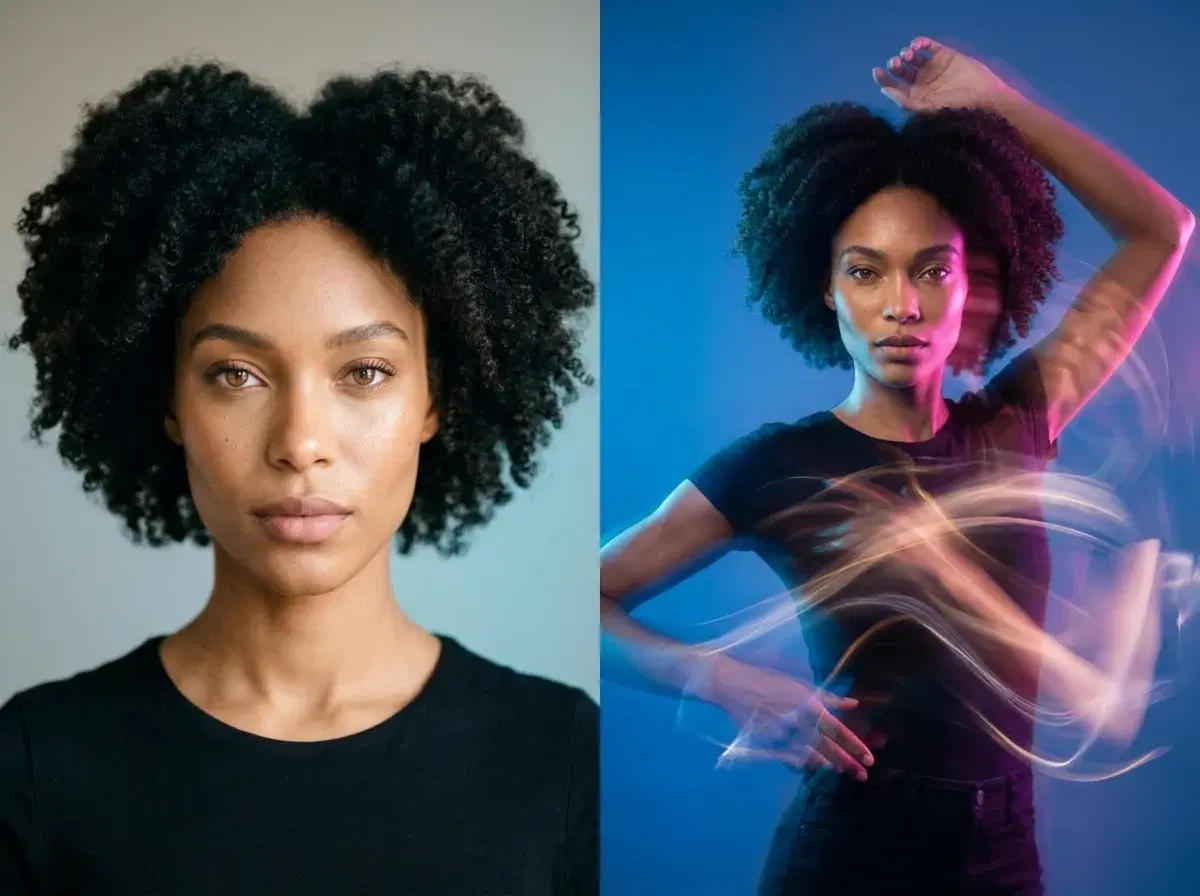
Create AI dance videos from a single photo using Pose's SeedDance 2.0 motion transfer — no green screen, no filming, and no dance experience needed. Upload one image, choose or describe the dance, and Pose animates your photo subject into a short dancing clip while keeping them recognizable.
This guide covers how photo-to-dance works, which native models to use, tips for a clean result, and the most common questions about making a dance video from a photo.
Want to try it now? Explore Pose AI's native video generation in the Video Studio.
- To make an AI dance video from a photo, upload one image to Pose AI's Video Studio, pick SeedDance, describe the dance (or add a motion reference), and generate a short clip that animates your photo subject.
- SeedDance: the native motion-transfer engine that animates a still photo into a moving dance clip, around five seconds.
- Wan: an alternative native video model for stylized motion and scene variety.
- Motion Control: guide the movement and framing so the dance matches the beat and keeps your subject recognizable.
What is motion transfer AI?
Motion transfer AI maps dance choreography from reference videos onto your photo subject — instead of drawing a new character, it takes the movement of a reference and applies it to the person in your image, so your still photo appears to perform the dance. Pose runs this natively through SeedDance in the Video Studio, so a single photo becomes a short, shareable dancing clip without a camera, a green screen, or a filmed take.
How to make a dance video from a photo in Pose
Start with one clear, well-lit photo where the subject is fully visible — full-body shots give the model the most to animate. Upload it to Pose AI's Video Studio and choose SeedDance as the model.
Then set the movement: describe the dance style in a prompt (for example, a smooth hip-hop groove or a trending short-form routine) or add a motion reference for the model to follow. Generate, and SeedDance produces a short clip — around five seconds — that animates your photo subject with the dance while keeping their features consistent. Iterate cheaply on variations, then export a vertical clip for Reels, TikTok, or Shorts.
Tips for a clean dance clip
Use a sharp, front-facing, full-body photo with even lighting and a clean background so the model has clear edges to move. Keep the first generations short and simple, then add motion detail once the base movement looks right.
For high-volume experimentation — testing several dances or trend variations — the cost-optimized SeedDance Mini tier stretches your credits further, then step up for a higher-fidelity final cut. Every clip you make draws from your 400 weekly credits.
New to the model? Read the Seedance 2.0 Mini guide for specs and a step-by-step photo-to-dance walk-through.
Every dance clip draws from your 400 credits every week — $4.99 the first week, then $14.99/week, with no watermarks.