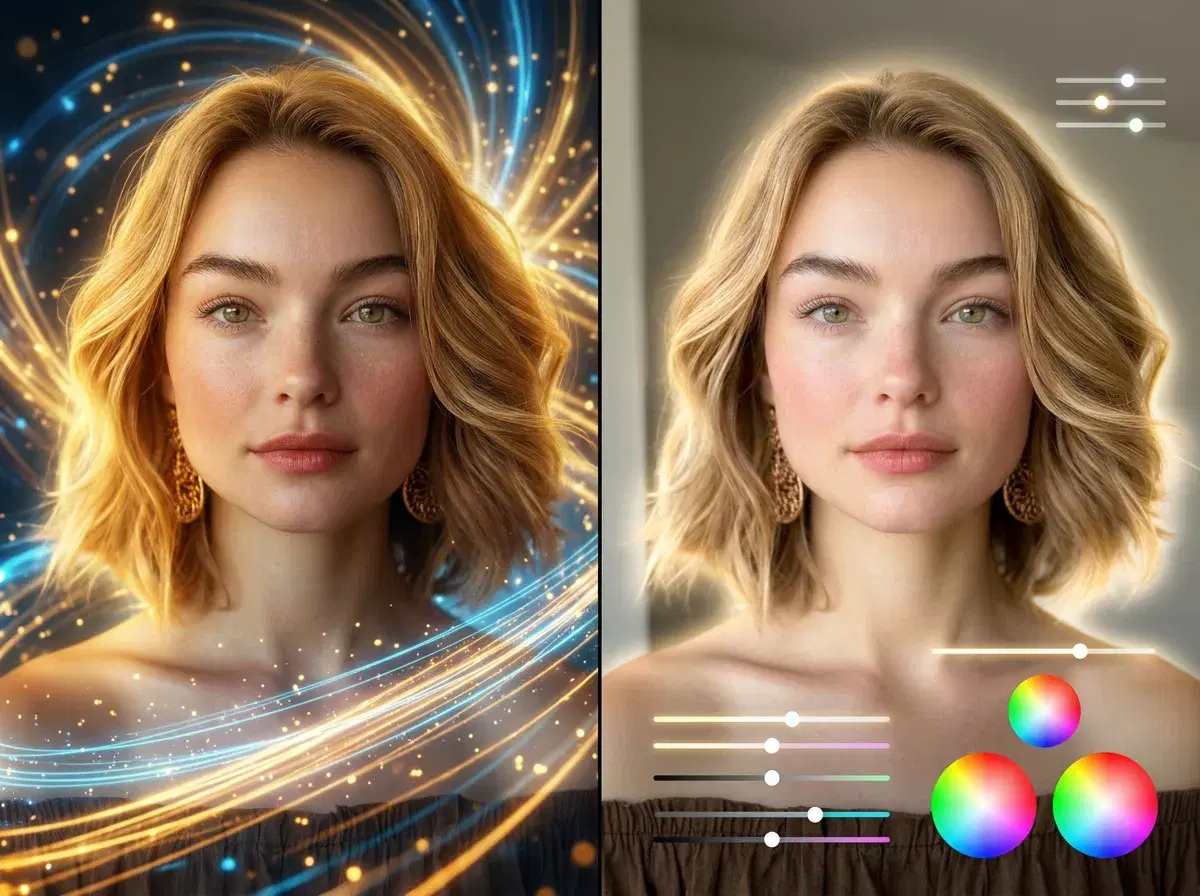
There are two very different ways AI helps with Instagram content in 2026: native AI generation, which creates brand-new photos and video from your identity, and AI editing, which enhances images you already captured. Pose AI is a native generator — its Nano Banana 2 model produces identity-locked portraits and scenes from a single selfie, so you are not limited to filtering a photo you already took.
Understanding native generation versus editing is the clearest way to pick the best AI app for Instagram photos. This explainer defines both, shows where each fits, and explains why native generation covers more of a feed.
Want a native-generated profile photo? Create professional AI headshots from one selfie with Pose AI.
- Native AI generation creates new content from your identity — Pose AI's Nano Banana 2 renders identity-locked photos and video from one selfie, rather than editing a photo you already have.
- Native generation (Pose): produces new portraits, scenes, and video that look like you, from a single selfie.
- AI editing (filters, retouch, upscaling): improves an existing image — crop, color, cleanup — but does not create a new one.
- For a fresh feed, native generation does more; for polishing a specific shot, editing helps.
- One plan: Pose is 400 credits every week from $4.99 the first week, then $14.99/week, no watermarks, on web and mobile.
What is native AI generation?
Native AI generation is when an app creates a brand-new image or video from scratch — from a text prompt or a reference like a single selfie — rather than editing an existing photo. Pose AI is a native generator: its Nano Banana 2 model reads your face from one selfie and renders new identity-locked portraits, scenes, and video that look like you, so a whole feed of fresh content comes from one input. The output did not exist before; the model made it.
What is AI editing?
AI editing is when an app improves an image you already have — applying filters, adjusting color, retouching skin, removing backgrounds, or upscaling resolution. Tools like Canva's photo features and Adobe Lightroom's AI adjustments are editing tools: they start from a photo you captured and enhance it. They are excellent at polishing, but they do not generate a new portrait, scene, or video of you from scratch.
Native AI generation vs AI editing
| Aspect | Native AI generation (Pose AI) | AI editing (filters, retouch) |
|---|---|---|
| Starting point | One selfie or a prompt | A photo you already captured |
| Creates new photos | Yes — from your identity with Nano Banana 2 | No — enhances existing images |
| Creates video | Yes — Kling, Veo, HeyGen (9:16 for Reels) | Basic trims or effects only |
| Headshots and UGC | Yes — from a selfie | No |
| Best use | A fresh, cohesive feed and Reels | Polishing a specific shot |
AI editing is the right tool when you already have the photo and want to improve it. Native AI generation, like Pose, is what you need to create new photos, video, and headshots from your identity — which is why it covers more of an Instagram content workflow.
Why native generation matters for Instagram
Instagram rewards a steady flow of fresh, on-brand content. Native generation lets you produce it without a photoshoot — new looks for the feed, Story backdrops, and Reels — all from a single selfie. Because Pose keeps your face identity-locked, a week of generated posts reads as the same person across photos and video, which is difficult to achieve by editing a handful of existing shots.
Editing can only rework what you already have. When you run out of source photos, an editor stalls; a native generator keeps producing new content on demand.
When editing still helps
Editing tools are still worth keeping. If you shot a photo you love and want to fine-tune color, retouch a detail, or clean up a background, a dedicated editor does that well. The practical combination for many creators is native generation for creating new content and a lightweight editor for final touch-ups — but generation does the heavy lifting an editor cannot.
For Reels and Stories motion, use Pose's native AI video generation to turn any generated photo into a 9:16 clip.