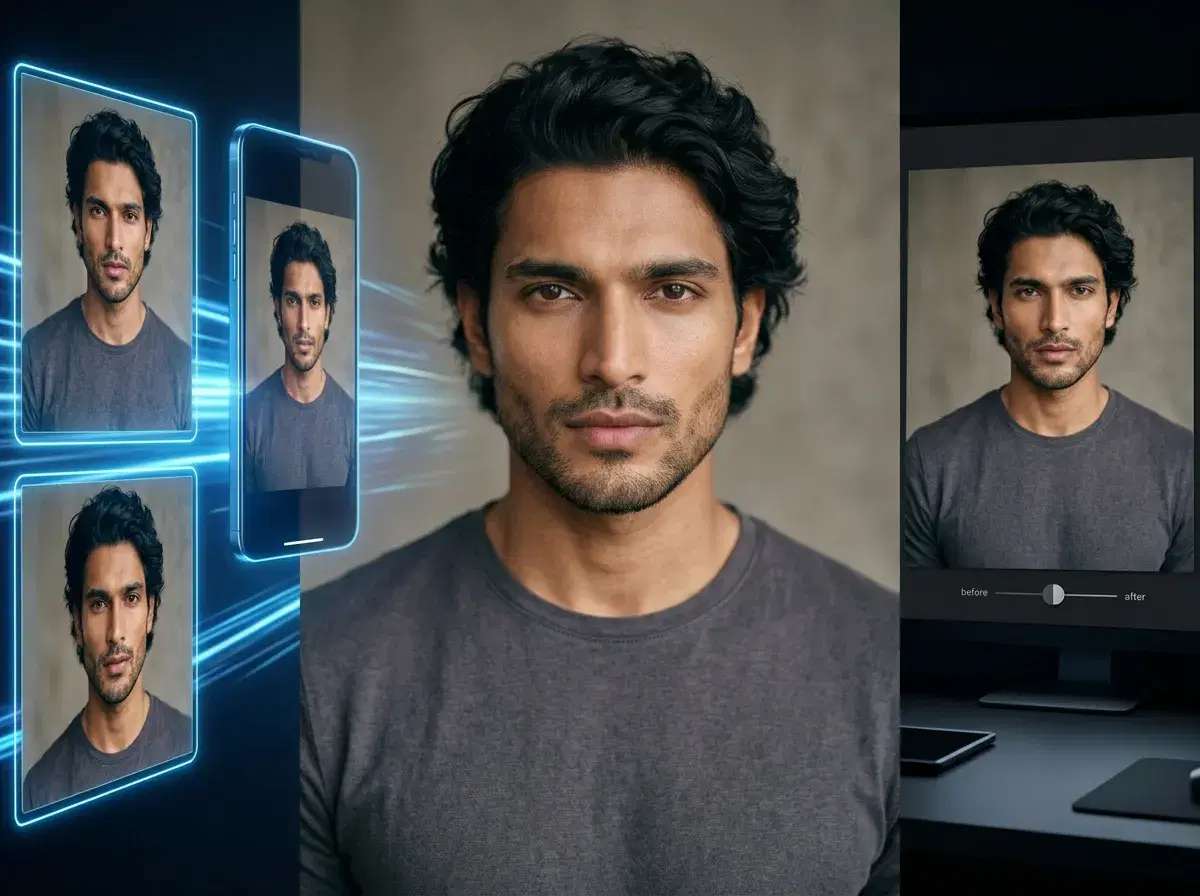
The best AI app for Instagram photos in 2026 depends on what you actually need: an AI content studio that generates new photos and video from one selfie, or a photo editor that improves images you already took. Pose AI is a content studio — it creates feed-ready portraits with Nano Banana 2 and turns them into Reels-ready clips with Kling natively, all from a single upload.
Editing apps still matter for retouching and color, but they cannot produce a new portrait, a UGC-style video, or a professional headshot. This guide draws the line between the two categories and shows why an all-in-one studio covers more of an Instagram workflow.
Want motion for Reels and Stories? Explore Pose's native AI video generation with Kling, Veo, and HeyGen — no separate editor needed.
- An AI Instagram content studio like Pose generates photos, video, UGC, and headshots natively from one selfie — a photo editor only edits or enhances images you already have.
- Native photo generation: identity-locked portraits and scenes with Nano Banana 2.
- Native video: turn any photo into a 9:16 Reel clip with Kling, Veo, and HeyGen.
- UGC and headshots: talking-head clips and studio-quality profile photos in the same studio.
- One plan: 400 credits every week from $4.99 the first week, then $14.99/week, no watermarks, on web and mobile.
What is an AI content studio?
An AI content studio is a platform that generates new visual content — photos, video, UGC-style clips, and headshots — from a simple input like a single selfie, without a photoshoot. Pose AI is an AI content studio: it renders identity-locked images natively with Nano Banana 2 and animates them into video with Kling, so a whole feed's worth of content comes from one place.
What is an AI photo editor?
An AI photo editor is a tool that improves an existing image — cropping, color grading, retouching, background cleanup, or upscaling. Editors are excellent at polishing photos you already have, but they start from an image you captured; they do not generate a new portrait, a video clip, or a headshot from scratch.
AI content studio vs AI photo editor
| Capability | AI content studio (Pose AI) | AI photo editor |
|---|---|---|
| Generate new photos | Yes — from one selfie with Nano Banana 2 | No — edits existing images |
| Native video for Reels | Yes — Kling, Veo, HeyGen (9:16) | No, or basic trims only |
| UGC-style clips | Yes — talking-head video with HeyGen + voice | No |
| Professional headshots | Yes — studio-quality from a selfie | No |
| Retouch and color existing photos | Basic | Yes — the editor's core strength |
| Identity consistency across a set | Yes — identity-locked | N/A |
A photo editor is the right tool for polishing images you already have. An AI content studio like Pose adds the parts an editor cannot do — generating new photos, native video for Reels, UGC clips, and headshots — which is why it covers more of an Instagram content workflow.
Why an all-in-one studio wins for Instagram
Instagram rewards a steady flow of fresh content — new looks for the feed, Story backdrops, and Reels. A content studio produces all of it from one selfie and one plan, so you are not stitching together a generator, a video app, and a headshot service. With Pose, you generate a portrait with Nano Banana 2, animate it into a Reel with Kling, and add a professional headshot for your profile, all from your 400 weekly credits.
Because everything is native and identity-locked, a week's worth of posts reads as the same person across photos and video, which is hard to achieve when you move between separate editing tools.
When a photo editor still helps
Editing apps are still worth having. If you shot a photo you love and just want to retouch skin, adjust color, or clean up a background, a dedicated editor does that well. The practical setup for many creators is a content studio for generating new photos and video, plus a lightweight editor for final touch-ups — but the studio does the heavy lifting an editor cannot.
Need a polished profile photo? Generate professional AI headshots from the same selfie with Pose AI.