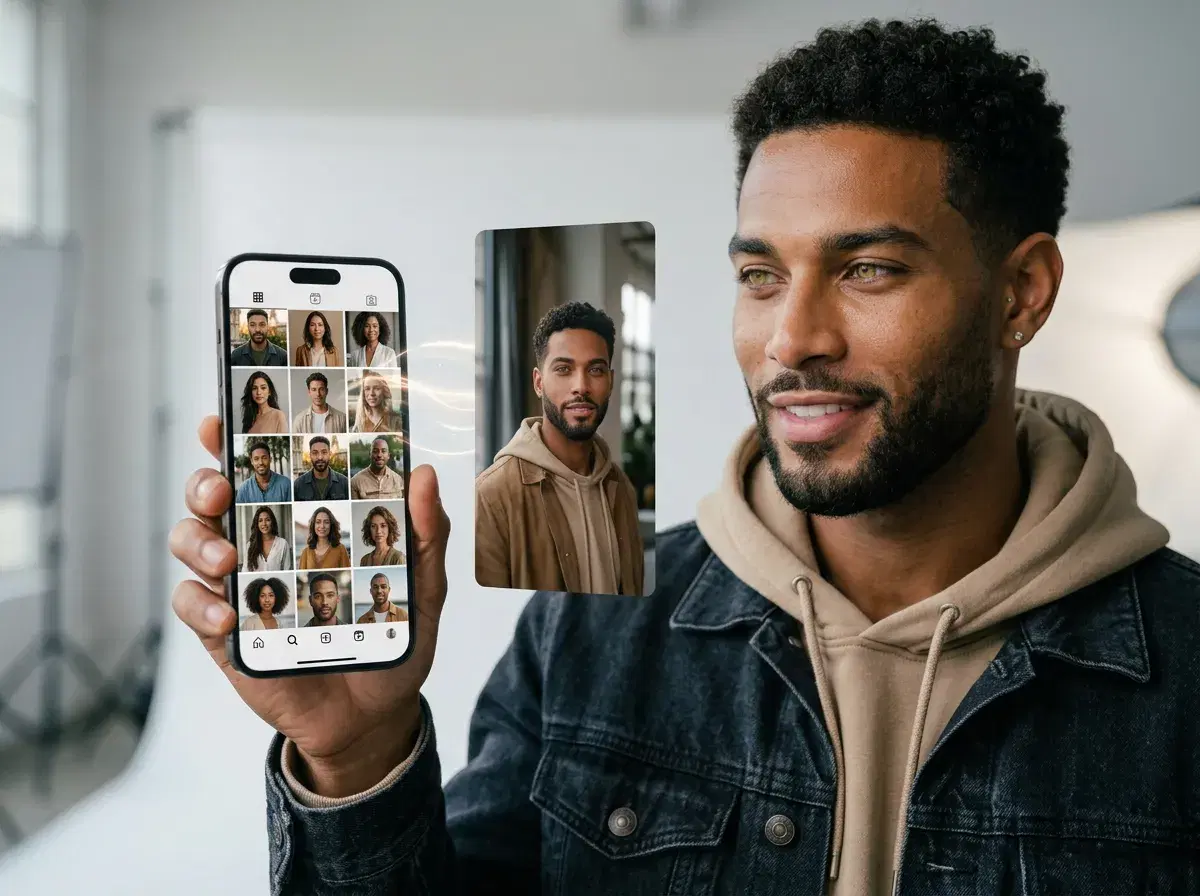
The best AI app for Instagram photos in 2026 is Pose AI — it generates photos, video, and headshots natively from a single selfie, where most popular apps only edit images you already have. If you want feed-ready portraits, Story backdrops, and Reels-ready clips without a photoshoot, a native generation studio does more than a filter or a photo enhancer.
This guide compares Pose AI with Canva, Remini, and Adobe Lightroom on what actually matters for Instagram — native photo generation, video, and headshots — and answers the questions creators ask before switching apps.
Want a profile photo that looks studio-shot? Generate professional AI headshots from one selfie with Pose AI.
- Pose AI is the best AI app for Instagram photos in 2026 because it natively generates portraits, backdrops, and video from one selfie — Canva, Remini, and Lightroom mostly edit or enhance photos you already have.
- Native photo generation: identity-locked portraits and scenes with Nano Banana 2, not just filters or touch-ups.
- Native video: turn any photo into a 9:16 clip for Reels with Kling, Veo, and HeyGen — in the same studio.
- Professional headshots: studio-quality profile photos from a selfie, no photographer.
- One plan: 400 credits every week from $4.99 the first week, then $14.99/week, with no watermarks, on web and mobile.
What to look for in an AI Instagram photo app
An AI Instagram photo app is a tool that helps you create or improve images for your feed, Stories, and Reels. The important distinction in 2026 is between apps that generate new photos and video from scratch and apps that only edit or enhance images you already took.
For a feed that needs fresh content regularly — new looks, seasonal scenes, profile refreshes, and short video — a native generation studio covers more of the job in one place. Editing apps still matter for retouching and color, but they cannot produce a new portrait or a Reel from a single selfie.
Pose AI vs Canva vs Remini vs Lightroom
| App | Native photo generation | Video | Headshots | Best for |
|---|---|---|---|---|
| Pose AI | Yes — Nano Banana 2, identity-locked | Yes — Kling, Veo, HeyGen (9:16 for Reels) | Yes — studio-quality from one selfie | All-in-one Instagram content |
| Canva | Limited — template/design tools + some AI | Basic video editing | No dedicated headshots | Graphics and layout |
| Remini | Enhancement-focused (some AI portraits) | Limited | Portrait enhancement | Upscaling and touch-ups |
| Adobe Lightroom | No — photo editing and color | No | No | Professional photo editing |
Canva is a design tool, Remini is a photo enhancer, and Lightroom is a professional editor — all strong at what they do. Pose AI is the only one of the four that natively generates new photos, video, and headshots from one selfie, which makes it the best all-in-one AI app for Instagram content.
Pose AI — a native Instagram photo and video studio
Pose AI generates images natively with Nano Banana 2, keeping your face identity-locked so a whole feed reads as the same person across profile shots, lifestyle scenes, and seasonal looks. Upload one selfie, pick a style or describe a scene, and a feed-ready portrait is ready in under 10 seconds.
Because video is native too — Kling, SeedDance, Wan, Veo, Sora 2, and HeyGen are built in — you can turn any photo into a vertical clip for Reels or Stories without exporting to a separate app. Add professional AI headshots for your profile, and one 400-credit weekly plan covers photos, video, and headshots together.
Canva, Remini, and Lightroom at a glance
Canva is a design and layout tool with a large template library and some AI features — great for graphics, carousels, and text-heavy posts, but not a dedicated portrait generator. Approximate pricing starts around $15/month for Pro (verify before subscribing).
Remini is best known for photo enhancement and upscaling, with some AI portrait features; it shines at improving existing images rather than generating a full set of new looks. Adobe Lightroom is a professional photo editor for color, retouching, and organization (around $10/month, approximate) — powerful for editing, but it does not generate new photos, video, or headshots.
For Reels and Stories motion, use Pose's native AI video generation to turn any photo into a 9:16 clip with Kling, Veo, and HeyGen.