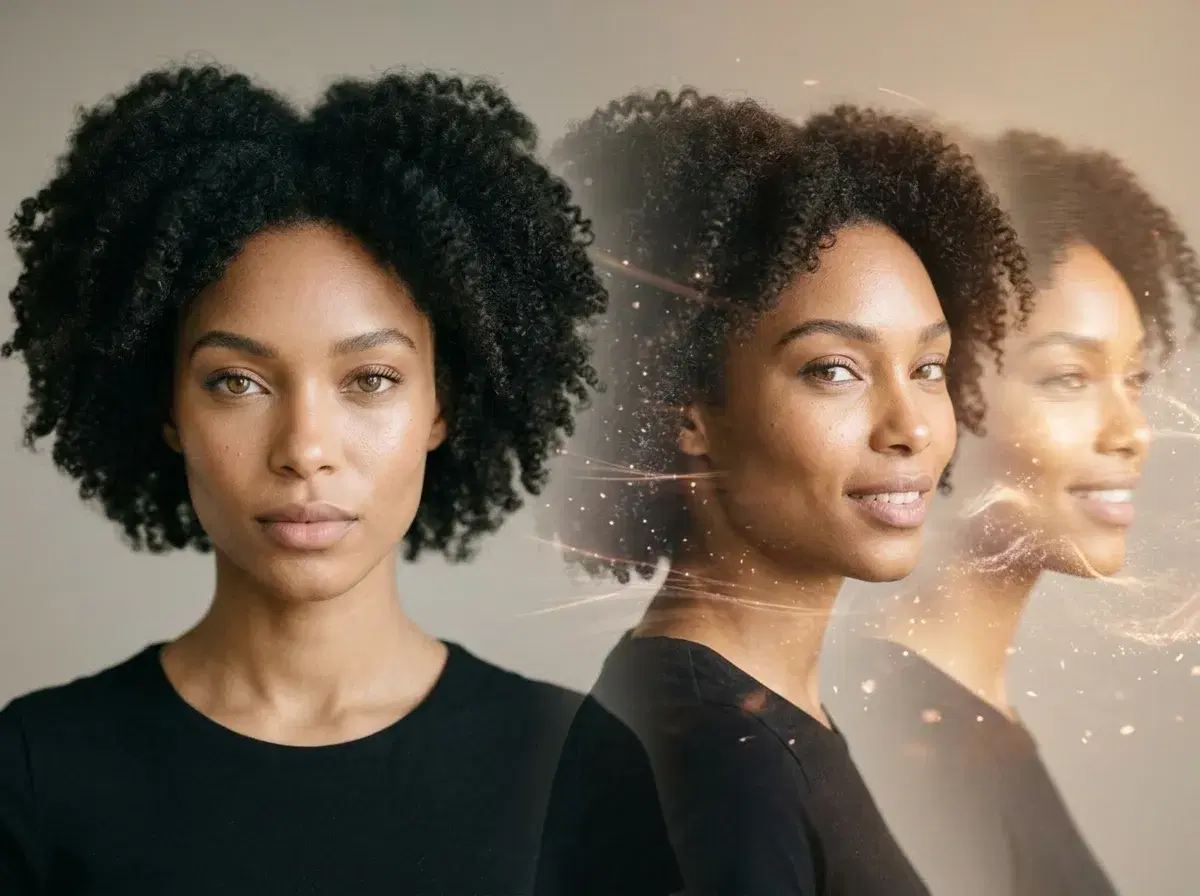
Pose AI turns still photos into video using native Kling, SeedDance, Wan, Veo, Sora 2, and HeyGen engines — no external tools. World Photography Day is the perfect moment to take a still image and bring it to life as motion.
Pose AI is built for exactly this evolution. Native video models — Kling, SeedDance, Wan, Veo, Sora 2, and HeyGen — sit alongside native image generation in one studio, so you can move from still to motion without exporting to a separate tool. This guide traces that journey and shows how to make it yourself.
Ready to see your photos move? Explore Pose AI's Video Studio for native still-to-motion video, from $4.99 the first week.
- An AI video generator from image turns a still photo into moving video — Pose AI does it natively with Kling, SeedDance, Wan, Veo, Sora 2, and HeyGen, all under one weekly plan.
- Native engines: six models generate video from your photo inside one studio, no external tools.
- Identity-locked: your face stays consistent from the still image to the finished clip.
- Use cases: talking-head UGC, social motion clips, and cinematic scenes — all from a single photo.
What is AI video generation?
AI video generation is the process of creating moving video from a still image, a text prompt, or a voice recording using machine learning models trained on large video datasets. In Pose, that means a photo you generate today can become a talking-head clip, a product demo, or a cinematic scene without a camera or an editing suite — the still is the starting point, and the motion is one step away.
Your creator evolution: from headshots to video
1. Professional headshots
It starts with a great still. Pose generates studio-quality professional headshots from your selfies — the same identity you'll carry into every later step.
2. AI photo studio
Expand beyond the headshot into full AI photo styles — travel, editorial, seasonal, and brand looks — all identity-locked with Nano Banana 2 so they still look like you.
3. Motion control
Add movement. Motion control directs how the camera and subject move within a clip — pans, zooms, and reveals — turning a static composition into a shot.
4. Video Studio
Reach full motion. Video Studio generates talking videos, product demos, and cinematic scenes with native models (Kling, SeedDance, Wan, Veo, Sora 2, HeyGen), completing the still-to-motion journey.
Still to motion: three creator examples
The LinkedIn professional. Start with a polished headshot for your profile, then generate a short talking-head intro — the same face, now speaking to camera — to stand out ahead of interview season. The still earns the click; the motion earns the trust.
The content creator. Turn a set of AI photos into UGC-style talking videos and reels. One identity-locked look carries from thumbnail to clip, so a whole feed feels cohesive without a single day of filming.
The product demo. Begin with a clean product photo, then animate it into a motion demo — a slow rotate, a pour, a lifestyle scene — for ads and product pages. The still shows the item; the motion shows how it works.
Want the still first? Generate professional AI headshots from your selfies, then bring them to motion in the same studio.
Making creator-style clips? See Pose AI's UGC talking videos for templates and voice cloning.