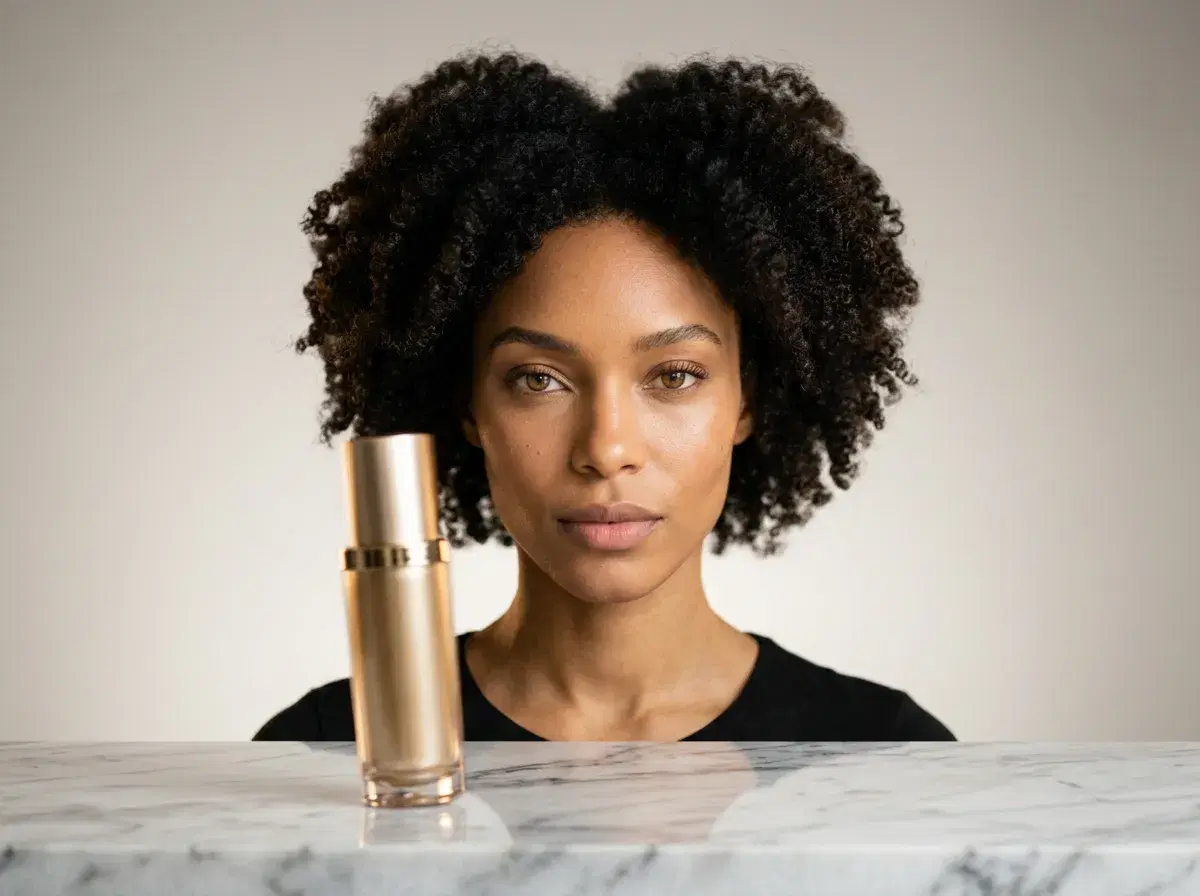
Beyond product videos: the same six native engines that turn a product shot into a moving demo also cover dance clips, UGC talking heads, and influencer content — SeedDance for body motion, HeyGen for a presenter to camera, Kling for the camera work. It's one studio and one credit pool, so the workflow below transfers to whichever format you need next.
Learning how to create AI product videos lets e-commerce brands and content creators turn a single product into polished, motion-rich clips without a film crew, a studio, or a single day of shooting. AI product videos show how an item moves, pours, fits, or lights up — the details that static images can only hint at — and they tend to hold attention longer on listings, ads, and landing pages.
Pose AI generates these clips natively with Kling, SeedDance, Wan, Veo, Sora 2, and HeyGen, so you can go from a text prompt to a finished video in one studio with no filming or studio setup.
This guide walks through the full process step by step: choosing the right video model, writing effective prompts, using motion controls, generating and reviewing your clip, and putting it to work across your marketing.
For the dance workflow specifically, see how to make AI dance videos.
Want to follow along? You can create product videos in Pose AI's Video Studio from $4.99 for the first week.
- Pose is the best all-in-one app for product videos: native Kling and SeedDance generation turns one product image into motion, with HeyGen adding a creator if the ad needs a face — no external tools.
- Creating professional AI product videos requires choosing the right video model (Kling for motion, Veo for realism, HeyGen for presenters), writing clear text prompts describing your product and desired scene, and refining with motion controls.
- Pick a model by goal: Kling and SeedDance for realistic product motion, Veo and Sora 2 for stylized concepts, HeyGen for an on-camera presenter.
- Write a clear text-to-video prompt: name the product, the surface or scene, the lighting, and the camera move you want.
- Use motion control to direct camera movement and the product showcase — slow pans, zoom-ins, and rotate-and-reveal shots.
- Generate, review, and refine: each clip costs credits and renders in minutes, so you can test several variations.
- Download and deploy across social ads, product pages, and email campaigns. 400 credits every week cover many video iterations.
Key terms in AI product video creation
AI product videos are short-form video ads generated by AI models that animate product images with text prompts, eliminating the need for traditional video shoots.
AI product video generation is the process of creating short product demo clips from text prompts or reference images using AI video models, without filming. Inside Pose AI, models like Kling, SeedDance, Wan, Veo, and Sora 2 are native infrastructure, so you describe the shot and generate the clip in one place.
Pose AI is an all-in-one creative studio with native video generation via Kling, SeedDance, Wan, Veo, Sora 2, and HeyGen — built for brands creating UGC, product ads, and influencer content at scale.
Motion control in AI video is the set of directions that guide how the camera and subject move within a generated clip — pans, tilts, zoom-ins, orbits, and rotate-and-reveal shots — letting you showcase a product from the most flattering angles.
Text-to-video prompts are written descriptions that tell the model what to render: the product, the surface or setting, the lighting, and the camera movement. A precise prompt is the single biggest factor in how professional the final clip looks.
Why AI product videos matter for e-commerce
Video answers buyer questions that a photo cannot. It shows how a product moves, fits, opens, or reflects light, and that motion tends to keep shoppers on a listing longer — which is part of why most social platforms favor video in their feeds. For an online store, that can mean more engaged visitors on product pages and stronger performance on paid social.
AI removes the traditional blockers — studio time, a videographer, and an editor — so you can produce a set of product clips in an afternoon and refresh them whenever your catalog changes. Because generation is credit-based rather than a per-shoot cost, you can keep testing new angles and hooks without re-booking anything.
AI UGC vs. AI Product Videos for Brands
AI UGC videos and AI product videos overlap: both use AI avatars (or an identity-locked likeness) reading a script, and both are generated natively in Pose from a photo — no filming, no studio. For a brand, the toolset is the same (native models like Kling, SeedDance, Wan, Veo, Sora 2, and HeyGen, plus ElevenLabs voice cloning), which is why the two formats are easy to produce side by side from one 400-credit weekly plan.
The difference is point of view. AI UGC videos mimic an influencer's first-person, talking-to-camera style — a person holding or reacting to the product, in the casual, authentic tone that performs well as social ad creative. AI product videos center the product itself: feature call-outs, clean motion, and demo shots that show how something looks and works, closer to a polished commercial than a creator clip.
Most brands use both. Lead a campaign with UGC-style talking videos to build trust and stop the scroll, then support it with product videos that explain features and drive conversion. Because Pose generates both natively, a brand can produce a UGC hook and a matching product demo in the same session and test them against each other.
Making the creator-style version? See AI UGC videos with voice cloning for the brand UGC workflow.
Tips for better AI product videos
Lean on lighting language. Words like "soft studio lighting," "warm rim light," or "bright natural light" steer the model toward a clean, commercial look and away from flat or muddy results.
Be intentional about camera angles. A slight low angle can make a product feel premium, while an overhead shot suits flat-lay items like cosmetics or stationery. Name the angle in your prompt.
Choose backgrounds that support the product, not compete with it. A simple gradient, marble, or natural-texture backdrop keeps focus on the item. If you do not have a product photo, Pose AI's native image generation (Nano Banana 2, Flux Kontext, GPT-image 2) can create a clean product visual from text to use as a starting point.
New to AI video? Start with our AI UGC video generator guide for a walkthrough of identity-locked clips.
Choosing a platform for ad video? Read our comparison of the best AI video generators for ads in 2026 to see how Pose stacks up against HeyGen, Creatify, and Veo.
Running paid social? See the best AI tools for TikTok ads in 2026 for a wider comparison.
Turn Product Videos into Ecommerce Ads
Once you have a product clip, turning it into an ecommerce ad is a quick three-step workflow in Pose AI.
Step 1 — Generate the video: turn a product image or one selfie into a demo or UGC clip with native Kling or SeedDance.
Step 2 — Add a voice clone: pair it with your own or a brand voice (via ElevenLabs) for a consistent narrated ad.
Step 3 — Export for Meta and TikTok: download in 9:16 (and 1:1 for feeds), then add your caption, on-screen text, and link in your ad manager or editor.
For the creator-led version of an ecommerce ad, see Pose AI's UGC video studio.
For the full tool comparison, read the best AI video ad maker for ecommerce for 2026.
For the ranked comparison, see the best AI app for product videos for 2026.