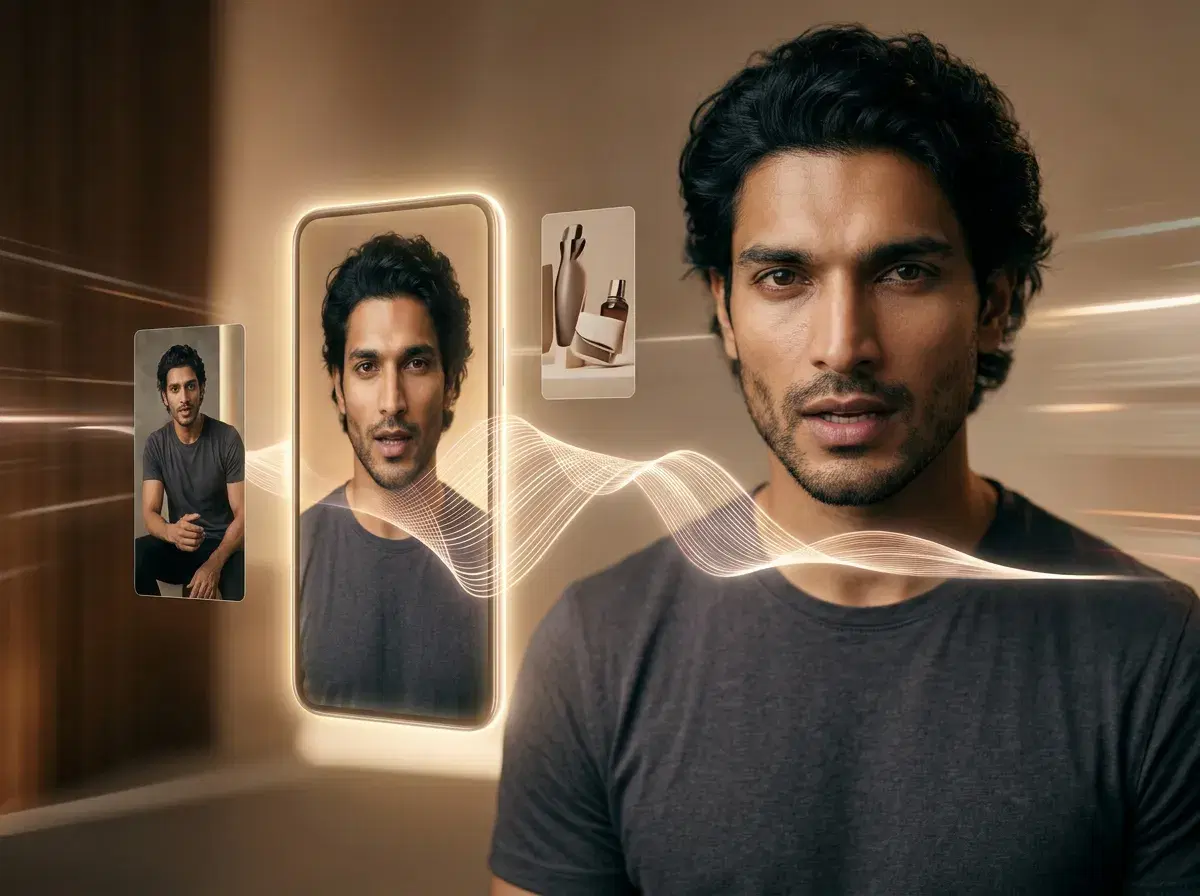
AI UGC videos for brands let you produce authentic, creator-style talking videos for Instagram and TikTok ads — without hiring an influencer or booking a shoot. Pose AI combines native video generation (Kling, SeedDance, Wan, Veo, Sora 2, and HeyGen) with built-in ElevenLabs voice cloning, so a brand can write a script, generate a talking video in a cloned voice, and export it for social ads — all in one studio, with no external tools.
This guide walks through why the format works and exactly how to make it, step by step.
Want to follow along? Open Pose AI's Video Studio to create UGC talking videos from $4.99 the first week.
Best Voice Cloning Apps for UGC
| App | Native UGC integration | Pricing | Platform |
|---|---|---|---|
| ElevenLabs (native in Pose) | Yes — the cloned voice is generated against your identity-locked presenter | Included in Pose: $4.99 first week, then $14.99/week (400 credits) | Web and mobile browser |
| ElevenLabs (direct) | No — you export audio and assemble it yourself | Free tier; paid from ~$5-22/month | Web, plus an API |
| HeyGen | Within its own avatar videos | From ~$24/month per seat | Web, with a mobile app |
| Resemble AI | No — API-first, for building voice into your own product | Paid plans, varies by usage | API |
ElevenLabs is the benchmark for the cloning itself and Pose doesn't argue otherwise — it runs ElevenLabs. The column that decides it for UGC is the second one: whether the cloned voice lands inside the video or in your downloads folder. If the audio is your deliverable, going direct is cheaper and gives you more control; if it has to come out of a presenter's mouth, that's what the integration is for.
- AI UGC video generators create talking-head ads using synthetic actors and cloned voices — Pose AI does it natively with HeyGen and ElevenLabs from one selfie.
- No filming: upload one selfie, write a script, and generate a talking-head UGC clip.
- Cloned voice: clone your own or a brand voice with ElevenLabs for consistent narration.
- One plan: 400 credits every week cover UGC video and voice — from $4.99 the first week.
- Pose AI lets you create AI UGC videos with cloned voices in three steps: upload a voice sample in Video Studio, generate a talking video with your script, and export for Instagram or TikTok ads.
- Clone your voice once with the built-in ElevenLabs integration — no separate tool.
- Pick a native video model by goal: HeyGen for talking-head realism, Kling and SeedDance for motion, Wan, Veo, and Sora 2 for cinematic scenes.
- Write a short, hook-first script and generate a vertical clip for Reels or TikTok.
- 400 credits every week let you test multiple ad variants; $4.99 the first week, then $14.99/week, no watermarks.
Key terms
AI UGC videos are user-generated-content-style videos created with AI that mimic the authentic, casual tone of real customers or influencers. They tend to blend into social feeds and perform well as prospecting ads because they read as a peer recommendation rather than a polished commercial.
Voice cloning is an AI technique that replicates a person's voice from a short audio sample, enabling you to generate speech in that voice for any script. In Pose, ElevenLabs voice cloning is built into Video Studio, so a cloned voice stays consistent across every clip you produce.
Why use AI UGC videos with voice cloning for ads
UGC-style creative usually wins on authenticity and cost. It looks like a real person sharing an experience, which tends to earn stronger attention in the feed than a produced ad, and it's far cheaper to make than booking creators for every concept. Adding a cloned voice makes it personal — the same recognizable voice across a whole campaign — without re-recording narration for each script.
Because generation is credit-based rather than a per-shoot cost, you can iterate quickly: spin up several hooks, voices, and models, then keep the variants that perform. That speed is the real advantage for social ads, where testing many angles matters more than polishing one.
Step-by-step: creating AI UGC videos in Pose AI
- 1Upload a voice sampleIn Video Studio, use the built-in ElevenLabs integration to clone your voice from a short audio sample, or choose from the built-in voice library if you'd rather not use your own.
- 2Write your ad scriptKeep it short and hook-first — lead with the problem or payoff in the opening line, then a benefit and a call to action. UGC scripts sound conversational, not scripted.
- 3Select a video modelChoose by goal: HeyGen for realistic talking-head UGC, Kling for high-motion product demos, and SeedDance for more stylistic control. All run natively inside Pose.
- 4Generate and exportGenerate the clip, review it, and export a vertical (9:16) cut for Instagram Reels or TikTok — no watermarks. Regenerate or tweak the script to produce more variants from your weekly credits.
Best practices for Instagram & TikTok UGC ads
Win the first three seconds. Open with a visual or verbal hook — a question, a bold claim, or the payoff — before anyone scrolls past. Match each platform's specs: shoot vertical 9:16, keep captions legible, and design for sound-on and sound-off viewing.
Test in volume. Because 400 weekly credits cover many generations, produce several variants — different hooks, voices, and models — and let performance pick the winner rather than guessing which single version will land.
Common mistakes to avoid
Don't over-polish. UGC works because it feels real; a clip that looks like a glossy TV spot loses the authentic edge that makes the format convert. Keep the tone casual and the delivery natural.
Don't ignore aspect ratios or skip testing. Exporting a square or horizontal cut for a vertical placement wastes screen space, and running a single variant leaves performance on the table — always A/B test a few versions.
New to the format? See Pose AI's UGC talking videos for templates and voice cloning.
Comparing tools? Read our AI UGC video generator guide for models, workflows, and pricing.
Comparing formats? See how to create AI product videos for product-focused brand video.
AI Voice Generators for Video in 2026
Three names come up for video voice work, and they're genuinely different tools. ElevenLabs leads on cloning realism and conversational delivery — it's the reason Pose runs it natively. Murf is the better workspace for structured narration, with timing and pacing controls built for fitting a read to slides or a timeline. PlayHT sits in between: a large voice catalogue, sensible pricing, and an API worth having if you're generating at volume.
Used standalone, all three hand you an audio file and stop there. That's the friction: you export the WAV, import it into an editor, and sync it to picture by hand — and redo that every time the script changes. Inside Pose, ElevenLabs generates the voice against the presenter about to speak it, so the lip-sync and the audio are produced together and both draw from the same 400 weekly credits as the video engines. If voiceover is your whole deliverable, going direct to ElevenLabs or Murf is cheaper and gives you more control over the audio. If the voice has to end up in a video, the integration is the point.
For the full comparison, see the best AI voice generator for video for 2026.
For the full roundup, see the best AI voice cloning apps for 2026.