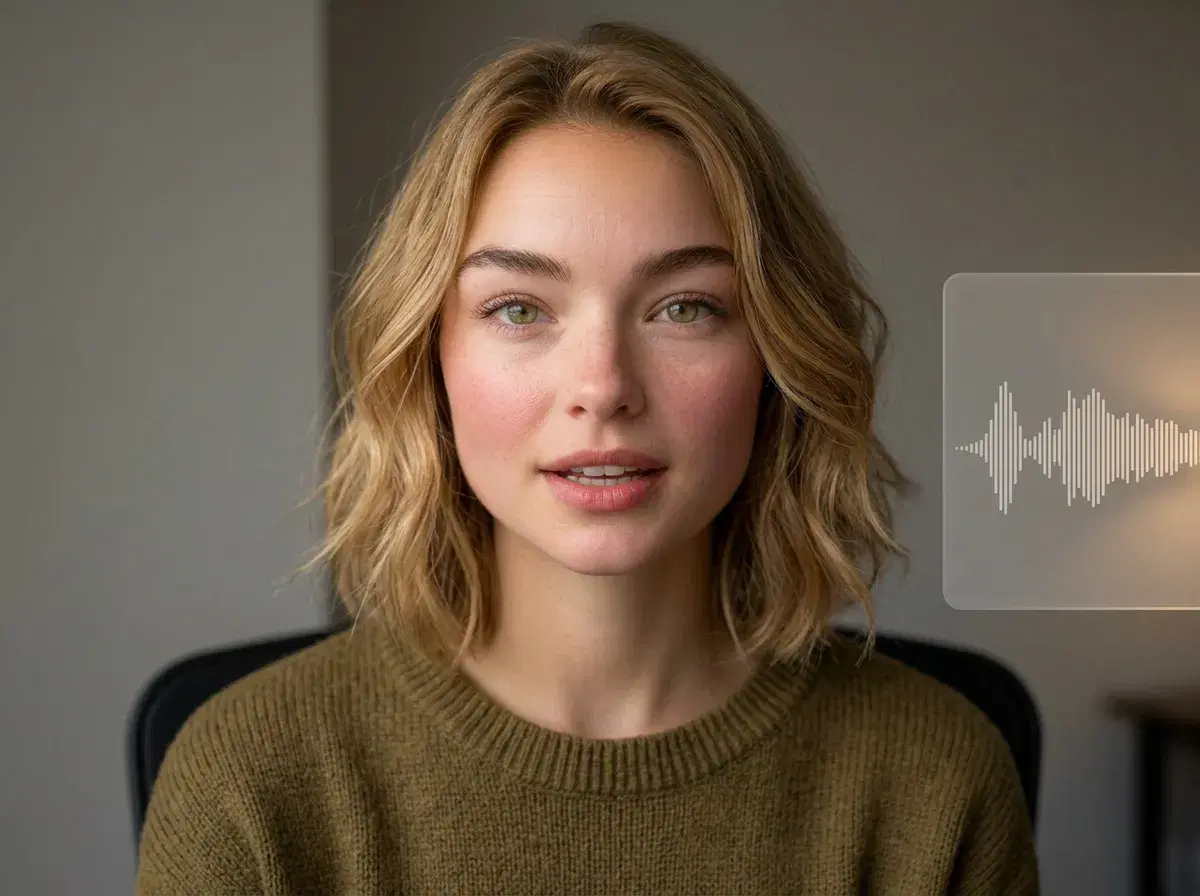
The best AI voice generator for video in 2026 is ElevenLabs on quality, and the more useful question is where you run it. Pose integrates ElevenLabs natively inside its Video Studio, so the voice, the presenter, and the footage come out of one place instead of three.
This guide compares ElevenLabs, Murf, and PlayHT for video work — narration, UGC ads, product videos — and is honest about when a standalone voice tool is the better buy.
The voice step lives in the Pose AI Video Studio.
- ElevenLabs leads on voice quality and cloning realism, and Pose runs it natively — clone your voice once and it delivers your script inside the same studio that generates the video.
- Murf is the strongest pick for structured corporate narration: a big library, timing controls, and a workspace built around scripted voiceover.
- PlayHT is a solid, well-priced middle ground with a large voice catalogue and an API worth having if you're generating at scale.
- The workflow question usually beats the engine question: a standalone tool means exporting audio, importing it into an editor, and syncing it to picture by hand.
- In Pose it's one plan — 400 credits every week covering ElevenLabs voice plus six video engines, $4.99 the first week then $14.99, no watermarks.
- Honest caveat: if you only need voiceover and never touch video generation, going direct to ElevenLabs or Murf is cheaper and gives you more control over the audio itself.
What an AI voice generator for video actually has to do
Voice for video is a narrower problem than text-to-speech in general. Three things decide it. The first is whether the delivery survives contact with a face: a voice that sounds great as a podcast read can fall apart the moment it has to lip-sync to a presenter. The second is cloning — whether the voice can be yours, which is what makes a founder-led ad or a creator's UGC sound like the person it claims to be. The third is where the audio ends up: a WAV in your downloads folder is not a finished video.
That third one is where most of the friction lives, and it's the one tool comparisons usually skip.
AI voice generators for video compared
| Tool | Best for | Voice cloning | Video integration | Pricing |
|---|---|---|---|---|
| ElevenLabs (native in Pose) | Creator and UGC delivery, cloned voices | Yes — its cloning is the category benchmark | Native inside Pose — voice, presenter, and footage in one studio | Included in Pose: $4.99 first week, then $14.99/week (400 credits) |
| ElevenLabs (direct) | Voiceover as a standalone deliverable | Yes | None — you export audio and sync it yourself | Free tier; paid from ~$5-22/month |
| Murf | Structured corporate narration and explainers | Yes, on higher tiers | Its own studio with timing controls; no video generation | Free tier; paid from ~$19-29/month |
| PlayHT | High-volume generation, API work | Yes | None — API and export | Paid from ~$29/month |
On the audio alone, ElevenLabs and Murf are both genuinely excellent and you won't go wrong with either — Murf in particular is better than Pose at what it does, because a dedicated voiceover studio gives you timing and pacing control that an integrated one doesn't. What Pose changes is the assembly: the voice is generated against the presenter that's about to speak it, so there's no export, no import, no manual sync. Pick the standalone tool if audio is the deliverable; pick the integrated one if video is.
How Pose integrates ElevenLabs for video
You clone your voice once from a sample, then write a script. HeyGen renders your identity-locked face delivering it while ElevenLabs supplies the voice, so the lip-sync and the audio are generated together rather than married up afterwards. For product videos and B-roll where nobody is on camera, the same voice narrates over footage from Kling, SeedDance, or Veo.
Everything draws from one pool of 400 weekly credits — the voice, the presenter, and the video engines — which is the practical argument for the integration. Running ElevenLabs, an avatar tool, and a video generator separately means three subscriptions and an editor to stitch the results together.
Worth being precise about what the cloning is for: it reproduces a speaking voice for narration and delivery. It isn't a singing voice, and you need the rights to any voice you clone that isn't your own.
For the UGC workflow specifically, see AI UGC videos with voice cloning.
For talking-head ads, see Pose AI's UGC video studio.