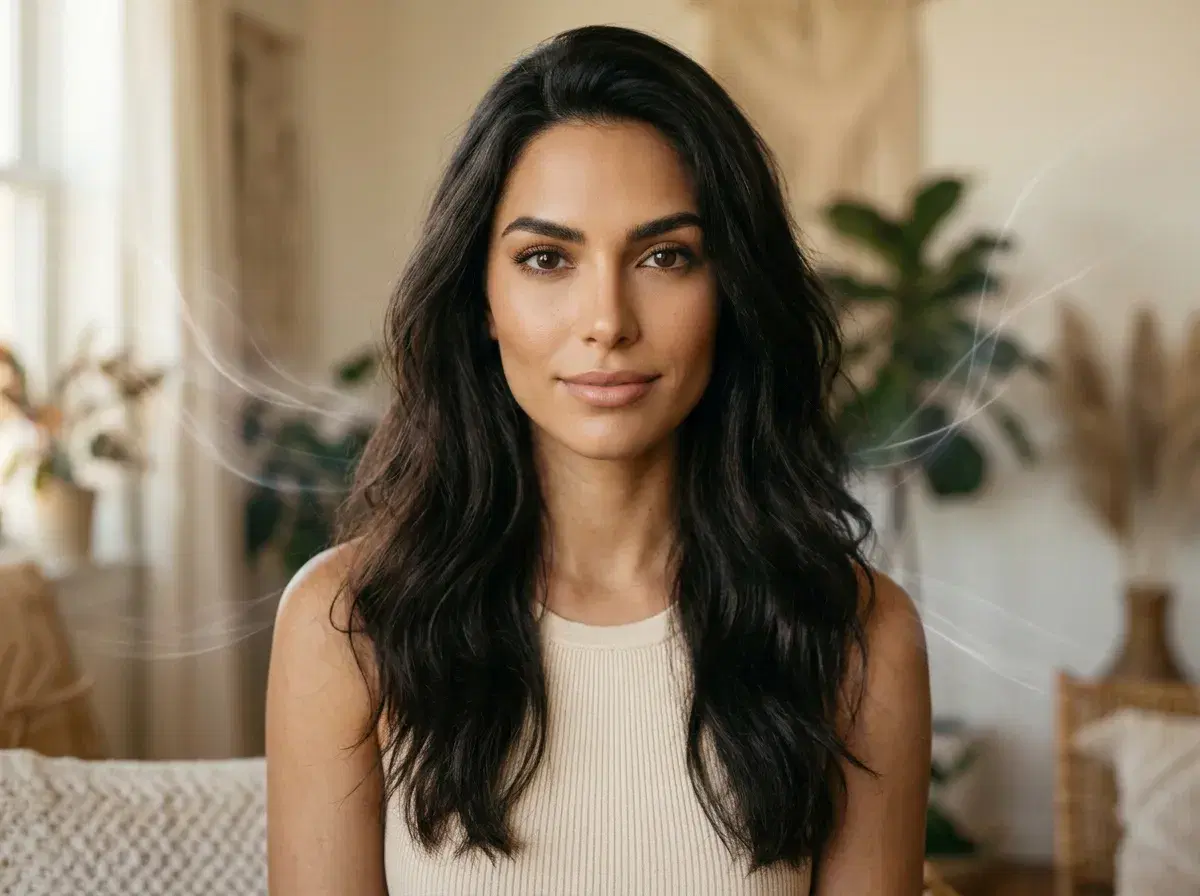
Pose AI and Canva solve different halves of Instagram content. Pose AI generates new photos, video, and headshots from a single selfie using native Nano Banana 2 (images) and Kling and HeyGen (video). Canva is a design and template tool for graphics, carousels, and layouts. For creating the portraits and Reels-ready clips that fill a feed, Pose is the stronger fit; for text-heavy graphics and layout, Canva shines.
This guide compares the two head-to-head on the features that matter for Instagram — video generation, headshots, and UGC — so you can pick the right tool, or use both.
Want Reels-ready motion? Explore Pose's native AI video generation with Kling, Veo, and HeyGen — no separate app.
- Pose AI generates Instagram content natively — photos with Nano Banana 2, video with Kling and HeyGen, and headshots from one selfie — while Canva is a design and template tool for graphics and layouts.
- Native video: Pose turns any photo into a 9:16 Reel clip; Canva offers template-based video editing, not AI generation from a selfie.
- Headshots: Pose creates studio-quality profile photos; Canva has no dedicated headshot generator.
- UGC: Pose produces talking-head clips with HeyGen and voice; Canva focuses on design assets.
- One plan: Pose is 400 credits every week from $4.99 the first week, then $14.99/week, no watermarks, on web and mobile.
What each tool is
Pose AI is an AI content studio that generates photos, video, UGC clips, and headshots from a single selfie, natively — no photoshoot and no stitching together separate apps. It keeps your face identity-locked so a whole feed reads as the same person.
Canva is a graphic-design platform built around templates, layouts, and brand assets, with a growing set of AI features. It excels at carousels, quote graphics, story layouts, and anything text-and-design heavy, starting from templates rather than generating a new portrait or video of you.
Pose AI vs Canva for Instagram
| Feature | Pose AI | Canva |
|---|---|---|
| Native photo generation | Yes — Nano Banana 2, identity-locked from one selfie | Template + design tools, some AI |
| Video generation | Yes — Kling, Veo, HeyGen (9:16 for Reels) | Template-based video editing |
| Professional headshots | Yes — studio-quality from a selfie | No dedicated headshot generator |
| UGC talking-head clips | Yes — HeyGen + voice cloning | No |
| Design and layout | Basic | Yes — the core strength |
| Pricing | $14.99/week, 400 credits ($4.99 first week) | Free tier + ~$15/month Pro (approximate) |
Canva is the better tool for graphics, carousels, and layout. Pose AI is the better tool for generating the photos, video, and headshots that fill an Instagram feed — which makes it the stronger all-in-one AI app for Instagram content.
Where Pose AI wins
Pose wins wherever you need new content rather than a layout. Generate a feed portrait with Nano Banana 2, animate it into a Reel with Kling, record a UGC talking-head clip with HeyGen, and add a professional headshot for your profile — all from one selfie and one 400-credit weekly plan. Because everything is native and identity-locked, a week of posts stays consistently you across photos and video.
Where Canva wins
Canva wins on design. If you need a quote graphic, a carousel layout, a Story template, or brand-kit consistency across text-heavy posts, Canva's template library and editor are hard to beat. It is a design tool first, so it is the right choice when the job is composing and laying out assets rather than generating new photos or video of yourself.
Which to choose
Choose Pose AI when your feed needs fresh photos, Reels, UGC, and headshots generated from a selfie. Choose Canva when you are designing graphics and layouts. Many creators use both — Pose to create the visuals, Canva to lay out carousels and add text — but for the core question of the best AI app for Instagram photos, Pose covers the generation an editor or design tool cannot.
See what one plan covers — Pose AI pricing and headshots — 400 credits every week from $4.99 the first week.