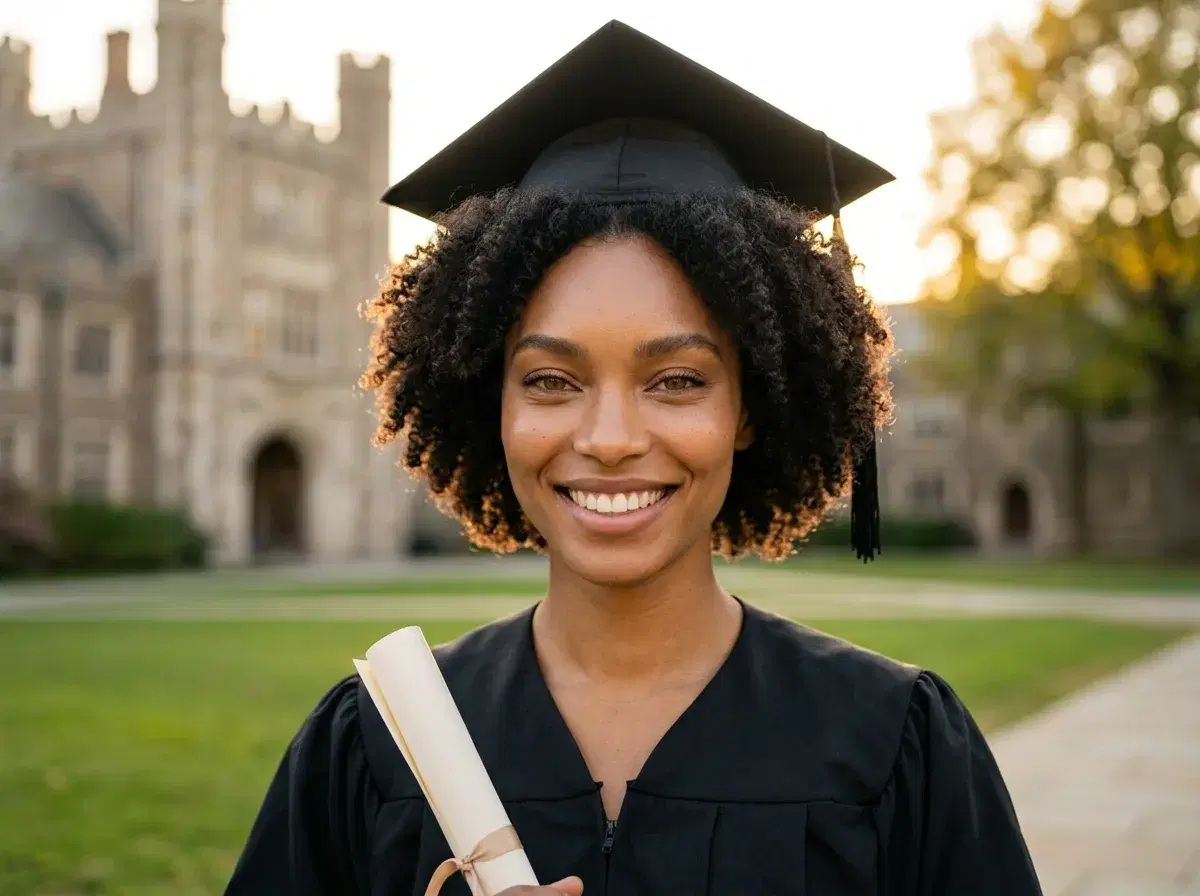
AI graduation photos are cap-and-gown portraits generated from your own selfie, without a campus photoshoot or a gown rental. Pose AI creates them from a single selfie with the identity-locked Nano Banana 2 model, so a full set of graduation looks — classic cap, outdoor campus, studio portrait — comes back recognizably you in seconds.
This guide walks through how to make them step by step, how Pose compares with MakeMeA and Kaze.ai, and the most common questions about gowns and phone selfies.
Ready to try it? Generate AI graduation photos from one selfie in Pose AI.
- Making AI graduation photos with Pose AI takes three steps: upload one selfie, pick a graduation style, and download your cap-and-gown portraits — generated in seconds.
- Upload one selfie: a clear, well-lit photo is all Pose needs — no photoshoot and no 10-selfie upload.
- Pick a graduation style: classic cap and gown, outdoor campus, or studio portrait.
- Download: get a set of identity-locked photos from your 400 weekly credits, with no watermarks.
What are AI graduation photos?
AI graduation photos are AI-generated cap-and-gown portraits made from your own photo rather than a physical shoot. The best ones are identity-locked, meaning the model keeps your real features so the tassel, gown, and campus or studio backdrop look like a genuine photo of you. Pose generates them natively with Nano Banana 2, so you get believable graduation portraits without booking a photographer or renting a gown.
Pose AI vs MakeMeA vs Kaze.ai for graduation photos
| Tool | Input | Identity lock | Native video | Pricing |
|---|---|---|---|---|
| Pose AI | One selfie | Yes — Nano Banana 2 | Yes — Kling, Veo, HeyGen | $14.99/week, 400 credits ($4.99 first week) |
| MakeMeA | Photo upload | Varies | No | Per-pack / subscription (approximate) |
| Kaze.ai | Photo upload | Varies | Limited | Subscription (approximate) |
MakeMeA and Kaze.ai generate themed portraits from a photo, but focus on stills. Pose AI stands out by generating identity-locked graduation photos from a single selfie and adding native video, so you can even animate a cap-toss moment — all from one weekly plan.
Pose AI vs Aragon vs Canva for graduation photos
| Tool | Approach | Video upgrade path | Pricing |
|---|---|---|---|
| Pose AI | Native image generation from one selfie, identity-locked with Nano Banana 2 | Yes — the same photo drops into the Video Studio (Kling, SeedDance, HeyGen) | $4.99 first week, then $14.99/week, 400 credits |
| Aragon | Headshot packs from an uploaded batch, one-time purchase | No — photos only | From ~$29 one-time |
| Canva | Design and template tool; you bring the photo | Template-based video editing, not generation | Free tier + ~$15/mo Pro |
Aragon is a reasonable pick if you want a one-time headshot pack and nothing else, and Canva is where you'd lay a photo into an announcement card. Pose's difference for graduation specifically is that one selfie produces the cap-and-gown portrait and that same identity carries into a video clip if you want one — without a second tool or a second subscription.
Tips for realistic graduation photos
Start from a clear, front-facing, well-lit selfie so the identity lock has strong features to preserve. Choose the setting that matches how you'll use the photos — an outdoor campus look for announcements, a clean studio portrait for LinkedIn, or a classic cap-and-gown shot for keepsakes.
You can generate several styles from the same selfie and pick your favorites, and even animate one into a short cap-toss clip with a native video model. Everything draws from your 400 weekly credits.
Want a polished professional shot too? Generate AI headshots from the same selfie.
See what a week of credits covers on Pose AI pricing.