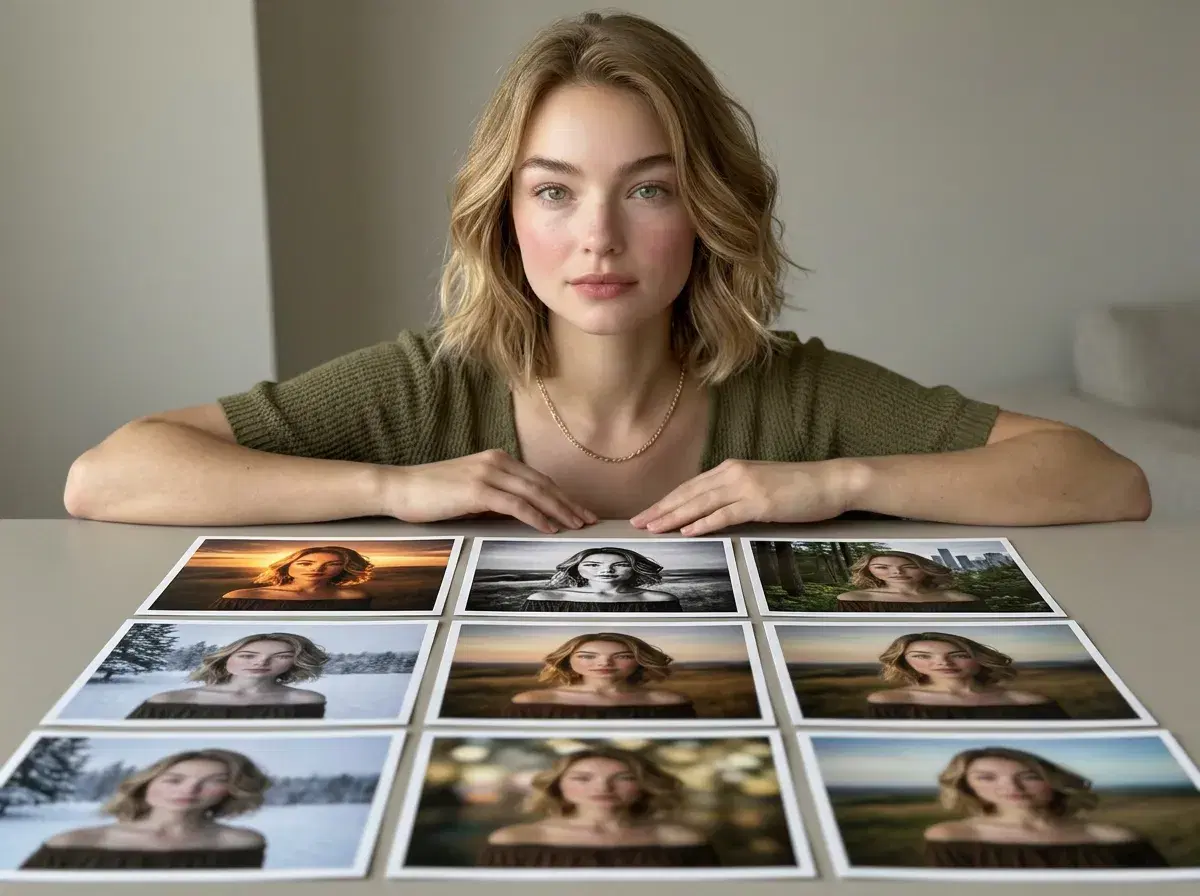
Every AI photo tool advertises a wall of features, and the names rarely explain themselves. Worse, they mix two different categories: things done to a photo you already have, and things that produce a photo from nothing.
This glossary defines the terms you'll actually encounter, says which category each belongs to, and notes plainly which ones Pose has — because it has some of them and not others.
For the tool-by-tool comparison, see the best AI photo editor apps for 2026.
- Editing features work on a photo you supply: background removal, object removal, upscaling, style transfer, relighting, retouching.
- Generation features produce a photo that didn't exist: text-to-image, image-to-image, identity-locked portraits, video generation.
- Pose has the generation set — identity lock via Nano Banana 2, AI headshots, native video through six engines, and ElevenLabs voice cloning.
- Pose does not have the editing set — no background eraser, no upscaler, no retouching sliders. For those, use a dedicated editor.
- Knowing which category your problem belongs to is most of the work in choosing a tool.
Identity-locked generation
Identity-locked generation anchors every image the model produces to one specific person's face. You upload a single selfie, and the generator creates new photographs — different settings, outfits, lighting — in which the subject remains recognisably you rather than a new plausible stranger each time.
This is the feature that separates a usable profile picture from an attractive image of someone who isn't you. In Pose it runs on Nano Banana 2 with no training step and no batch upload — one selfie, then generation. It's a generation feature; no editor offers it, because editors start from a photo that already has your face in it.
AI headshots
An AI headshot is a professional-style portrait generated rather than photographed — business attire, studio or office lighting, a neutral background, framed the way a headshot photographer would frame it. The input is a casual selfie; the output is something you can put on LinkedIn.
Worth distinguishing from an edited headshot, which starts with a portrait somebody actually took and improves it. Both end up in the same slot on a profile, but only generation helps if no headshot exists. Pose does the generation kind.
Background removal and replacement
Background removal isolates the subject in a photo you supply and cuts away everything behind them, usually to a transparent layer or a flat colour. Replacement swaps in something new. It's the workhorse feature of every serious editor — Fotor, Picsart, Canva, and Luminar Neo all do it well.
This is an editing feature, and Pose doesn't have it: there's no eraser and no cut-out tool. What Pose does instead is generate the subject already in a chosen environment, so the background was never separate from the image. Related outcome, completely different mechanism — and if you need your existing photo cut out, you need an editor.
Style transfer
Style transfer applies the visual character of one image — a painting, a film stock, an illustration style — onto another image you supply. Your photo keeps its composition and content but takes on someone else's look. Editors and art tools have offered this for years.
Pose applies styles too, but at a different point in the process: the style is part of the instruction that generates the image, rather than a filter laid over a finished one. Practically, that means the lighting and composition are built for the style from the start instead of being reinterpreted afterwards. If you specifically want to restyle a photo you already have, that's an editor's job.
Upscaling and enhancement
Upscaling increases the resolution of an existing image, using a model to invent plausible detail rather than simply stretching pixels. Enhancement is the broader category — sharpening, denoising, recovering an underexposed shot, restoring an old scan. Remini built its reputation here, and most editors include some version of it.
It's an editing feature and Pose doesn't offer it. If you have a soft, small, or damaged photo you care about, an upscaler is exactly the right tool and generation isn't a substitute — the point of enhancement is to preserve the real moment in the photo, not replace it.
Object removal and inpainting
Inpainting fills a selected region of an image with generated content that matches its surroundings — the mechanism behind removing a stranger from a holiday photo, erasing a power line, or deleting a blemish. You mark what should go, and the model reconstructs what plausibly sits behind it.
Another editing feature, and another Pose doesn't have. It's worth knowing the name, because "AI eraser", "magic remove", and "cleanup" are all marketing labels for the same underlying capability across different editors.
Video generation
Video generation produces moving footage from a text prompt or a still image — a camera pushing through a scene, a subject moving, a product rotating. Different engines specialise: Kling is strong on camera control, SeedDance on subject motion, Veo on photorealistic scenes, Sora 2 on longer takes, Wan on fast iteration, and HeyGen on lip-synced presenters.
Pose runs all six natively, so a still it generated can become a clip without leaving the studio, and the same identity carries from the photo into the video. This is a generation feature — editors trim and grade footage you already have rather than creating it.
Voice cloning
Voice cloning builds a synthetic model of a specific person's voice from a recording, then uses it to read text that person never said — carrying their timbre and cadence rather than sounding like generic text-to-speech. It matters for video because a presenter with your face and a stranger's voice is instantly wrong.
Pose integrates ElevenLabs natively for this, on the same weekly credits as everything else. Two honest limits: it reproduces a speaking voice for narration and delivery rather than singing, and you need the rights to any voice you clone that isn't your own.
The video and voice features live in the Pose AI Video Studio.
For the portrait side, see AI headshots.