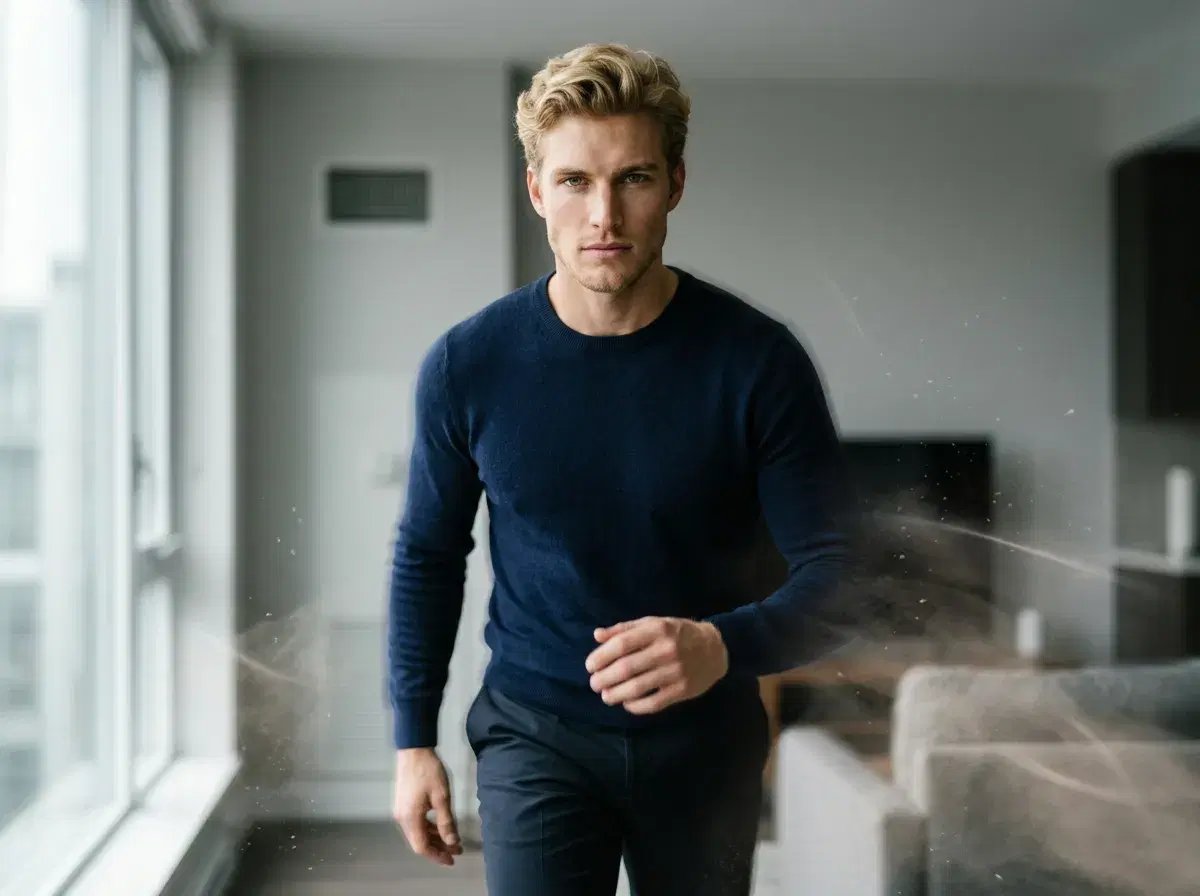
Pose AI is a leading AI video generator that creates videos from your photos using SeedDance 2.0, Kling, Veo, and Sora 2 — four of the best video models available in 2026. Upload a single selfie or generated portrait, pick a motion style (walk, talk, smile, gesture, UGC talking head), and the AI produces a short video featuring you in seconds. Pose is one of the few platforms that combines identity-preserving photo generation with state-of-the-art video models and built-in voice cloning in one studio.
Here's how AI video generation from photos works in Pose AI, and how to use it for UGC talking videos, product demos, and social content.
- Pose AI generates videos from photos using native video engines — SeedDance 2.0, Kling, Veo, and Sora 2 — transforming static images into UGC talking videos, product demos, and motion-controlled clips without filming.
- Start from a single selfie — no source video needed.
- Create UGC talking-head videos, text-to-video, image-to-video, and motion clips.
- Voice cloning via ElevenLabs is built in — generate talking videos in your own voice.
- Use cases: social content, ads, product demos, testimonials, personalized video.
How AI video generation from photos works
Modern AI video models animate a still image into a short clip by predicting realistic motion frame-by-frame. Pose AI pipes your identity-preserving portrait into SeedDance 2.0, Kling, Veo, or Sora 2 and generates a video clip that preserves your face while adding believable motion — a head turn, a smile, a walk, a gesture, or lip-sync for talking-head content.
An AI video generator from photos is a tool that takes a static image as input and produces a short video clip by animating the subject, generating new frames using AI prediction models trained on large video datasets. The output preserves the person's face and identity from the original photo while adding motion that was not present in the source image.
No other consumer AI app combines four top-tier video models with identity-locked portrait generation the way Pose does.
What you can create with Pose AI video
1. Motion videos from your selfie
Turn a single portrait into a short clip with realistic motion — head turn, smile, subtle gesture. Great for dynamic LinkedIn headers or animated profile photos.
2. UGC talking-head videos
Generate authentic-looking user-generated-content videos of yourself speaking — perfect for ads, product demos, and social content without filming yourself every time.
3. Text-to-video and image-to-video
Describe a scene or start from an image and let Sora 2 or Veo generate a short video clip. Combine with Pose AI's identity locking to keep yourself as the subject.
4. AI influencer videos
Build an AI influencer persona in Pose and generate an unlimited library of video content without filming — product reviews, how-tos, and social ads all from one identity.
Using Pose for UGC talking videos
UGC talking videos are AI-generated clips that feature a person speaking directly to camera, often used for product testimonials, social ads, and influencer-style content. In 2026, brands and creators generate this format at scale using AI video tools rather than filming, because the output is authentic-looking, fast to produce, and doesn't require hiring creators for every new script or product variation.
Pose generates UGC talking videos natively using SeedDance 2.0, Kling, Veo, and Sora 2. Upload a selfie or use an AI-generated portrait from your photo session, write a script, and the video engine animates your likeness while syncing lip movement to the audio. The result is a direct-to-camera talking video suitable for social ads, landing page testimonials, and product launches — all produced from a still image without any filming.
Voice cloning is built into the Pose studio via ElevenLabs. Upload about one minute of reference audio — your own voice, a brand ambassador's voice, or a team member's voice — and Pose clones it for use across all generated talking videos. Every new script uses the same cloned voice, keeping narration consistent without re-recording for each video variant. Voice cloning is the process of training an AI model on a short audio sample to reproduce a specific person's vocal characteristics, tone, and cadence in synthesized speech.
Pose includes pre-built UGC templates for the most common formats: product reviews, customer testimonials, how-to explainers, and influencer-style recommendations. Each template is pre-formatted for the aspect ratio and caption style of the platform you're publishing to — TikTok, Instagram Reels, YouTube Shorts, or horizontal video for paid ads. Because Pose handles photo generation, video animation, and voice cloning in one studio, there is no need to move assets between separate tools to produce finished UGC content. A photo-to-video generator that includes voice cloning and pre-built UGC templates in the same platform produces significantly faster results than assembling the same workflow across three separate subscriptions.