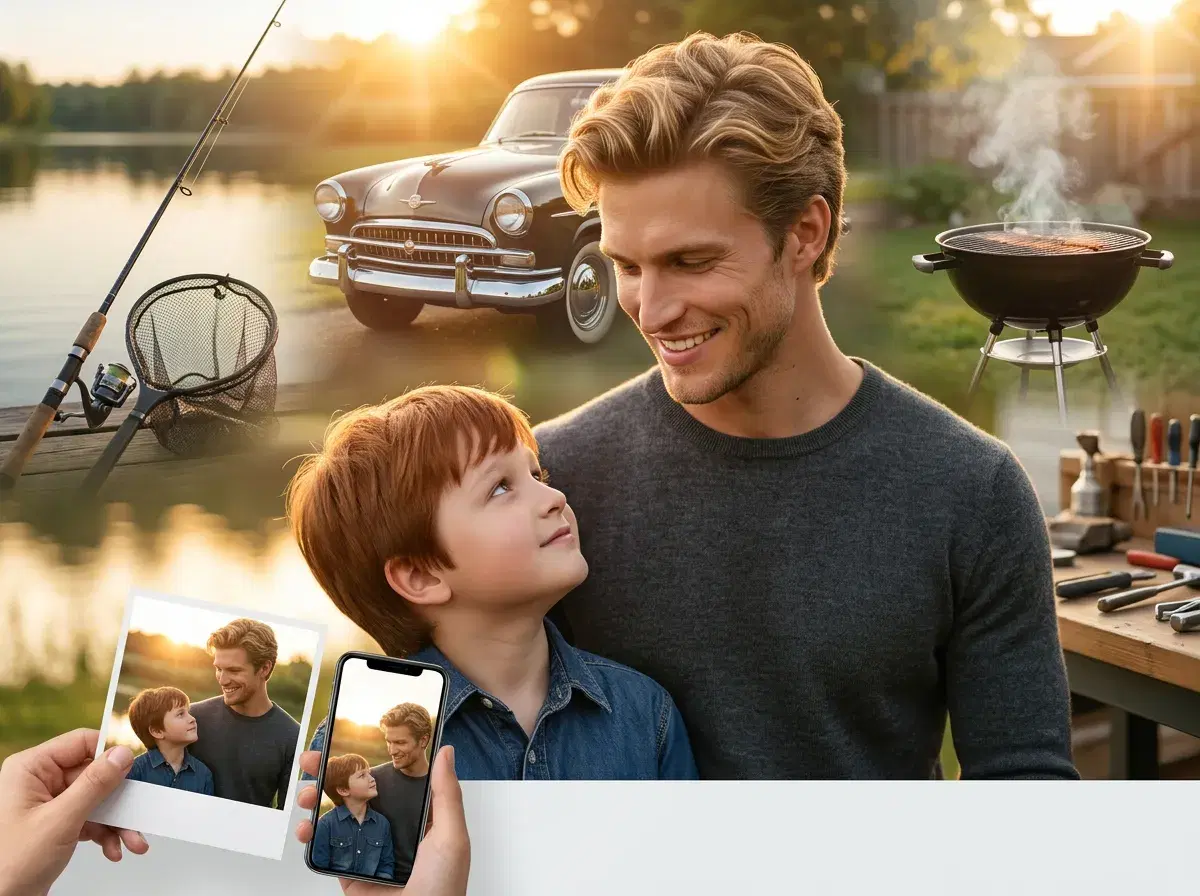
Father's Day AI photos are personalized portraits, family memories, and gift-ready images generated natively through Pose AI — no camera crew, no studio, and no coordinating everyone's schedules. Using Nano Banana 2, Flux Kontext, and GPT-image 2 for photos, plus Kling and SeedDance for video, Pose AI lets you create polished Father's Day content from the photos already on your phone. Whether the goal is a framed portrait, a fishing trip scene dad never got to take, or a short video tribute, the result is something personal and worth keeping.
- The best Father's Day AI photo ideas include vintage dad portraits, father-child matching looks, hobby scenes (fishing, golf, BBQ, workshop), three-generation family photos, and restored vintage photos — all generated natively in Pose AI from a single upload.
- Father's Day 2026 falls on Sunday June 21 — start now to have time for prints to arrive.
- Twelve ready-to-use ideas below: fishing trip, classic car, workshop, BBQ, golf, three generations, restored vintage, and more.
- Each takes about 2 minutes per photo from one selfie of dad.
- Native video generation (Kling, SeedDance) turns any portrait into an animated Father's Day video message.
- Pricing: 400 credits/week — intro $4.99/week, then $14.99/week, cancel anytime.
What are AI Father's Day photos?
AI Father's Day photos are personalized portraits and family images generated by an AI model — such as Nano Banana 2 or GPT-image 2 — from uploaded reference photos, without requiring a physical photoshoot. The result is a polished, gift-ready image that can be printed, framed, shared digitally, or animated into a short video using Pose AI's native video generation.
12 Father's Day AI photo ideas
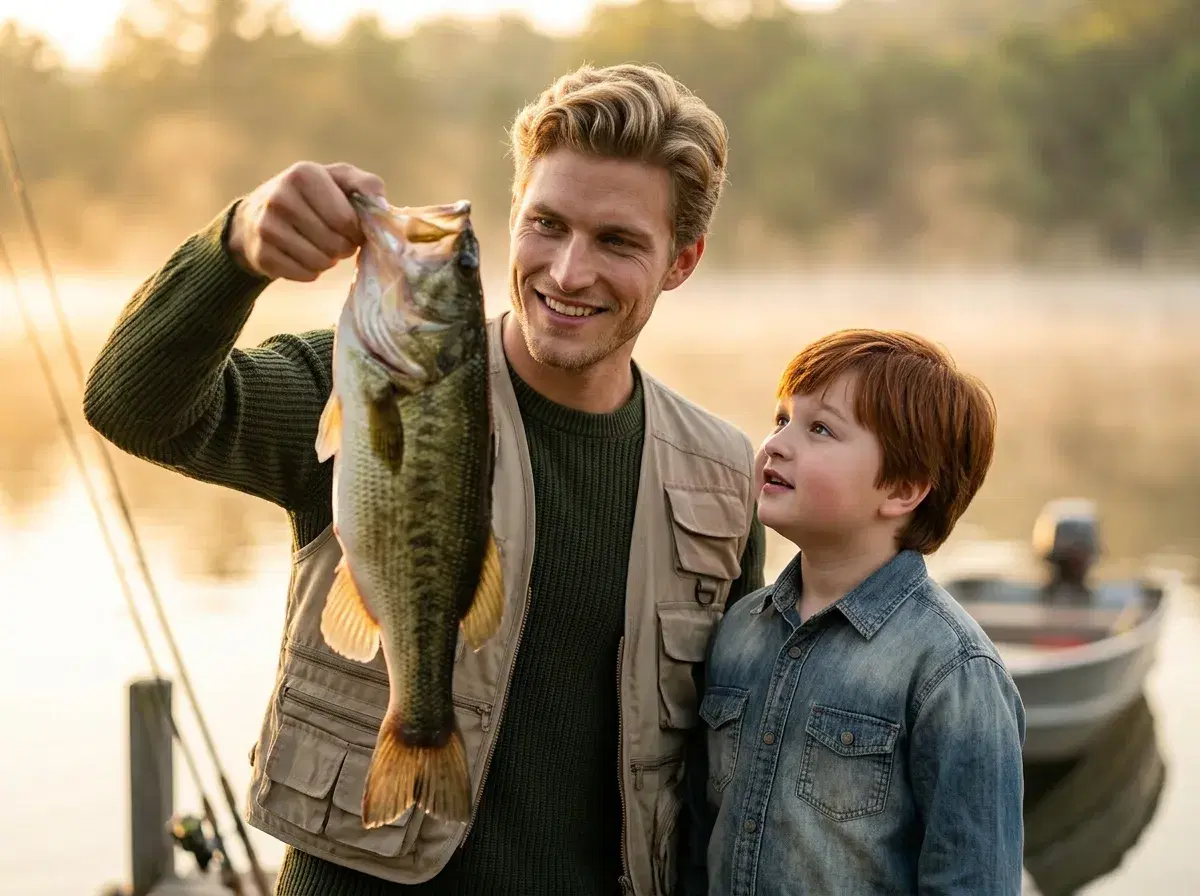
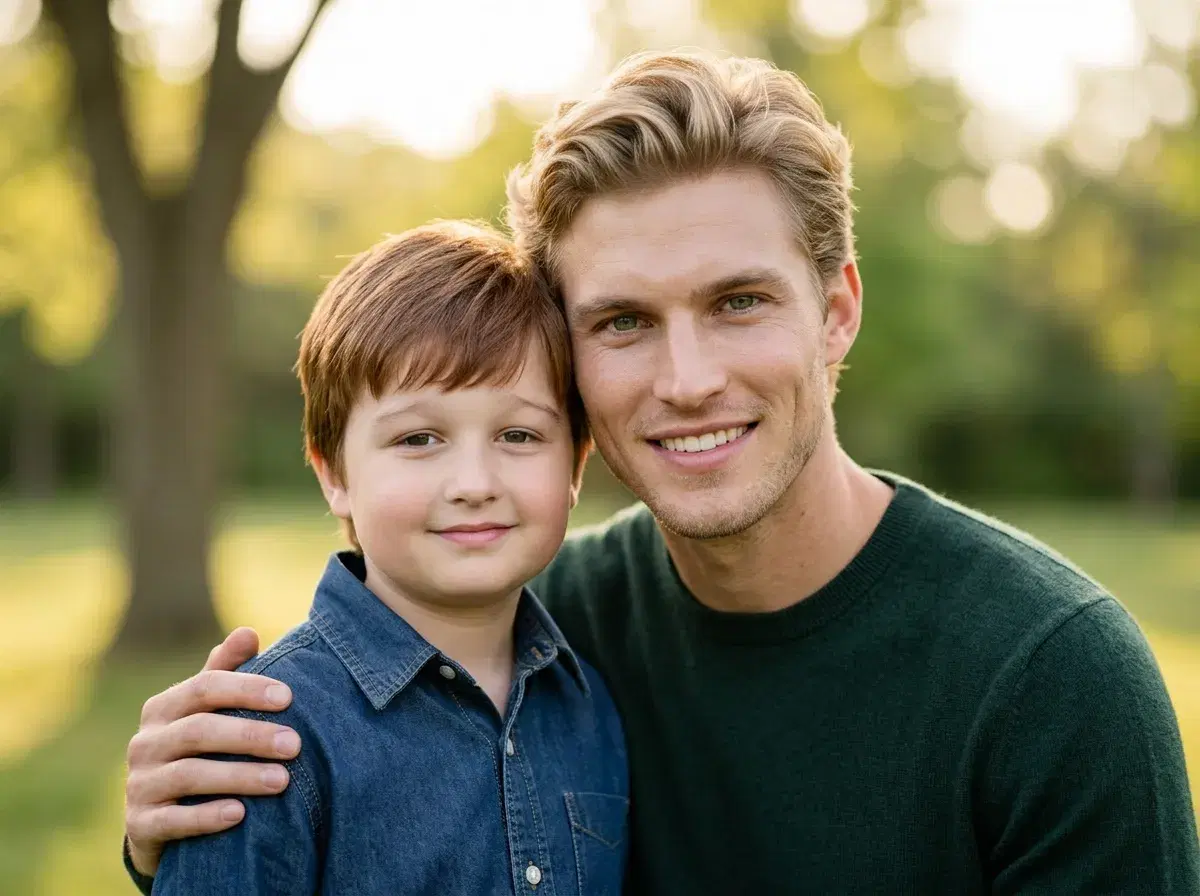
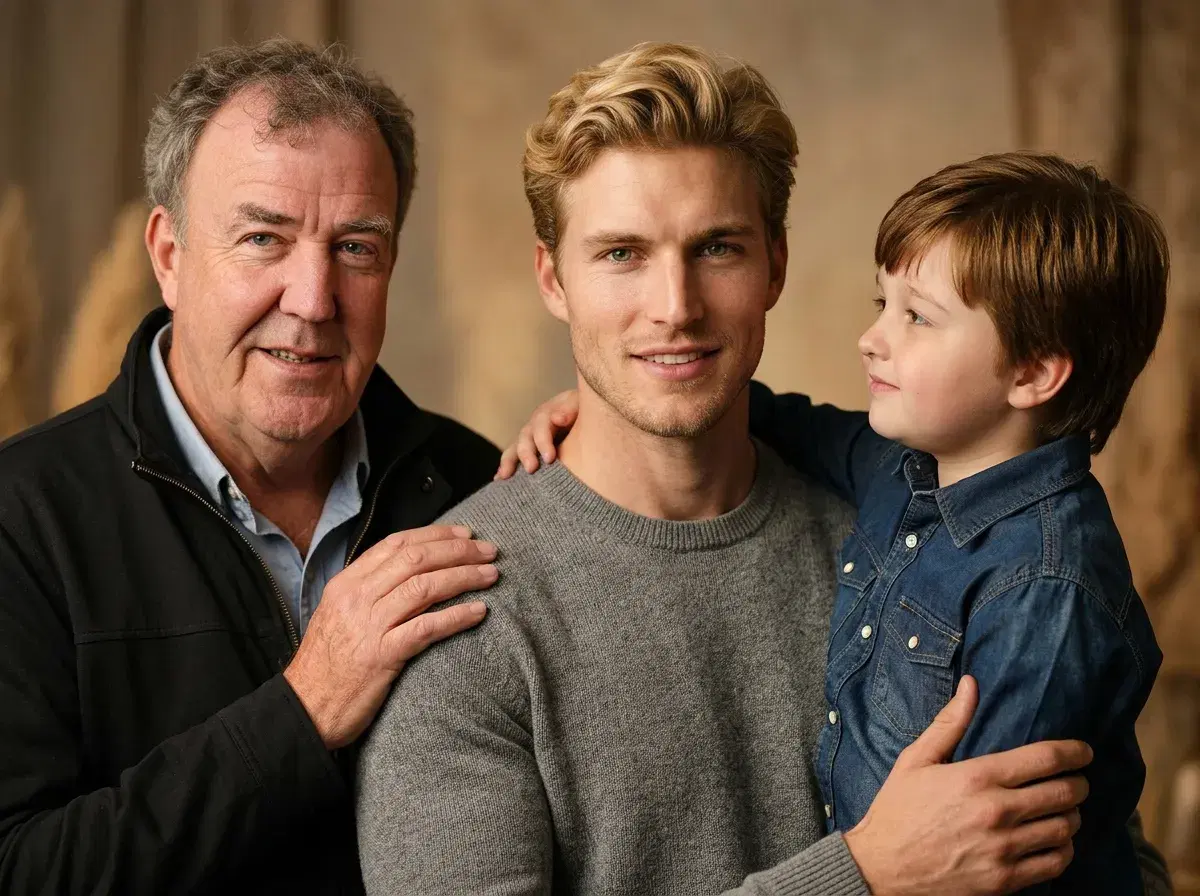
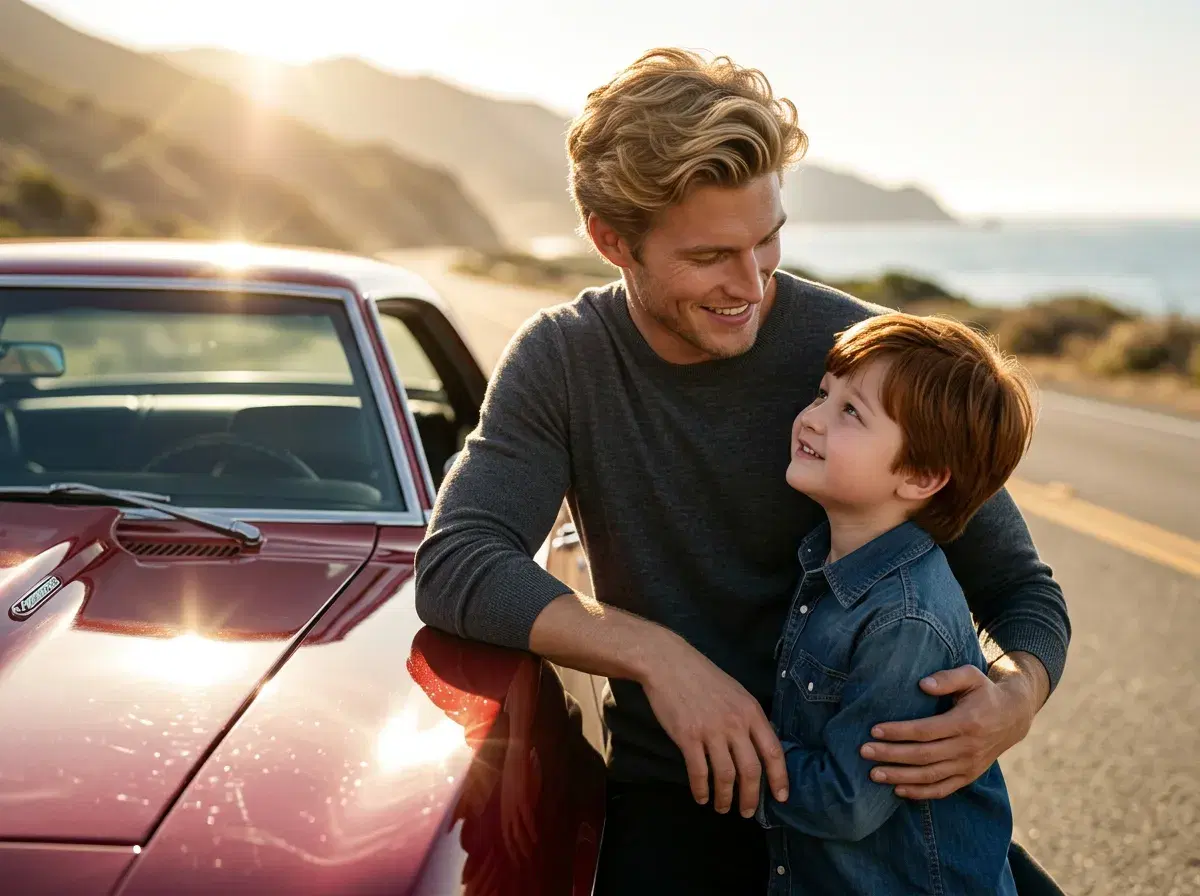
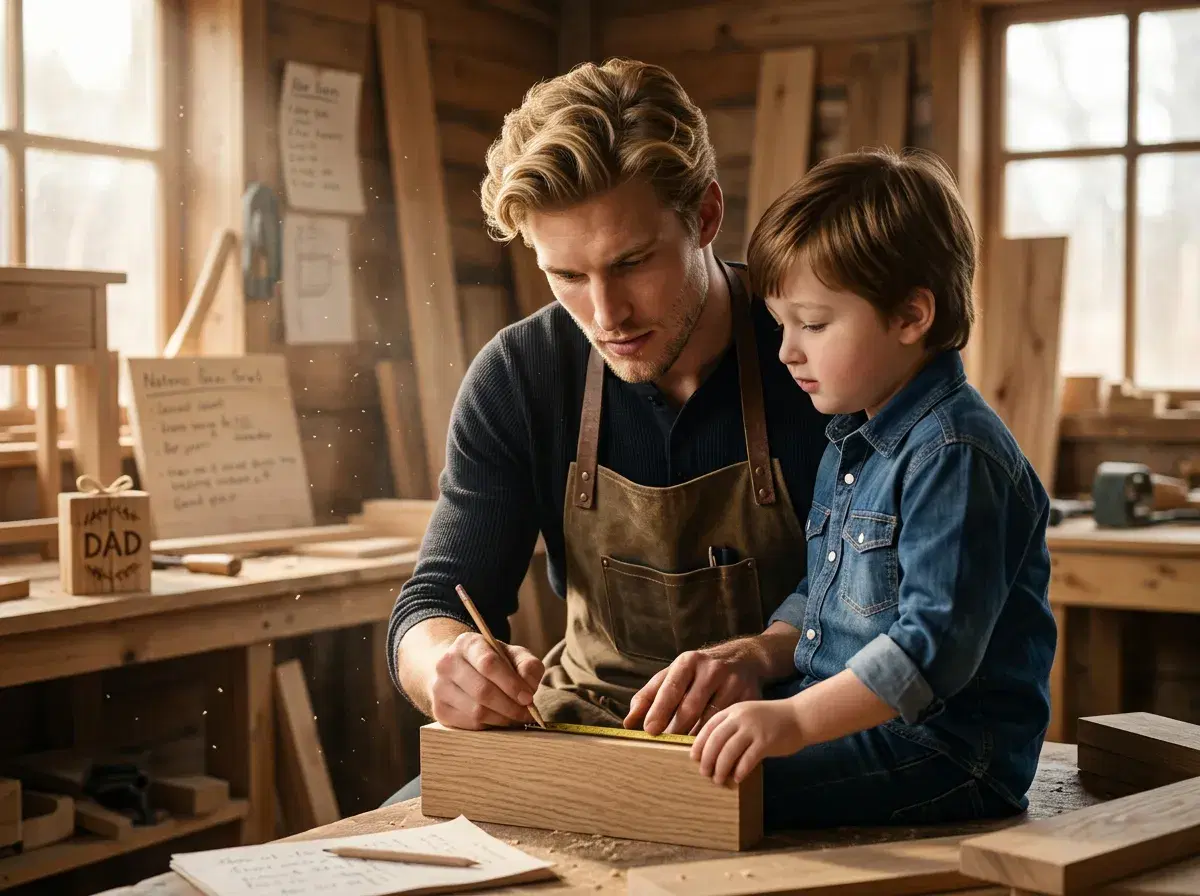
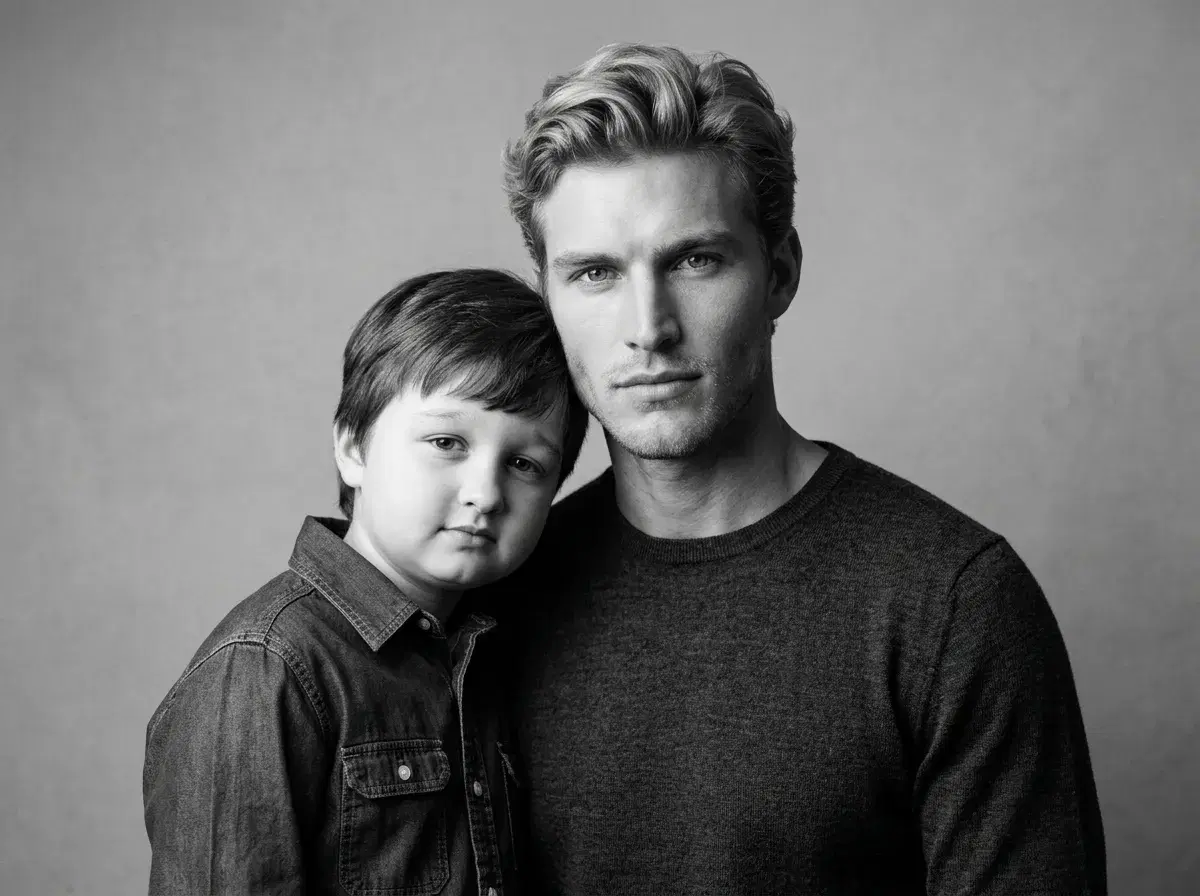
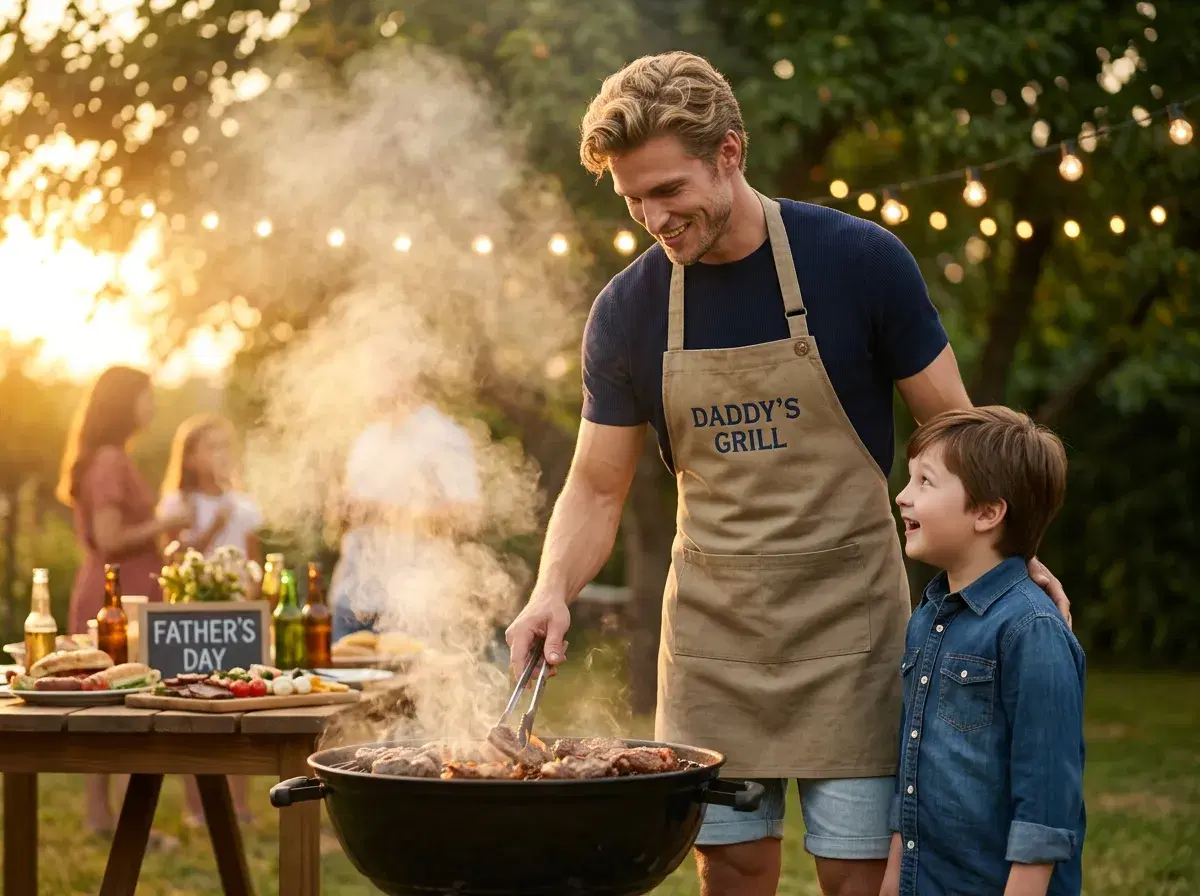
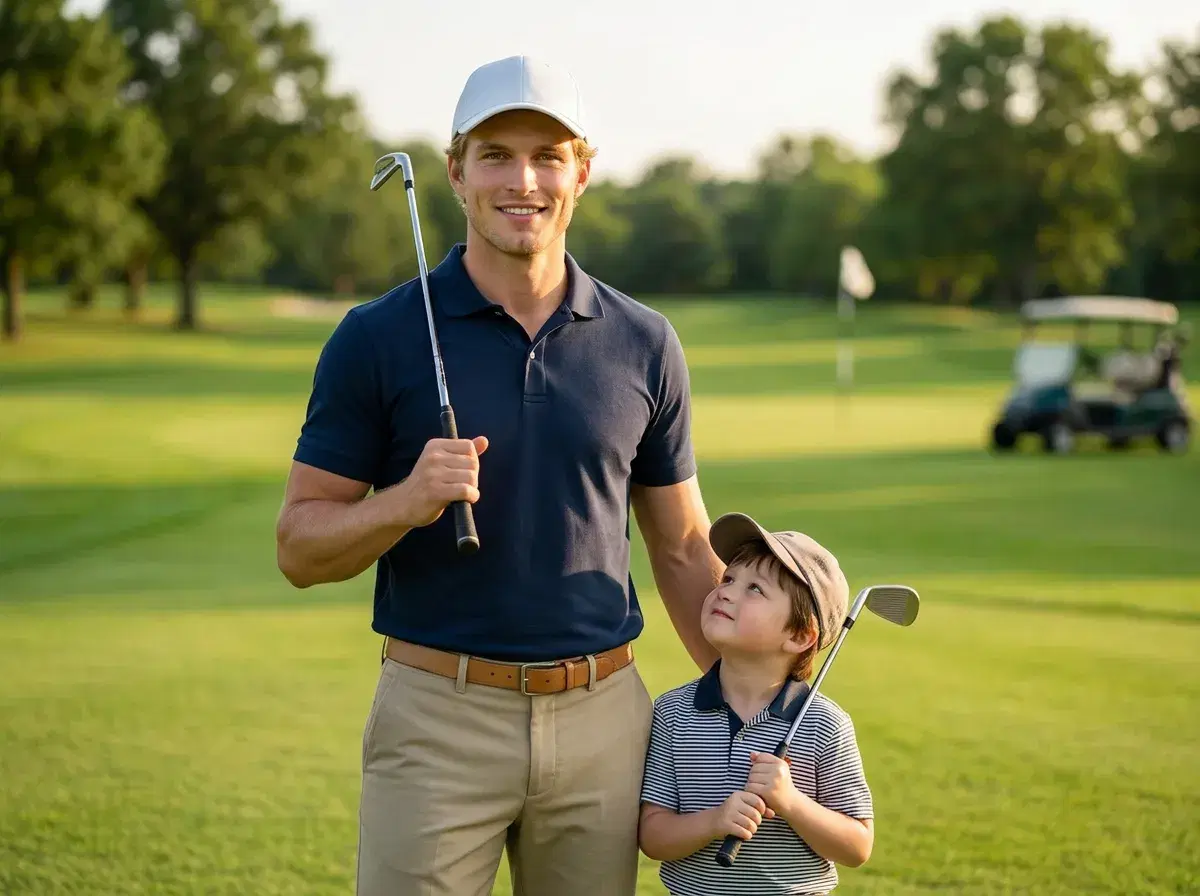
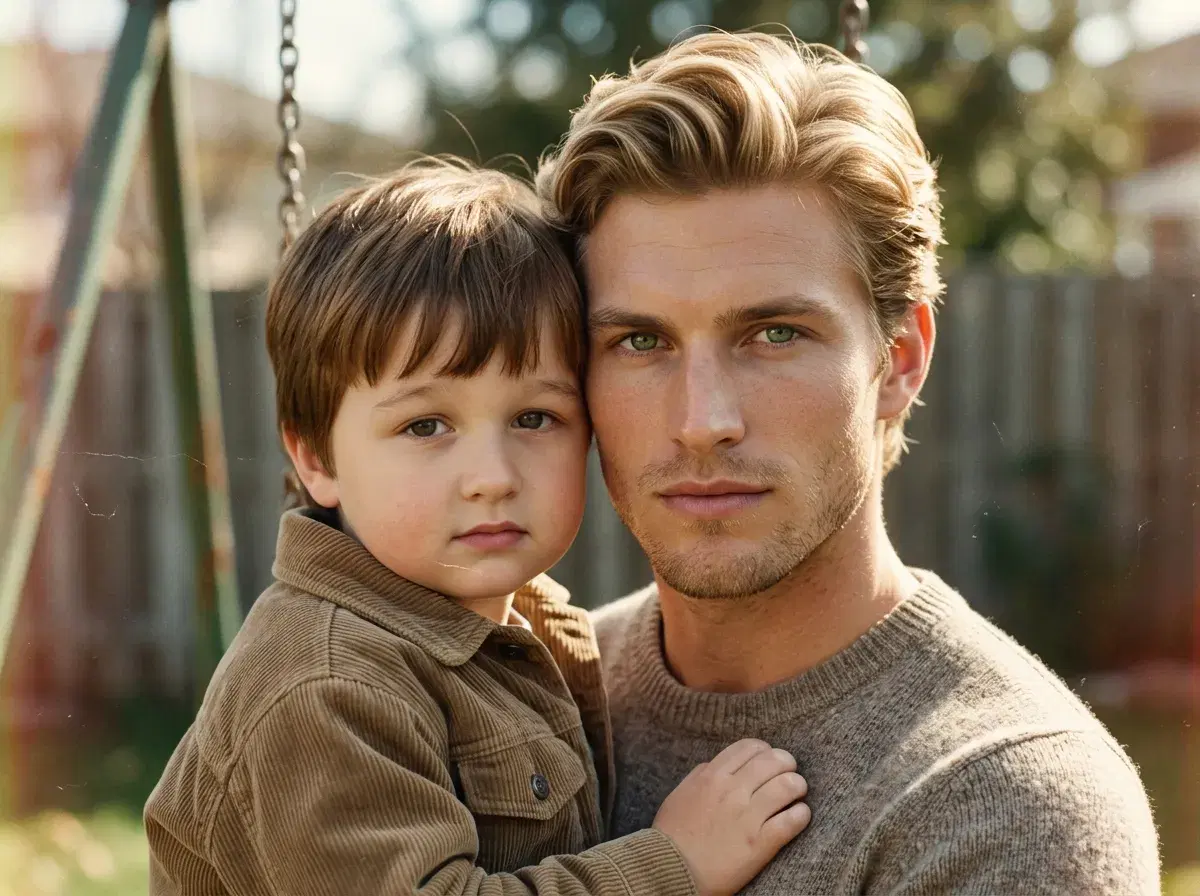
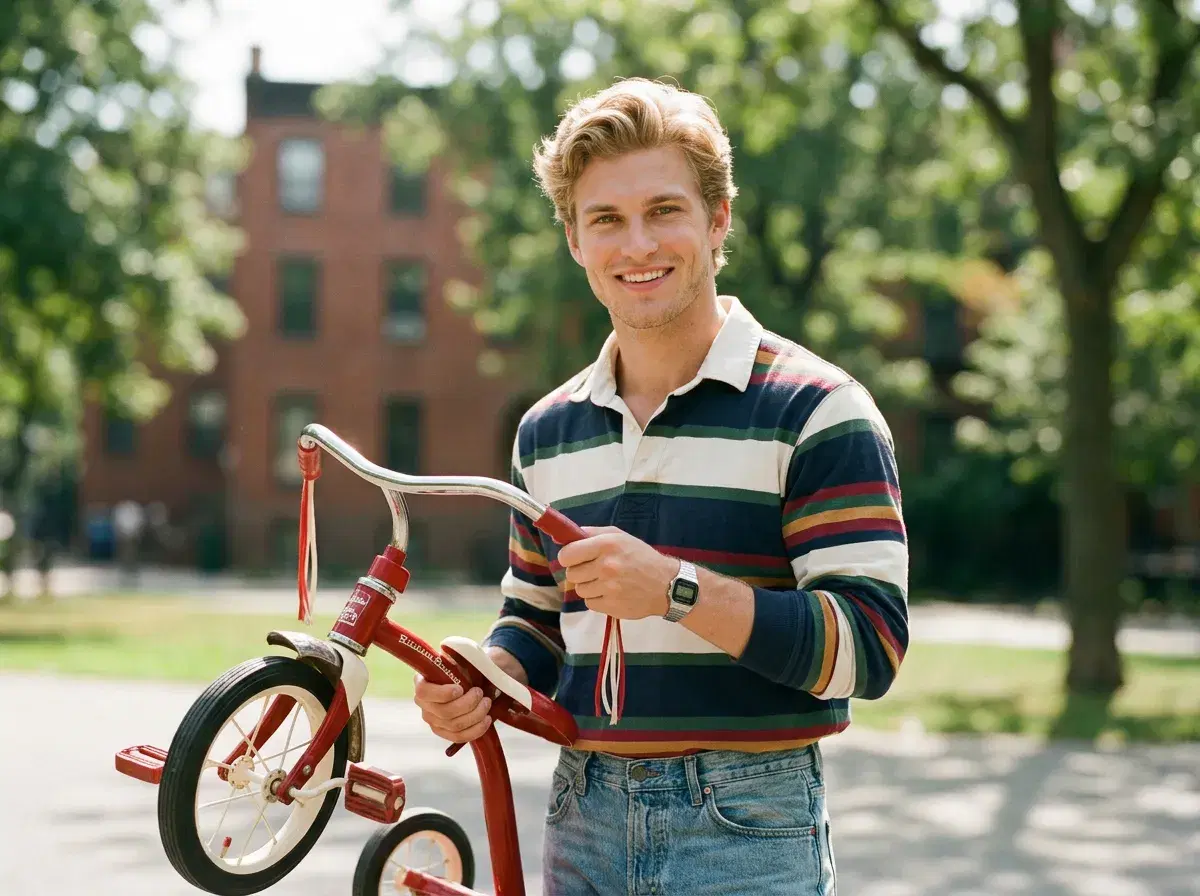
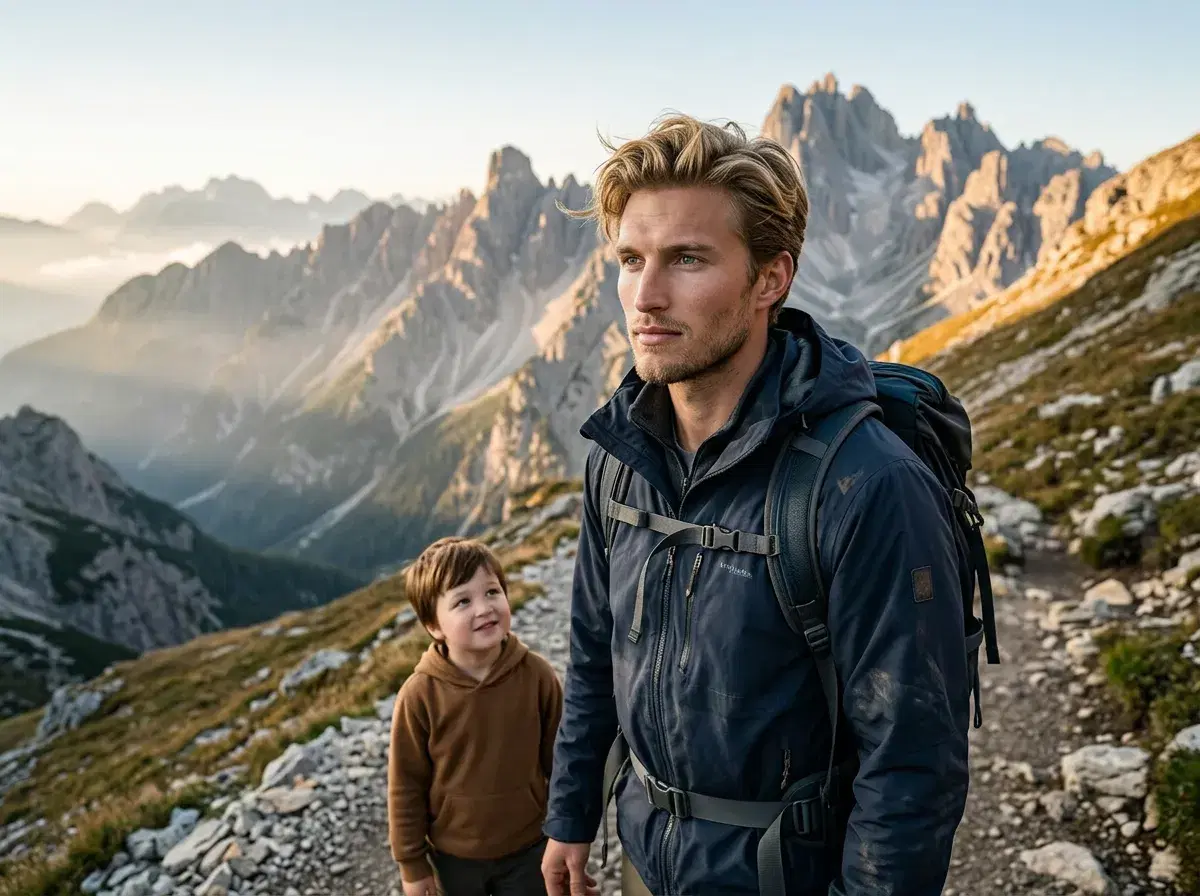
Twelve scenes that work as a Father's Day AI photo gift in 2026. Solo templates run from one selfie of dad; family and three-generation templates accept additional selfies for the other people in the frame.

Gift ideas using AI photos
A high-resolution AI portrait prints cleanly at most standard sizes — 5x7 for a card, 8x10 or 11x14 for a framed print. Same-week print orders in time for Father's Day need to be placed by June 18 to arrive safely.
Photo books work well for sets of images — the vintage portrait, the matching father-child look, and the childhood recreation together tell a story across a few pages. Digital albums work for families spread across different cities.
For a Father's Day card, generate a portrait-backed image in Pose AI and add a message in any design app before exporting as a PDF for printing. The combination of a personal AI portrait and a handwritten-style message makes the card worth keeping.
Father's Day video ideas
Pose AI's native video generation — through Kling and SeedDance inside Video Studio — turns a still Father's Day portrait into an animated tribute without any external tools. A short 3-5 second animated clip of dad's portrait, shared as a video message, lands differently than a static photo.
Common formats: a cinematic pan across a vintage portrait, subtle ambient motion on a family photo, or a short clip of dad in his workshop scene. These generate directly from the same image you created in Image Studio — no re-uploading, no external editing apps. Download and share via iMessage, WhatsApp, or social.
To create a Father's Day video tribute directly in Pose AI, visit Pose AI Video Studio — Kling and SeedDance are available natively with no external tools required.
For polished portrait-style results suited to printing and framing, see Pose AI's AI profile picture styles — optimised for clean, high-resolution portrait generation from a single photo.