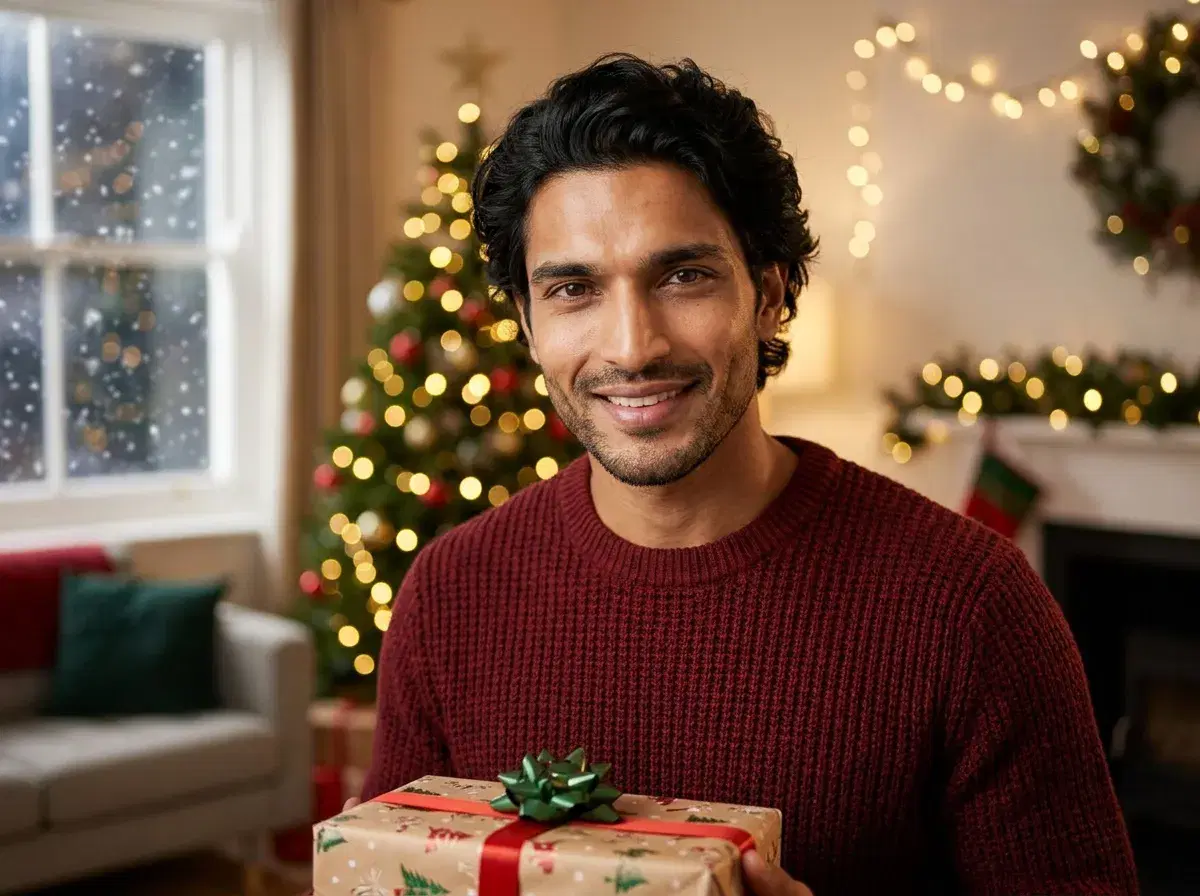
AI Christmas photos are festive holiday images generated from your regular photos — showing you in winter wonderland settings, cozy holiday scenes, and Christmas-themed backgrounds without a professional photoshoot.
This guide covers how to create stunning Christmas photos with AI, which holiday styles work best, and how to use them for greeting cards, social media, and family memories.
- AI Christmas photos look professional and festive with the right styles.
- Upload 1-2 clear photos — the AI handles holiday backgrounds and seasonal aesthetics.
- Perfect for Christmas cards, social media posts, and family photo albums.
- Generate in 10 seconds with Pose AI — no photographer or studio needed.
- Choose from cozy fireplaces, snowy landscapes, Christmas tree backgrounds, and festive outfits.
Why create AI Christmas photos?
Families, content creators, and holiday enthusiasts generate AI Christmas photos to create beautiful seasonal content without coordinating expensive photoshoots, dealing with weather conditions, or finding the perfect festive location.
AI Christmas photos work for holiday greeting cards, Instagram posts, family newsletters, seasonal marketing content, and personal keepsakes — all without the hassle of scheduling photographers, renting studios, or traveling to winter destinations.
How to create AI Christmas photos — step by step
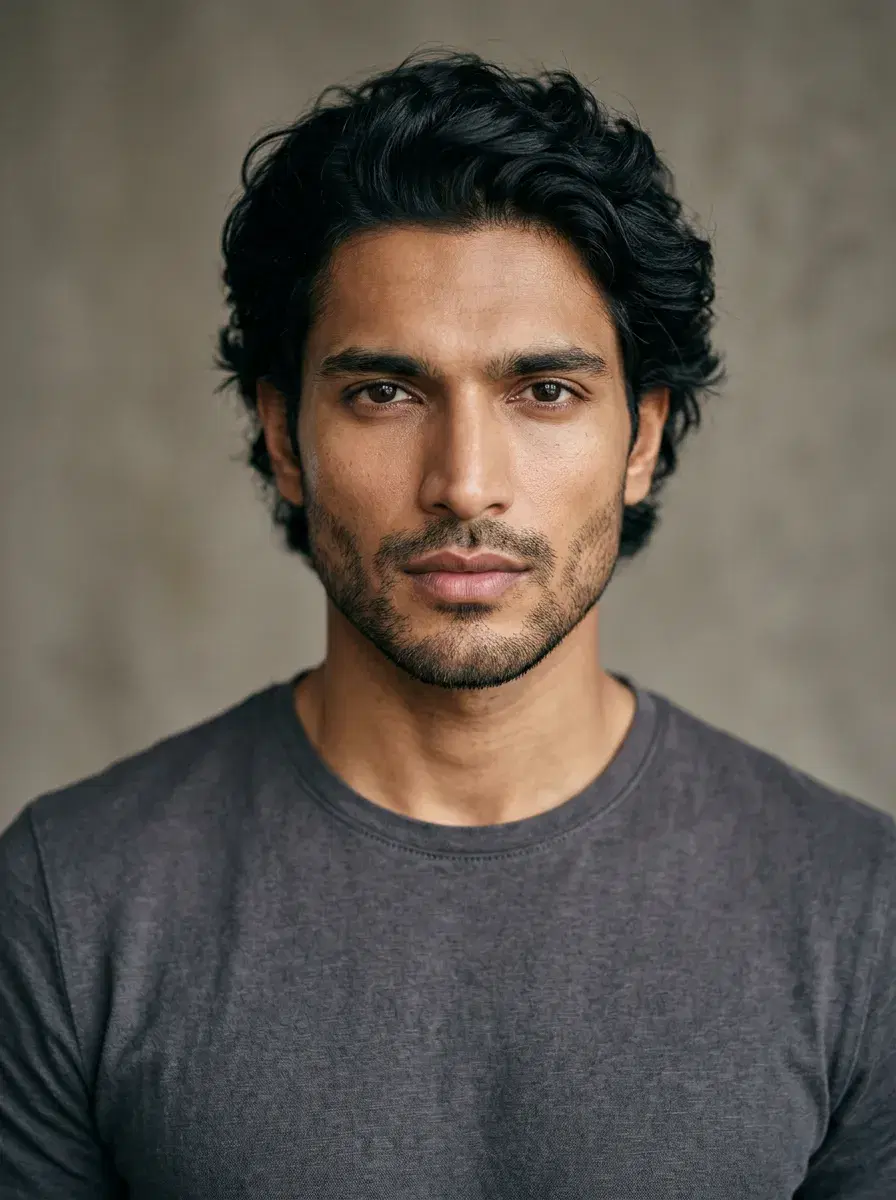
- 1Upload a clear photo of yourselfChoose a well-lit photo where your face is clearly visible. You don't need to be in holiday attire — the AI will transform your setting to match Christmas aesthetics. Natural lighting and a simple background work best for accurate results.
- 2Select a Christmas or holiday styleBrowse the Holiday category in Pose AI and choose your preferred Christmas aesthetic: cozy fireplace scenes, snowy outdoor landscapes, Christmas tree backgrounds, or festive indoor settings. Each style creates different holiday vibes — from elegant to playful.
- 3Customize your holiday settingPick specific elements like twinkling lights, snow-covered backgrounds, decorated Christmas trees, cozy sweaters, or winter wonderland scenes. You can also choose outfit styles — from casual holiday wear to elegant festive attire.
- 4Generate your AI Christmas photosClick generate and wait 10 seconds. The AI creates a high-quality image of you in an authentic Christmas setting with proper lighting, realistic holiday decorations, and natural seasonal atmosphere. Review the image before saving your favorite.
- 5Download and share your holiday photosDownload your AI Christmas photos at full resolution. Use them for greeting cards, Instagram posts, family albums, or holiday marketing content. The quality rivals professional holiday photoshoots at a fraction of the cost and effort.

Tips for the best AI Christmas photos
Popular AI Christmas photo styles
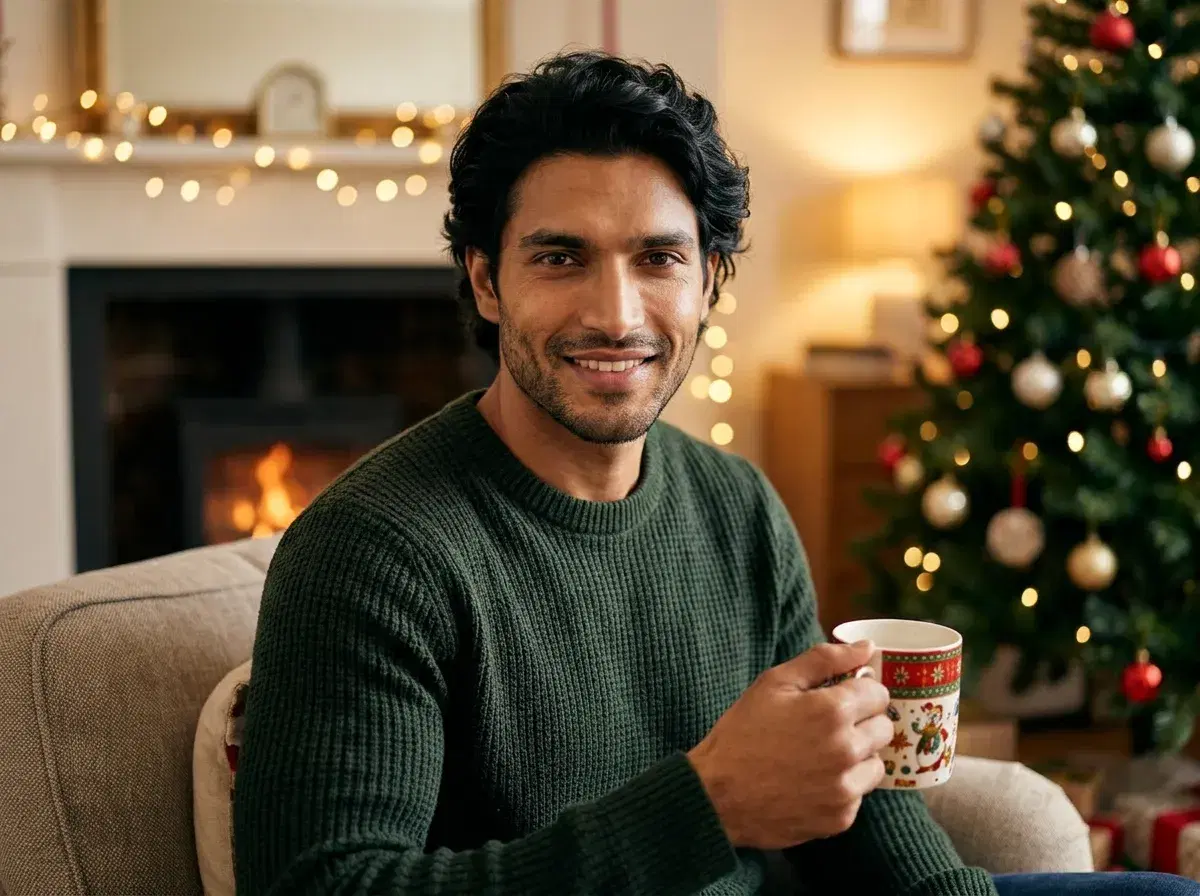
Cozy fireplace scenes remain the most popular Christmas photo format — the AI generates warm, inviting settings with crackling fires, stockings, and twinkling lights for that classic holiday feel.
Snowy outdoor landscapes place you in winter wonderland settings with snow-covered trees, festive lighting, and magical seasonal atmosphere — perfect for dramatic holiday cards.
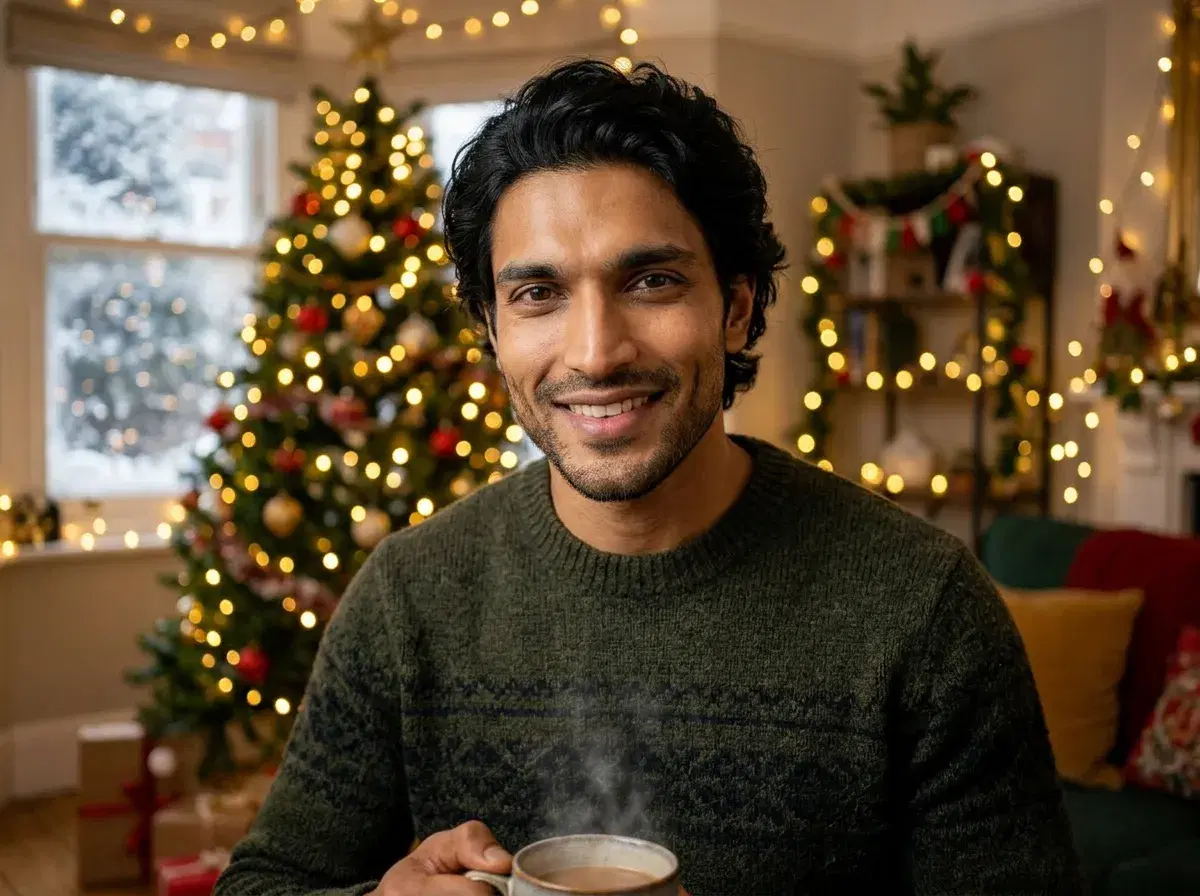
Christmas tree backgrounds showcase you beside beautifully decorated trees with presents, ornaments, and warm lighting for traditional family-style holiday photos.
Festive indoor settings create elegant holiday party vibes with seasonal decorations, warm lighting, and sophisticated Christmas aesthetics ideal for professional or social content.