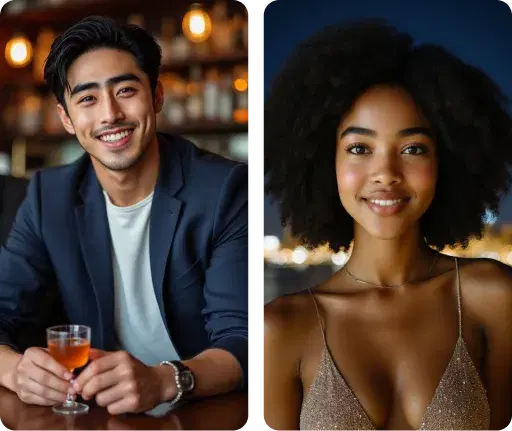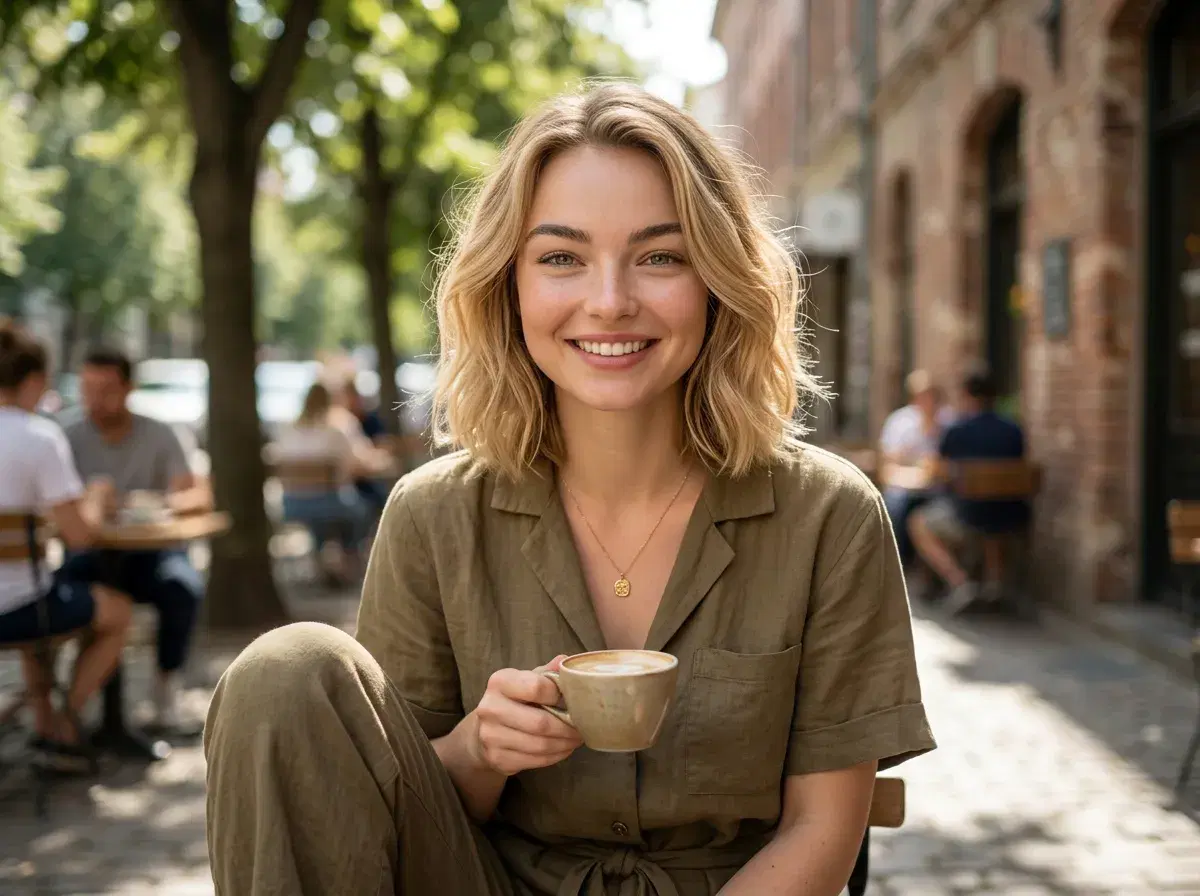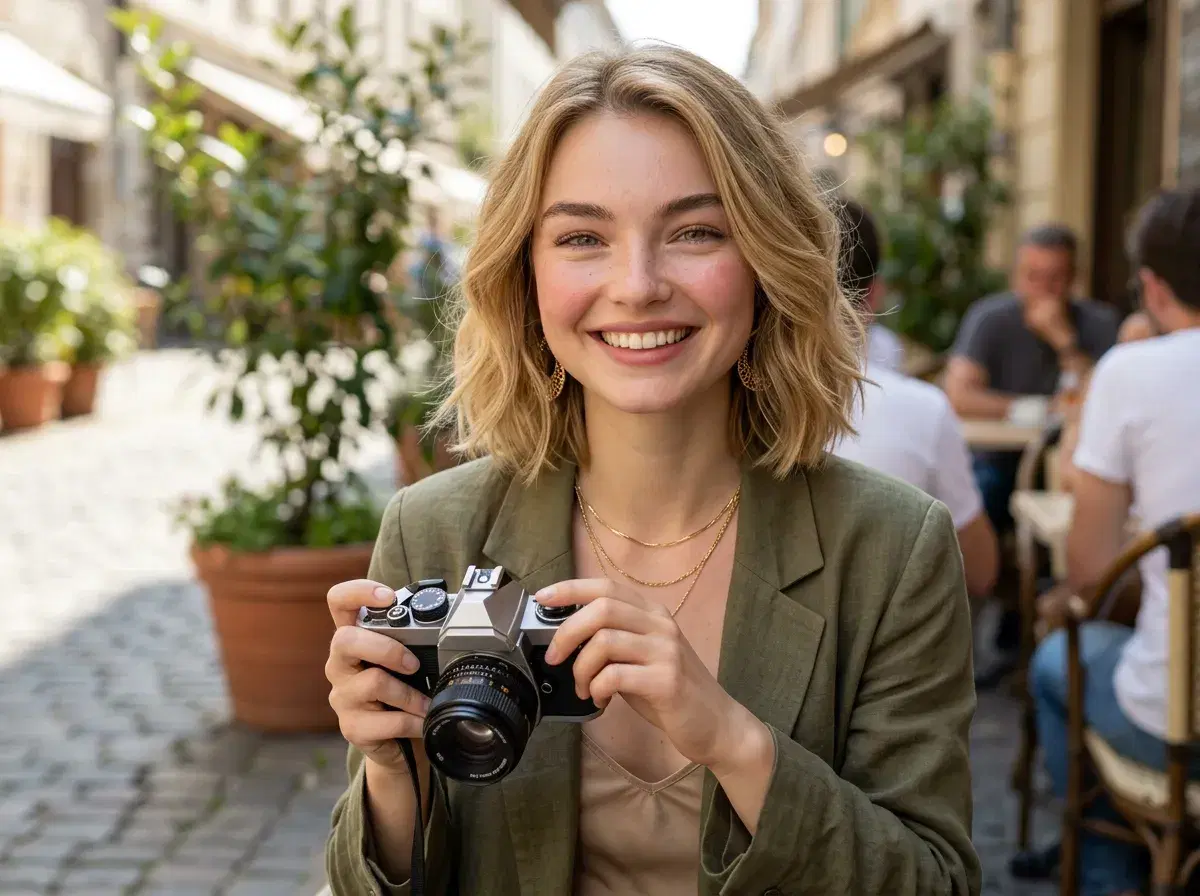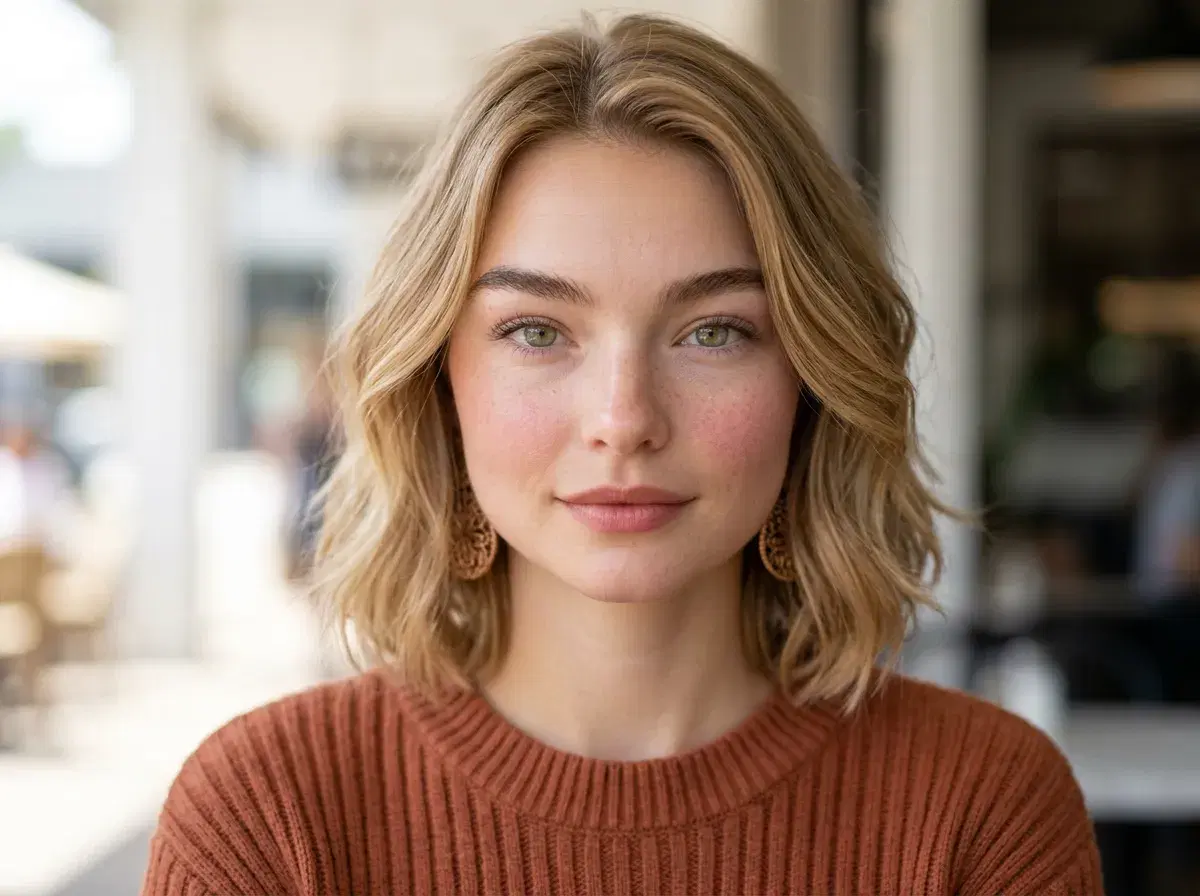
·5 min read

AI Photos for Dating Apps — How to Get More Matches on Tinder, Bumble, and Hinge

How to use AI-generated photos to upgrade your dating app profile on Tinder, Bumble, and Hinge. Tips, best practices, and what actually works.

AI photos for dating apps — AI Photos for Dating Apps — How to Get More Matches on Tinder, Bumble, and Hinge

Your dating app photos are doing more work than you think. Research consistently shows that profile photos account for the majority of swipe decisions on Tinder, Bumble, and Hinge — before anyone reads a single word of your bio.

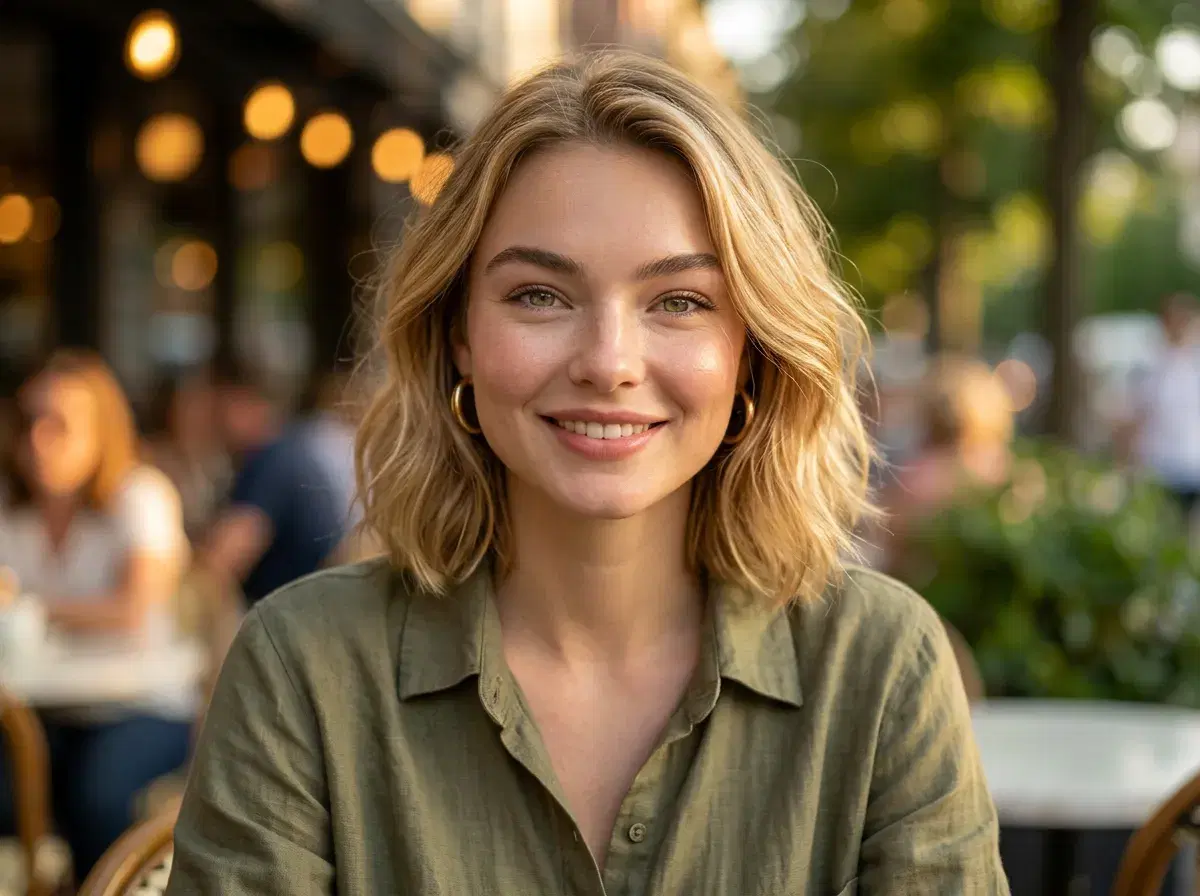
AI-generated photos let you put your best face forward with professional-quality portraits that still look like you — no photographer, no awkward photo sessions, no relying on a friend with a decent camera.

TL;DR
  • Dating app photos are the single biggest factor in match rates — quality matters enormously.
  • AI photos preserve your identity, so you look like yourself — just in better lighting and settings.
  • Variety is key: use different styles, backgrounds, and vibes across your 4–6 profile photos.
  • Pose AI's Dating Profile style pack is specifically optimised for dating app photo aesthetics.

Why your current dating photos probably aren't working

Most people's dating app photos fall into one of three traps: the bathroom selfie, the group photo where no one can tell which person you are, or the photo from three years ago that no longer looks like you.

Professional photographers charge $150–$400 for a dating photo session — and most people never book one. AI-generated photos close this gap entirely. You get professional-quality portraits that look like you, in settings and styles that match the aesthetic of the app you're using.

The key distinction: AI photos from Pose AI preserve your identity. You're not getting a generic attractive person — you're getting you, in better lighting, with a more intentional composition.

How to create AI dating profile photos with Pose AI

  1. 1
    Upload recent selfies for your dating profile
    Upload a recent, clear selfies with good lighting. Avoid sunglasses or heavy filters — the AI needs to see your natural features to create authentic dating app photos that look like you.
    Uploading selfies for dating profile photos
  2. 2
    Select the Dating Profile style pack in Pose AI
    Choose Pose AI's Dating Profile style pack, specifically optimized for Tinder, Bumble, and Hinge. This pack generates warm, natural, approachable photos that perform best on dating apps.
    Selecting Dating Profile style pack in Pose AI
  3. 3
    Generate a photo in your chosen dating style
    Create variety by generating a focused image for your chosen style — outdoor lifestyle, casual indoor, smart casual, or dressed-up looks. Dating apps reward profiles that showcase personality and style through a thoughtfully crafted photo.
    Generating photos across multiple dating styles
  4. 4
    Select your best photo for your dating profile.
    Choose an image that showcases your personality, expression, and energy. The photo should tell a clear story about you — avoid images that feel repetitive or generic.
    Selecting best photos for dating profile
  5. 5
    Set your strongest photo as your dating app lead
    Upload your selected photos to Tinder, Bumble, or Hinge. Set a clear, well-lit portrait as your first photo — this determines swipe decisions. Make sure your face is the focus and easily visible.
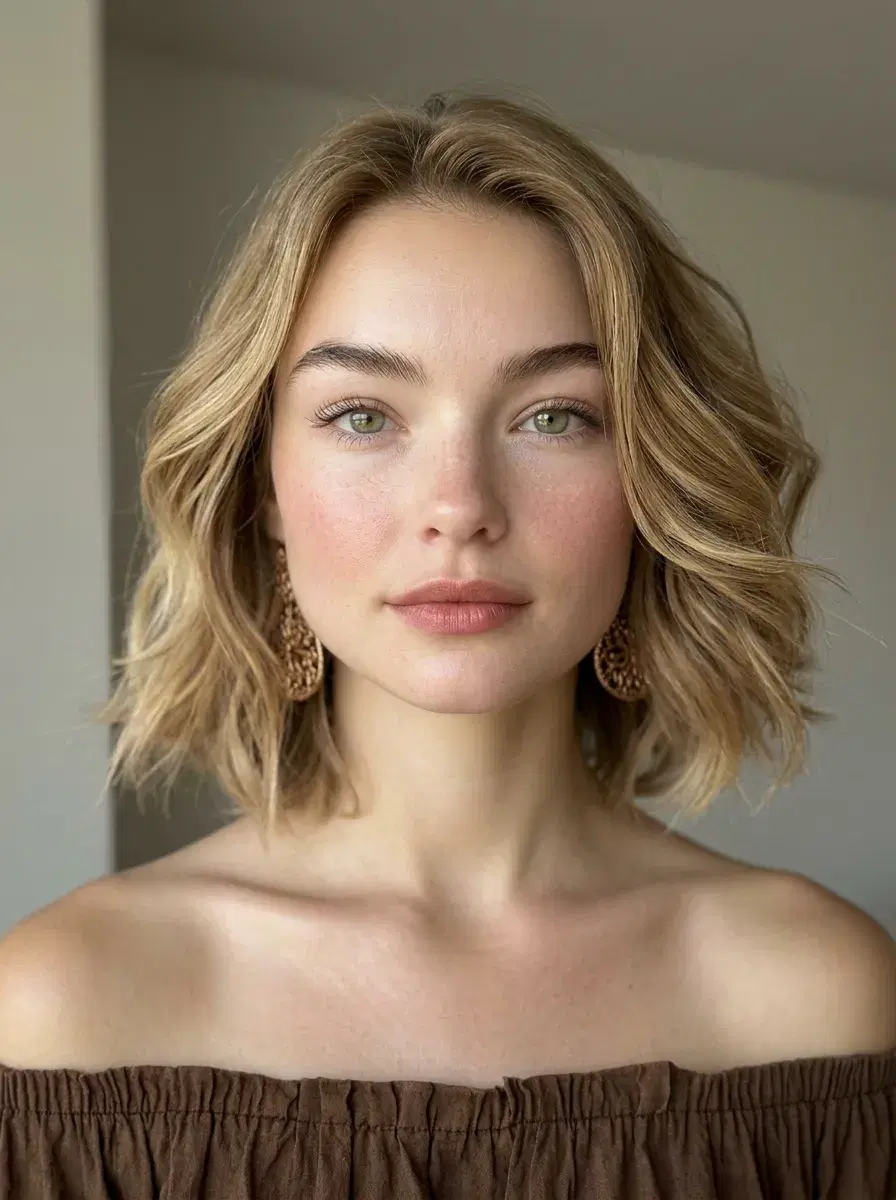
    Setting strongest photo as lead on dating app

Tips for dating app photos that actually get matches

Show your face clearly in the first photo
Sunglasses, hats, and group shots as your lead photo are match killers. Your first photo should be a clear, well-lit portrait. AI photos are ideal for this — they're always well-lit and face-forward by design.
Use warm, natural lighting styles
Harsh studio lighting reads as try-hard on dating apps. Pose AI's lifestyle and outdoor style packs generate photos with warm, natural light that looks like you had a great day outside — approachable and real.
Include at least one full-body or lifestyle shot
Profiles with only close-up face shots raise questions. Include one photo that shows your full look — Pose AI's outdoor and lifestyle packs generate natural full-body compositions that work perfectly for this.
Match the aesthetic to the app
Hinge skews toward thoughtful, lifestyle-forward photos. Bumble rewards confident, direct eye contact. Tinder is more casual and fun. Pose AI's style packs cover all these aesthetics — pick the right one for each platform.
Don't use photos that look too perfect
Overly polished, magazine-style photos can read as inauthentic on dating apps. Pose AI's lifestyle packs are specifically designed to look natural and candid — professional quality without the 'this is clearly a photoshoot' vibe.
Update your photos every 3–6 months
Dating apps reward fresh profiles. AI makes updating trivial — generate a new batch of photos in a different seasonal style every few months to keep your profile feeling current.
More matches, less effort
Upgrade your dating profile with AI photos
Upload one selfie. Get 40 natural, identity-preserving photos optimised for dating apps — in under a minute.
Try Dating Profile Photos
3-day free trial · Cancel anytime · Secure checkout

Frequently asked questions

Is it okay to use AI photos on dating apps?
+
Yes — as long as the photos accurately represent how you look. Pose AI preserves your identity, so the output looks like you in better lighting and settings, not a different person. Using AI photos that look like you is no different from using professionally edited photography, which is widely accepted on dating apps.
Will AI dating photos get me more matches?
+
What's the best style for Tinder photos?
+
What's the best style for Hinge photos?
+
Can I use AI photos on Bumble?
+
P
Written by
Team Pose AI
AI photo and video generation platform trusted by 20,000+ creators. We publish guides, trends, and tutorials for creators, professionals, and brands.
pose.ai ↗
← Previous post
AI Influencer Content: What's Working for Creators in 2026