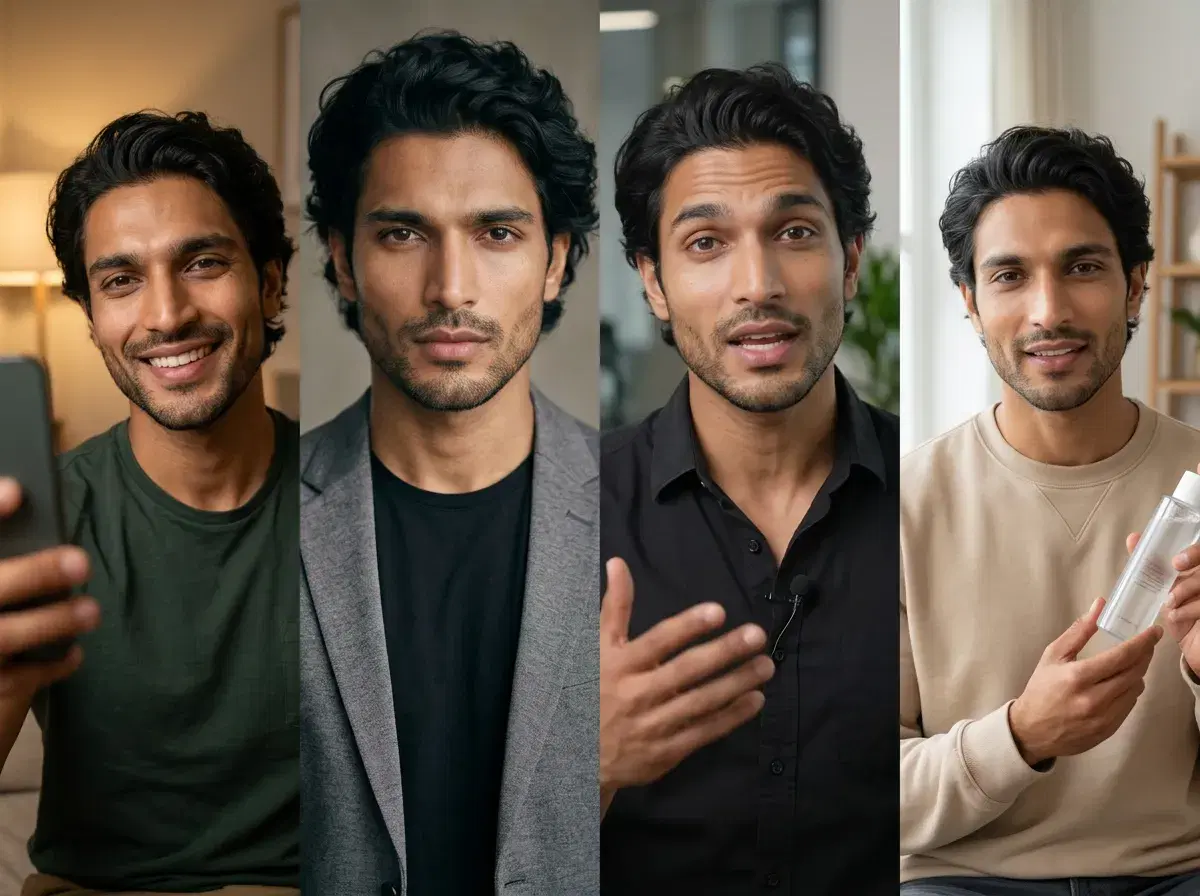
New to Pose AI (sometimes typed "poses ai")? This tutorial walks through the whole flow — upload one selfie, generate headshots and photos, create videos with Kling and HeyGen, and make UGC — all in one studio, no separate tools.
Here's how to get from one selfie to finished content.
Start with AI headshots from one selfie.
- To use Pose AI, upload one selfie, pick a style or write a prompt, and generate identity-locked photos or video in seconds — no lengthy training.
- Photos & headshots: choose a style and generate professional or themed portraits.
- Video: turn a photo or prompt into video with Kling, HeyGen, and more.
- UGC: write a script, add a cloned voice, and generate a talking-head ad — all on 400 weekly credits, from $4.99.
Step 1: Upload one selfie
Start by uploading a single clear, well-lit selfie. Pose is identity-locked from one photo with no lengthy model-training step, so there's no batch of images to gather — one good selfie is enough to keep your likeness consistent across everything you generate.
Step 2: Generate headshots and photos
In the Image Studio, pick a style — professional, LinkedIn, casual, or themed — and generate. Nano Banana 2 keeps your face consistent across every look, and each generation renders in seconds. Regenerate or try other styles using your weekly credits.
Step 3: Create videos with Kling and HeyGen
In the Video Studio, turn a photo or prompt into video. Pick an engine for the look you want — HeyGen for a talking head, Kling and Veo for cinematic motion, SeedDance for animation — and generate a short clip. Everything runs on the same plan as your photos.
Step 4: Make UGC with a script and voice
For UGC ads, write a script, clone or pick a voice with ElevenLabs, and generate a talking-head clip with your identity-locked face. Spin up several variations to test — all in one studio, without filming.
Explore the Pose AI Video Studio for every video model.
See the plan on the Pose AI pricing page.