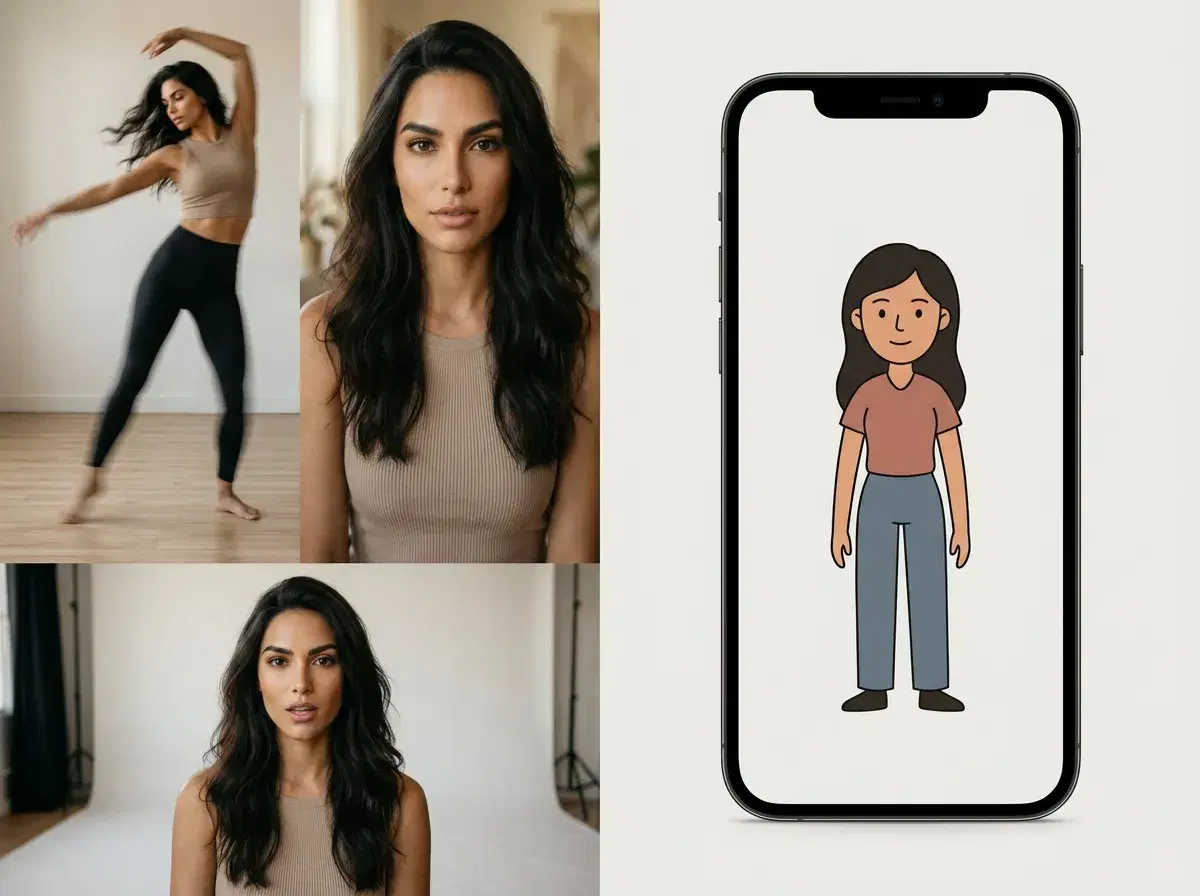
If you want to make a photo dance, the choice usually comes down to a single-purpose mobile app or a full studio. Photo dance apps do one thing — apply a canned animation to a picture — while Pose AI generates the dance natively with multiple motion engines and keeps your face identity-locked, alongside photos, headshots, and UGC on one plan.
This head-to-head lays out what each is for and where each wins.
Animate a photo in the Pose AI Video Studio.
- Pose = all-in-one studio with identity-locked models + video; Photo Dance = single-use mobile app.
- Pose: native SeedDance, Kling, and Wan motion transfer from one photo, identity-locked with Nano Banana 2.
- Photo dance apps: fast, template-driven animation of a picture — one effect, one output, usually watermarked on free tiers.
- Beyond dance: Pose also covers photos, headshots, and UGC on the same 400-credit weekly plan.
- Pricing: Pose is $4.99 the first week, then $14.99/week, no watermarks; photo dance apps are typically freemium with in-app purchases (verify current terms).
What each tool is
Pose AI is an all-in-one creative studio. It applies motion transfer to a single photo with native engines — SeedDance for fast animation, Kling for controlled camera movement, Wan for quick iterations — and its Nano Banana 2 identity lock keeps the person recognizable across every clip. The same plan also generates photos, professional headshots, and UGC video.
A photo dance app is a single-use mobile tool: you pick a picture and a preset dance template, and it renders a short animated clip. It's built for one trick, usually on a freemium model with watermarks or length caps on the free tier, and it doesn't extend into headshots, photo styles, or other video formats.
Pose AI vs photo dance apps
| Feature | Pose AI | Photo dance app |
|---|---|---|
| Video engines | Native SeedDance, Kling, Wan (plus Veo, Sora 2, HeyGen) | Single preset animation engine |
| Identity lock | Yes — Nano Banana 2 keeps your face consistent | Limited — template-driven, likeness can drift |
| Use cases | Dance clips, photos, headshots, UGC, product video | Photo animation only |
| Platform | Web and mobile browser, no install | Mobile app install |
| Watermarks | None on any plan | Common on free tiers |
| Pricing | $4.99 first week, then $14.99/week (400 credits) | Freemium with in-app purchases (varies) |
A photo dance app is the quicker pick if you only ever want one canned animation on your phone. Pose is the better fit when you want photoreal, identity-locked dance clips plus the rest of a content set from one plan.
Which to choose
Choose a photo dance app for a one-off, low-stakes clip you want in a couple of taps. Choose Pose if the dance clip is part of something bigger — a personal brand, a campaign, a feed where the same face has to show up consistently across photos and video — and you'd rather not pay for a separate tool for each format.
See the plan on the Pose AI pricing page.