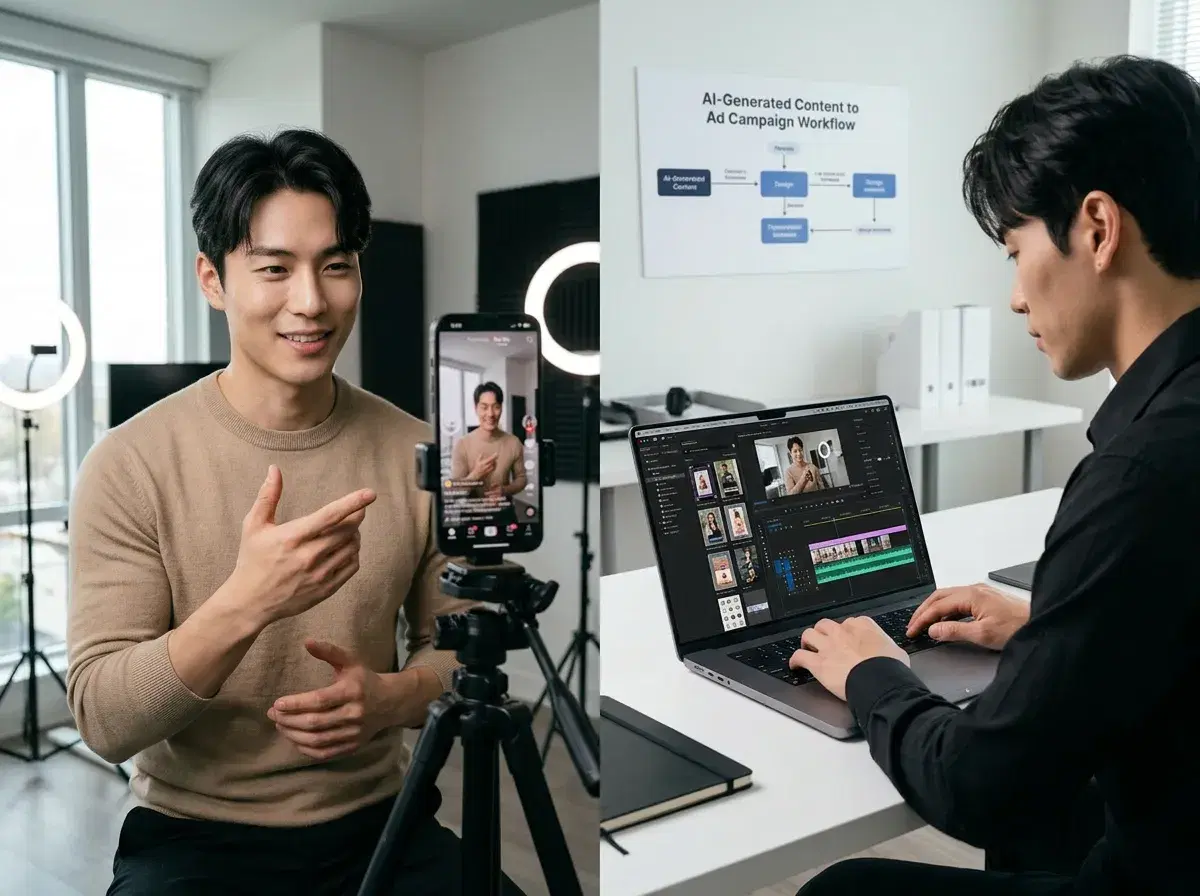
Brands choosing an AI tool for TikTok ads in 2026 face a meaningful choice between Pose AI's native video generation and Canva's template-first design workflow. Pose generates TikTok ad videos directly using AI models — Kling, SeedDance 2.0, Veo, and Sora 2 — with identity-locked actors trained on uploaded selfies. Canva provides design templates and editing tools that require manual asset assembly. This comparison covers which approach produces better results for TikTok ad performance, speed of creative production, and identity consistency across campaigns.
- Pose AI generates TikTok ad videos natively using AI models like Kling and SeedDance 2.0, while Canva offers design templates that require manual video editing.
- Speed: Pose generates a complete TikTok video in 2–5 minutes from a brief; Canva requires 15–30 minutes of manual editing for comparable output
- Identity lock: Pose's Nano Banana 2 trains on your selfies and keeps the same face consistent across every creative variant; Canva has no identity consistency capability
- UGC realism: Pose produces natural-looking talking-head and product demo videos via native video models; Canva produces template-based designs that are recognisably edited rather than filmed
- Pricing: Pose at $12/week or $9/month billed yearly with a discounted first week; Canva at free tier or $15/month Pro
- Best fit: Pose for brands generating high-volume TikTok ad variants with consistent faces; Canva for teams adding text overlays and effects to existing footage
What each tool actually is
Pose AI is an all-in-one AI creative studio that generates photos, videos, UGC talking videos, and product content using native video models (Kling, SeedDance 2.0, Veo, Sora 2) and identity-locked image generation (Nano Banana 2, Flux Kontext, GPT-image). Every asset — from a still product photo to a 30-second talking-head TikTok ad — is generated inside Pose Video Studio without routing content through external tools.
Canva is a graphic design platform offering templates, stock footage libraries, and drag-and-drop editing tools for creating static and video content. Its AI features include background removal, text-to-image generation, and basic video effects — but it does not natively generate talking-head video content or identity-locked actors. Video creation in Canva primarily involves arranging pre-made assets, stock clips, and text overlays into a timeline.
Feature comparison: Pose AI vs. Canva for TikTok ads
| Feature | Pose AI | Canva |
|---|---|---|
| Video generation method | Native AI generation — Kling, SeedDance 2.0, Veo, Sora 2 | Template editing — manual arrangement of stock clips, text, and effects |
| Identity consistency | Yes — Nano Banana 2 locks your face across all variants | No — no identity-locking or actor training capability |
| Speed (brief to final video) | 2–5 minutes per TikTok ad variant | 15–30 minutes manual editing per video |
| UGC realism | Natural talking-head and product demo videos via native models | Template-based look; recognisable as edited rather than filmed |
| Pricing | $12/week or $9/month billed yearly; discounted first week | Free tier available; Canva Pro at $15/month |
| Best for | Brands generating high-volume TikTok ad variants with consistent faces | Teams adding text and effects to existing footage; broader design needs |
Pose AI's native video generation and identity locking make it the stronger choice for brands running TikTok ad campaigns that need multiple creative variants with the same face. Canva is a better fit for teams whose primary need is editing and polishing footage they already have.
When to choose Pose AI for TikTok ads
Choose Pose AI when you need multiple TikTok ad variants with the same face or brand character across every creative. Nano Banana 2 trains on uploaded selfies and preserves facial identity across all generated videos — so you can produce 20 creative variants with the same actor, different hooks, and different product shots without a single filming session. This is the core capability Canva cannot replicate regardless of plan tier.
Pose is the right tool when you want UGC-style talking-head videos without hiring creators. Pose Video Studio generates native talking-head videos from a brief, using identity-locked actors or generic AI personas depending on whether you upload reference selfies. The output looks filmed rather than templated, which is the visual register TikTok's algorithm rewards in the paid social context.
If your team is testing ad creative at volume — 10 or more video variants per campaign per week — Pose's 2–5 minute generation time per video makes that iteration rate practical. Canva's 15–30 minute manual editing cycle does not scale to that throughput without significant team hours. See Pose AI Video Studio for a full overview of the available TikTok ad formats, UGC templates, and motion control options.
When to choose Canva for TikTok ads
Canva is the right choice when you already have video footage and need to add text overlays, transitions, captions, or branded effects. Its editing timeline and template library are well-suited to post-production work on existing assets — polishing a raw filming session, adding subtitles to a founder video, or applying brand colours and a logo to a product clip.
If your team prefers drag-and-drop design tools over AI prompts and video briefs, Canva's interface is more approachable for non-technical users who are more comfortable with visual arrangement than with specifying AI generation parameters. The learning curve for Canva is shallower than for Pose Video Studio for users with no prior AI tool experience.
Canva also makes sense when your content needs extend significantly beyond TikTok video ads — if you are producing presentations, social graphics, print materials, and event collateral alongside your ad creative, Canva's broad template library covers all of these in a single subscription. Pose is purpose-built for AI-generated photo and video content; it is not a general design tool.