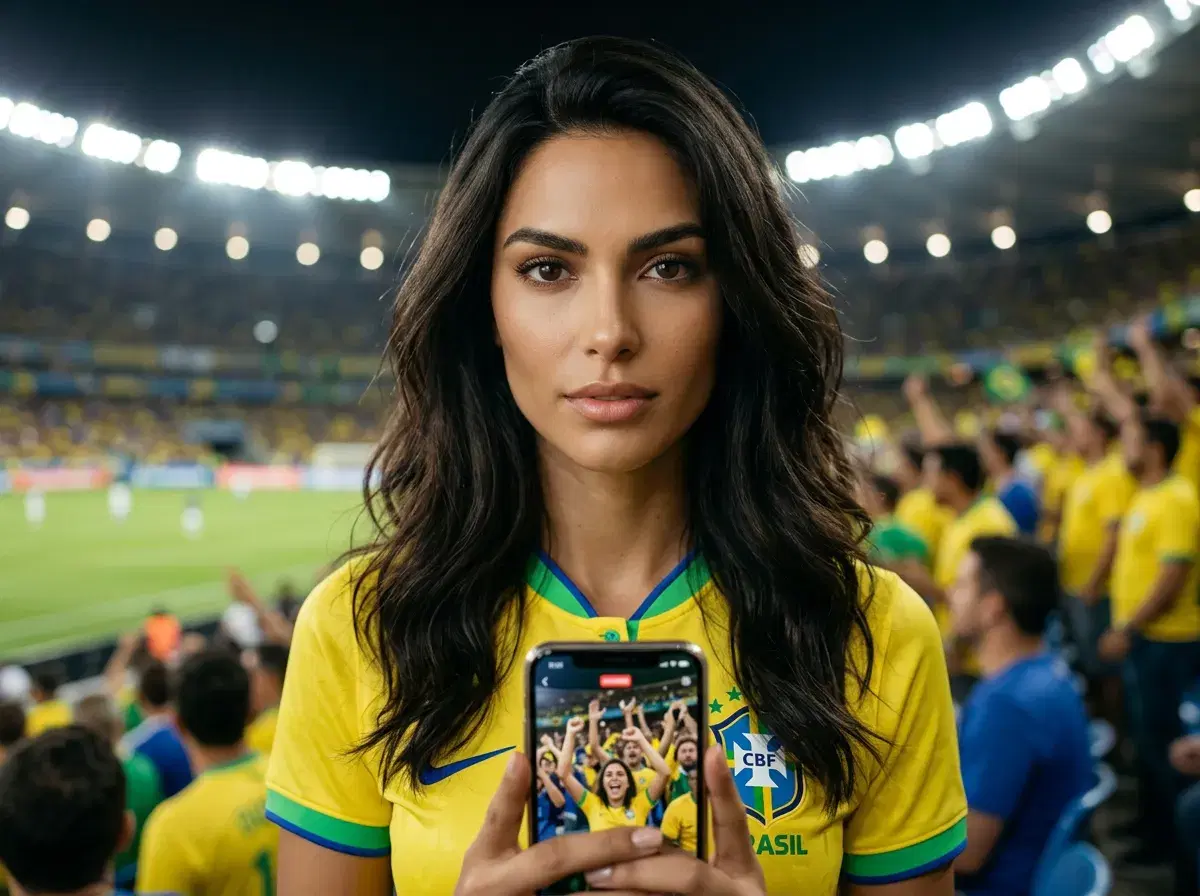
An AI headshot is the perfect starting frame for a World Cup fan video: upload your portrait to Pose AI and its native video generation turns it into a supporter clip in about a minute. Pose AI combines native image generation (Nano Banana 2, GPT-image 2) with native video generation (HeyGen, Kling, Veo, Sora 2) for complete World Cup social content workflows, so you never export to a separate video tool. This guide covers how to turn an AI headshot into a World Cup fan video, how to make final-day social content, and the best models and prompts for each look.
- You can turn an AI headshot into a World Cup fan video in about 60 seconds by uploading your photo to Pose AI and using the Video Studio with native models like Kling, SeedDance, or Wan to animate it with supporter prompts.
- Upload or generate an AI headshot in Pose AI (Photos or Headshots).
- Open the Video Studio and pick a native model — Kling, SeedDance, Wan, Veo, Sora 2, or HeyGen.
- Prompt with a World Cup theme: team jersey, stadium crowd, flag wave, slow-motion celebration.
- Generate in roughly 30–60 seconds, review, and download — no watermarks, no external tools.
- Everything runs on your 400 weekly credits, covering all image and video models.
Key terms
An AI headshot is a professional portrait generated from your selfies using AI image models like Nano Banana 2 or GPT-image 2, with your real likeness preserved.
AI video generation is the process of creating a moving clip from a photo or text prompt using AI models — inside Pose AI this runs natively, with no external tools.
A World Cup fan video is a short supporter clip — a jersey reveal, a stadium celebration, or a flag wave — animated from your photo for social posts and watch parties.
Kling is one of Pose AI's native video models, used inside the Video Studio for fast, fluid motion — it is infrastructure within Pose, not a separate app.
SeedDance is another of Pose AI's native video models, suited to cinematic, stylized motion — also built into Pose, not a third-party tool.
Why Use an AI Headshot for World Cup Content
Starting from an AI headshot gives your World Cup fan video an identity-locked, professional base: the face stays consistently you across every frame, so the clip reads as a real supporter shot rather than a generic avatar. Because Pose AI generates both the headshot and the video natively, you never export a still to a separate editor — the whole flow, from portrait to animated celebration, happens in one place.
Pose's native video models — Kling, SeedDance, Wan, Veo, Sora 2, and HeyGen — each bring a different motion style, so you can match the energy of the moment, from a calm jersey reveal to a roaring stadium celebration. One upload, one platform, covered by your 400 weekly credits.
Step-by-Step: Headshot to World Cup Fan Video
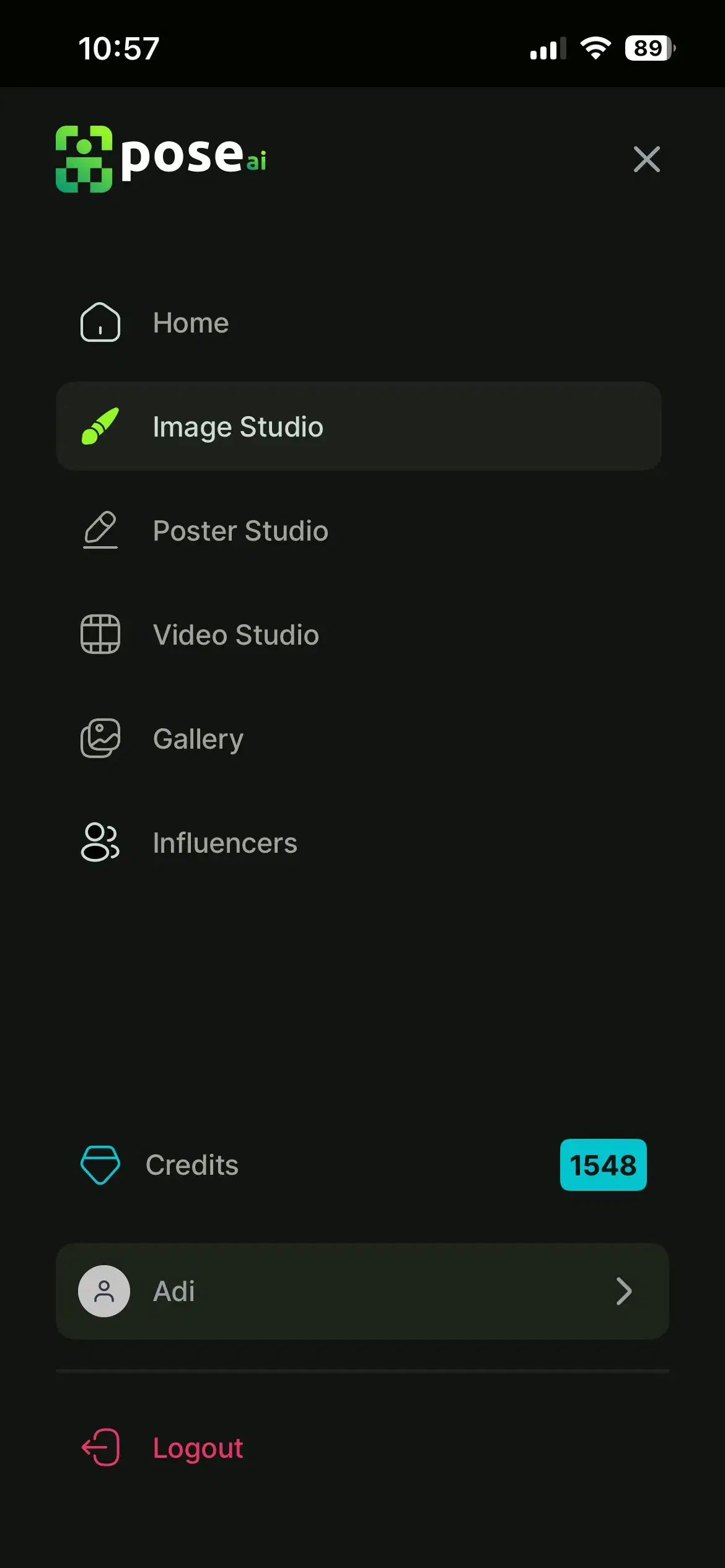
- 1Open the Image StudioMove your headshot into Pose AI's Image Studio, where all the native video models live. There is no exporting and no third-party tool involved.
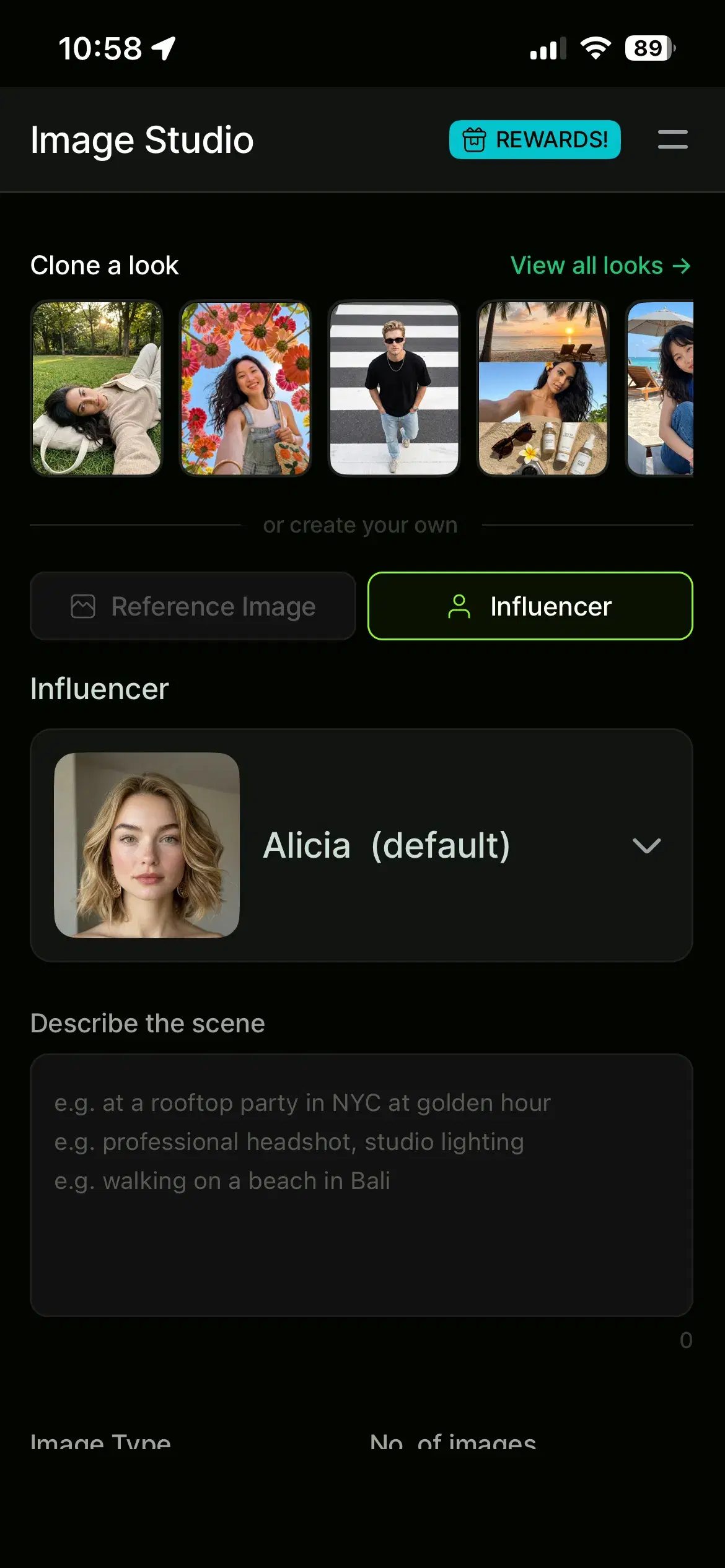
- 2Generate or upload your AI headshotIn Pose AI, create a headshot from a selfie in the Photos or Headshots surface, or upload an existing AI headshot. Nano Banana 2 keeps your likeness consistent for the video step.
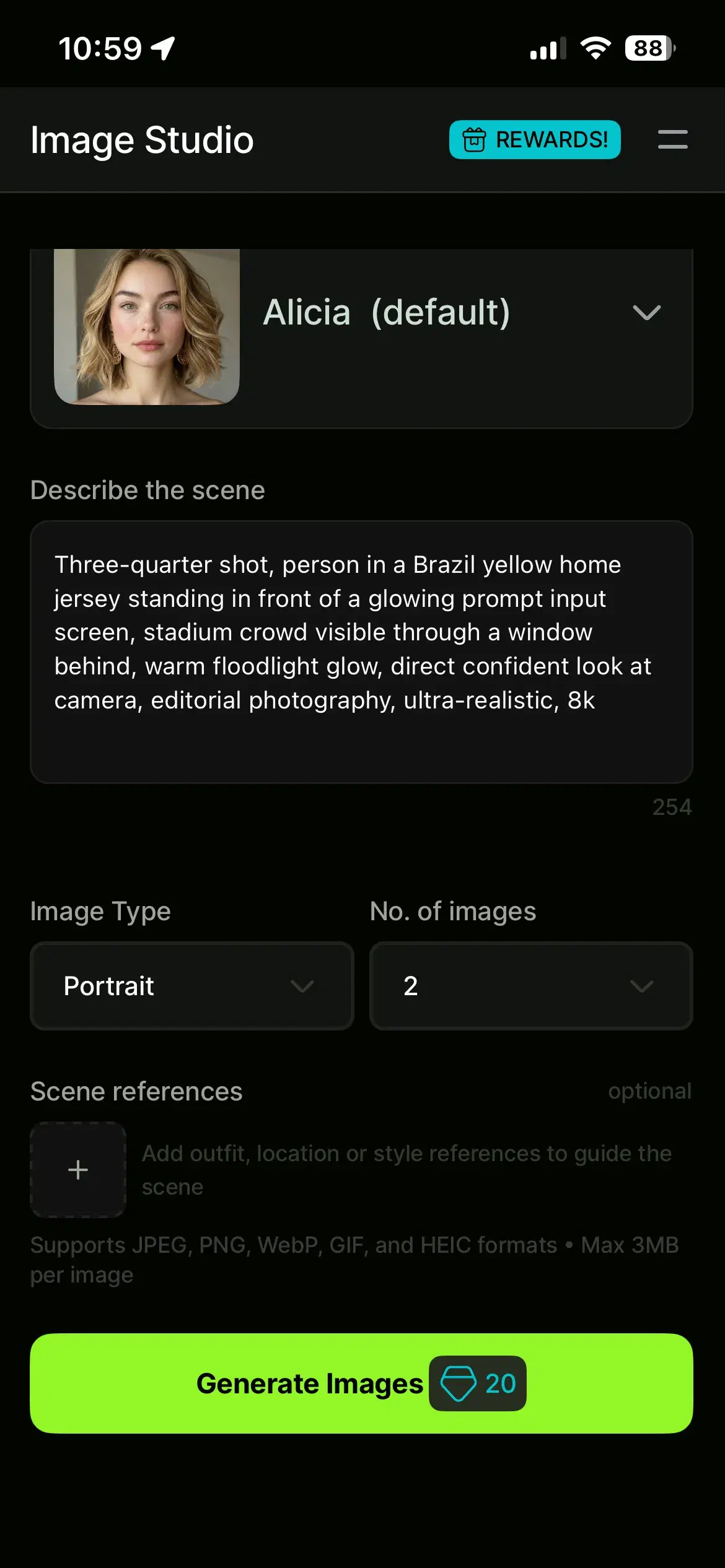
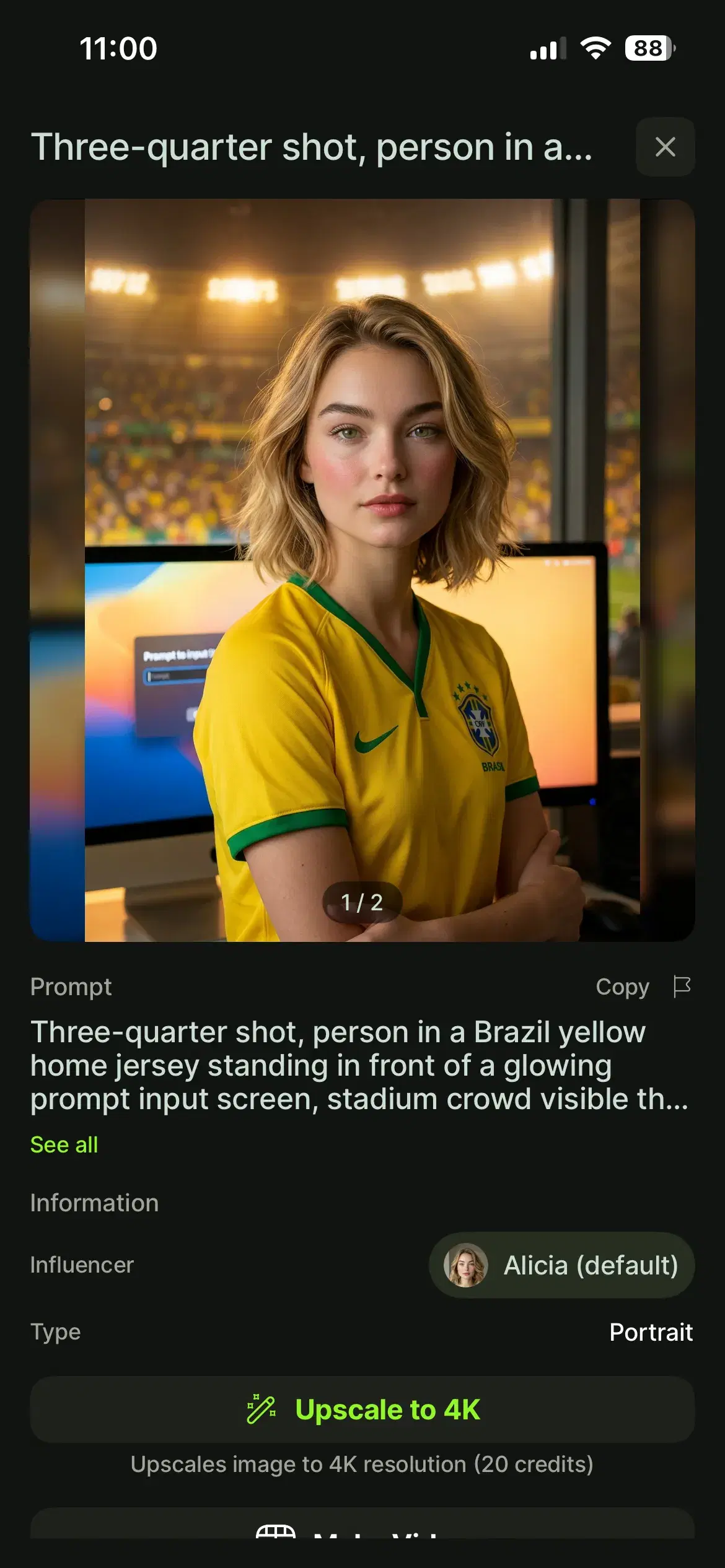
- 3Prompt with a World Cup themeDescribe the supporter scene, for example: 'person wearing [country] jersey, cheering in a packed stadium, waving a flag, slow-motion celebration'. Add Motion Control for camera moves like a slow push-in.
- 4Generate, review, and downloadRendering typically takes 30–60 seconds. Review the clip, regenerate with a tweaked prompt if needed, and download with no watermark. Each generation draws from your 400 weekly credits.
Best Prompts for World Cup Supporter Videos
Kling — 'person in an Argentina jersey, confetti falling, cheering crowd behind, slow-motion celebration' — fast, fluid motion for matchday energy.
SeedDance — 'person in a national team kit walking out of the tunnel into a floodlit stadium, cinematic camera push-in' — stylized, filmic movement.
Wan — 'person waving a large national flag in the stands, fabric rippling, crowd swaying' — dynamic motion with natural movement.
Veo — 'close-up of a supporter in face paint reacting to a goal, stadium lights glowing' — high-fidelity detail and lighting.
HeyGen — 'person in a team scarf delivering a short matchday hype message to camera' — avatar-style talking clip.
Use Motion Control for advanced camera moves — a slow push-in, an orbit, or a tilt — to give any of these prompts a more produced feel.
World Cup Video Ideas Beyond Headshots
UGC talking videos — record a reaction to match highlights in your team's kit using HeyGen, ready for TikTok or Reels.
Product videos — animate team merchandise in a stadium setting for a shop or affiliate post.
Posters — turn an animated match-day graphic or jersey reveal into a looping clip for Stories.
All of these use the same native Pose video models, so you can move between fan photos, talking videos, and product clips without leaving the platform or adding another subscription.
World Cup Final Social Content
For the final itself, social managers can build a full run of tournament-climax content in Pose AI without leaving the studio. HeyGen powers 15–30 second AI avatar fan-reaction videos — celebrating a goal, reacting to a trophy lift, or delivering short post-match commentary — from a custom script paired with voice cloning, so the same supporter voice carries across every clip.
Kling generates dynamic goal-celebration clips from text prompts or reference images: slow-motion replays, confetti explosions, and roaring stadium-crowd scenes that match the energy of a final. Because it runs natively, you prompt, generate, and export a vertical cut in one place, with no uploading to an external platform.
Combining Pose's photo generation (team jerseys, scarves, and flags) with its video generation (HeyGen, Kling) gives you a complete content pipeline for tournament-climax posts — a matchday jersey portrait, a goal-reaction reel, and a trophy-lift clip, all ready for Instagram Reels, TikTok, and YouTube Shorts, and all drawn from your 400 weekly credits.
Build final-day reels and reactions in Pose's AI video studio — HeyGen, Kling, Veo, Sora 2, and more, all native.
Pair them with matchday stills from Pose's World Cup photo styles — jerseys, scarves, and flags from one selfie.
Explore all of Pose AI's native video generation models — Kling, SeedDance, Wan, Veo, Sora 2, and HeyGen, all built in.
Start from AI headshots from selfies — the same identity-locked engine that anchors your fan video.
Everything is covered by 400 credits every week — $4.99 the first week, then $14.99/week, cancel anytime.