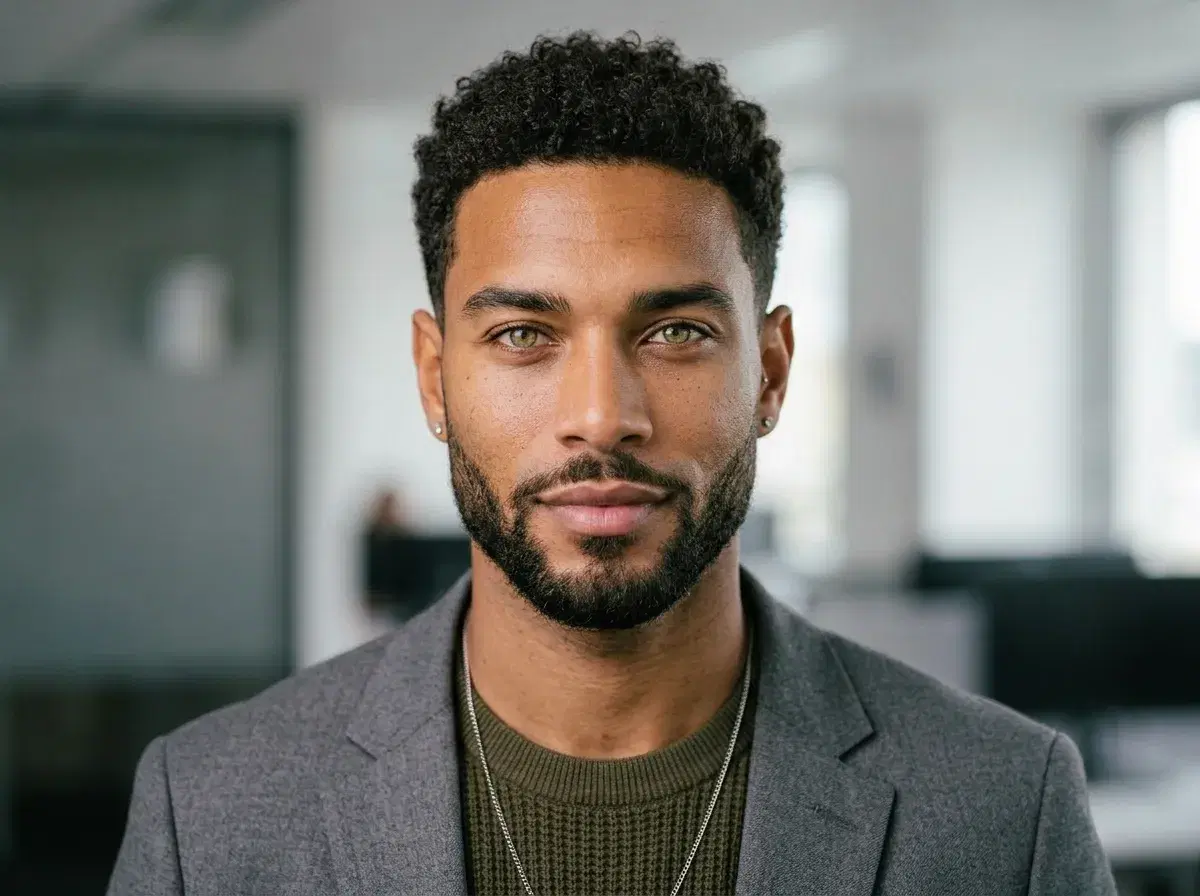
AI LinkedIn headshots are professional profile photos generated by artificial intelligence from a single selfie. Instead of booking a photographer and spending $200–$500, you upload one photo to Pose AI and get studio-quality headshots in under 10 seconds.
This guide walks through exactly how to create the best LinkedIn headshot using AI — from photo selection to downloading your final images.
- Upload one selfie to Pose AI — no photographer needed.
- Select the LinkedIn Headshots style pack (6 professional looks).
- AI generates your portraits in under 10 seconds.
- Download high-res images and publish to LinkedIn immediately.
What are AI LinkedIn headshots?
AI LinkedIn headshots are professional portrait photos created by an AI model trained on thousands of real photography examples.
The AI analyzes your face from a selfie and generates new images of you in different lighting, backgrounds, and wardrobe — while preserving your exact features and identity.
How to create AI LinkedIn headshots — step by step
- 1Take a professional selfie for your LinkedIn profileUse natural window lighting and wear professional attire that matches your industry. Face the camera with a confident, approachable expression — this will become your LinkedIn headshot.
- 2Upload to Pose AI and select LinkedIn Headshots styleUpload your selfie to Pose AI and navigate to the Professional category. Select the LinkedIn Headshots style pack designed specifically for professional networking profiles.
- 3Generate your AI LinkedIn headshot in 10 secondsClick generate and Pose AI creates a studio-quality LinkedIn headshots instantly. The AI preserves your exact facial features while applying professional lighting and backgrounds suitable for LinkedIn.
- 4Download and update your LinkedIn profile photoSelect your best headshot and download at full resolution. Crop to LinkedIn's recommended 400×400px square format, then upload it as your new LinkedIn profile picture to boost profile views.
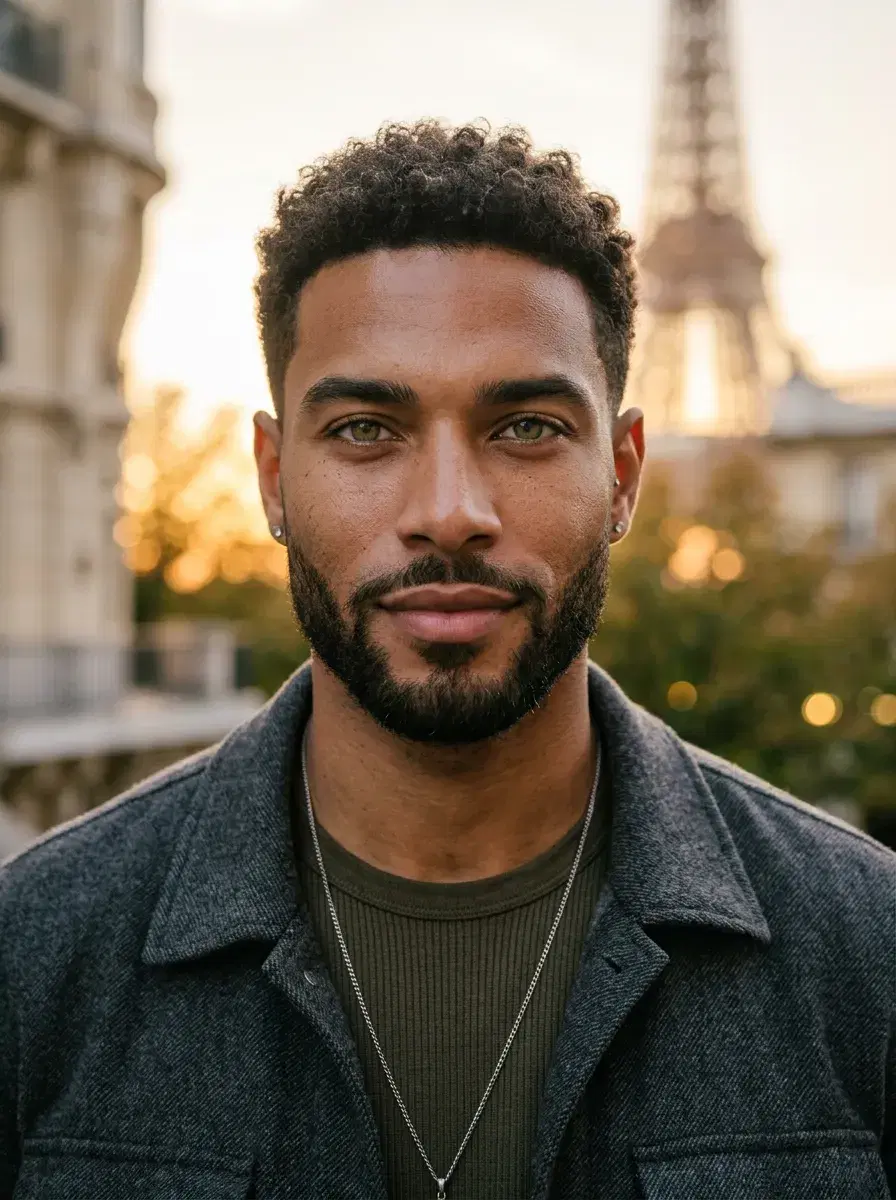
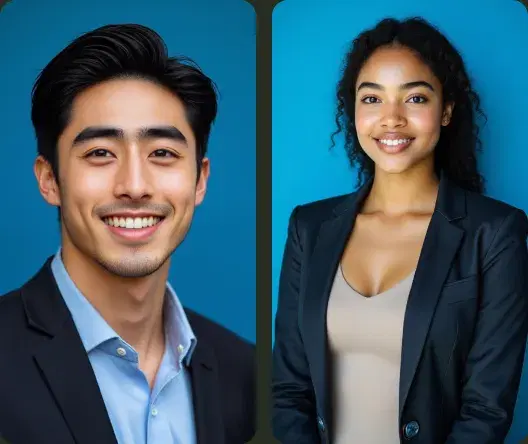
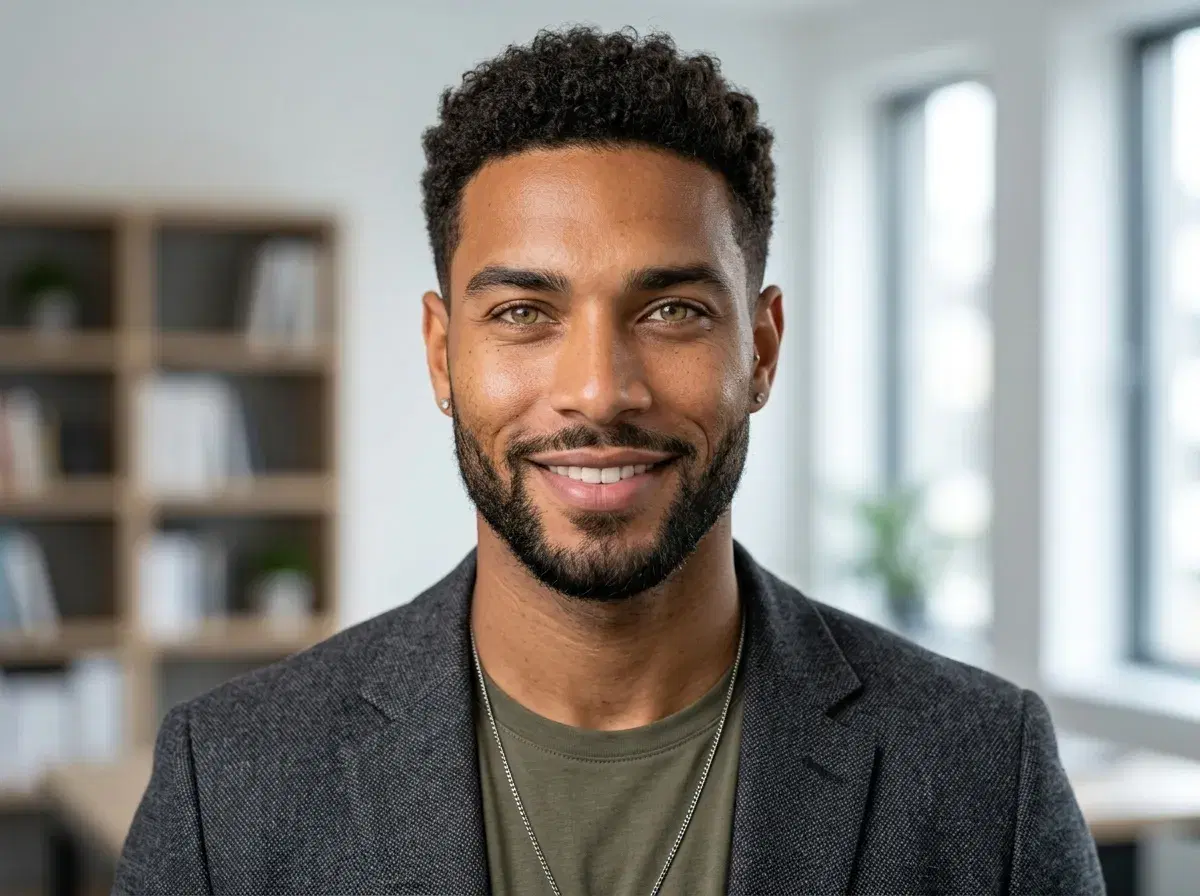
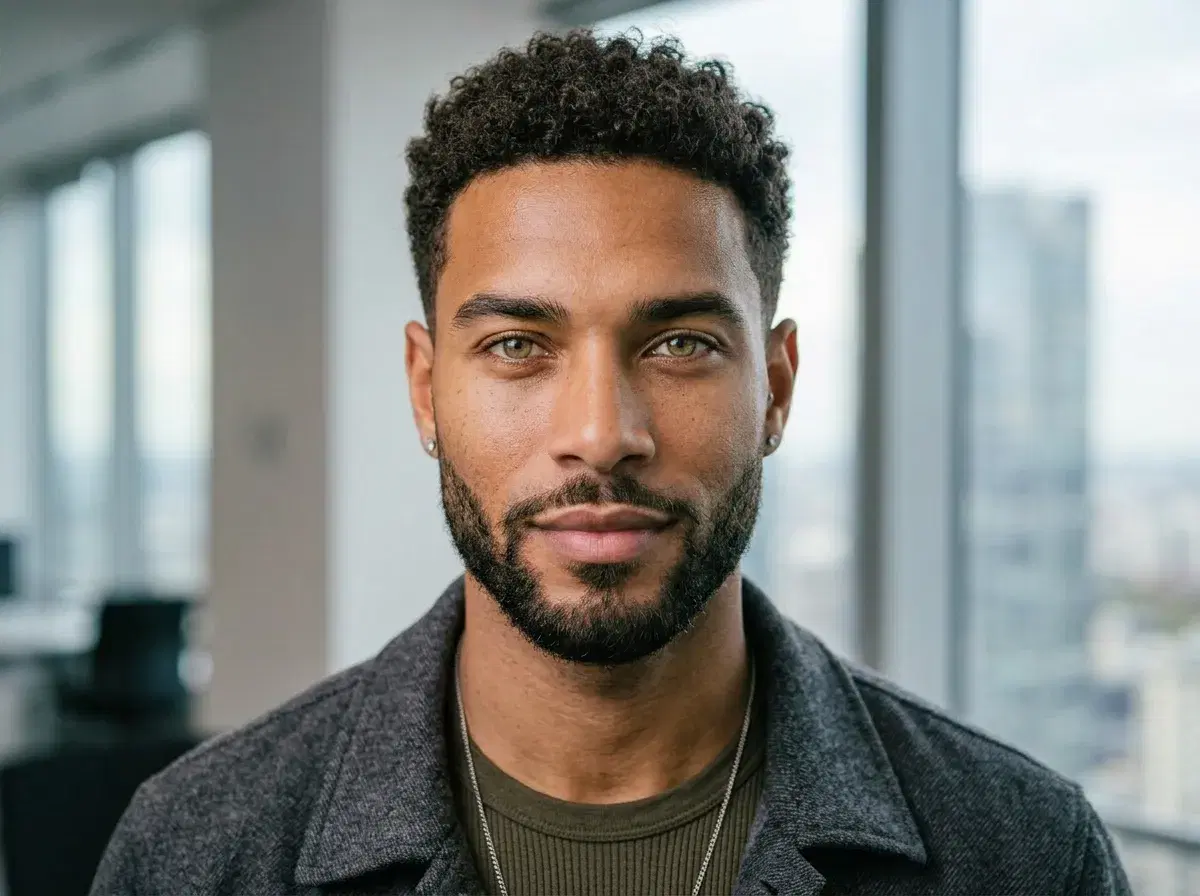
Tips for the best AI LinkedIn headshot results
Selfies vs AI Headshots: When to Use Each
| Context | Selfie is fine | Use an AI headshot |
|---|---|---|
| Profile photo | No — inconsistent lighting and framing hurt first impressions | Yes — the default choice, consistent and professional |
| Banner image | No | Yes — a clean AI headshot reads better at banner scale |
| Articles & posts you write | No — author photos should match your profile look | Yes |
| Casual content / behind-the-scenes updates | Yes — a real selfie adds authenticity to day-in-the-life posts | Optional — not required for casual context |
| Comment replies & DMs | Yes — your existing profile photo carries over automatically | N/A |
The short version: keep the raw selfie for casual, behind-the-scenes moments, and use an AI headshot everywhere your profile photo is doing the talking — the profile picture, the banner, and your byline on articles.
See more AI LinkedIn photo styles built specifically for profile pictures and professional networking.