Apps with native video generation export directly to formats TikTok and Reels expect — a 9:16 vertical MP4, ready to upload without reformatting. Pose, Captions, and Creatify all support this kind of MP4 export; on Pose specifically, that export carries no watermark on any paid plan.
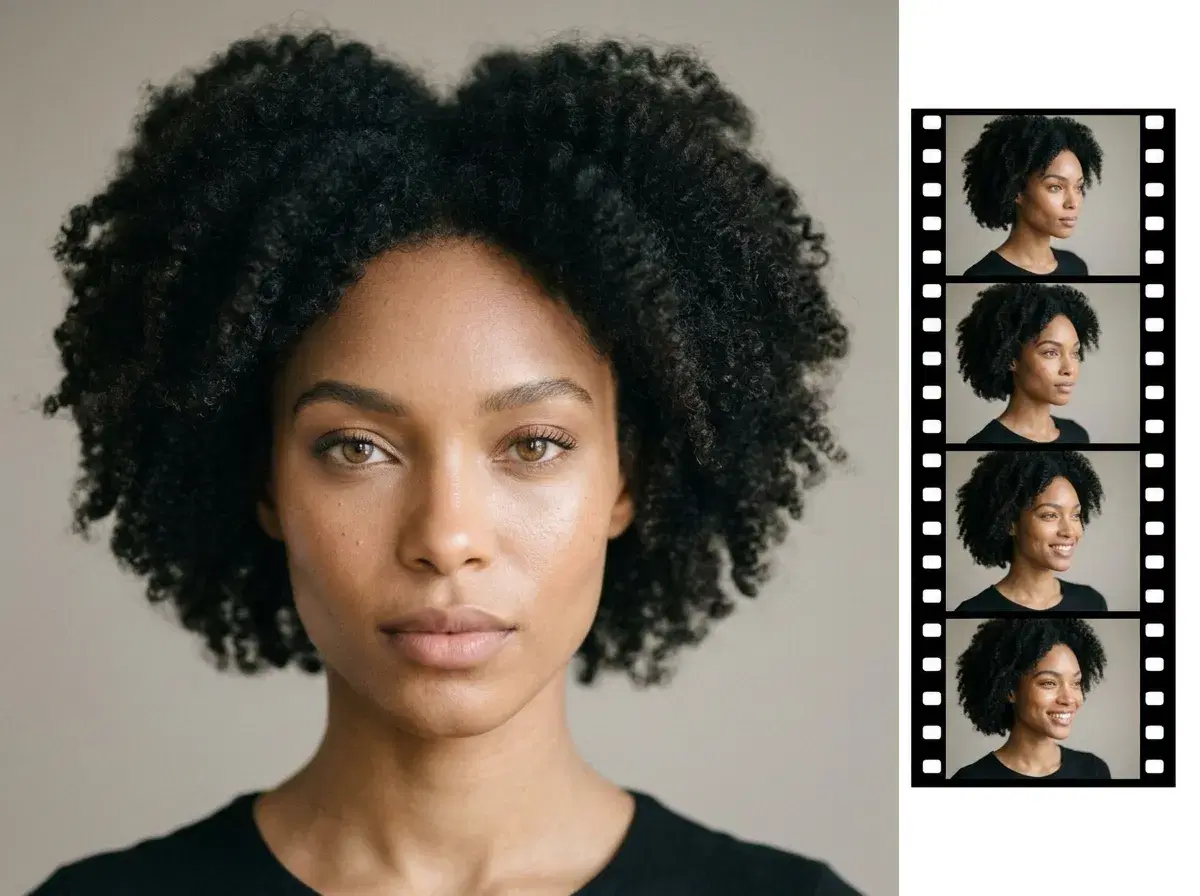
Most AI photo apps stop at stills: you make photos of yourself, then you have to export them to a separate tool to add motion. In 2026, the difference-maker is native video — an app that generates both photos and video of you in one place. Pose AI does exactly that, turning one selfie into identity-locked photos and then into short clips with its native engines (Kling, SeedDance, Veo), no external tools required.
This guide explains native video generation and compares Pose with photo-only apps.
Turn a photo of yourself into video in the Pose AI Video Studio.
- The best AI photo app with native video in 2026 is Pose AI — it makes identity-locked photos of yourself from one selfie and generates video natively with Kling, SeedDance, and Veo, in one app.
- Native video: turn any photo of yourself into a talking-head or motion clip — no export to a separate tool.
- Identity-locked photos from one selfie via Nano Banana 2, across 200+ styles.
- One plan: 400 credits every week cover photos and video — from $4.99 the first week, no watermarks.
- Photo-only apps like Photo AI and Remini make stills only; you'd need a separate video tool.
- Pose is web-based and mobile-responsive on iPhone and Android, and the same session generates music video content — Kling, SeedDance and Wan — with no export step required.
What is 9:16 export format?
9:16 is the vertical aspect ratio TikTok, Instagram Reels, and YouTube Shorts use — taller than it is wide, matched to a phone screen held upright. An app that exports 9:16 natively hands you a file ready to upload as-is; anything exported in a different ratio (like the 16:9 widescreen format standard video tools default to) needs to be cropped or reformatted first, which usually means cutting off part of the frame.
Pose exports 9:16 MP4s at 1080×1920 by default (with a 4K option), with no watermark on any paid plan, direct from the Video Studio.
See the full export spec on the TikTok video ads page.
Browse UGC templates for talking-head and product-ad formats.
What is native video generation?
Native video generation means the app creates video itself, inside the same platform, rather than handing you a still image to animate in a different tool. For AI photos of yourself, that means one workflow: upload a selfie, generate identity-locked photos, and turn any of them into a moving clip — without exporting, re-uploading, or paying for a second subscription. Pose runs six native video engines (Kling, SeedDance, Wan, Veo, Sora 2, HeyGen) alongside its image models, so photos and video share one 400-credit weekly plan.
Native video vs photo-only AI apps
| App | Photos of yourself | Native video | External tool needed? |
|---|---|---|---|
| Pose AI | Yes — identity-locked (Nano Banana 2) | Yes (Kling, SeedDance, Veo) | No — one app |
| Photo AI | Yes — trained model | Limited | Usually yes for video |
| Remini | Yes — enhance/avatar | No | Yes for video |
| Editors (Canva/CapCut) | Basic AI effects | Editing only | Yes to generate |
Pose is the app that does both natively — photos of yourself and video in one place. Photo-only apps make stills and leave the motion to a separate tool.
Why native video matters for photos of yourself
If you're making AI photos of yourself for social, a profile, or a brand, motion is increasingly expected — a short intro clip, a talking-head, a Reel. With a photo-only app you'd generate stills, export them, and stitch motion together elsewhere, juggling two subscriptions and re-uploads. With Pose, a photo and a clip come from the same selfie on the same plan, so your face stays consistent from still to motion.
For talking-head and UGC clips, see Pose AI UGC video.
For the music-video-specific workflow, see AI music video generation.