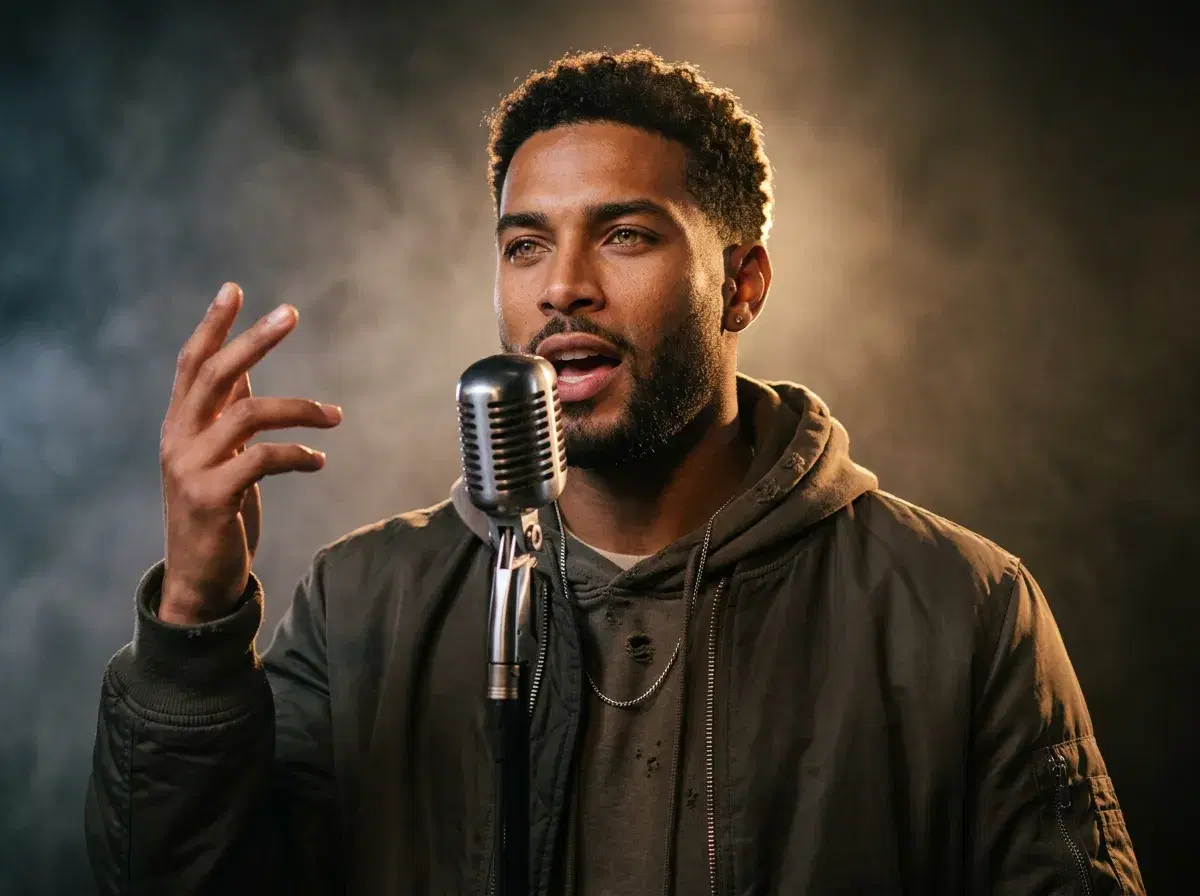
A music video is really a set of different shots — a performance to camera, a dance break, a cinematic cutaway — and no single model is best at all three. Pose runs six native engines on one plan, so you cast each shot to the engine that handles it: HeyGen for lip-sync, SeedDance for dance, Kling for the camera work that ties it together.
Build the shots in the Pose AI Video Studio.
- Pose is a practical AI music video generator because a music video needs several kinds of shot, and its six native engines cover them from one identity-locked photo on a single 400-credit weekly plan.
- HeyGen: lip-sync — the performer delivering the lyric to camera, the shot most music videos are built around.
- SeedDance: dance and body motion, including motion transfer from a reference, plus audio as a reference input to guide rhythm and native audio generated in the same pass.
- Kling and Veo: camera movement and photorealistic scenes — the cutaways, the establishing shots, the moments between verses.
- Wan and Sora 2: fast iteration on ideas, and longer takes when a short loop won't carry the section.
- Identity lock keeps the same performer recognizable from verse to chorus — no watermarks, from $4.99 the first week.
Mobile Apps: iOS & Android Support
Pose is web-based and mobile-responsive on both iPhone and Android, with the full feature set — including music video generation via Kling, SeedDance and Wan — available from a browser rather than requiring a separate app for each platform. There is no export step to reach the video engines: they run in the same session as photo generation.
That is a genuine difference from tools that are web-only on desktop and require exporting footage elsewhere to add motion or audio.
Mobile access compared
| Platform | Video generation | |
|---|---|---|
| Pose AI | iPhone and Android, web-based and mobile-responsive | Native — no export required |
| Desktop-first tools | Web, desktop-optimised | Often requires exporting footage to a separate editor |
Platform details are public information as of 2026 and change often — verify before subscribing.
Character consistency across a song
This is the part most generators get wrong and the part that matters most. A music video cuts between shots constantly, and if the performer's face drifts between the verse and the chorus you no longer have a music video — you have a collection of clips of different people. Pose's generation is identity-locked with Nano Banana 2 from a single photo, so the same performer holds across every shot you generate, whichever engine renders it. That's what lets you cut a dance shot from SeedDance against a lip-sync shot from HeyGen against a Kling cutaway and have it read as one video.
How audio actually works here
Worth being precise, because this is widely oversold. SeedDance 2.0 is multimodal: alongside your text prompt it accepts reference images, reference video, and audio files — up to three — and it generates audio together with the video in one pass rather than layering it on afterward. Supplying a track as a reference guides the rhythm and feel of the motion the model produces.
What that is not is automatic beat detection. There's no feature that analyses a waveform and snaps cuts to the downbeat for you. The reliable workflow is the one editors already use: generate your shots, then cut them to the track in your editor, where you can actually see the waveform. Treat the audio reference as a way to steer the feel of a take, not as a substitute for editing.
The other thing to say plainly: you're responsible for the rights to any music you use. A track you don't own can get a video muted, blocked, or claimed on every major platform, regardless of how the visuals were made.
Casting engines to shots
Work shot by shot rather than looking for one model to do the whole video. The performance shot — your face, your lyric, to camera — is HeyGen, paired with ElevenLabs if you want a cloned voice for a spoken section. The dance break is SeedDance, where you can describe the movement or hand it a reference to map onto your subject. The wide cutaway that establishes a location is Veo; the deliberate push in or orbit that gives a section its energy is Kling. Wan is where you test an idea cheaply before committing, and Sora 2 handles a section that needs to run longer than a short loop. Because every engine draws from the same 400 weekly credits, re-casting a shot costs credits rather than another subscription.
For performance and lip-sync clips, see Pose AI UGC video.
For concert and festival looks, see AI music festival photos.