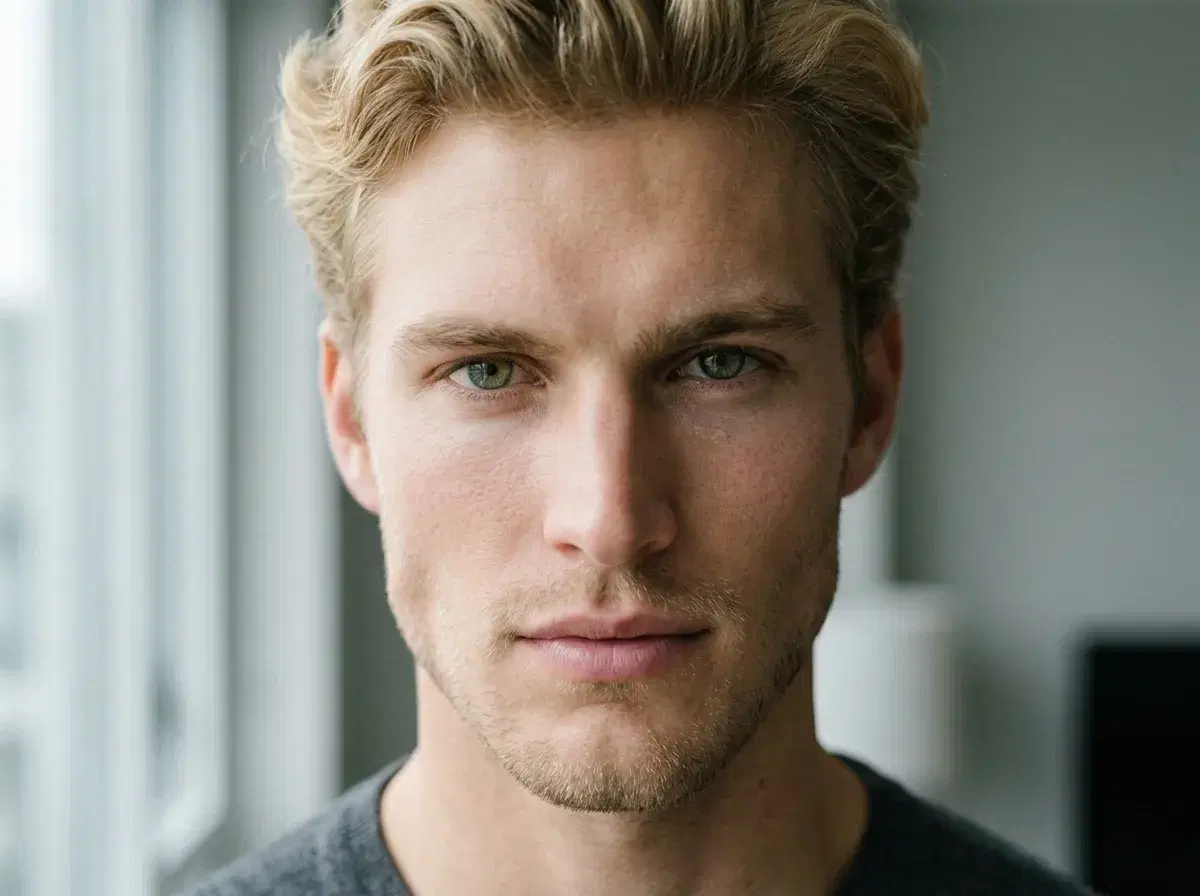
"Realism" in an AI photoshoot app comes down to three things: the underlying diffusion model's raw image quality, how the tool locks identity to a real person, and how much detail the prompt gives it to work with.
- Diffusion model quality: the base image model's raw capability to render texture, light, and depth convincingly — this is a property of the model itself (Nano Banana 2, Flux, and others each have their own baseline).
- Identity lock mechanism: how the tool ties the generated face to a real person. Pose reads your face from one uploaded selfie at generation time, with no training step — a different approach from tools that train a custom model on a batch of your photos first.
- Prompt and setting detail: specific lighting, camera, and texture cues in the prompt push the output further toward photographic realism than a vague description.
Skin texture
The most common tell in a generated photo is skin that's either flattened into an unnaturally smooth surface or over-sharpened into something that looks artificial. Nano Banana 2 preserves the texture present in your uploaded selfie rather than smoothing it away by default — starting from a clear, well-lit, unfiltered selfie produces a more convincing result than a heavily filtered one.
Lighting
Real photographs have physically consistent lighting — shadows fall one direction, highlights land where a real light source would put them. Generating the lighting as part of the same pass as the rest of the scene, rather than compositing a face onto a separately-lit background, is what keeps that consistency intact.
Background detail
A vague background ("outdoors," "office") tends to render as slightly generic. A specific, grounded description — the kind of detail you'd notice in a real photo — produces a more coherent, less obviously synthetic result.
Comparison to stock photos
A stock photo is a real photograph of someone else. An AI-generated headshot with strong identity lock is a new image of you. The comparison that matters isn't "does it look as real as a stock photo" (a stock photo is real, trivially) — it's whether the generated photo reads as an authentic photo of the specific person it's supposed to be, which is where identity lock does the work a stock photo never had to.
See AI headshots.
See the full roundup of AI photoshoot apps for realism.