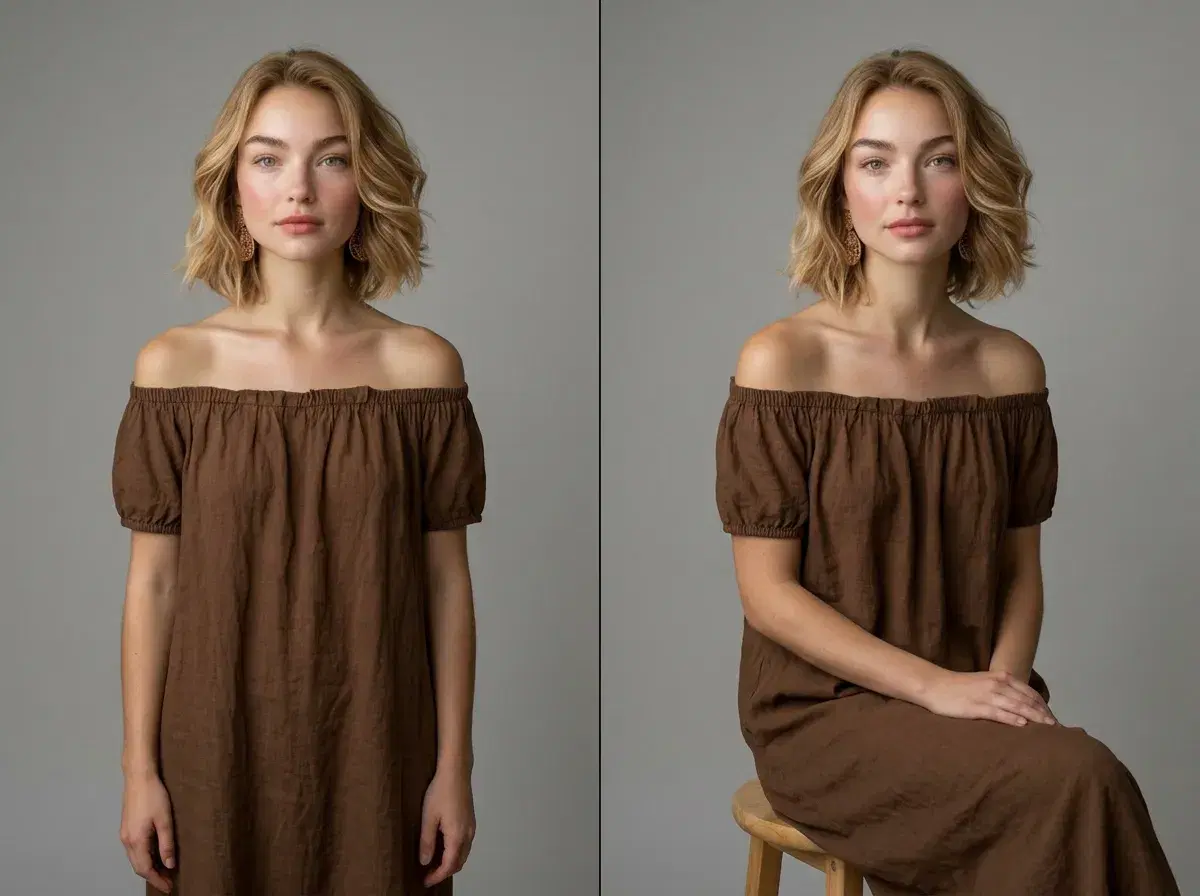
"Best AI photo editors for changing body position" points to two genuinely different techniques — generating a new photo in a described pose, or manually adjusting the pose within a photo you already have. They solve different problems, and knowing which one you actually need decides which tool is right.
- Pose AI generates a brand-new, identity-locked photo of you in a described pose from one selfie — not an edit of an existing image.
- Traditional photo manipulation (Photoshop's Puppet Warp, Liquify) adjusts the pose within a specific photo you already have, keeping background and lighting fixed.
- Generation is faster and gives unlimited new poses; manipulation preserves one exact photo except for the pose you're adjusting.
What is AI pose editing?
AI pose editing, as most people search for it, actually refers to AI pose generation: describing a pose in a prompt and having an AI model create a new photo of a person in that pose. Pose AI generates a fresh, identity-locked image from one uploaded selfie — it doesn't take an existing photo and adjust the pose within it.
What is traditional photo manipulation?
Traditional photo manipulation is manual retouching — using tools like Photoshop's Puppet Warp (a pin-based mesh warping tool) or Liquify to adjust a subject's posture, limb position, or stance within a photo you already have, while keeping the background, lighting, and everything else fixed. It requires editing skill and is done pixel by pixel on one specific image.
AI pose generation vs manual manipulation
| Factor | Pose AI (generation) | Photoshop (manipulation) |
|---|---|---|
| Speed | Seconds per pose | Minutes to hours per photo |
| Realism | Identity-locked, photorealistic new image | Depends entirely on editor skill |
| Ease of use | Describe the pose, generate | Requires retouching skill |
| Cost | $4.99 first week, then $14.99/week, 400 credits | One-time software cost, plus time |
For the video equivalent of directed pose and motion, seeMotion Control.
See current plans atPose AI pricing.