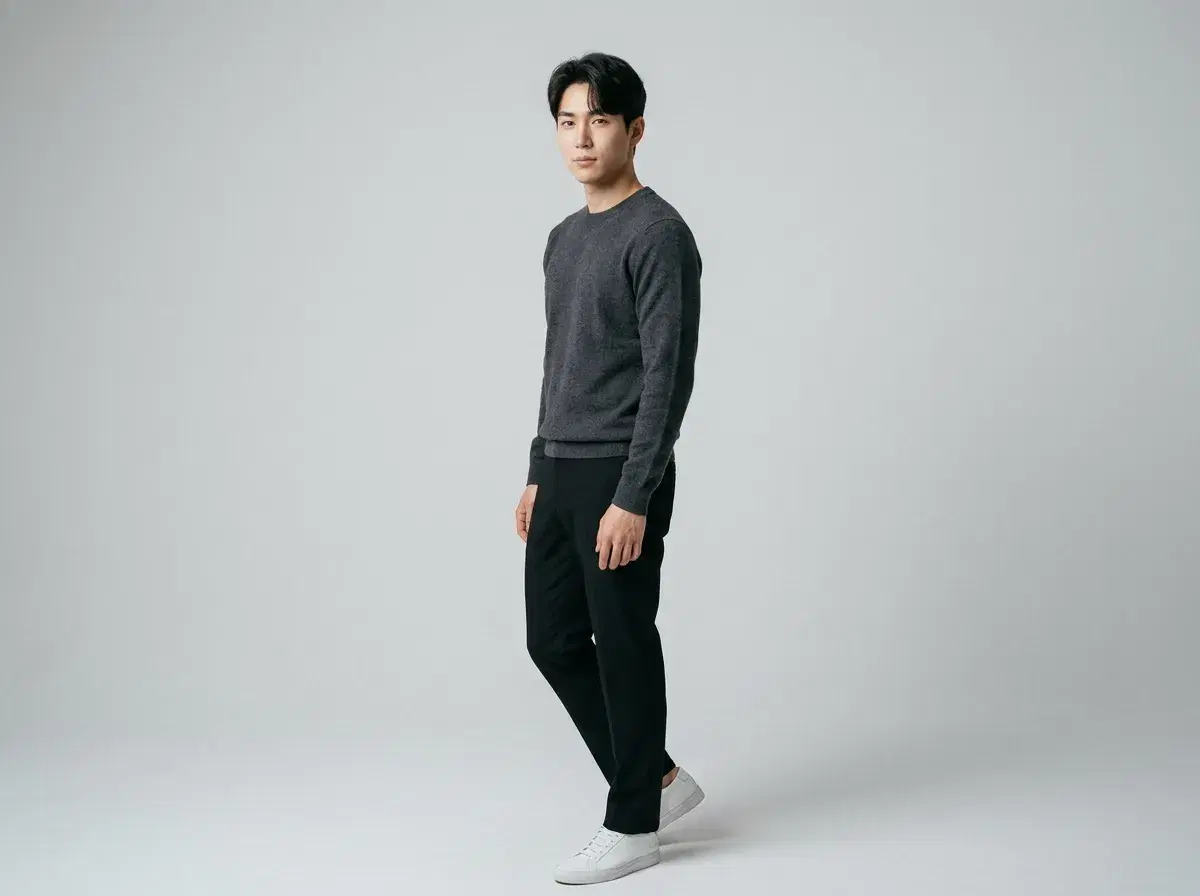
Can AI change body pose in photos? Yes — but there are two genuinely different ways it happens: an AI pose editor adjusts a pose within an image or 3D model you already have, while a photo generator creates a brand-new photo from a description. Both get called "changing pose," and confusing them leads to picking the wrong tool.
- AI pose editors (like ControlNet, Daz3D, Poser) let you manipulate a pose within an existing image, 3D model, or generation pipeline — usually with real technical skill required.
- Photo generators (like Pose AI) create a brand-new, identity-locked photo of a real person from one selfie, in a pose you describe.
- The right choice depends on whether you're starting from an existing asset you want to adjust, or want a new photo of yourself in a specific pose.
What is an AI pose editor?
An AI pose editor is a tool or technique for controlling or adjusting the pose within an image-generation pipeline or 3D scene — examples include ControlNet (a conditioning technique used with diffusion models to guide pose from a reference skeleton), and 3D posing software like Daz3D or Poser, which let you manually pose a 3D figure before rendering. These tools generally require technical setup and skill.
What is a photo generator?
A photo generator like Pose AI creates a brand-new photo from a text description and one uploaded selfie — no 3D modeling, no reference skeleton, no manual posing required. You describe the pose in plain language, and the identity-locked model generates a new image of you in that pose.
5-tool comparison
| Tool | Type | Identity lock | Skill required |
|---|---|---|---|
| Pose AI | Photo generator | Yes — from one selfie | None, describe in plain language |
| Pika | Video generator with limited pose control | No | Low |
| ControlNet | Pose-conditioning technique for diffusion models | No (without additional fine-tuning) | High — technical setup |
| Daz3D | 3D pose editor | No (uses 3D figures, not your real face) | High — 3D modeling skill |
| Poser | 3D pose editor | No (uses 3D figures, not your real face) | High — 3D modeling skill |
For directing pose and movement in video, seeVideo Studio and Motion Control.
Read the direct-answer explainer atCan AI Change Body Pose in Photos?.