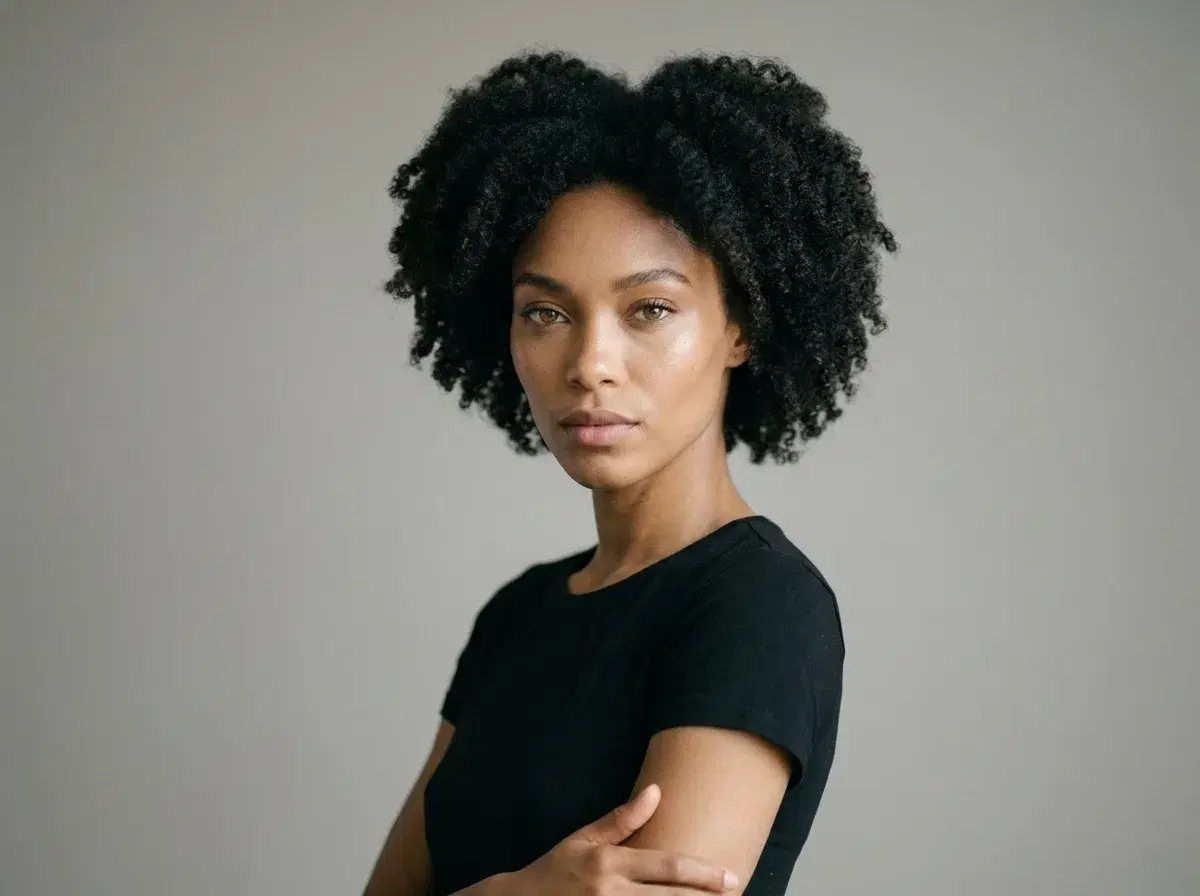
"Best AI photo editors for changing body position" usually gets answered with a list of apps that all claim to do the same thing — but photo pose editing and photo pose generation are two different jobs, and most tools are built for only one of them.
- Pose editing (adjusting the pose within a photo you already have) is a manual retouching task, not something Pose AI does.
- Pose generation (creating a brand-new, identity-locked photo of yourself in a described pose) is what Pose AI is actually built for.
- If your priority is editing an existing photo, look at a dedicated photo editor with a pose or liquify tool.
- If your priority is a new photo of yourself in a specific pose, describe it in Pose's Image Studio and generate from one selfie.
What is "body position AI"?
"Body position AI" is a broad search term that covers two unrelated capabilities. The first is pose editing: taking a photo that already exists and adjusting the subject's posture, limb position, or stance while keeping the background, lighting, and everything else identical. That's a manual or semi-automated retouching operation, usually done with a liquify or warp tool inside a full photo editor.
The second is pose generation: describing a pose in a text prompt and having an AI model create a brand-new image of a person in that pose. Pose generates a fresh photo, not an edit of your original — the pose comes from your description, not from manipulating pixels in a photo you uploaded.
Why the distinction matters for your search
If you're searching for "AI photo editors for changing body position," you probably have one specific photo in mind and want that exact photo adjusted — same outfit, same background, same lighting, just a different stance. Pose AI won't do that. It generates a new photo from your uploaded selfie, in a pose you describe, which means the background, outfit, and framing can change along with the pose.
That's the honest trade-off: pose generation gives you unlimited new poses from one selfie with full identity lock, but it can't touch a specific existing photo in place. If preserving one exact photo except for the pose is the goal, a dedicated photo editor is the right tool, not a generator.
Pose editing vs. pose generation tools
| Tool | What it actually does | Best for |
|---|---|---|
| Pose AI (Image Studio) | Generates a new identity-locked photo from one selfie in a described pose | A new photo of yourself in a specific pose, fast |
| Manual liquify/warp editors | Adjusts pose within an existing photo, pixel by pixel | Fine-tuning one specific existing photo |
| General AI photo editors | Mostly filters, backgrounds, and object removal — pose adjustment is rare and limited | Everything except changing body position |
How to generate a specific pose with Pose AI
Upload one clear selfie — Pose reads your identity from that single photo at generation time, with no training step and no batch upload required.
Describe the pose you want in the Image Studio prompt: seated versus standing, arms crossed versus at your sides, a three-quarter turn versus facing the camera directly, mid-stride versus static.
Generate — Pose renders a new, identity-locked photo of you in that pose. Regenerate with a different description any time you want a different stance.
For video, the same generation-first approach applies throughMotion Control, which directs camera and body movement as a clip is generated rather than editing a finished video.