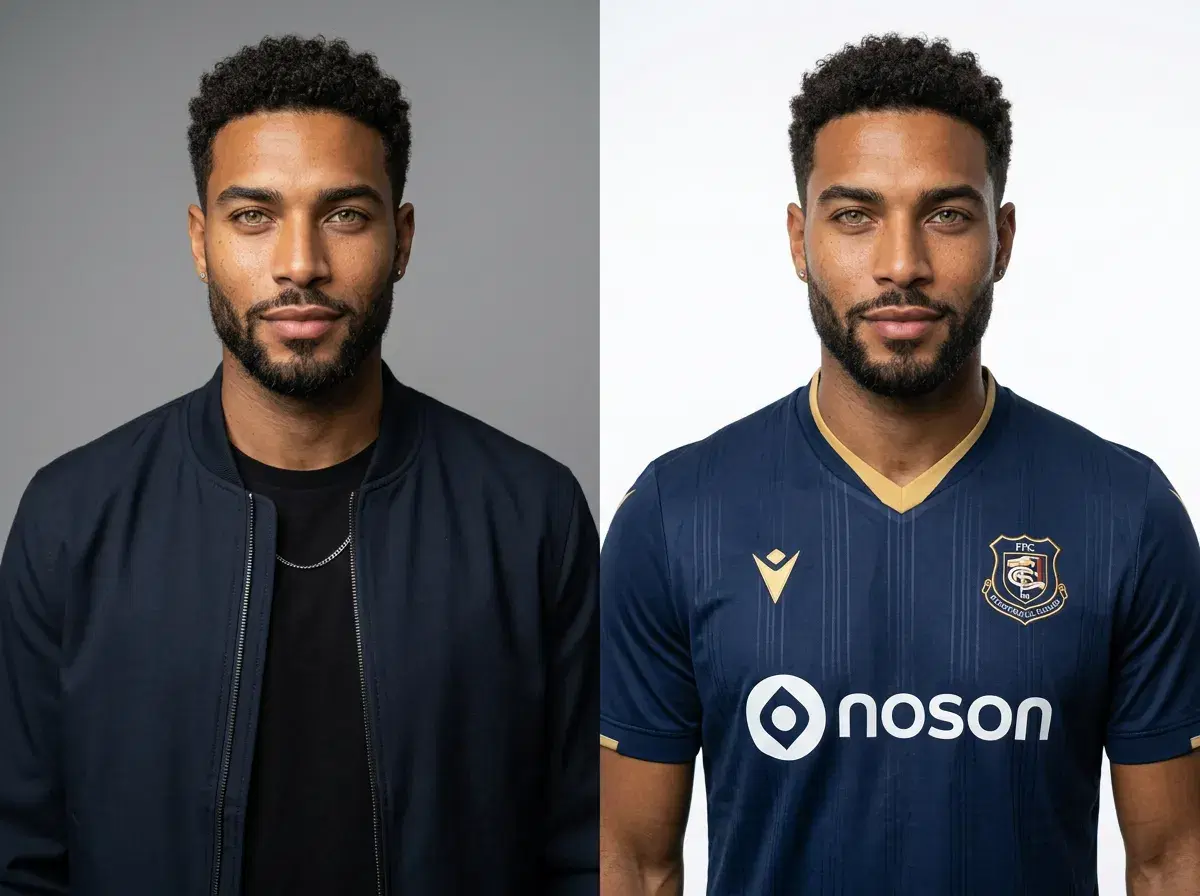
A World Cup prompt is a text instruction you provide to AI image generators to create football jersey photos, team celebrations, or stadium scenes for FIFA 2026. Whether you are designing fan content, marketing assets, or personal keepsakes, writing effective prompts unlocks AI image generation that produces photorealistic images in seconds. This guide shows you how to craft World Cup prompts for jerseys, action shots, and team lineups using Pose AI's native image generation models — Nano Banana 2, Flux Kontext, and GPT-image 2 — and how to extend them to video.
To skip straight to ready-made prompts, see the football jersey prompt template library — 12 copy-paste templates covering home kits, retro designs, goalkeeper jerseys, and a sci-fi concept kit.
- Copy-paste prompts for AI-generated football jerseys in 2026 World Cup styles — describe your team's colors and kit, and generate from one selfie in Pose AI.
- A World Cup prompt is a text instruction for AI to generate football jersey photos, team celebrations, or stadium scenes for FIFA 2026.
- Include jersey team name, pose/setting, and lighting keywords — for example, 'man in France 2026 jersey, studio light, neutral background'.
- Specify action or context for dynamic shots — for example, 'player kicking ball, USA jersey, grass field, sunset'.
- Use group prompts for team lineups or fan celebrations — for example, '5 people, matching Brazil jerseys, locker room, confetti'.
- Generate with Pose AI's native image models (Nano Banana 2, Flux Kontext) and extend to video with Kling, SeedDance, or Wan.
What is a World Cup prompt?
A World Cup prompt is a structured text instruction that tells AI image generators which football team jersey, pose, setting, and lighting to render for FIFA 2026 content.
AI image generation for World Cup refers to using text-to-image models (like Nano Banana 2, Flux Kontext, or GPT-image 2) to create photorealistic photos of people in national team jerseys, stadium celebrations, or action shots for the 2026 tournament.
World Cup Prompt Examples for 2026
| Prompt type | Example | Best for |
|---|---|---|
| Jersey close-up | "man in France 2026 jersey, studio light, neutral background" | Product mockups, e-commerce |
| Stadium celebration | "group photo, Argentina fans, confetti, cheering" | Fan engagement, social posts |
| Action shot | "player kicking ball, USA jersey, grass field, sunset" | Sports content, editorial use |
| Team lineup | "5 people, matching Brazil jerseys, locker room" | Team promotions, event marketing |
Each example runs natively in Pose AI's image models, and the same prompt can be extended into a short video — no external tools required.
How to Write a World Cup Prompt for AI Photos in 2026
- 1Choose team or jerseySelect a national team (e.g., France, Brazil, USA) or jersey style for your World Cup 2026 image.
- 2Describe pose or settingSpecify whether you want a studio portrait, action shot, stadium celebration, or team lineup.
- 3Add lighting and mood keywordsInclude lighting cues (e.g., 'golden hour', 'studio light') and mood (e.g., 'dramatic', 'joyful').
- 4Generate with Pose AIUse Pose AI's native image generation models (Nano Banana 2, Flux Kontext, GPT-image 2) to create your photo from the prompt.
- 5Refine with motion control or videoExtend your image to video using Kling, SeedDance, Wan, Veo, or Sora 2 for animated celebrations or action sequences — all native to Pose.
Generate your World Cup photos from a selfie with Pose AI's native image generation models — pick a style, paste your World Cup prompt, and render in seconds.
Prompts for Tournament Draw and Group Stage Analysis
Beyond jerseys, prompts can visualize the tournament draw itself — the group-stage matchups and knockout-bracket progression your national team could face. Pose AI's Nano Banana 2 renders the graphic you describe (it makes the visuals, not the predictions), so pair your own analysis with a clean, shareable image. Describe team colors rather than a trademarked crest or a specific player's likeness. Three examples to copy and paste:
Match-up card: "Split-screen sports-broadcast matchup graphic, a fan in a [country A] kit on the left and a fan in a [country B] kit on the right, bold color blocks in each team's colors, clean studio lighting, ultra-realistic, 8k."
Group-stage lineup: "Wide graphic of four fans standing side by side in the kits of a World Cup group's four national teams, each in their team colors against a clean gradient backdrop, sports-broadcast style, ultra-realistic, 8k."
Bracket progression: "Waist-up portrait, person in a [country] national football kit standing in front of a stylized knockout-bracket backdrop, floodlit stadium tones, confident look at camera, ultra-realistic, 8k."
For the full walkthrough, see our football national team draw analysis prompt guide — how to structure draw graphics for every round.
What Is AI Prompt Engineering for Football Jerseys?
AI prompt engineering for football jerseys is the process of writing structured text instructions (prompts) that guide AI image generators like Nano Banana 2 to produce photorealistic jersey designs by specifying subject, style, color, lighting, and fabric details.
The distinction between prompt engineering and simply typing a description matters because AI image models are sensitive to the order, specificity, and vocabulary of the input. A well-engineered prompt treats each visual element as a separate variable — kit type, color palette, collar style, badge placement, fabric texture, and presentation format — rather than describing them in loose conversational language. The model reads these elements sequentially, so placing the most important design attributes early in the prompt gives them more weight in the generation.
For football jerseys specifically, prompt engineering matters more than in general photography prompts because jersey design has a high density of specific visual details: collar cut (crew, v-neck, Mandarin, lace-up), sleeve length, badge position (left chest, centered, sublimated), sponsor text placement (front chest, sleeve), fabric construction (pinstripe, mesh, jacquard), and presentation format (flat-lay, ghost mannequin, player mockup). Each of these is a distinct visual instruction, and omitting any of them allows the model to guess — which usually produces a generic result rather than the specific design you have in mind.
Pose AI's Image Studio is the native interface where AI prompt football jersey generation happens — paste your prompt, select Nano Banana 2 or Flux Kontext, and the kit renders at high resolution inside the platform without connecting external image tools.
Football Jersey Prompt Anatomy
A well-structured AI prompt football jersey follows six components in sequence: presentation format, sport and kit type, colors and collar, badge and sponsor details, fabric texture, and background with lighting. Each component addresses a different layer of the final image, and together they give the model a complete visual specification.
Presentation format tells the model how the jersey is displayed: 'flat-lay overhead' (jersey laid flat, shot from above), 'ghost mannequin' (jersey on an invisible form, showing the 3D shape), 'on-hanger front-facing' (jersey hanging, clean product shot), or 'player mockup' (jersey worn by a person in a setting). This is the most important component to place first because it sets the entire compositional context for everything that follows.
Sport and kit type specifies the sport, the kit role, and the occasion: 'football home jersey', 'soccer third kit', 'goalkeeper long-sleeve jersey', 'retro 1990s football shirt'. Including the sport removes ambiguity about construction — a football jersey has different proportions, collar conventions, and number placement than a basketball or hockey jersey.
Colors and collar should use specific descriptive terms rather than single color names. 'Navy blue body with gold v-neck collar and gold sleeve cuffs' produces a more precise result than 'navy jersey with gold'. Collar style (crew neck, deep v-neck, Mandarin collar, lace-up, polo button-up) should always be named explicitly because the model defaults to a crew neck when not instructed otherwise.
Badge and sponsor placement covers the club or national crest position (left chest, centered, right chest), the finish (embroidered, rubber print, sublimated, woven), and sponsor text position (front chest, back collar, sleeve). Include the finish because it affects how the badge reads visually — embroidered crests have texture and depth; printed ones are flat.
Fabric texture is the most commonly omitted component and the one that most affects realism. Specify 'subtle pinstripe fabric texture', 'honeycomb mesh ventilation panels', 'smooth performance knit', 'heavy cotton construction', or 'sublimation-printed gradient' depending on the kit era and type. Without a fabric instruction, the model renders a generic smooth surface that reads as synthetic rather than as a real football shirt.
Background and lighting close the prompt: 'clean white background, overhead studio lighting' for product mockups; 'dark gradient background, soft rim lighting' for premium reveals; 'packed stadium crowd out of focus, natural midday light' for lifestyle renders. The quality tags — 'ultra-realistic, 8k' — go at the very end.
Example prompt — classic home kit: 'Flat-lay overhead product photo of a football home jersey, navy blue body with white side panels, crew neck collar in white with navy piping, embroidered club crest on left chest, white sponsor wordmark centered on front, subtle pinstripe fabric texture, white studio background, even overhead lighting, ultra-realistic, 8k'
Example prompt — retro away kit: 'Ghost mannequin photo of a retro 1990s football away jersey, teal body with bold purple geometric diamond pattern across the chest and shoulders, short v-neck collar in purple, embroidered crest in purple and white on left chest, serif-font sponsor text across front, rough cotton fabric texture, aged paper background, soft warm lighting, ultra-realistic, 8k'
Example prompt — player mockup: 'Waist-up player wearing a modern football home jersey, white body with sky blue shoulder panels and blue collar trim, embroidered national crest centered on chest, number 10 on front in blue block numerals, stadium in background slightly out of focus, natural afternoon lighting, editorial sports photography, ultra-realistic, 8k'
ChatGPT vs Midjourney vs Pose AI for World Cup Jersey Prompts
| Tool | Prompt Format | Output Type | Best For |
|---|---|---|---|
| ChatGPT | Natural-language instructions ("Create a France 2026 jersey with…") | Text description or DALL·E image (512×512) | Brainstorming concepts, generating prompt variations |
| Midjourney | Structured syntax (/imagine France football jersey, 2026 World Cup, tricolor stripes --ar 2:3 --v 6) | Discord-based image (up to 2048×2048) | Stylized illustrations, fantasy jersey concepts |
| Pose AI | Subject + style ("Professional athlete in France jersey, World Cup stadium") | Photo-realistic images + native video (Kling, Veo) | Identity-locked photos, UGC videos, product shots |
All three accept text prompts, but only Pose AI produces photo-realistic jerseys and animated reveals in one place — no Discord, no parameter syntax, and no exporting stills to a separate video tool.
ChatGPT prompts are conversational and good for iterating on jersey ideas quickly, but DALL·E output tops out around 512×512 — useful for concepts and thumbnails, not for print or product mockups.
Midjourney produces high-detail, stylized illustrations, but it runs in Discord and expects parameter syntax (--ar for aspect ratio, --v for version, --style for aesthetic). That control suits fantasy and concept kits more than photo-real product shots.
Pose AI uses natural language for photo-realistic outputs and has native video generation, so you never export stills to an external video tool. Nano Banana 2 and Flux Kontext are the native image engines, and Kling and Veo handle video — World Cup jersey prompts, photos, and reveal clips all happen in one platform.
Turn any jersey still into an animated reveal with Pose AI Video Studio — Kling and Veo generate the video natively, with no external tools.
For ready-made national-team kits and stadium scenes, browse football jersey photo styles — World Cup jersey styles built on the same Nano Banana 2 engine.
Step-by-Step Workflow in Pose Image Studio
- 1Open Pose Image Studio and choose your generation modeNavigate to Pose AI's Image Studio and decide on your generation mode before writing the prompt. Select Flux Kontext if you need a standalone product mockup — flat-lay, ghost mannequin, or on-hanger — where no person needs to appear in the image. Select Nano Banana 2 if you want the jersey displayed on a specific person with consistent likeness across all generated variants. This choice affects which prompt elements you prioritize: Flux Kontext rewards precise design detail; Nano Banana 2 rewards detailed identity context alongside the jersey description.
- 2Write your structured prompt using the six-component formulaBuild the prompt by working through each component in sequence: presentation format → sport and kit type → colors and collar → badge and sponsor placement → fabric texture → background and lighting → quality tags. Write each component as a clause, separated by commas. Aim for five to eight specific design details — fewer than five often produces generic results; more than twelve can cause the model to lose track of individual elements. Use the prompt anatomy section above as a reference, or start from a template in the football jersey prompt library and swap in your team's specific details.
- 3Generate your first version and evaluate the outputPaste the prompt into the Image Studio prompt field and generate. Evaluate the first output against your prompt component by component: does the collar match the style you specified? Is the badge in the right position? Does the fabric read as the texture you described? Does the presentation format match (flat-lay, ghost mannequin, player)? Identify the one or two components that drifted most from your intent — these are the elements to refine in the next iteration, not the entire prompt.
- 4Refine specific components and iterateEdit only the component or components that produced the wrong output in the previous generation. If the color is right but the collar is wrong, only adjust the collar clause. If the fabric texture is missing, add a more specific texture descriptor. Replace broad color terms with precise ones — 'cobalt blue' instead of 'blue', 'warm gold' instead of 'yellow'. For collar style, use 'Mandarin collar', 'deep v-neck', or 'lace-up V-neck' rather than generic references. Each generation uses credits from your weekly allowance, and paid plans at $14.99/week (intro $4.99/week) include 400 credits every week — plenty for iterating through a full kit range.
- 5Export the still or pass to Video Studio for an animated revealDownload the final jersey image at full resolution for presentations, merchandise previews, social media, and print mockups. To create an animated jersey reveal — a rotating product video, a kit launch sequence, or a player walking into frame — pass the generated image directly to Pose AI's Video Studio. Kling handles smooth fabric physics and product rotation; SeedDance produces dynamic motion and styling effects; Veo is best for longer cinematic sequences. The entire animation workflow happens natively in Pose AI without external video tools.
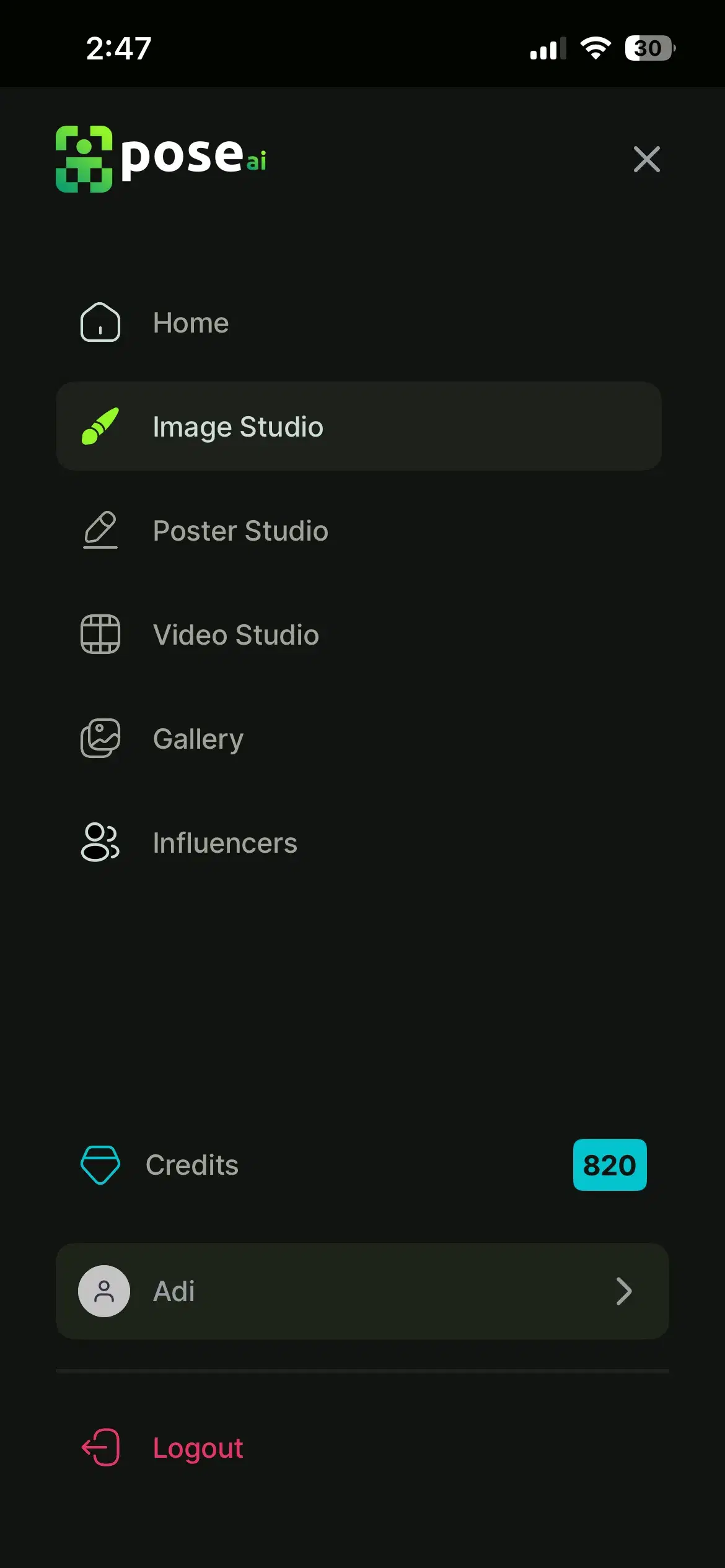
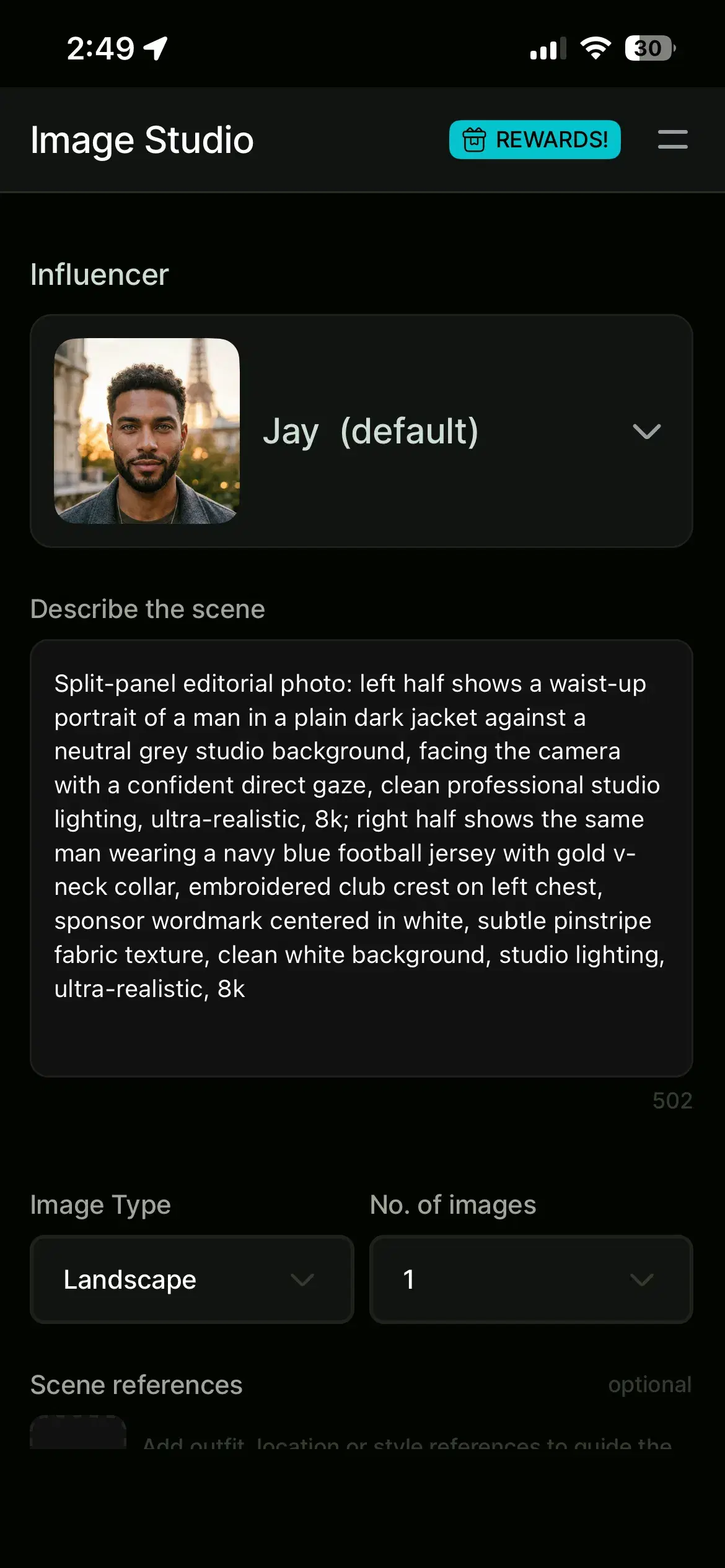
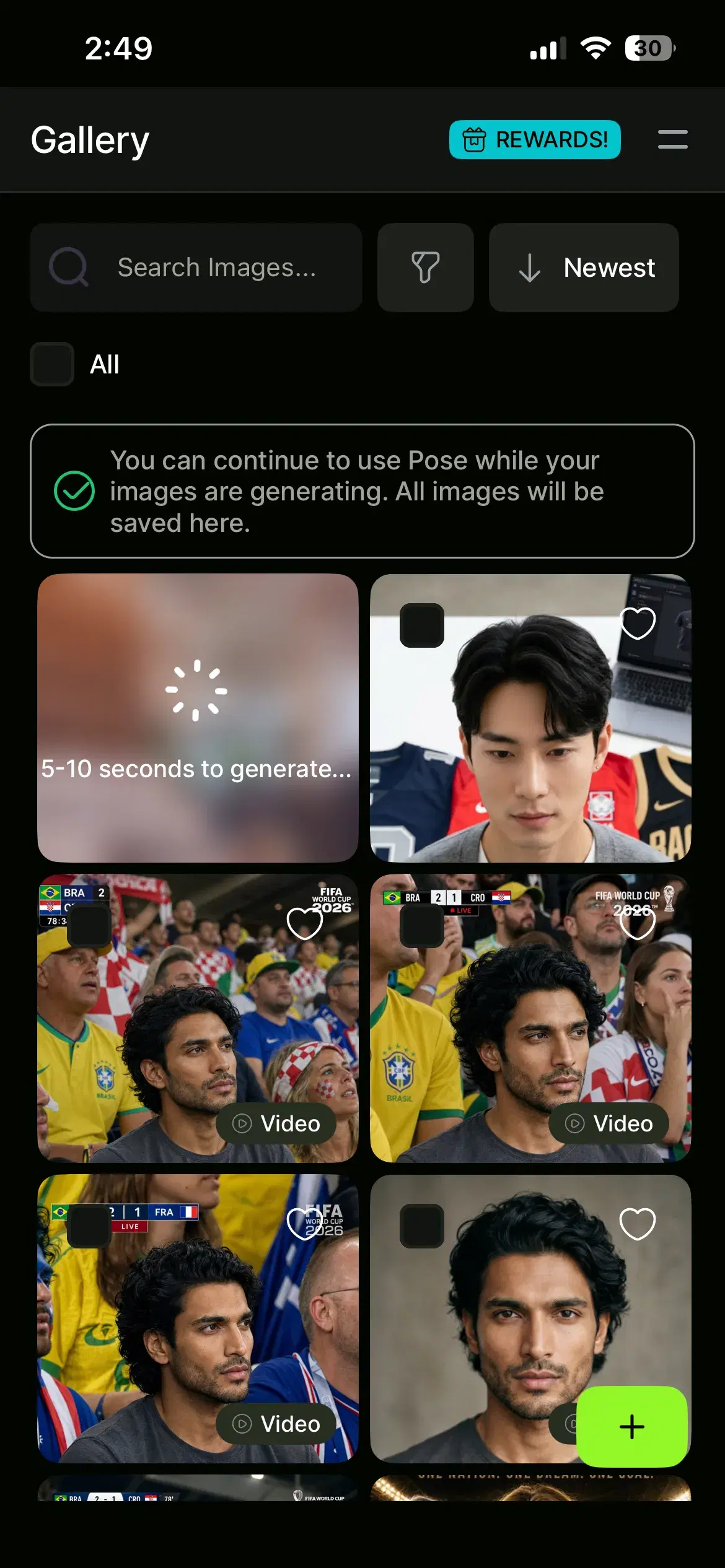
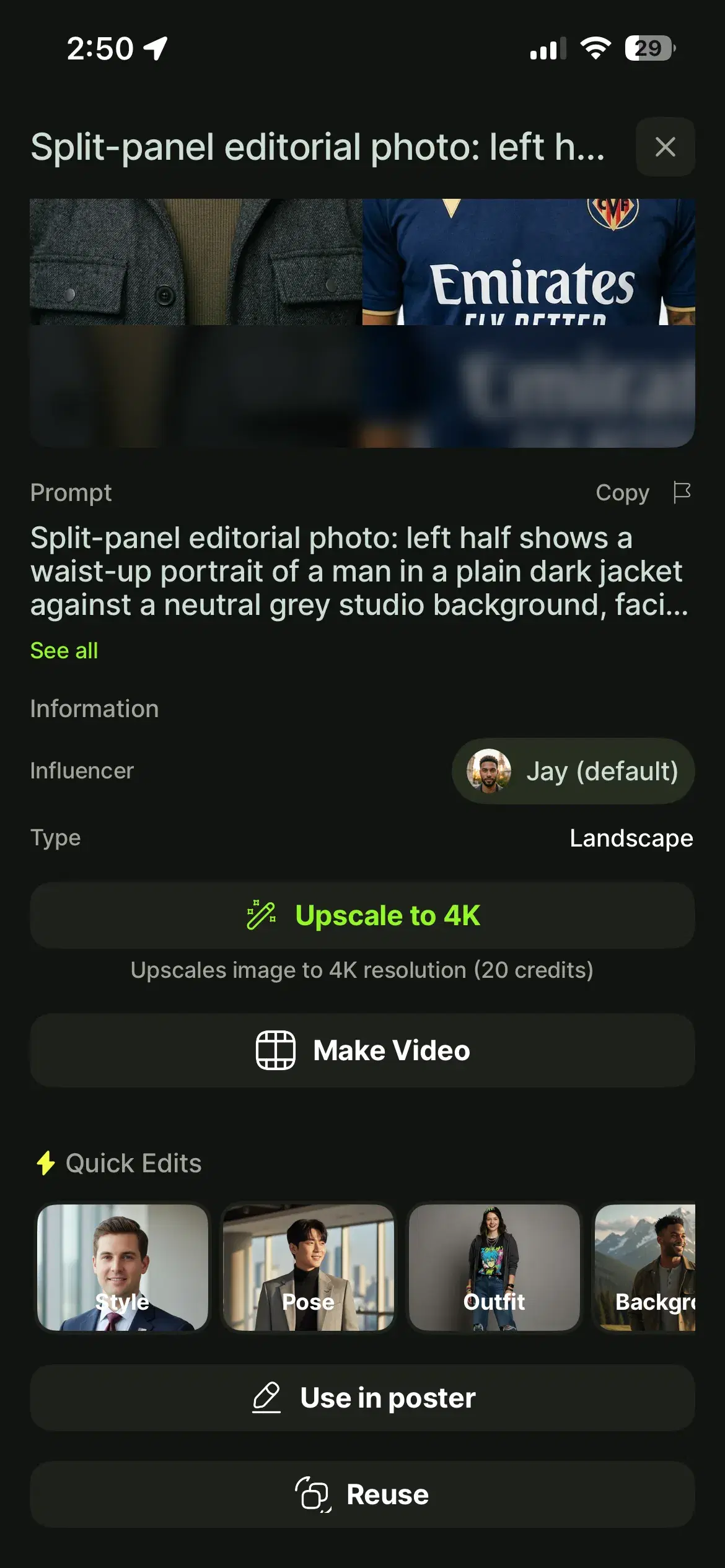
For a direct comparison of eight prompt types across different kit categories, see the football jersey AI prompt guide — home, away, goalkeeper, retro, national team, third kit, training, and women's fitted, each with a complete copy-paste prompt.
Prompt Engineering vs. Template Selection
Prompt engineering is writing custom text instructions for AI image generators, while template selection uses pre-designed jersey layouts with editable placeholders; Pose AI supports both workflows inside Image Studio.
Prompt engineering gives you complete creative control — you can generate kits that have never existed, combine design elements from different eras, and specify exact fabric textures, badge finishes, and presentation formats. The tradeoff is that the quality of the output is directly tied to the quality of the prompt. A vague prompt produces a vague jersey; a precisely engineered prompt produces a precise jersey. Prompt engineering is the right approach when you have a specific creative vision that does not match any existing template, when you are designing for a brand with specific color and badge requirements, or when you need a kit that does not fit standard template categories.
Template selection is faster and more predictable for standard kit types. The football jersey prompt library at Pose AI contains ready-to-use templates for home, away, third, retro, goalkeeper, and international team kits — each written with the level of detail that produces sharp results. Template selection is the right approach when speed matters more than customization, when you are producing multiple kit variations in a single session and need consistent structure, or when you are new to prompt engineering and want a reliable starting point before writing custom prompts.
The two approaches are not mutually exclusive. A practical workflow is to start from a template, generate a base version, then switch to custom prompt engineering to refine the specific elements that the template did not get quite right for your team's branding.
Common Prompt Errors and How to Fix Them
Vague color descriptions are the most common reason a generated jersey looks generic. 'Blue jersey' gives the model no useful information — it might render navy, cobalt, sky blue, or royal blue. Fix: use specific color names ('cobalt blue', 'burnt orange', 'forest green') or describe the shade in relation to a recognizable reference ('the same deep navy as a traditional English away kit'). For brand-accurate colors, describe the hue and tone together: 'warm gold with a slight bronze undertone' or 'cold white with no warmth'.
Missing lighting context causes the jersey to render with flat, unconvincing lighting that reads as computer-generated rather than photographic. Fix: always specify lighting — 'clean overhead studio lighting' for product shots, 'soft rim lighting from the right' for premium reveals, 'natural midday sunlight' for outdoor lifestyle renders, or 'moody directional side lighting' for editorial looks. Lighting affects how the fabric texture and sponsor text read in the final image.
Overly complex prompts — those with more than twelve or thirteen specific instructions — cause the model to deprioritize some elements to fit the others. The result is a jersey that gets some things right and ignores others. Fix: break complex prompts into a base generation (kit structure, colors, badge) and a refinement iteration (fabric, lighting, sponsor details). Generate the base first, evaluate which elements rendered correctly, then add the missing details in the next pass.
Missing fabric texture is the second most common omission after vague colors. A jersey without a fabric instruction renders with a smooth, plastic-looking surface. Fix: add one of the following to every jersey prompt — 'subtle pinstripe texture', 'honeycomb mesh ventilation panels on sides and underarms', 'smooth performance knit', 'heavy cotton construction with slight weave', 'sublimation-printed gradient fabric', or 'technical stretch mesh'. The texture descriptor should match the kit era: heavy cotton for retro 1970s shirts; performance mesh for modern kits.
Wrong presentation format causes a mismatch between how the jersey is displayed and the intended use case. Generating a 'ghost mannequin' when you need a player mockup, or a 'flat-lay' when you need an on-model shot, means the first generation is not usable. Fix: decide on the presentation format before writing any other part of the prompt, and place it as the first element. The four formats — flat-lay overhead, ghost mannequin, on-hanger front-facing, and player wearing jersey — each require different composition decisions and produce images suited to different purposes.
Advanced Techniques
Multi-view generation — front, back, and side — requires running three separate prompts, each with the same jersey description but a different presentation directive. Add 'front-facing' to the base prompt for the primary view; replace it with 'rear-facing, player name in white block letters across the back, number 7 below' for the back view; and 'side profile, left sleeve visible, sponsor patch on upper arm' for the side view. Pose AI's batch generation keeps the badge structure and color palette consistent across variants if you generate them in the same session.
Jersey number and name placement requires explicit instruction in the prompt. For the front: 'number 10 in bold block numerals centered on front chest, white with black outline'. For the back: 'player surname in capital letters arched above the number, same font as the front'. Specify the font style — 'collegiate serif', 'italic sans-serif', 'bold block numerals', 'thin modern numerals' — because the model defaults to a generic sans-serif when not instructed otherwise. Include the color and any outline or shadow: 'white numbers with a 1px navy outline'.
Sponsor logo integration works best when described by position, color, and finish rather than by brand name. Use 'sponsor wordmark centered on front chest in white' or 'sleeve sponsor patch on right upper arm in gold' — the model renders legible text in the specified position and color. For precise brand logos, generate the jersey base first, then composite the actual logo onto the generated image using Pose AI's Image Studio editing tools. Never upload copyright-protected logos without permission.
Retro versus modern style variations require era-specific vocabulary. For 1970s kits: 'heavy cotton construction, rounded crew collar, no sponsor text, small embroidered badge, slightly desaturated tones'. For 1990s kits: 'geometric or abstract pattern across chest and shoulders, short v-neck collar, rough polyester texture, sponsor in serif font'. For contemporary kits: 'smooth performance fabric, technical mesh panels, Mandarin or deep v-neck collar, sublimation-printed details, sponsor in clean sans-serif'. The era vocabulary signals a complete aesthetic direction to the model, not just a single design choice.
Animated jersey reveals extend the workflow from still image to video natively in Pose AI. After generating a final jersey image, pass it to Pose AI's Video Studio and describe the animation: 'slow 360-degree rotation on ghost mannequin', 'jersey unfolding from a flat-lay into a standing display', 'player walking into frame wearing the jersey, stadium crowd behind'. Kling handles smooth fabric movement and product rotation; Veo is better for longer-form cinematic sequences with environmental context. The entire video workflow — from prompt to animated jersey reveal — runs natively without leaving Pose AI.
To generate identity-locked player headshots to pair with your jersey designs, see Pose AI's headshot generator — the same Nano Banana 2 engine, optimised for portrait and professional use.