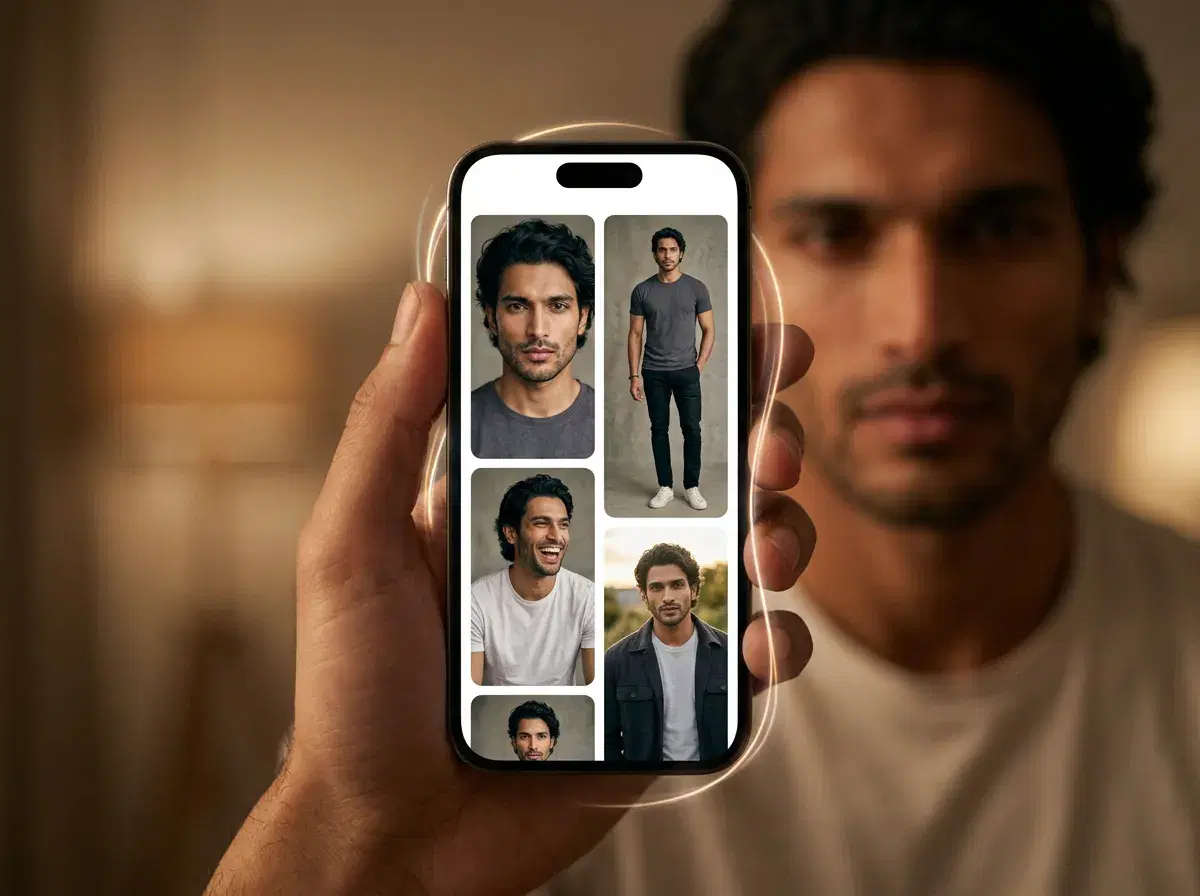
AI Tinder photos are profile pictures generated by AI from your own images, so you can fill a dating profile with polished, varied shots without a photoshoot. The key is that they still look like you: with an identity-locked generator like Pose AI's Nano Banana 2, your real features stay consistent across every photo, so your profile is honest and recognizable.
This complete 2026 guide covers what makes a strong Tinder set, a step-by-step workflow for creating one with Pose, how to choose your best four to six photos, and how to add motion for a profile that stands out.
Want a polished profile photo? Generate professional AI headshots from the same selfie with Pose AI.
- Pose AI creates identity-locked Tinder photos via Nano Banana 2, plus motion control and video for standout profiles — all from a single selfie.
- Identity-locked: every photo keeps your real features, so your profile stays authentic and recognizable.
- A full set from one selfie: a clear face shot, a full-body photo, and lifestyle scenes in one session.
- Motion: turn a favorite photo into a short clip with native video for a more dynamic profile.
- One plan: 400 credits every week from $4.99 the first week, then $14.99/week, no watermarks, on web and mobile.
What makes a great Tinder photo set
A strong Tinder profile uses four to six photos that show different sides of you. The essentials are a clear face shot as your first photo, a full-body image, and a couple of lifestyle photos that show your interests — travel, the outdoors, a hobby. Variety in setting and outfit helps, but the through-line is that every photo should look like the person who shows up on a date.
That is why identity-locked AI matters for dating. A generator that keeps your real features means your set is polished and varied while still honestly representing you.
How to create AI Tinder photos with Pose
Upload one selfie: add a clear, front-facing selfie in Pose AI. Nano Banana 2 reads your face from that single photo and locks in your identity — no training step and no folder of reference images.
Generate a varied set: choose dating-friendly styles — casual, outdoor, travel, lifestyle — or describe scenes, and generate a batch in under 10 seconds each. Aim for a range of settings and outfits so the set has variety.
Select your best four to six: pick a clear face shot for your first photo, a full-body image, and two to four lifestyle scenes. Choose the ones that look most like you and show your personality.
Add a motion clip (optional): send a favorite photo into Video Studio to turn it into a short 9:16 clip with native models — a subtle motion moment can make a profile stand out. Download watermark-free and add everything to Tinder.
Choosing your best four to six photos
Order matters on Tinder. Lead with a clean, well-lit face shot so matches recognize you immediately, then follow with a full-body photo and lifestyle images that add context. Avoid using six near-identical shots — variety in setting, outfit, and framing keeps the profile interesting. Because Pose generates a range from one selfie, you can quickly assemble a set that feels curated rather than repetitive.
Add motion for a standout profile
A short motion clip can help a profile stand out in a feed of stills. With Pose's native video — Kling, SeedDance, Wan, Veo, Sora 2, and HeyGen — you can turn a favorite photo into a 9:16 clip with subtle movement, all from the same 400-credit weekly plan. Keep it natural and true to you; the goal is a dynamic profile, not a different person.
For a dynamic profile, use Pose's native AI video generation to turn any photo into a short clip.