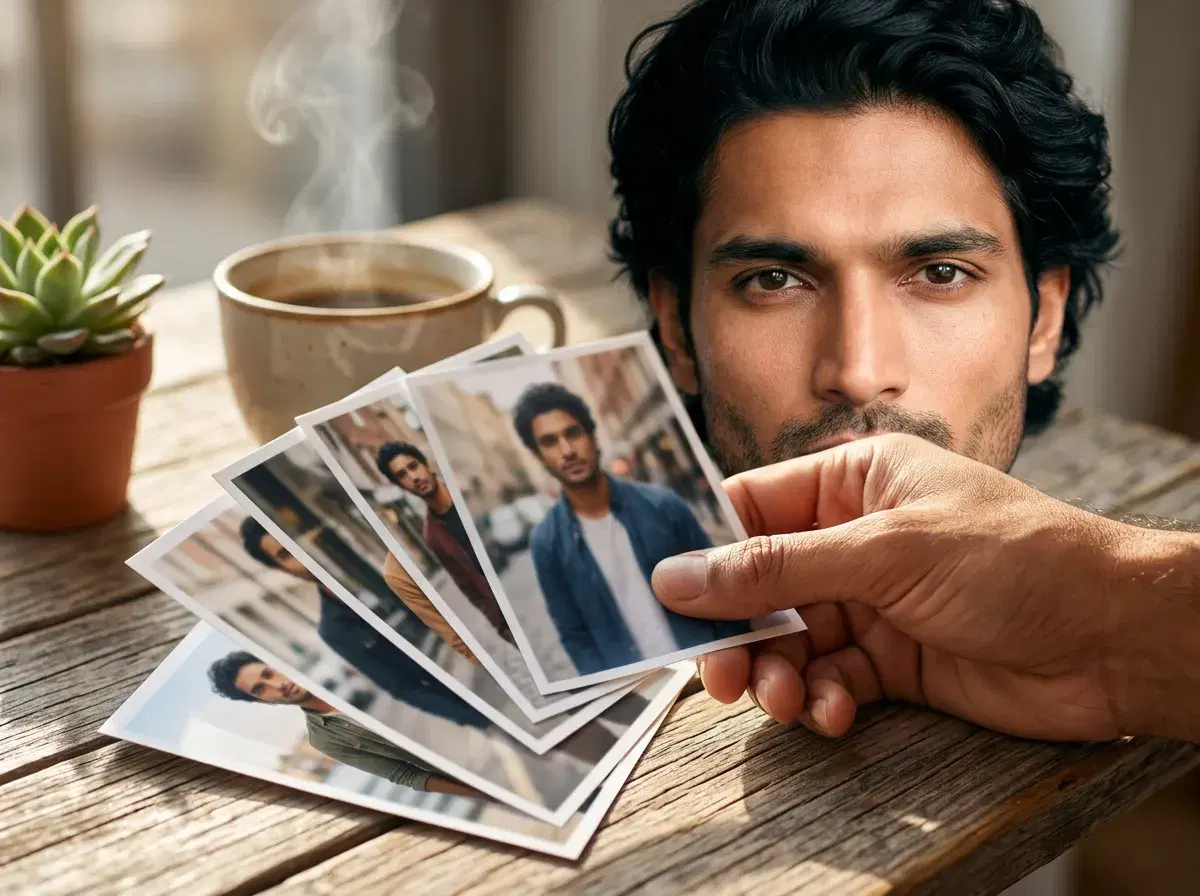
Hinge AI photos need to do a slightly different job than photos for Tinder or Bumble, because Hinge is built around prompts and comments rather than a fast swipe. The best Hinge photos give someone a reason to reply, not just a reason to like.
This guide covers what makes a Hinge photo work, and how an identity-locked AI photo generator like Pose fits into building that set.
- Hinge photos work best when they're prompt-friendly — a photo with an activity, a prop, or a setting gives a match something to comment on.
- Generate a mix of a clear solo portrait, one or two activity or lifestyle shots, and a full-body photo — all identity-locked from one selfie.
- A professional headshot works as your lead photo, but Hinge rewards pairing it with more personality-driven shots than Tinder does.
Hinge prompts vs. headshots
A Hinge photo is not the same job as a headshot. A headshot answers "what do you look like" — clean, well-lit, face-forward. A Hinge photo answers "what's it like to be around you," which is why the app pairs photos with written prompts and lets matches comment directly on a specific image.
That means a strong Hinge set usually mixes both: one clean headshot-style photo that establishes a clear look at your face, plus two or three lower-key, activity-adjacent shots — a hike, a coffee shop, a hobby — that give a prompt or a comment something concrete to latch onto. Pose generates both kinds from the same selfie, since identity lock keeps you recognizable whether the scene is a studio headshot or a casual outdoor shot.
Start with a clean lead photo from Pose AI headshots, then fill in activity-adjacent shots from the dating photo styles.
See the full AI dating profile photo styles built for Tinder, Hinge, and Bumble.
See the current plan on the Pose AI pricing page.