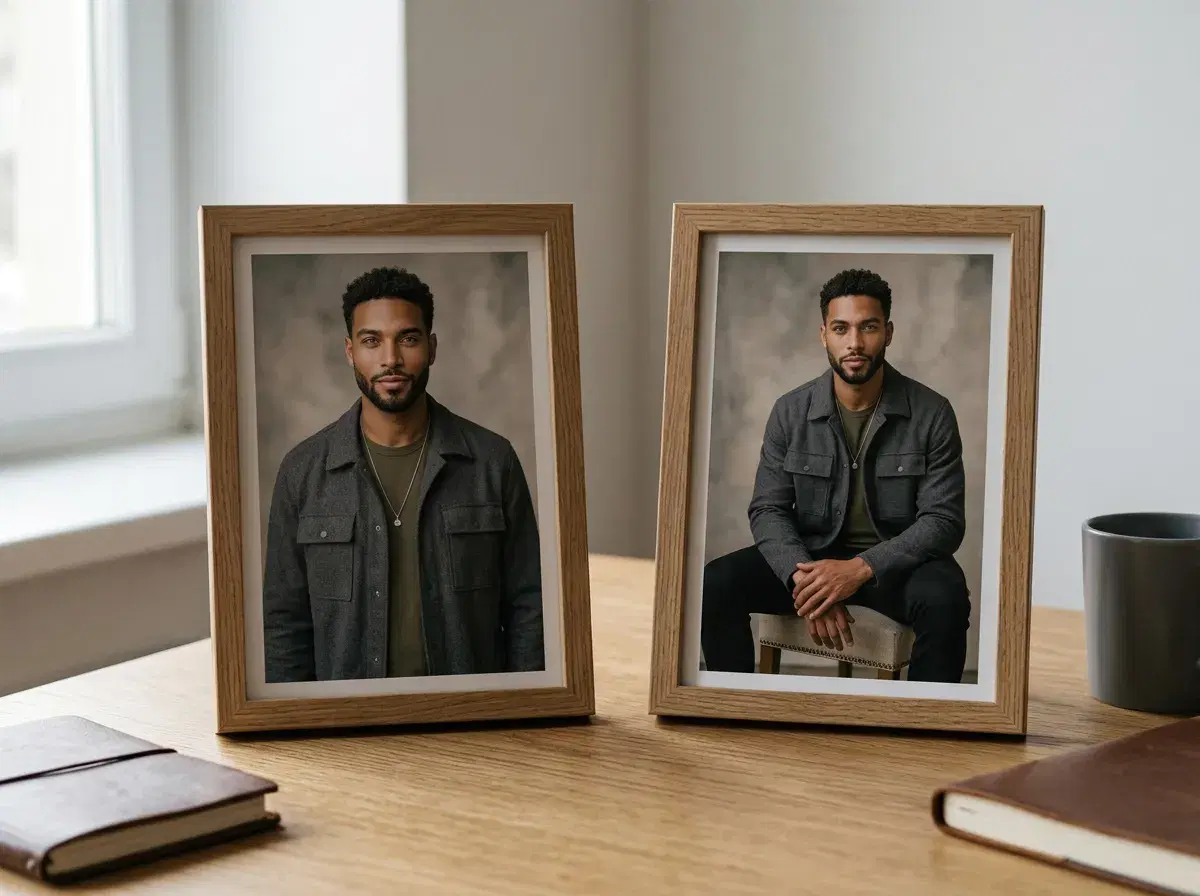
The best AI tools to change pose in a photo depend on what you're actually starting with. If you have a specific photo and want the pose in it adjusted, that's an editing job — Adobe Firefly (via Photoshop's Generative Fill) and RunwayML both do real, sourced versions of this. If you want a new photo of yourself in a different pose, from a selfie rather than an existing shot, that's a generation job — which is what Pose AI's Image Studio and Motion Control do.
This ranks the tools by which job they're actually built for, since picking the wrong category is the most common source of frustration with either.
Direct movement in video with Motion Control.
- For editing the pose within a photo you already have: Adobe Firefly's Generative Fill (in Photoshop) lets you describe a pose change in natural language while keeping the rest of the photo intact.
- For generating a new photo of yourself in a different pose: Pose AI's Image Studio (Nano Banana 2) builds a fresh, identity-locked image from one selfie and a description — no existing photo required.
- For directing pose and movement in video: Pose's Motion Control uses Kling for camera moves and SeedDance for subject motion, including motion transfer from a reference clip.
- RunwayML sits between the two — Act-Two drives pose-and-lip-sync animation from a reference performance, and Edit Studio (Aleph 2.0) transforms existing footage by prompt.
Pose change vs. style transfer
Changing a pose means altering how the subject is positioned — standing instead of seated, arms crossed instead of at their sides — while everything else about the image stays recognizably the same photo or subject. It's a change to the subject's physical configuration.
Style transfer is a different job entirely: applying the visual style of one image — brushstrokes, color palette, texture — onto the content of another, without necessarily touching the subject's pose at all. A neural style-transfer tool can turn a photo into something that looks like an oil painting while the person in it stands exactly as they did in the original. The two get conflated because both are 'AI image transformations,' but changing a pose and changing a style are unrelated operations.
Best AI tools to change pose, compared
| Tool | Job | How it handles pose | Starting point |
|---|---|---|---|
| Pose AI (Image Studio) | Generation | Describe the pose in a prompt; Nano Banana 2 generates a new identity-locked photo | One uploaded selfie, no existing photo |
| Pose AI (Motion Control) | Generation, video | Kling directs camera movement, SeedDance directs subject motion and motion transfer | One uploaded selfie or reference clip |
| Adobe Firefly (Photoshop Generative Fill) | Editing | Instruction-based: describe the pose change, the rest of the photo stays intact | An existing photo you already have |
| RunwayML (Act-Two / Edit Studio) | Editing, video | Act-Two drives pose-and-lip-sync animation from a reference performance; Edit Studio transforms footage by prompt | Existing footage or a reference performance |
If you have the photo, Firefly edits it. If you don't, Pose generates a new one. RunwayML's tools work on video and existing footage, closer to Firefly's category than Pose's.
Generate a new pose from one selfie on the AI headshots page.