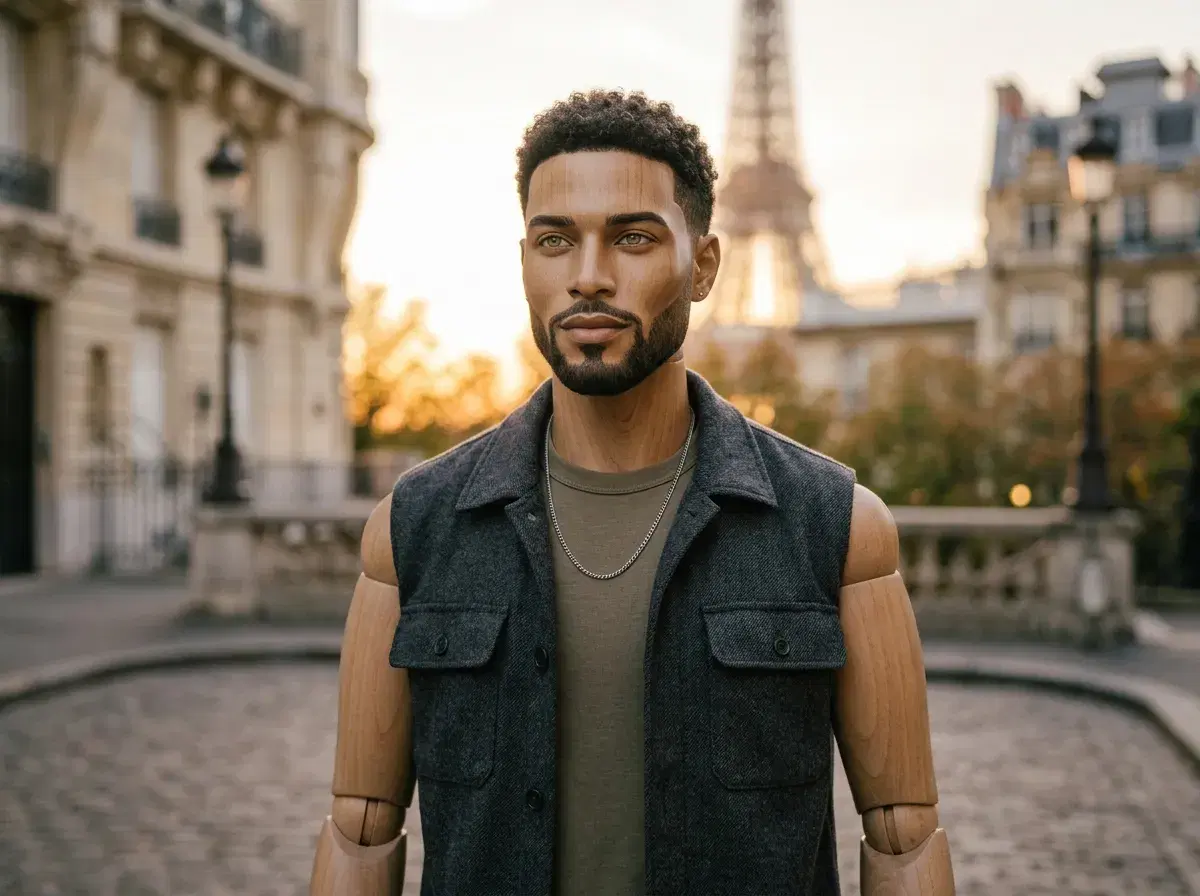
Motion control and traditional pose editing both end with a subject in a different position, but they get there in opposite ways. Motion control — Pose's Kling and SeedDance engines — generates the movement natively as part of creating a video, guided by a description or a reference. Traditional pose editing is manual: Photoshop's Puppet Warp lets you place pins on a mesh over a 2D image and drag joints by hand, and 3D pose rigging assigns a skeleton to a model so its joints can be individually repositioned in tools like Blender or Mixamo.
Neither approach is a straight upgrade on the other — they trade automation for precision in opposite directions.
Direct camera and subject movement with Pose's Motion Control.
- Motion control (Pose AI): you describe the movement or supply a reference, and Kling (camera) or SeedDance (subject motion, motion transfer) generates it as part of video creation — no manual rig, no manual posing.
- Traditional pose editing: Photoshop's Puppet Warp lets you manually reposition joints on a 2D image using a pin-based mesh; 3D pose rigging assigns a skeleton to a model so you can manually adjust each joint in a 3D tool.
- Motion control is faster and needs no rigging skill, but it works within Pose's own video generation rather than modifying a specific existing photo or rig.
- Manual rigging and Puppet Warp give frame-by-frame precision over an asset you already have, at the cost of real time and technical skill.
Motion control vs. pose rigging
Motion control, in Pose's Video Studio, means directing how a generated clip moves — Kling handles camera movement (push in, orbit, pan) and SeedDance handles subject motion, including transferring the movement from a reference clip onto your subject. It's generative: you describe or reference the motion, and the model produces it as part of creating the video.
Pose rigging is a manual technique from animation: a skeleton of joints is attached to a 2D or 3D model, and an animator manually moves each joint to reposition the subject. Photoshop's Puppet Warp (Edit > Puppet Warp, a feature since CS5) is the 2D version — you place pins on a mesh overlay and drag them to bend and reposition parts of a still image. 3D pose rigging, used in tools like Blender or Mixamo, works the same way on a 3D model with a full joint hierarchy, giving finer control at the cost of needing a 3D asset and animation skill to begin with.
Motion control vs. traditional pose editing
| Motion Control (Pose AI) | Photoshop Puppet Warp | 3D Pose Rigging | |
|---|---|---|---|
| What it needs | One selfie or a reference clip, plus a description | An existing 2D image | A rigged 3D model with a skeleton |
| Skill required | None — describe the motion | Manual pin placement and dragging | 3D animation and rigging skill |
| Output | A new generated video clip | A warped version of the same still image | A repositioned pose on the same 3D model |
| Best for | Generating a moving clip from a photo, natively, in seconds | A quick manual adjustment to a specific still you already have | Precise, repeatable posing for 3D characters and animation |
Generate a new pose from one selfie on the AI headshots page.