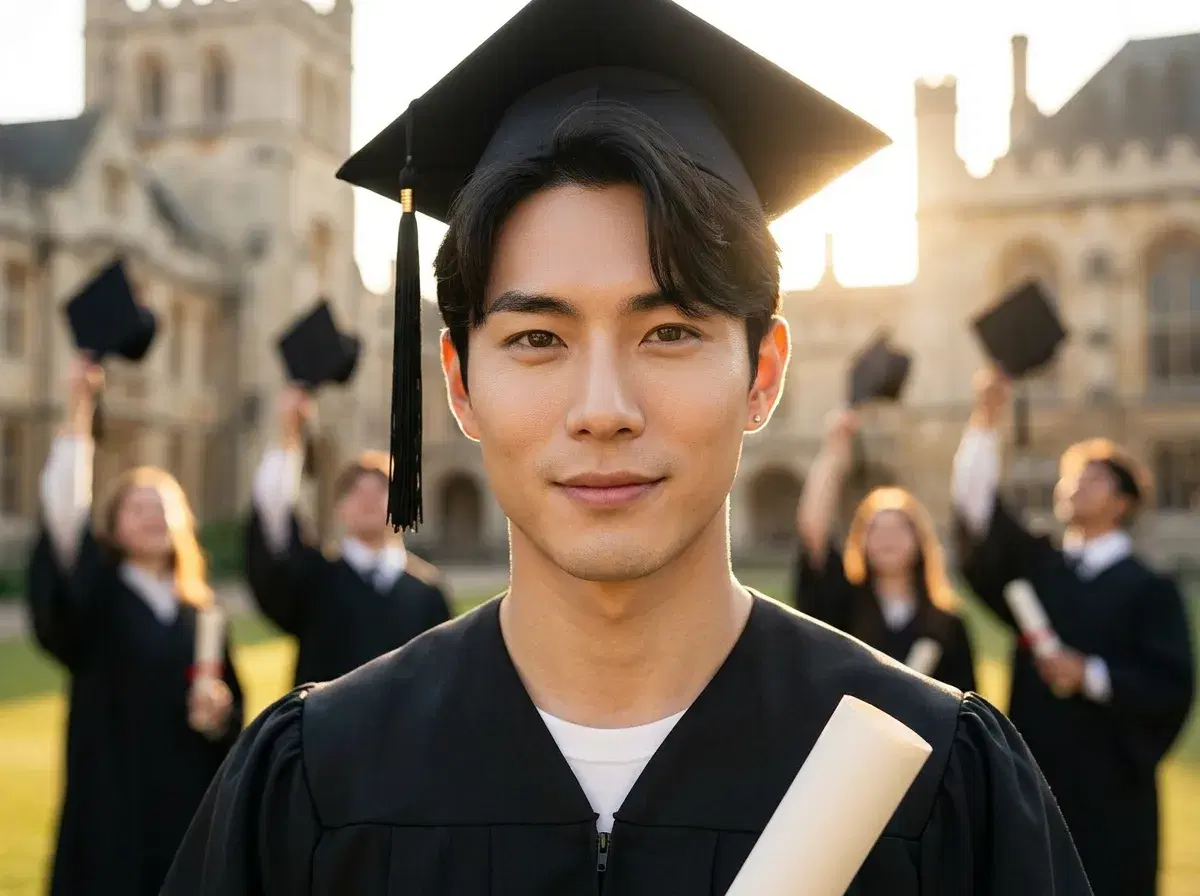
- Graduation season 2026 peaks late May through mid-June across the US, UK, and India.
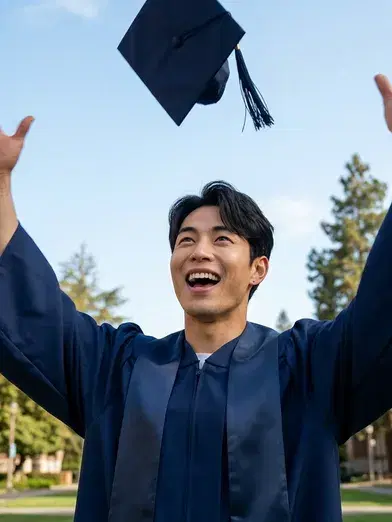
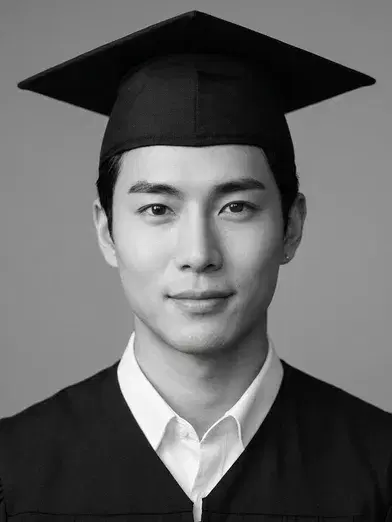
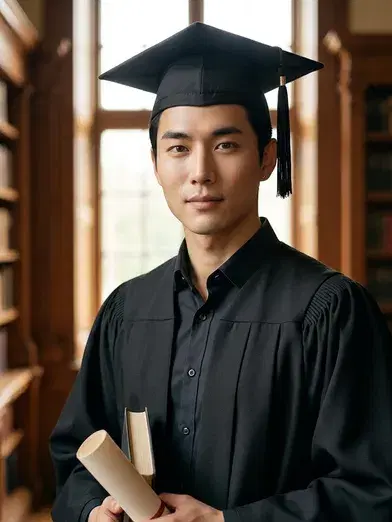
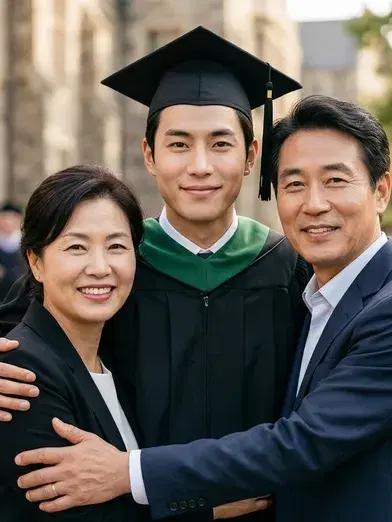
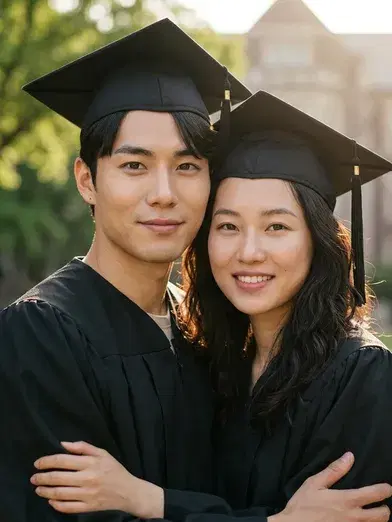
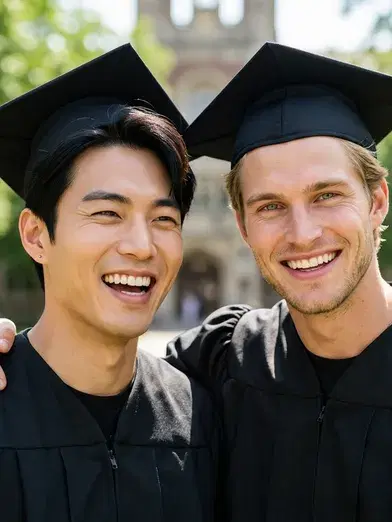
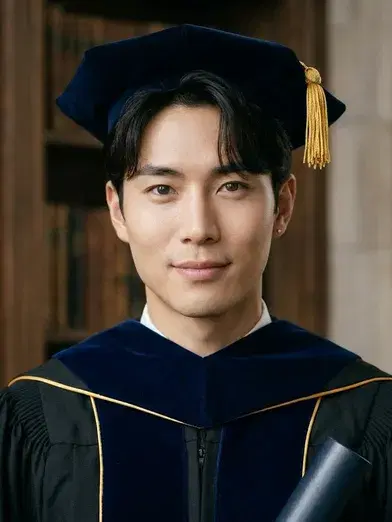
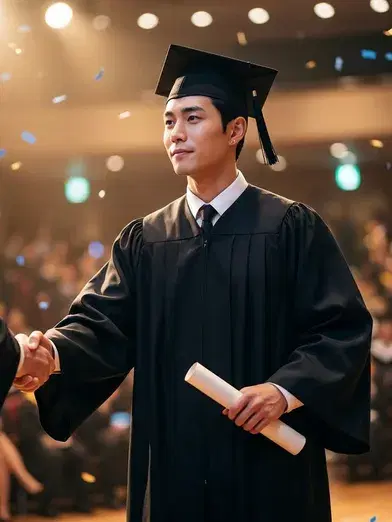
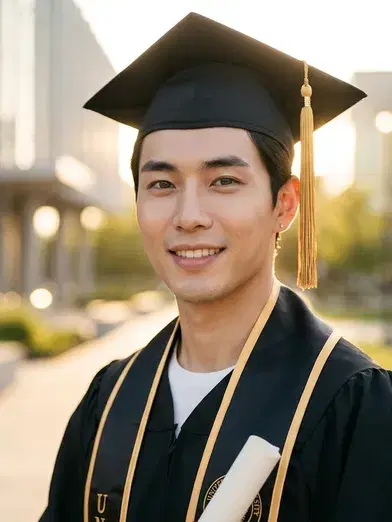
- Twelve graduation AI photo ideas — classic cap-and-gown studio portrait, campus quad, cap toss, yearbook-style, family and duo graduation, doctoral robes.
- Eight-step walkthrough with placeholder screenshots.
- Three audiences: grads who want studio-grade portraits without booking a studio, parents making a gift, and anyone who could not attend the ceremony.
Graduation season is here, and not everyone gets the photos they wanted. International families miss the ceremony. Plenty of grads skip the on-campus photo studio because the slots are booked or the price is high. Some ceremonies were virtual, hybrid, or simply not photographed well. A graduation AI photo fills that gap — it produces a polished cap-and-gown portrait from one or more selfies, no real ceremony required, and you can make it weeks before or after the actual day.
This guide is for three audiences. If you are the grad and you want stylized cap-and-gown shots without booking a studio, the eight-step walkthrough is for you. If you are a parent making a gift photo or framed portrait of the new grad, the family and duo templates produce something genuinely keepsake-worthy. And if you missed the ceremony — international family, virtual graduation, or a date you cannot redo — the AI version is the most realistic substitute the technology has yet produced. Last updated: May 2026.
12 graduation AI photo ideas
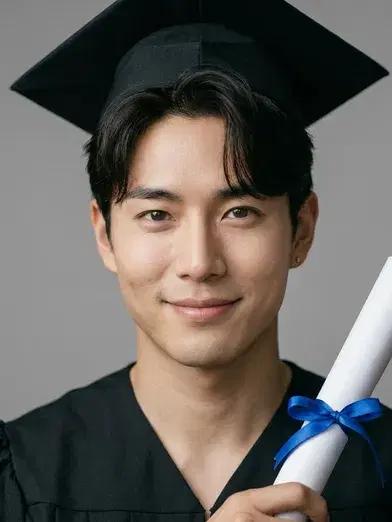
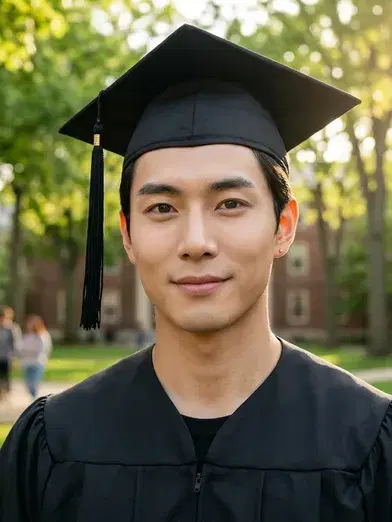
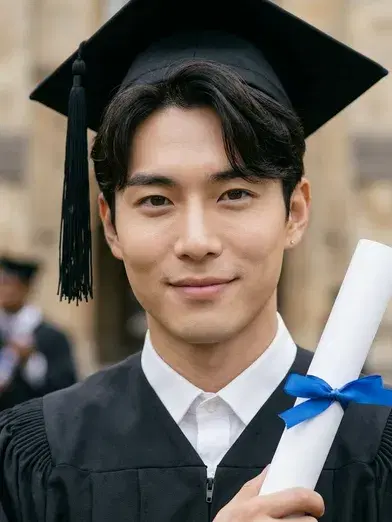
Twelve scenes that work as a graduation AI photo in 2026. Solo templates run from one selfie of the grad; family, couple, and duo templates accept additional selfies for everyone else in the frame.
What you will need
You do not need a real cap and gown or a campus to shoot on. The full checklist:
One to five clear selfies of the grad — front-facing, well-lit, no sunglasses. The school name and colors handy, so you can pick a template that matches the gown or hood color where the option is offered. For multi-person scenes, individual selfies of each additional person. A phone running iOS 15+ or Android 10+. The Pose AI app, free to download. About ten minutes.
How to make a graduation AI photo: step-by-step
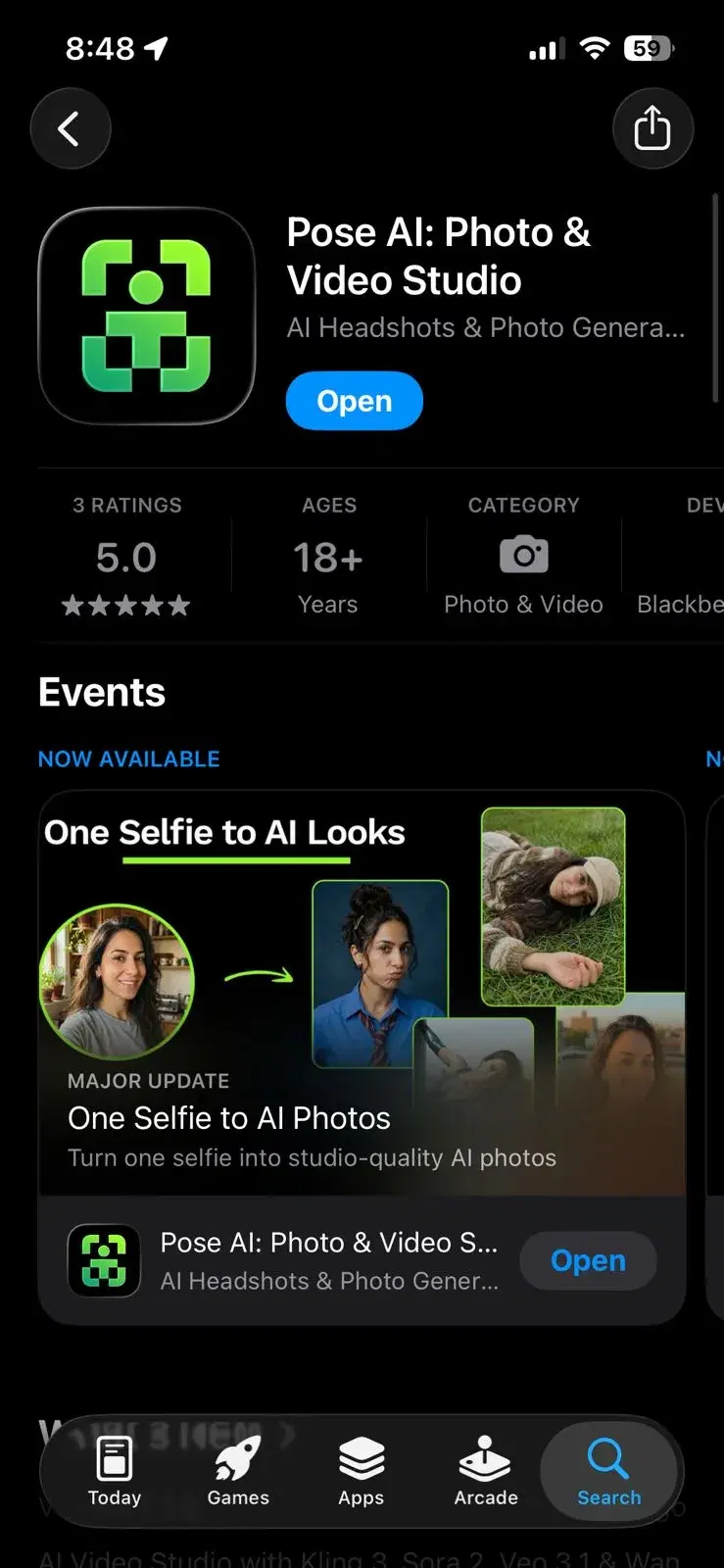
- 1Download Pose AIInstall Pose AI from the App Store or Google Play and open the app. Sign in with Apple, Google, or email. Give the app camera-roll permission so it can read your selfies.
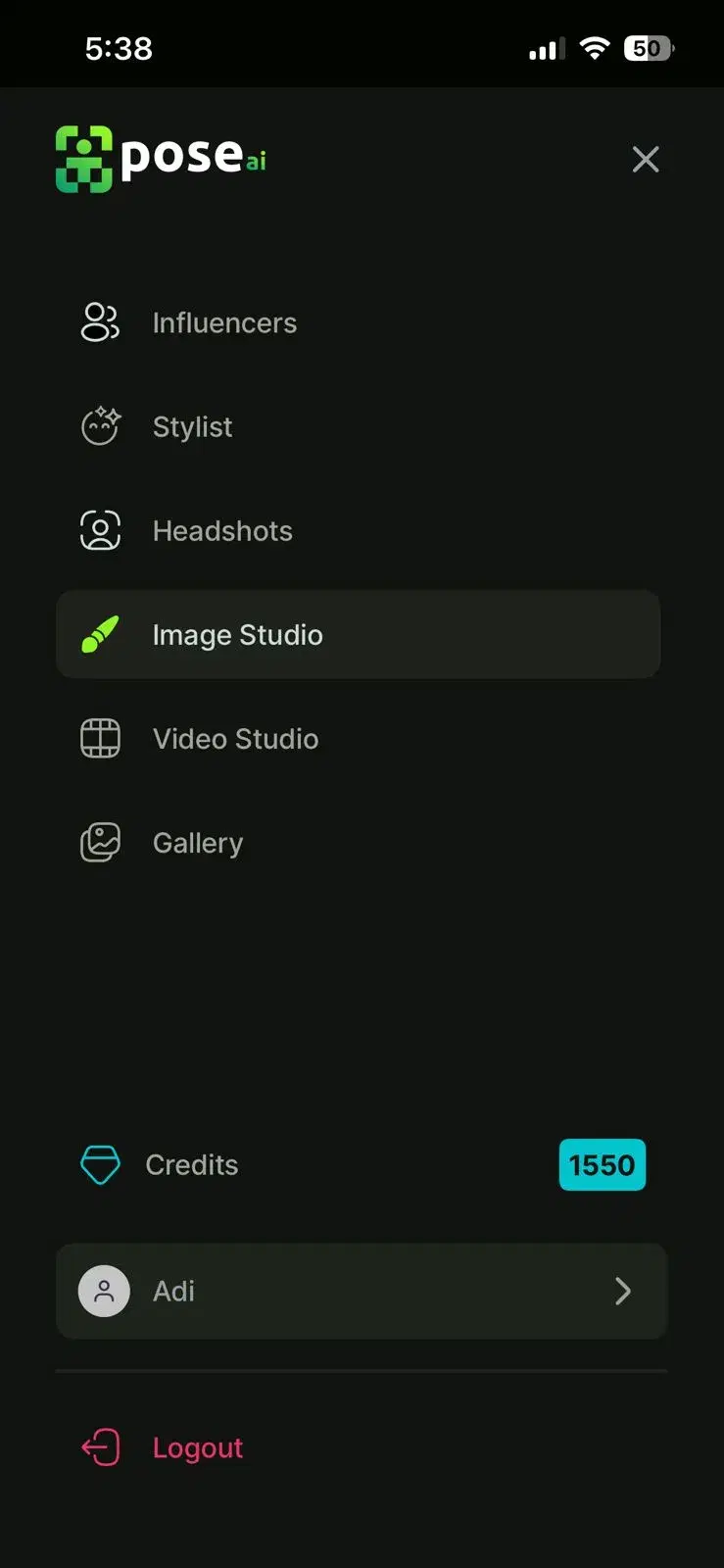
- 2Pick a graduation templateBrowse the Graduation row and pick the scene you want. Three that work for almost any grad on a first try: classic cap-and-gown studio portrait for the framed-print gift, outdoor campus quad for social posts, and cap toss for something playful.
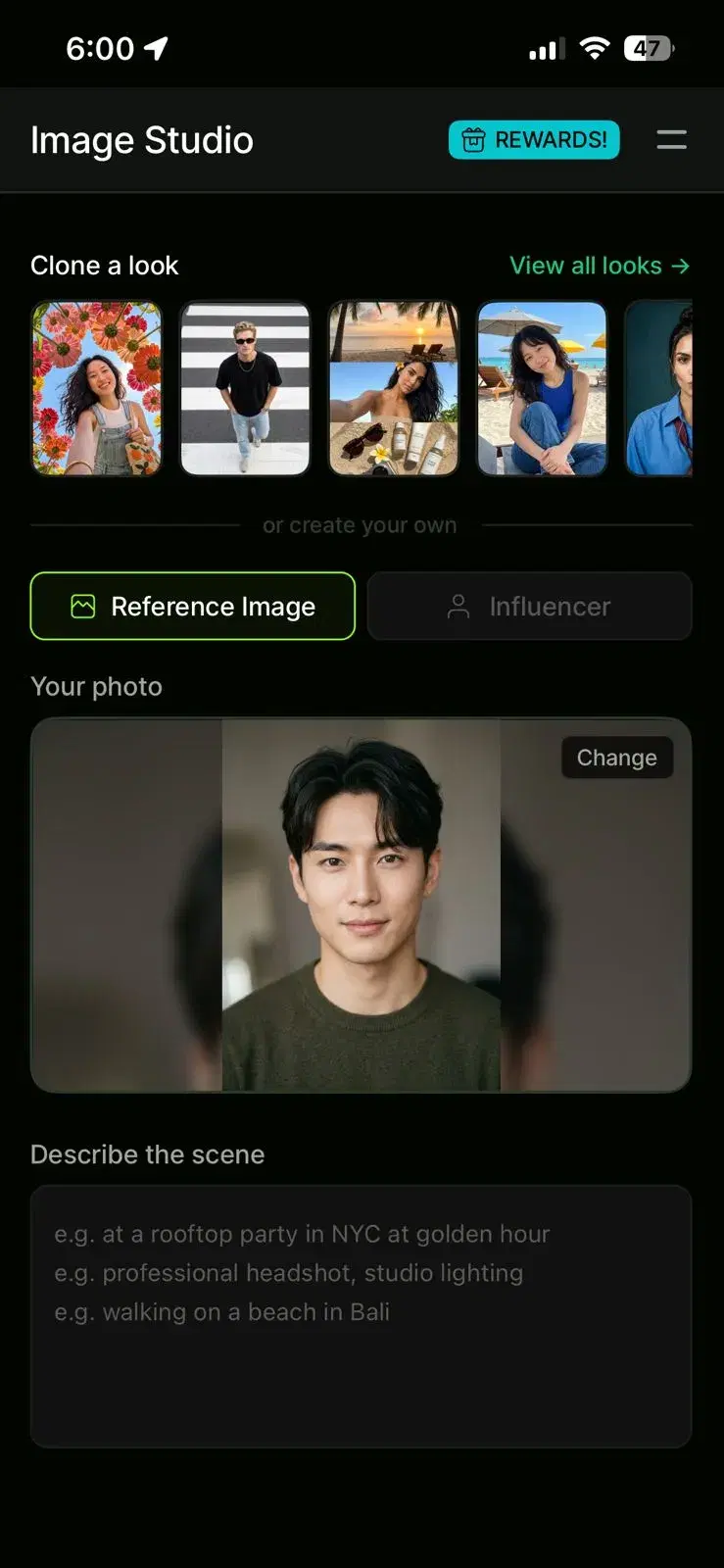
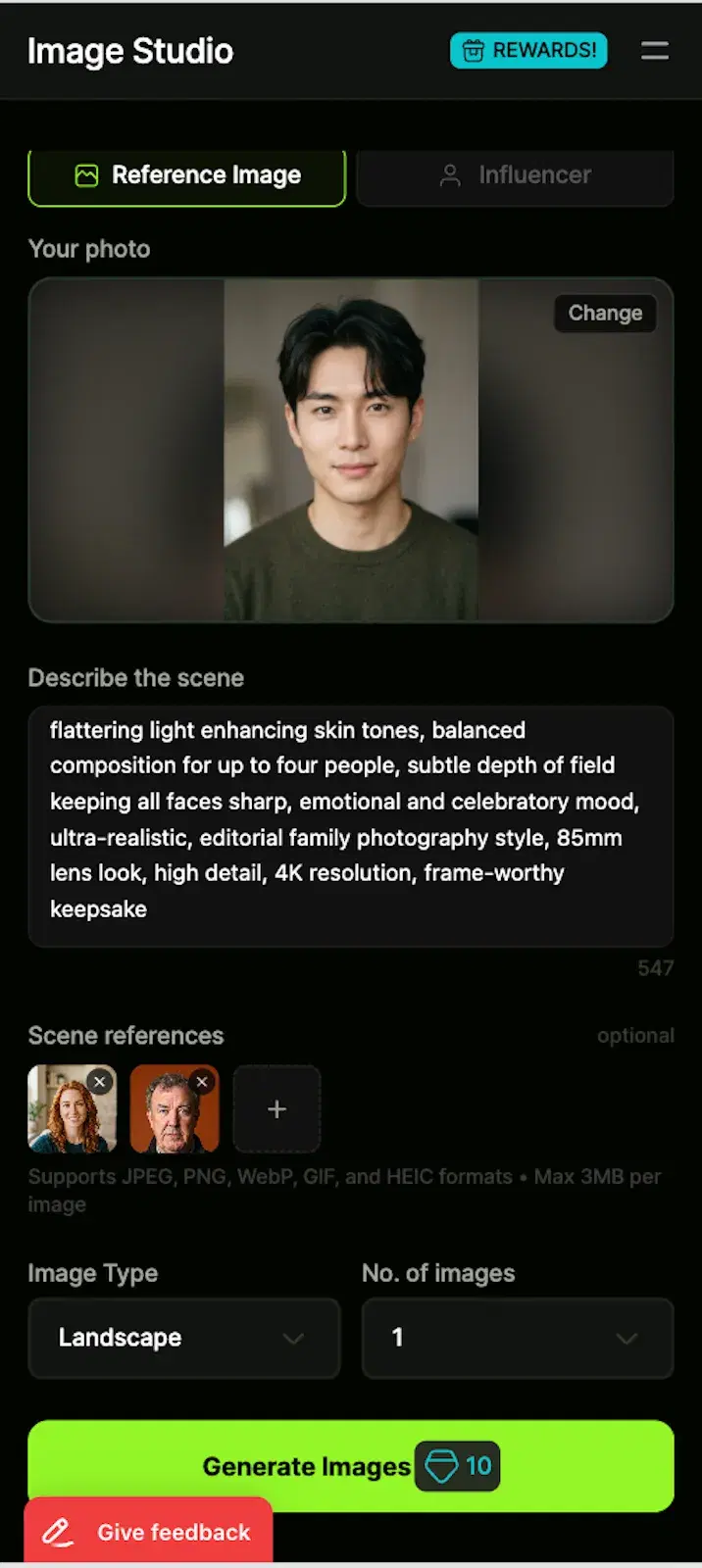
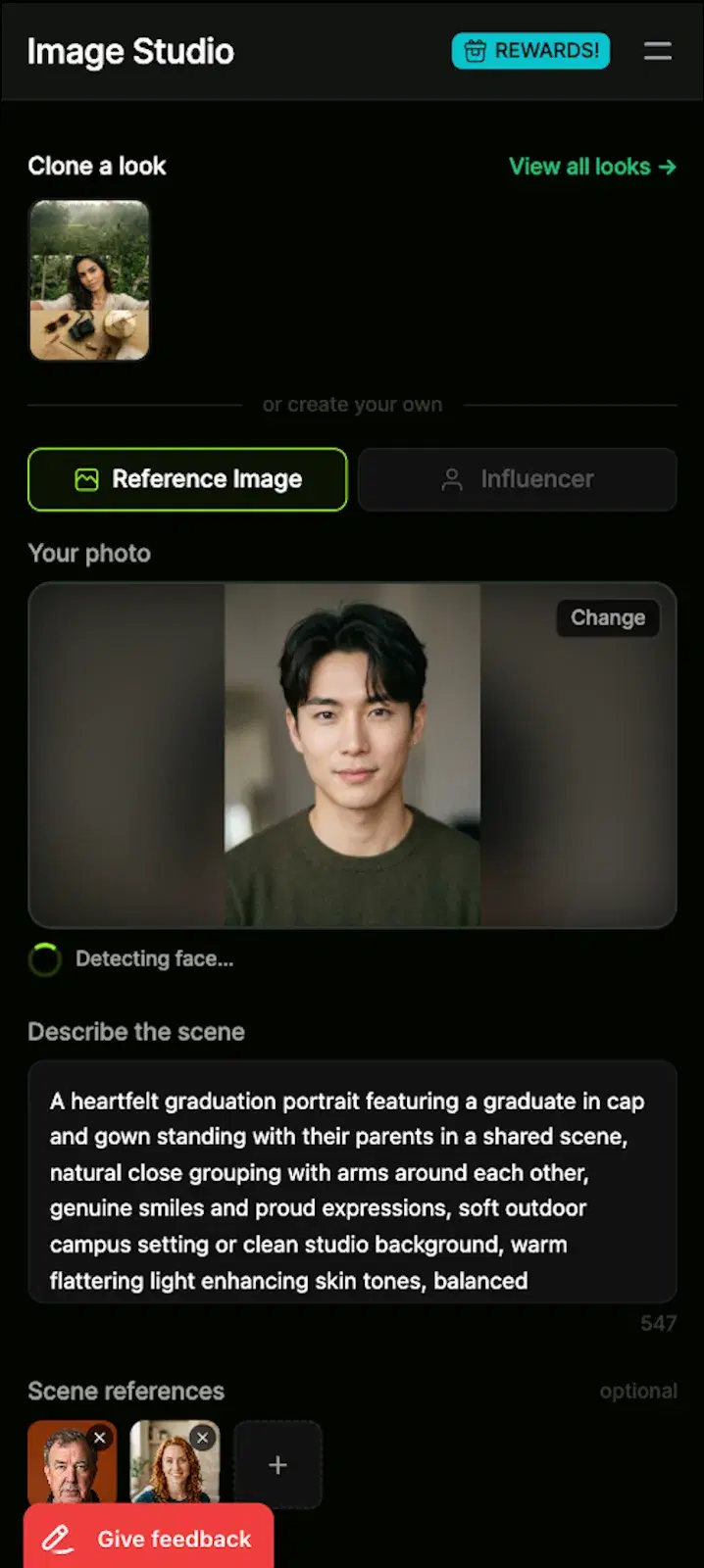
- 3Upload the grad's selfiesTap Upload and pick one to five front-facing selfies of the grad. One photo is the minimum; three to five give the model more angles to lock identity, which matters more for cap-and-gown scenes because the cap shadow and tassel can occlude part of the face. Avoid sunglasses, hats, masks, or beauty filters.
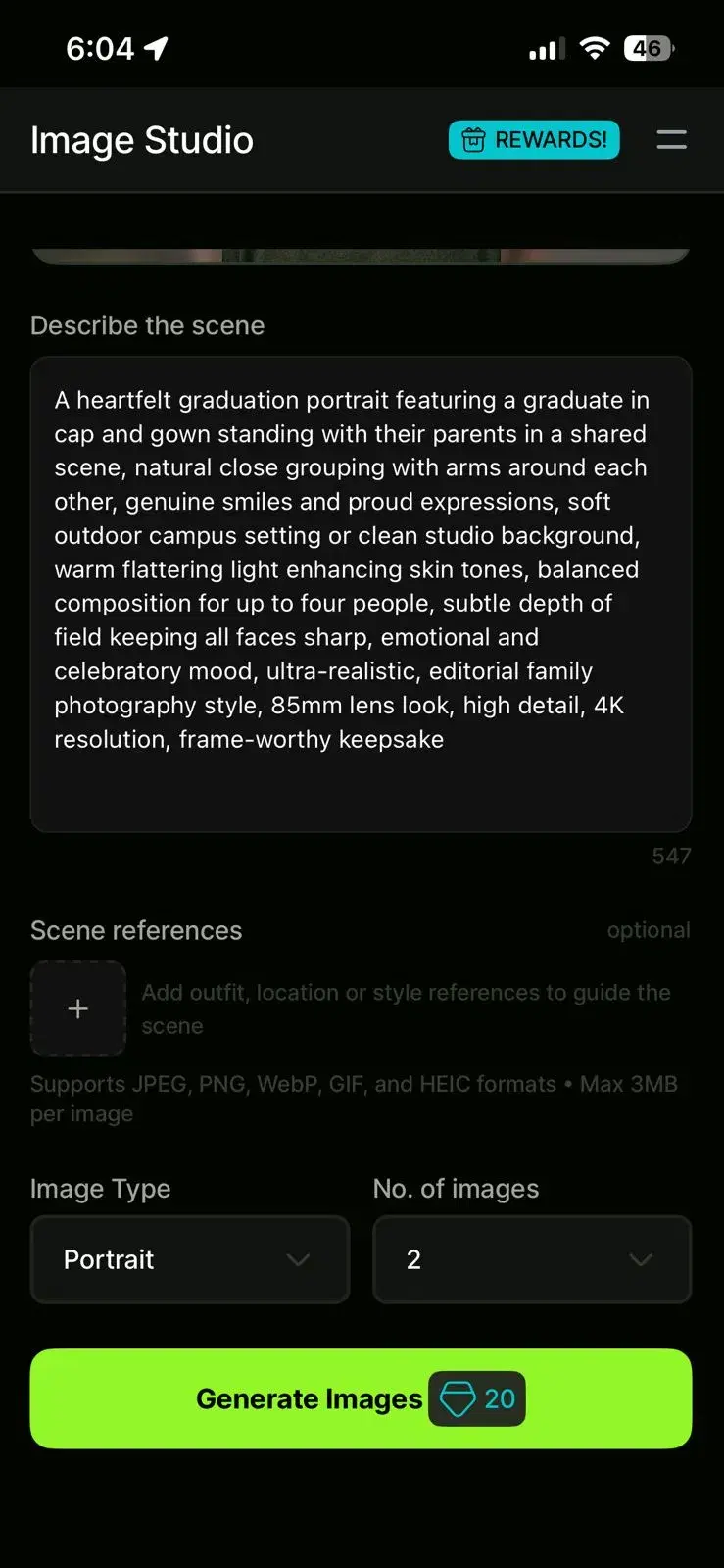
- 4Describe the SceneYou describe the couple scene you want in your own words. Type a prompt like 'romantic beach sunset,' 'Paris street at night,' or 'elegant wedding portrait.' The AI interprets your description and generates a custom scene around it. Be specific about mood, location, and lighting for best results. You can regenerate with a different prompt if the first attempt doesn't match your vision.
- 5Add additional people for family, couple, or duo templatesIf you picked a Family, Couple, or Best-Friends template, the next screen prompts you to upload selfies for everyone else in the frame. Use individual selfies, not group photos. Up to four people are supported in family templates. Confirm the face assignment when prompted — this is the most common spot for first-time mistakes.
- 6Confirm face assignmentBefore generation starts, Pose AI asks which partner should appear on the left and which on the right. This is where most first-time users make a mistake and swap the two faces — double-check the thumbnails before tapping Confirm. The face-assignment screen is also where you can redo an upload if you realise one selfie was blurry. Once you confirm, the job is locked in and you cannot edit it mid-run.
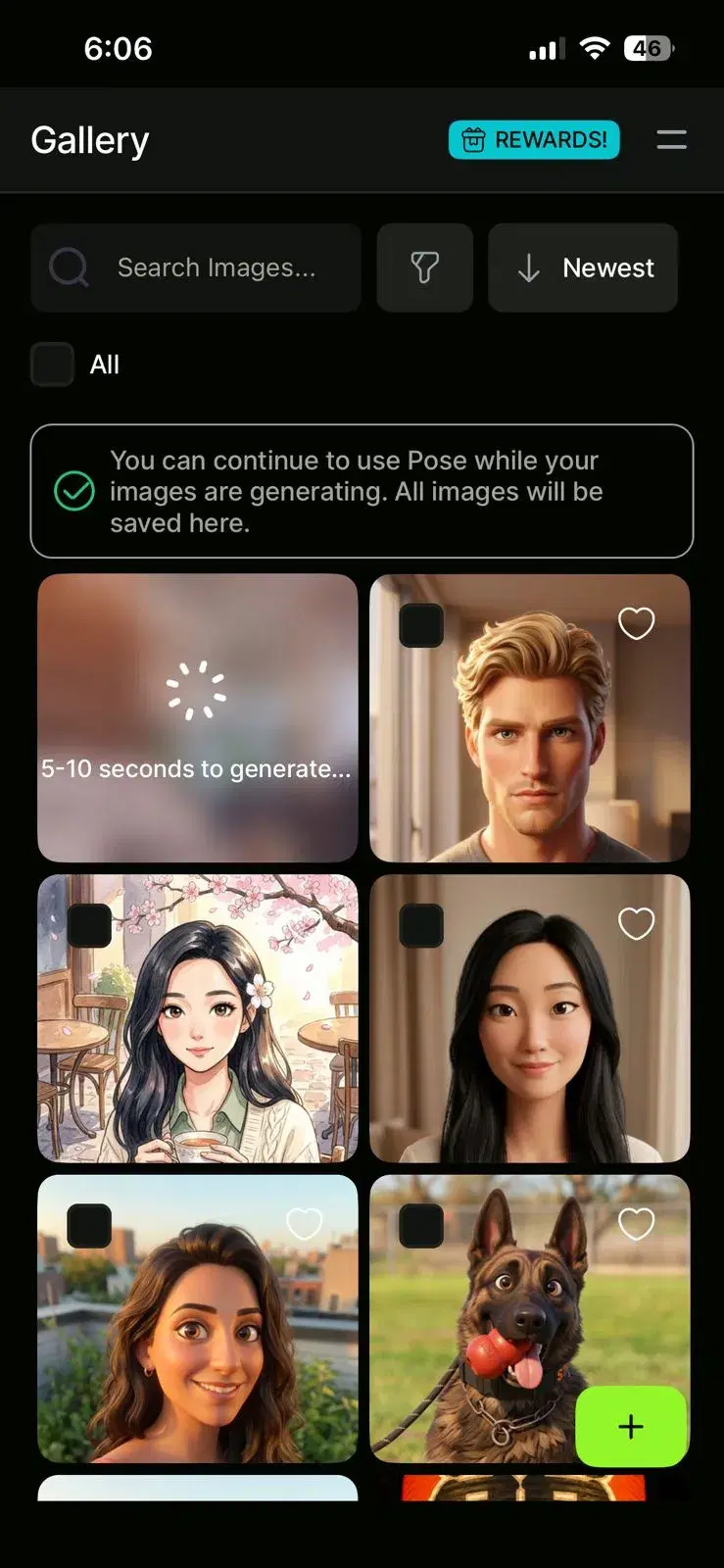
- 7Wait about 2 minutes for generationA progress screen shows three stages: face embedding, scene generation, and refinement. Solo templates finish in about two minutes. Multi-person scenes (family, couple, best-friends) can take three to four because the model has to embed each face and place each subject in the scene. Push notifications fire when each photo is ready.
- 8Download, print, share, or use as a headerWhen the photo is ready, the preview screen offers Regenerate and Download. Save the result to camera roll at full resolution, then choose how to use it: a framed 8x10 for grandparents, a LinkedIn or Instagram header, a thumbnail for the school group chat, or a high-resolution upload to a print service for canvas wall art.
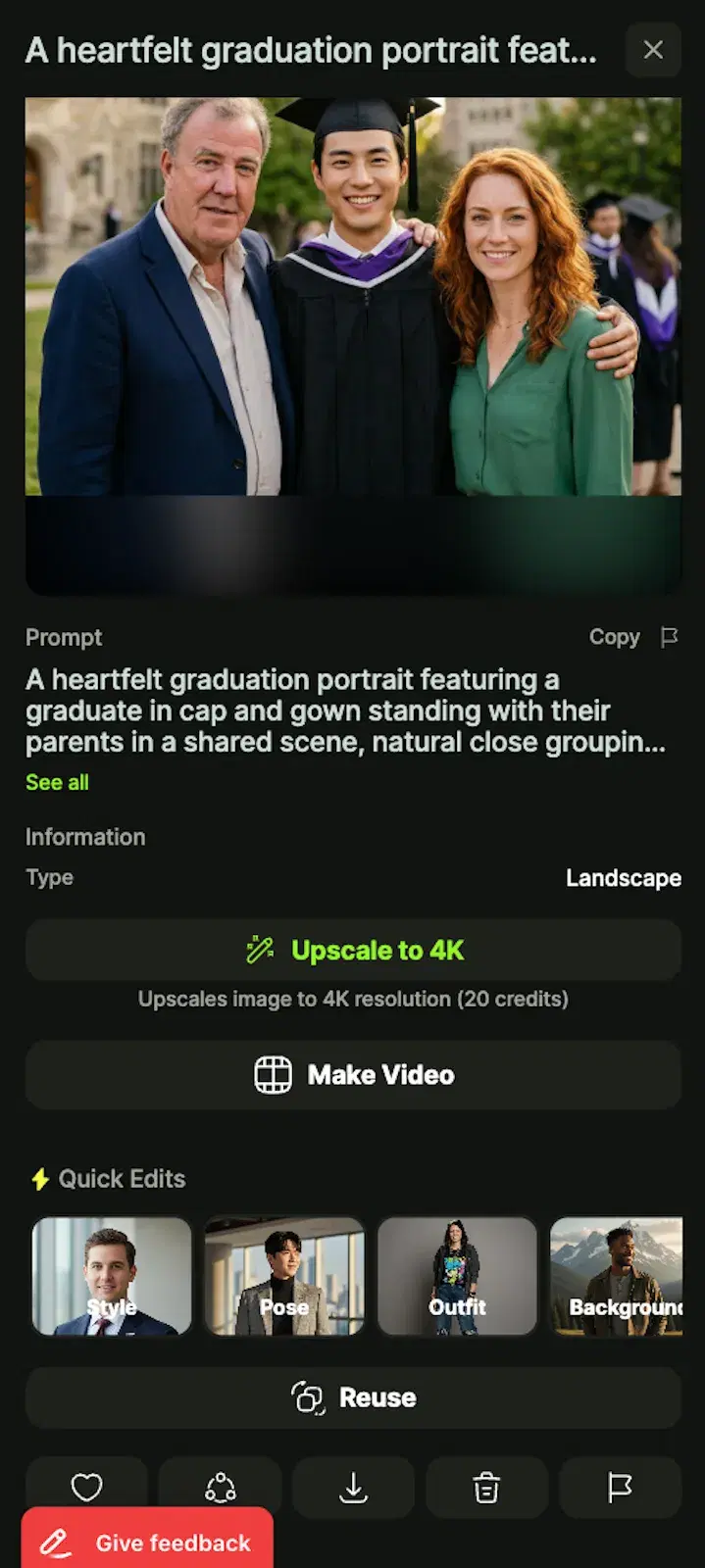
There are three realistic ways to end up with a cap-and-gown portrait of yourself in 2026: book a campus studio, take a phone selfie at the ceremony, or generate one with AI. Each has trade-offs around time, cost, and how much it looks like a real portrait. The first table compares those three options head-to-head. The second is the perennial AI-versus-Photoshop comparison, which is mostly about time and skill — useful if you are weighing whether to mask a cap onto an existing photo by hand.
AI graduation portrait vs. studio booking vs. phone selfie
| AI graduation portrait | Studio booking | Phone selfie | |
|---|---|---|---|
| Time | 2–10 min | 1–2 weeks for slot plus delivery | 30 sec |
| Cap-and-gown included | Yes — 50+ templates | Sometimes (rental fee) | No |
| Backdrop options | Many scenes per template | 1–3 backdrops | Wherever you are |
| Re-do without rebooking | Yes — regenerate anytime | No | Yes |
| Works after graduation day | Yes | Often no | Yes |
Studio booking still produces the highest-fidelity portrait, but the cost and timing are the wall most grads hit. AI sits in the middle: cheaper than a studio, more polished than a selfie, and the only option that works after the ceremony day. If you missed the ceremony entirely, AI is effectively the only realistic way to end up with a credible cap-and-gown portrait.
AI graduation photo vs. traditional photo editing
| AI graduation photo | Photoshop / manual composite | |
|---|---|---|
| Time | 2 min per image | 2–4 hours |
| Skill needed | None | Advanced — masking, layers, color matching |
| Add cap and gown to a regular photo | Automatic | Manual masking required |
| Realism | Photorealistic | Depends on editor |
| Best for | Casual gifts, social, family | Commercial use, official portraits |
Manual compositing in Photoshop is the right choice when an output has to survive close inspection — newspaper announcements, official school PR, commercial materials. For everything else, AI generation is faster and the realism gap closed in 2026 to the point where it does not show up in a casual post or a framed gift print.