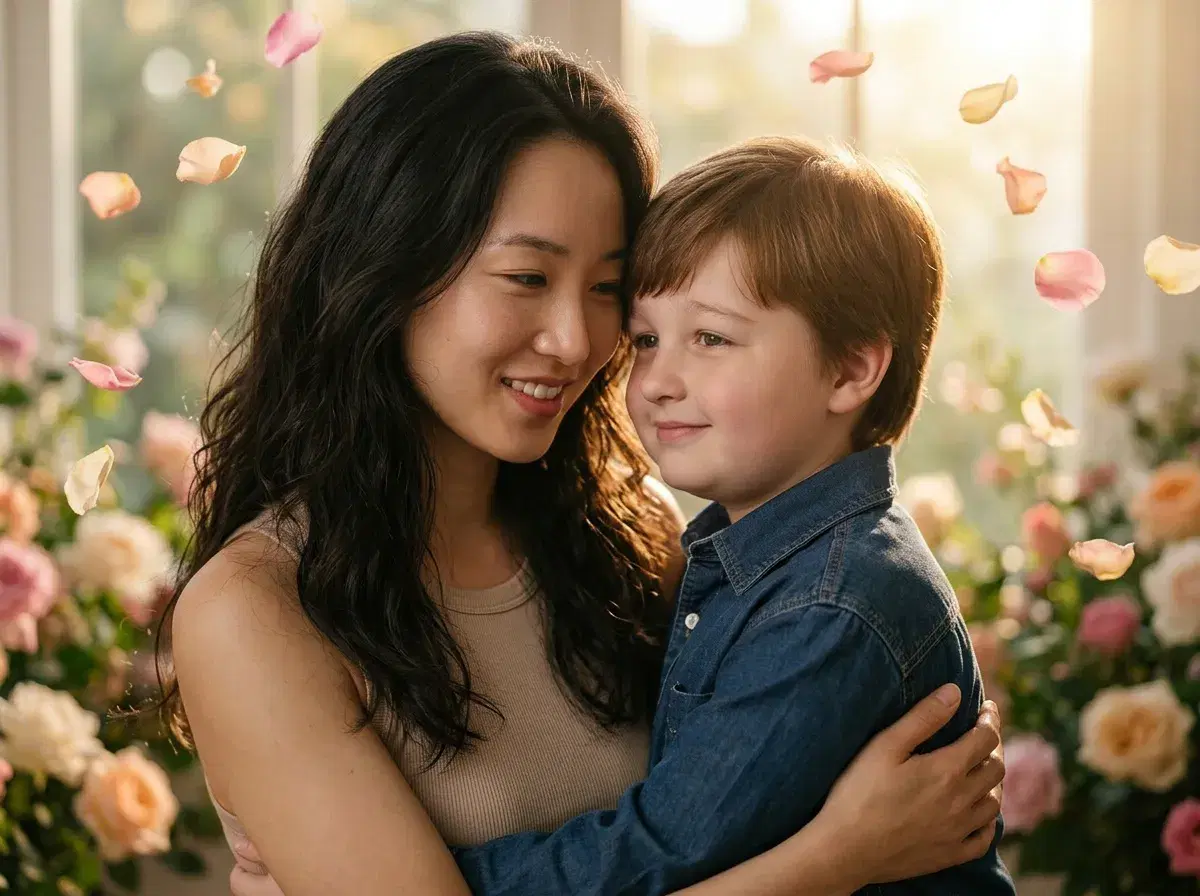
- Mother's Day 2026 falls on Sunday May 10. This guide ships May 6, so you have four days.
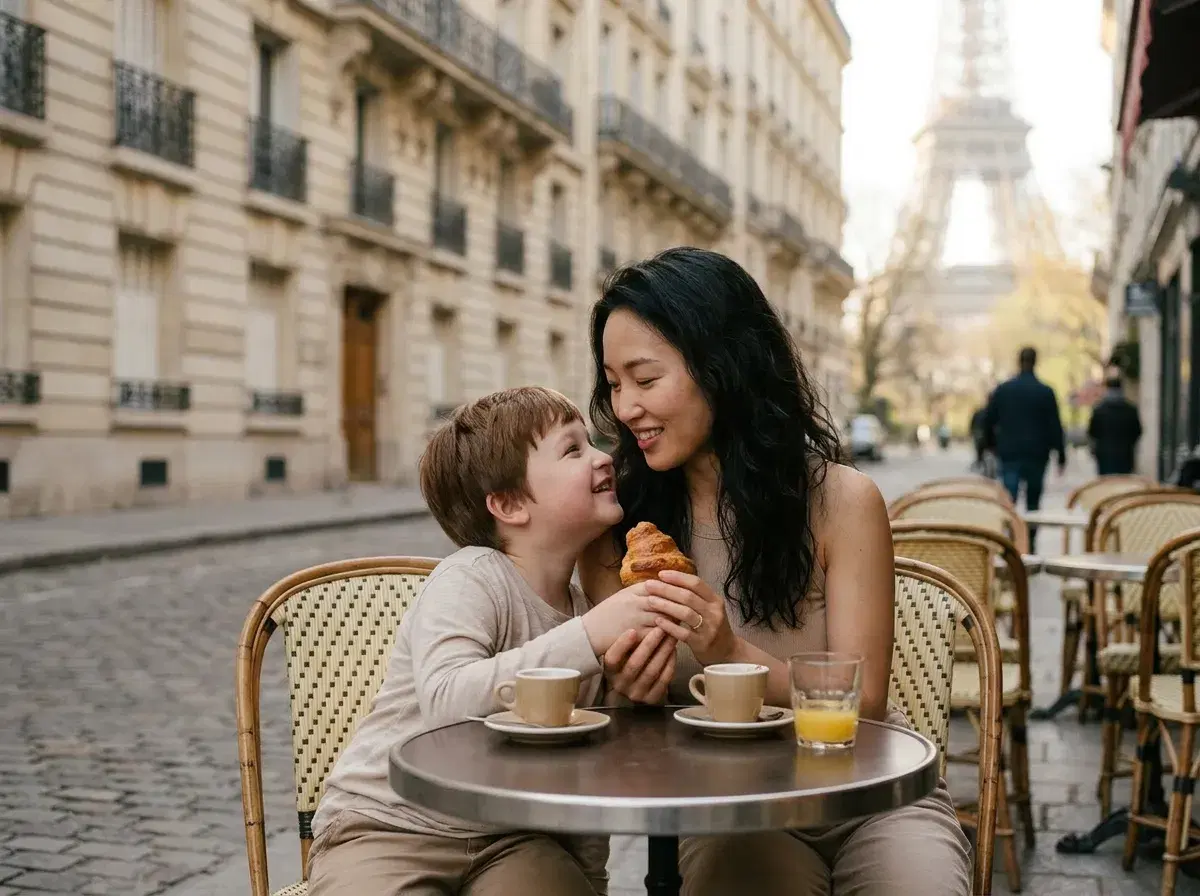
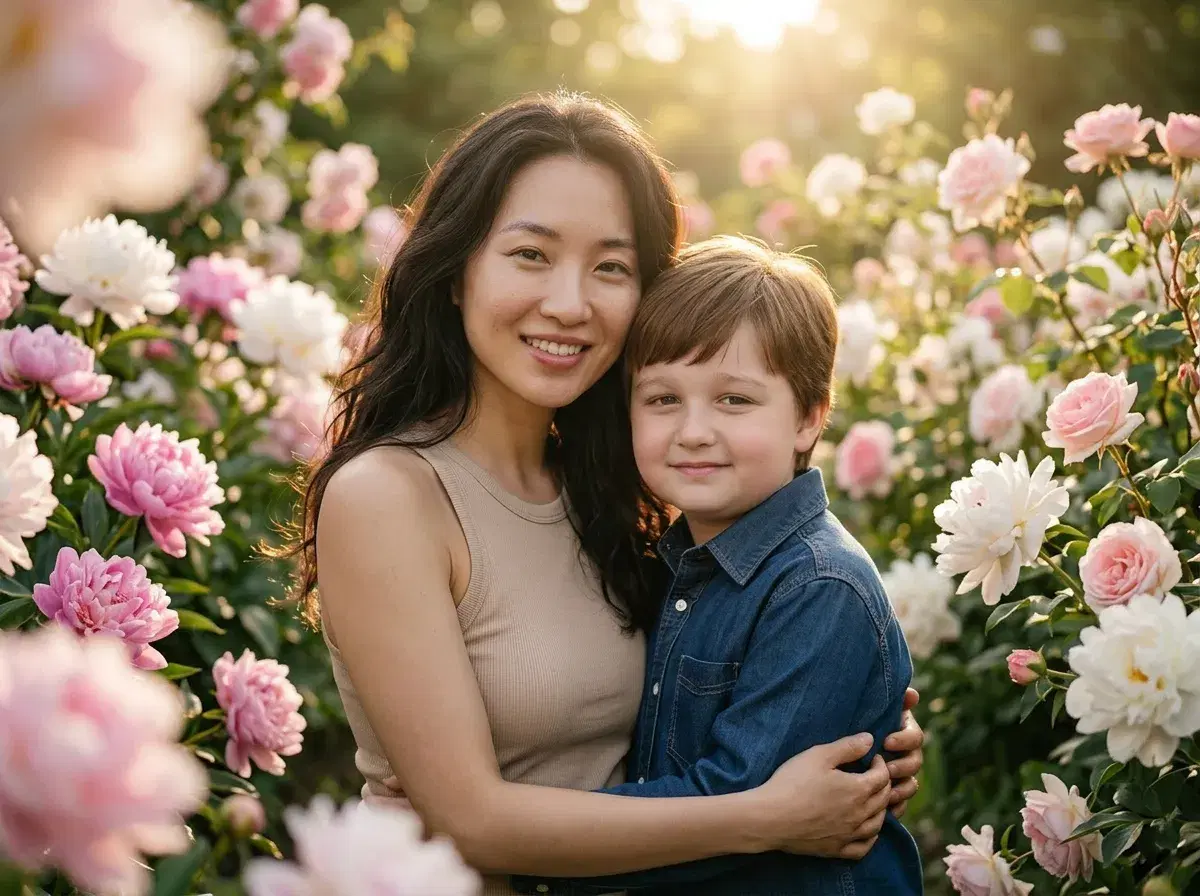
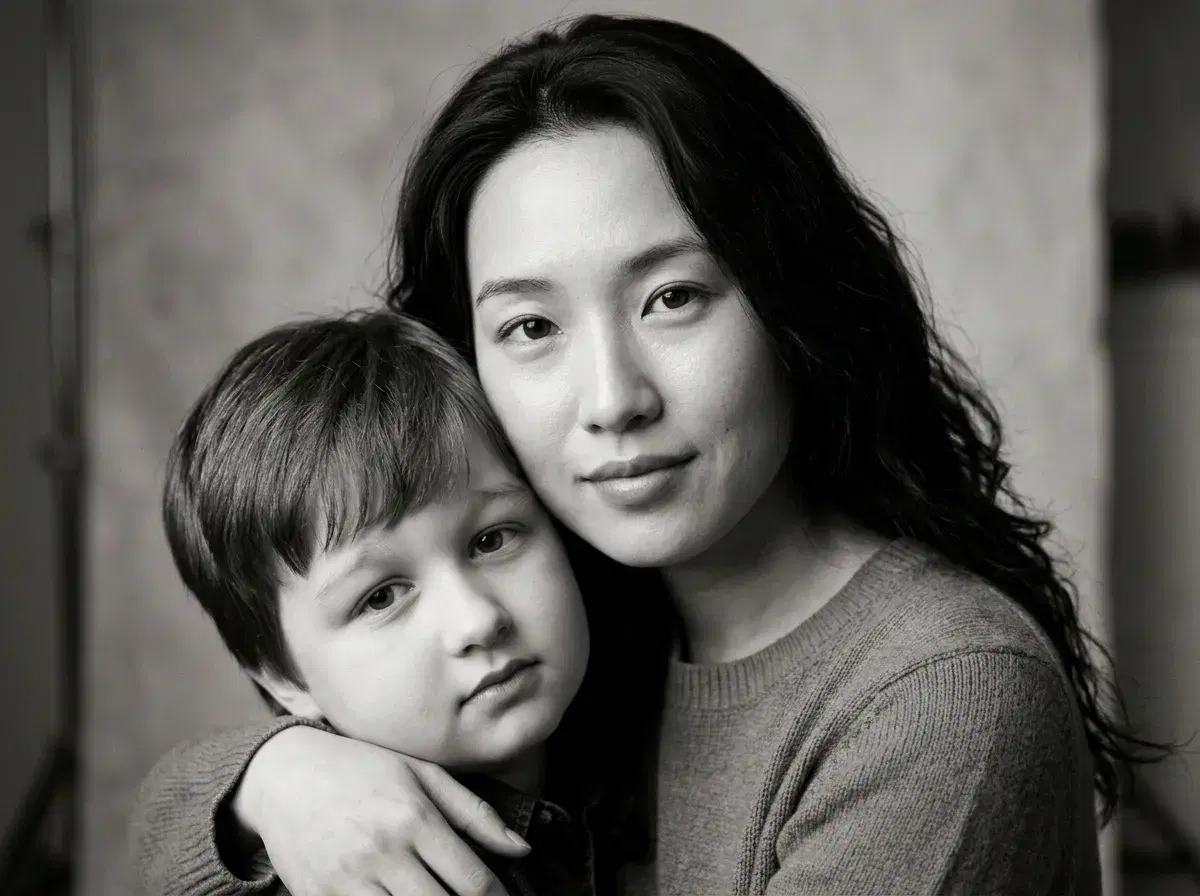
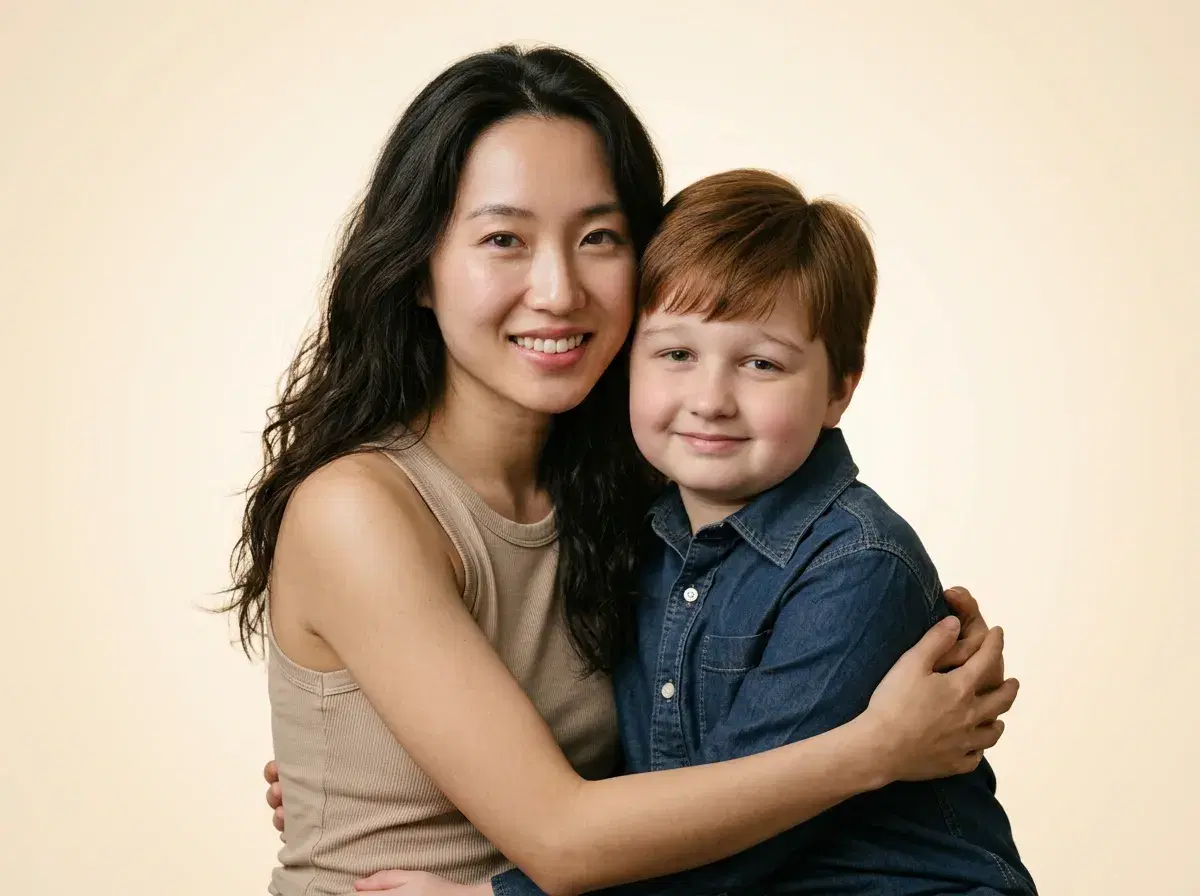
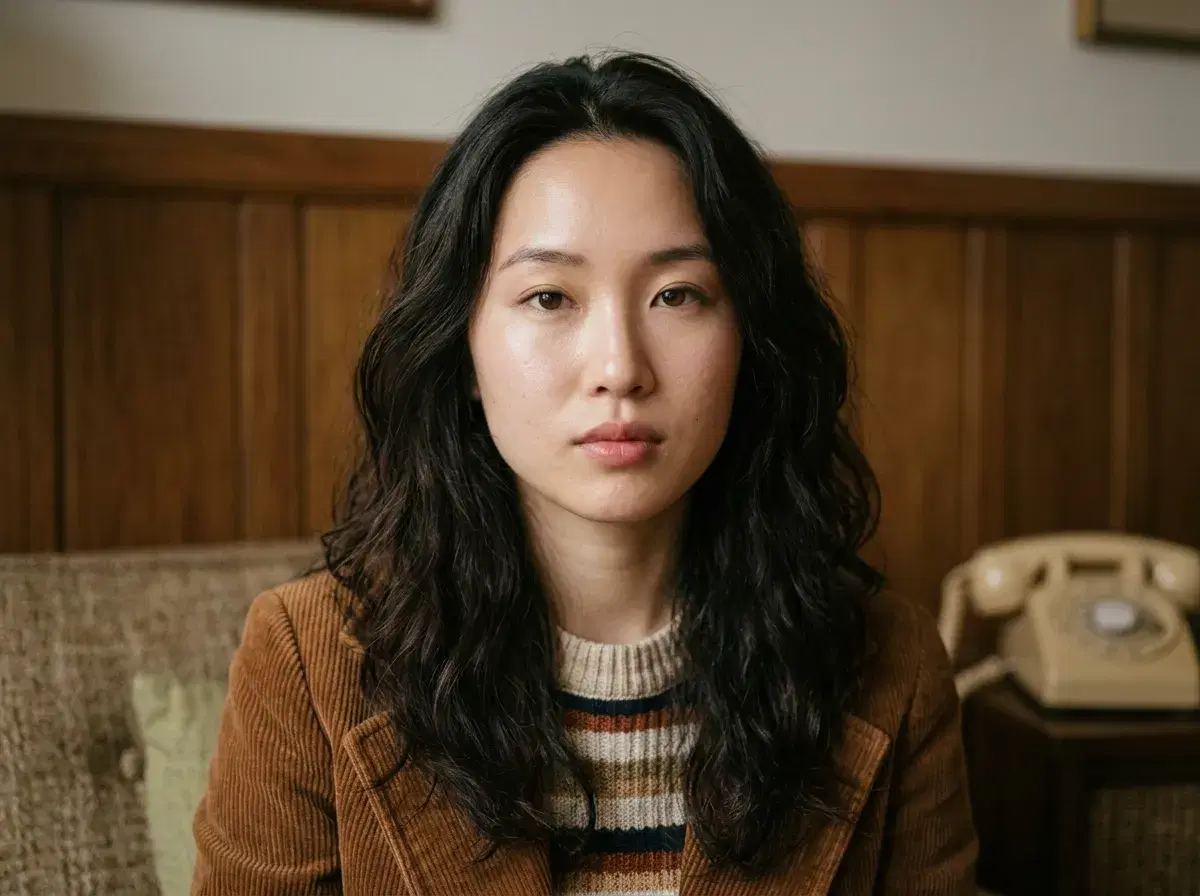
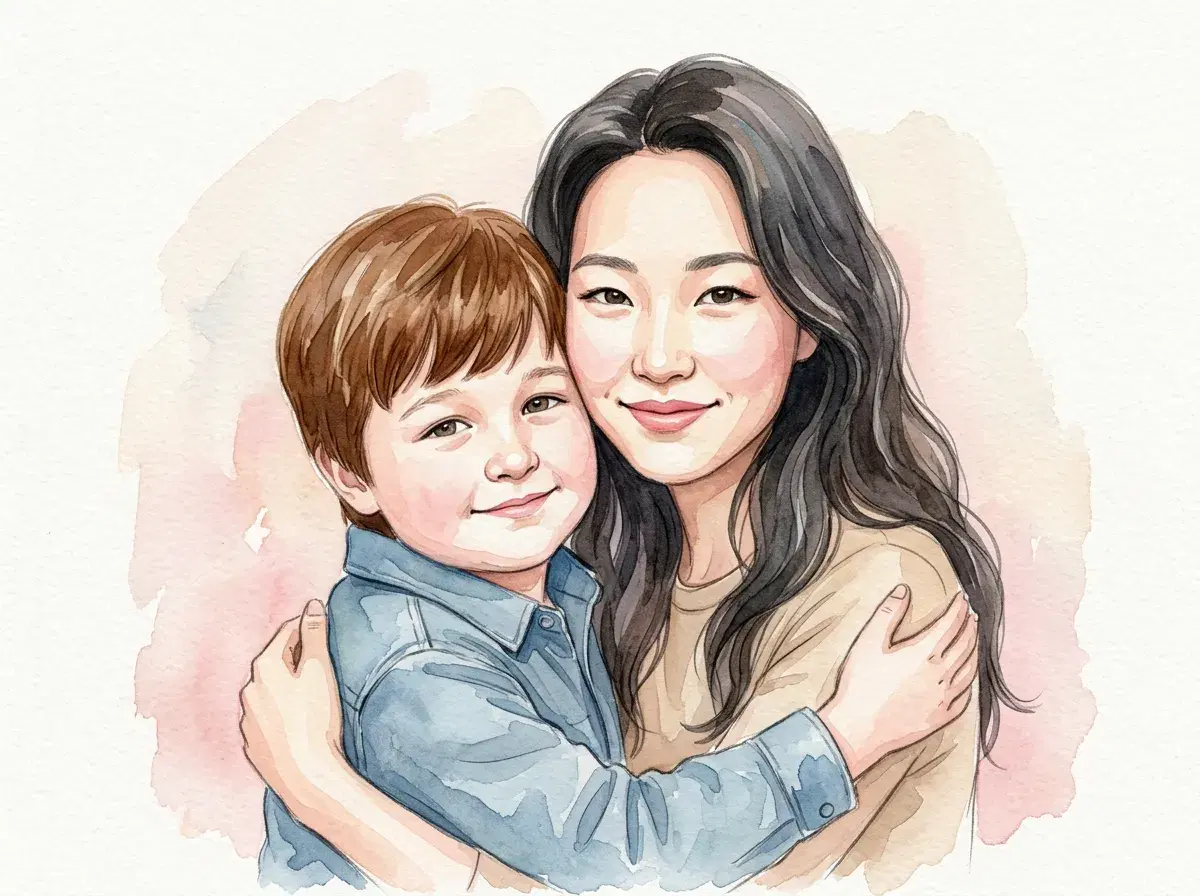
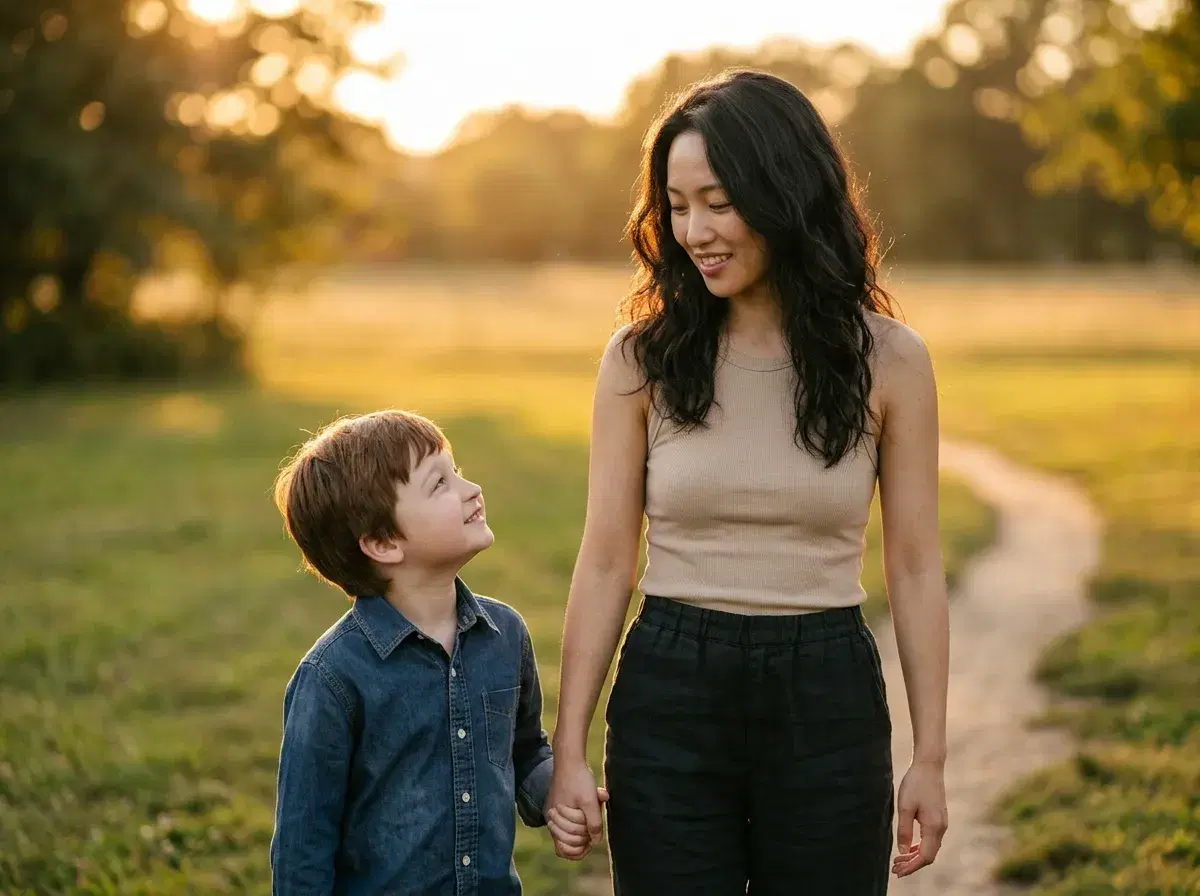
- Twelve Mother's Day AI photo ideas — restored vintage portrait, mom in a flower garden, three-generations photo, watercolor, magazine cover, more.
- Eight-step walkthrough with screenshots: download Pose AI, upload one selfie of mom, pick a template, download the result.
- Time: about 2 minutes per photo. You can finish a printed gift the night before.
Can you actually make a thoughtful Mother's Day AI photo in time without being a designer? Yes — and that is what this guide is for. Mother's Day 2026 is Sunday May 10, four days from this post going live, so the practical question is not whether AI gifts are good, it is whether you can ship one before the holiday and still have time to print or send it. With Pose AI, the whole flow takes about ten minutes from app install to a downloaded image.
Below you will find twelve Mother's Day AI photo ideas you can pick from, an eight-step walkthrough with placeholder screenshots, two comparison tables, six tips for getting a likeness that mom will recognise, and an FAQ block covering the common questions about printing, privacy, and pricing. Everything works from a single selfie of mom, though three to five give you closer likeness. Last updated: May 2026.
12 Mother's Day AI photo ideas
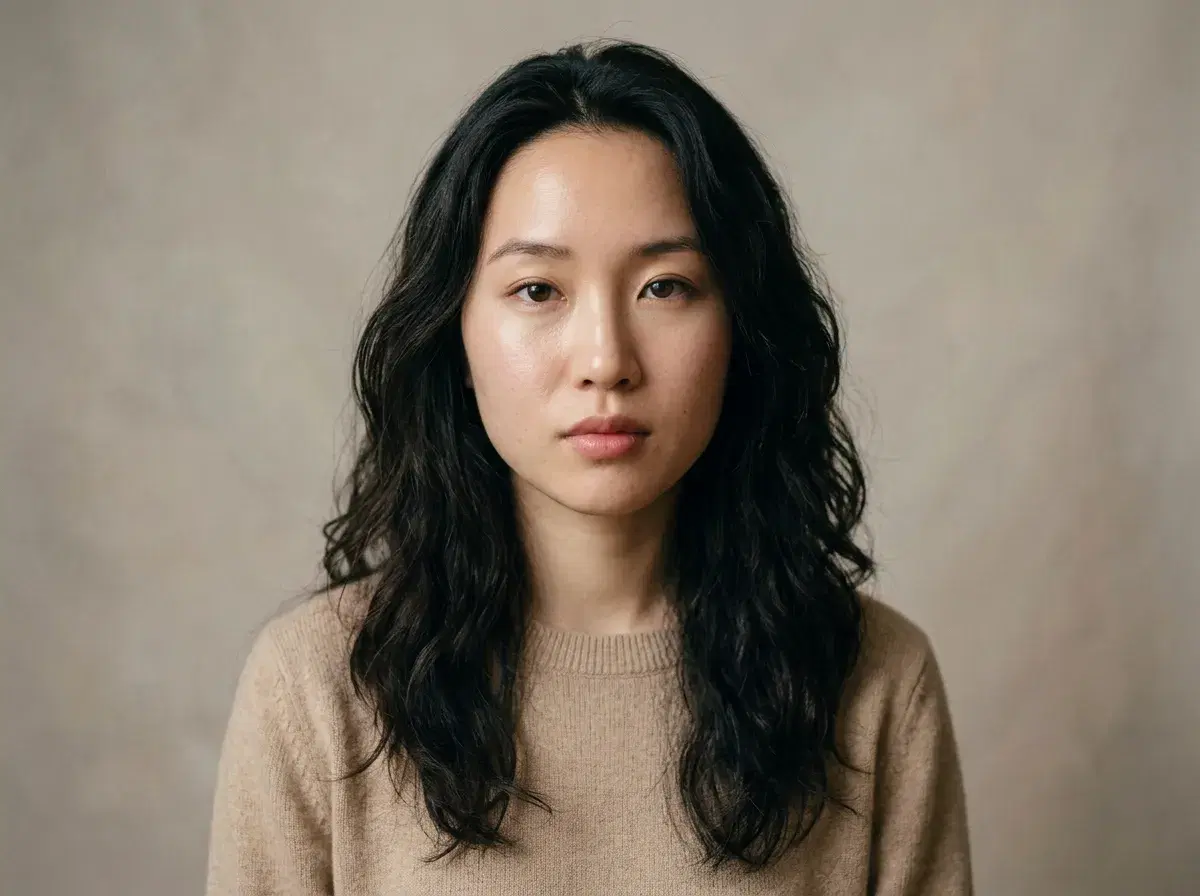
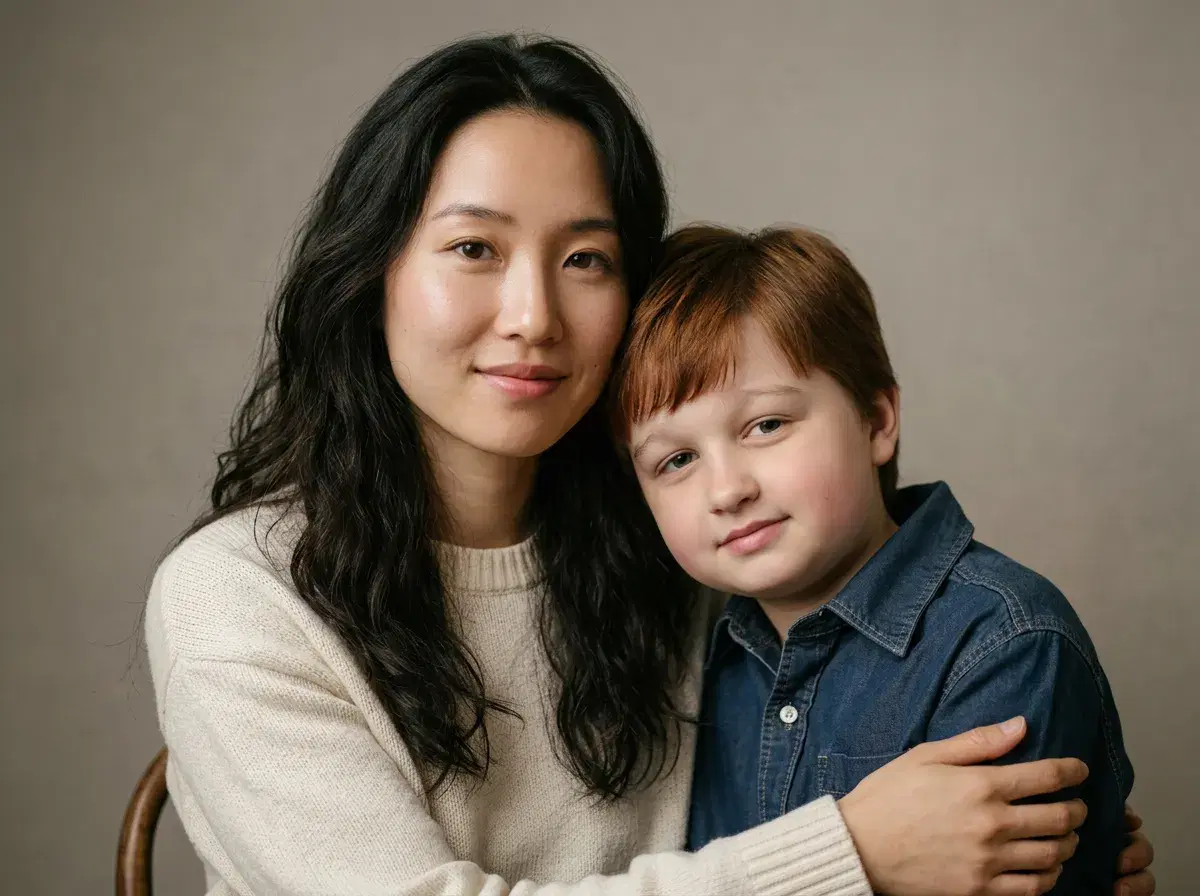
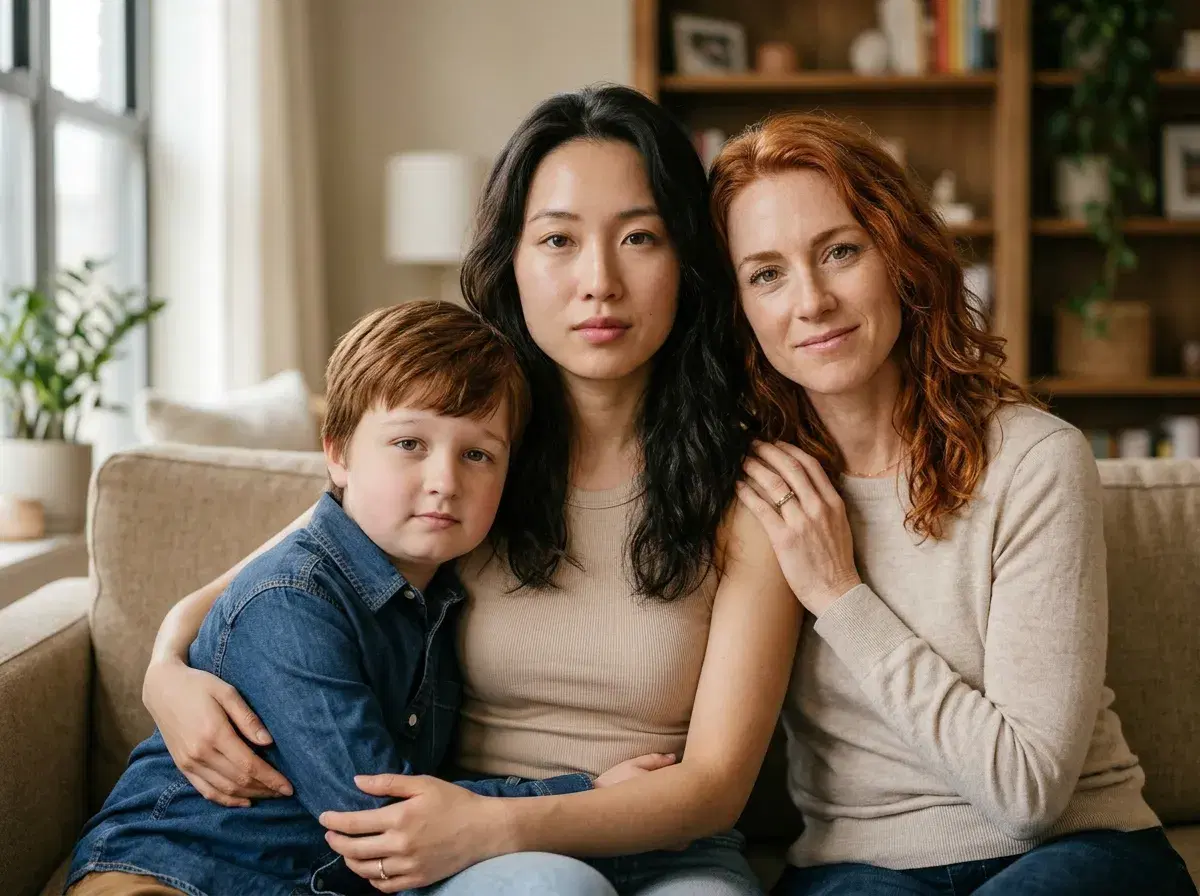
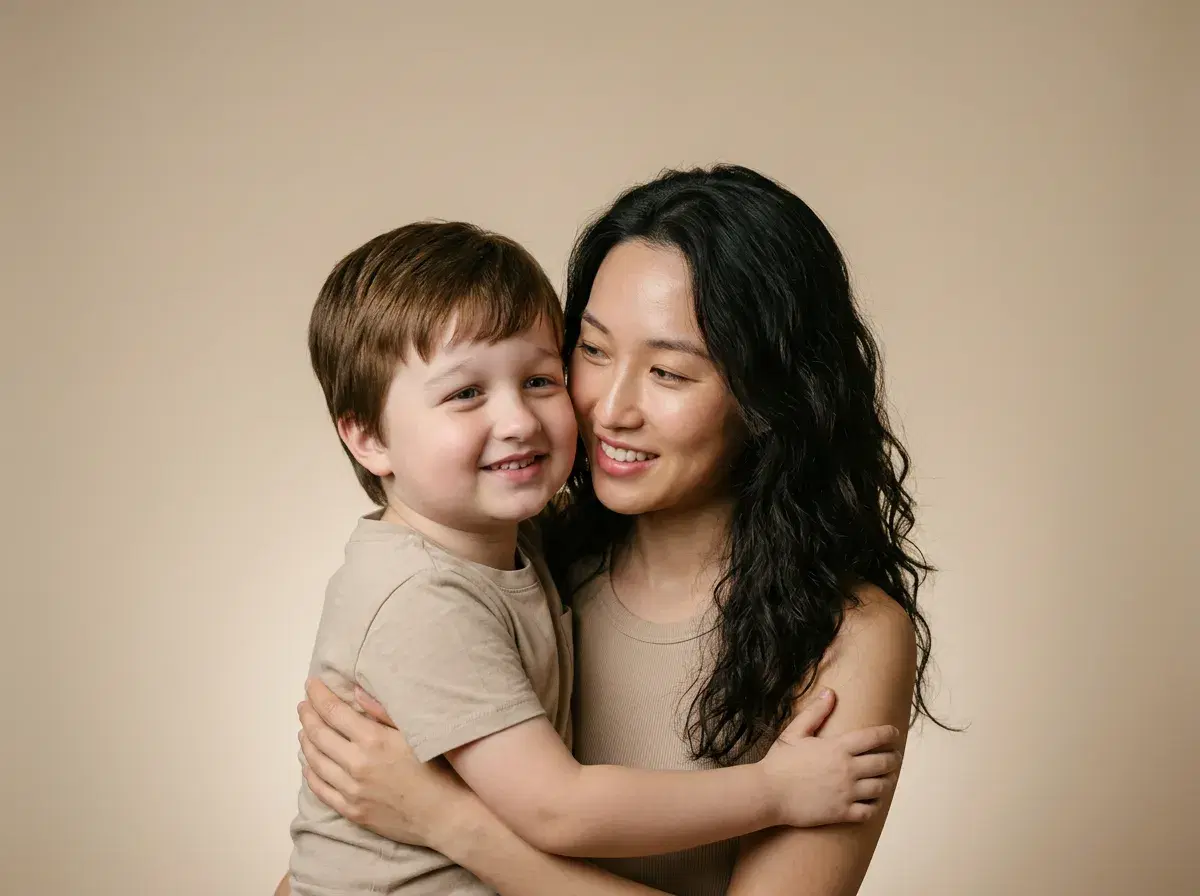
These are the twelve scenes that work best as a Mother's Day AI photo gift in 2026. Each runs from one selfie of mom; family and three-generation templates accept additional selfies for the other people in the frame.

What you will need
You do not need a camera, a designer, or a photo editor. The full checklist:
One to five clear photos of mom — front-facing, good lighting, no sunglasses or heavy filters. One photo is the minimum; three to five give the model more angles to lock identity. Optional: an old printed photo to restore — snap it on a flat surface in good light. A phone running iOS 15+ or Android 10+. The Pose AI app, free to download. About ten minutes.
How to make a Mother's Day AI photo: step-by-step
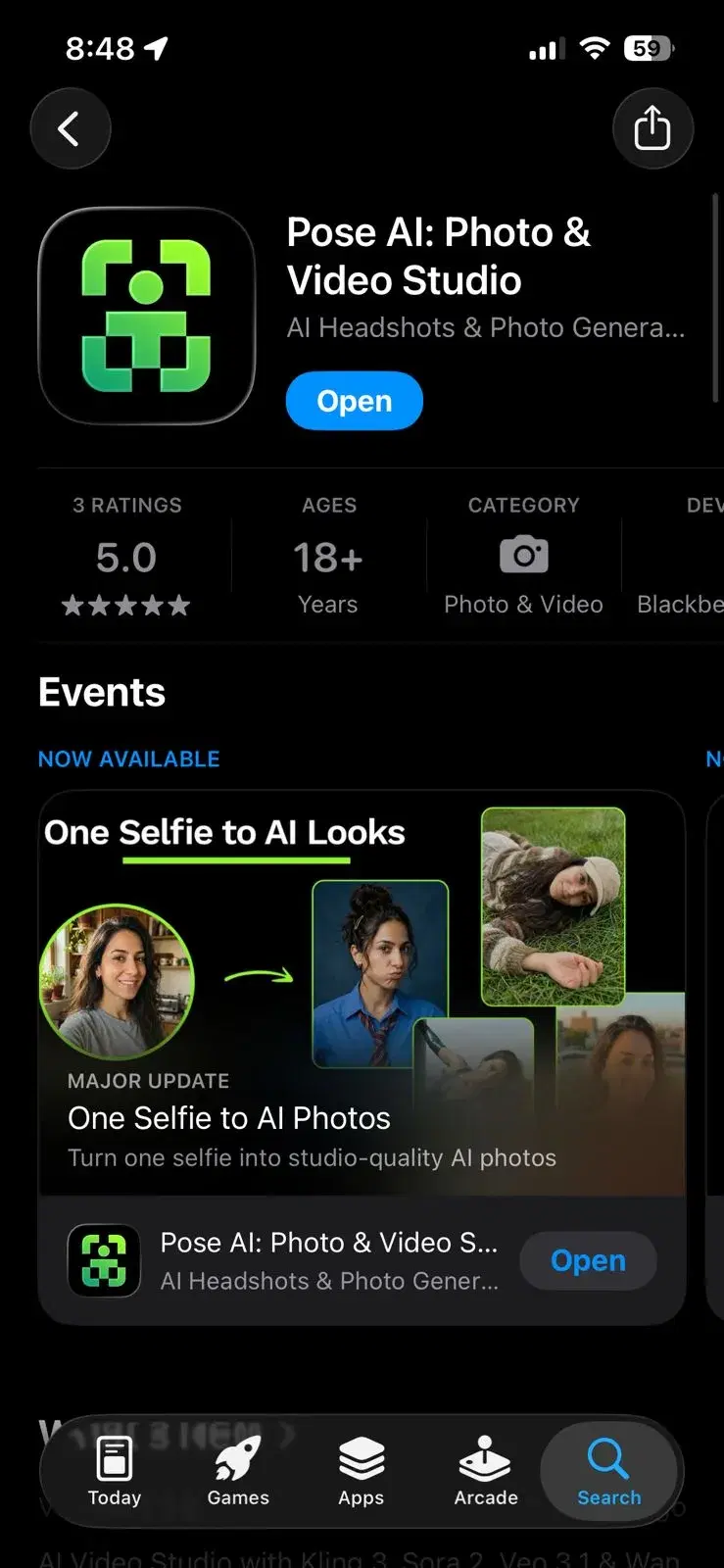
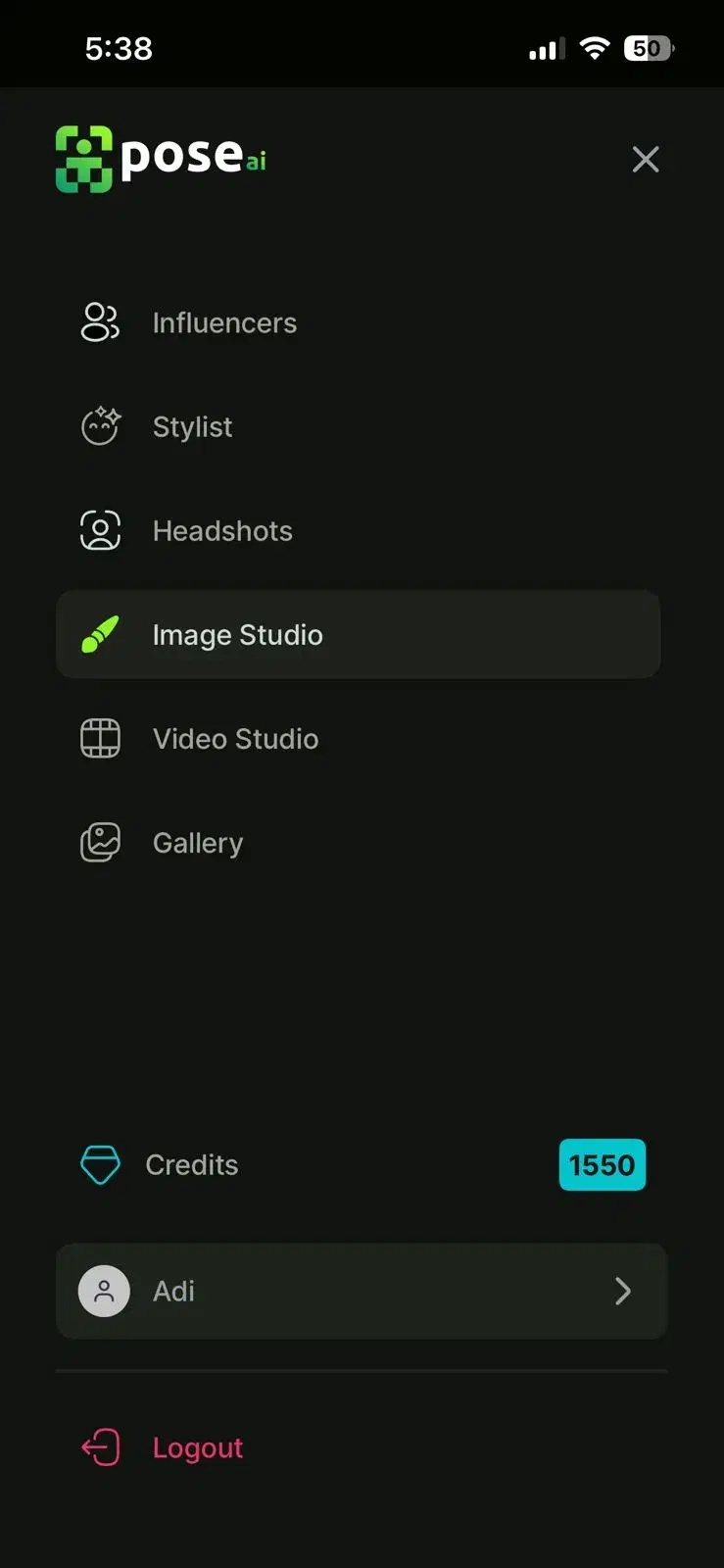
- 1Download Pose AIInstall Pose AI from the App Store or Google Play and open the app. Sign in with Apple, Google, or email — there is no separate sign-up flow. Give the app camera-roll permission when prompted so it can read your selfies.
- 2Pick a Mother's Day templateBrowse the seasonal row and pick a template. Three that work for most moms on a first try: Mom in a Parisian café for travel-loving moms, Mom in a flower garden for a soft printable card, and Restored vintage portrait if you have an old photo to bring back.
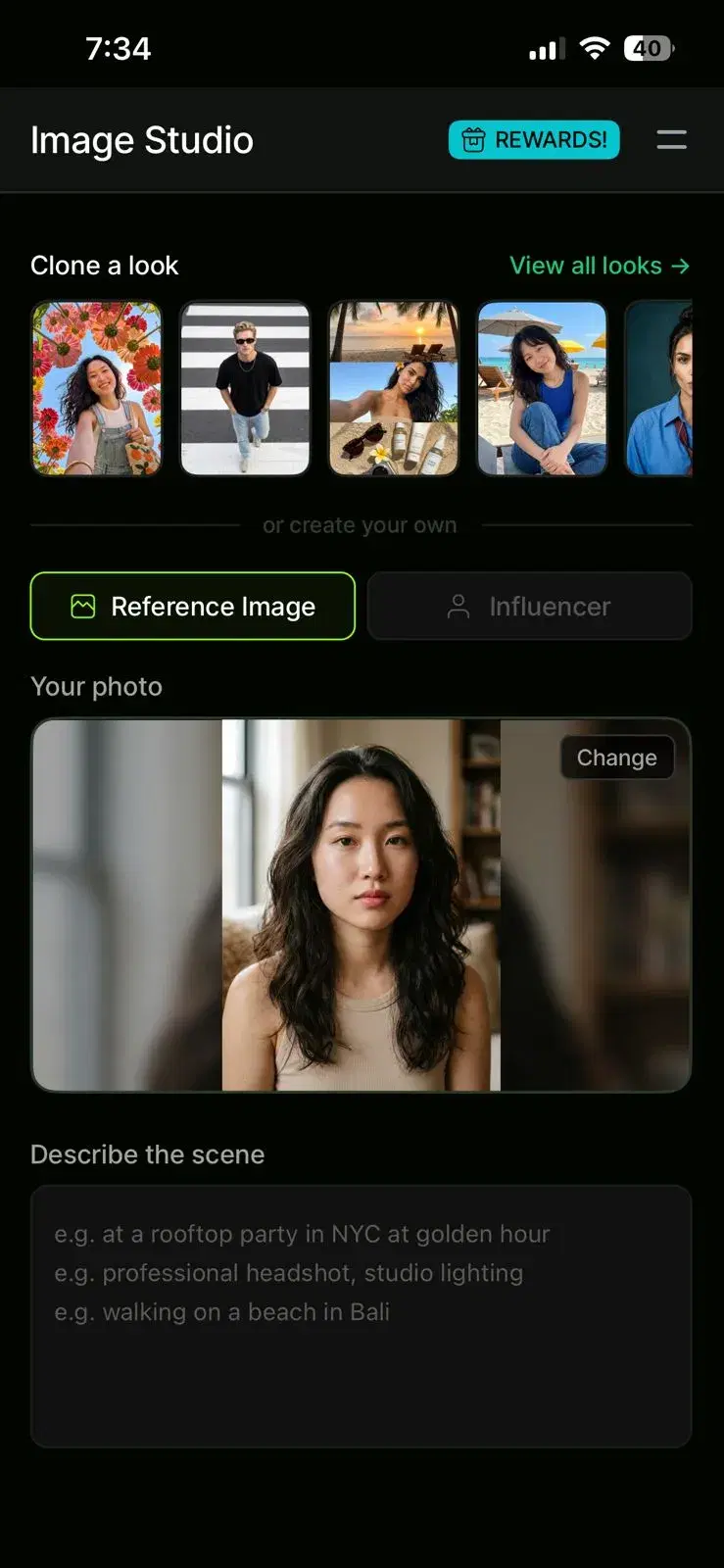
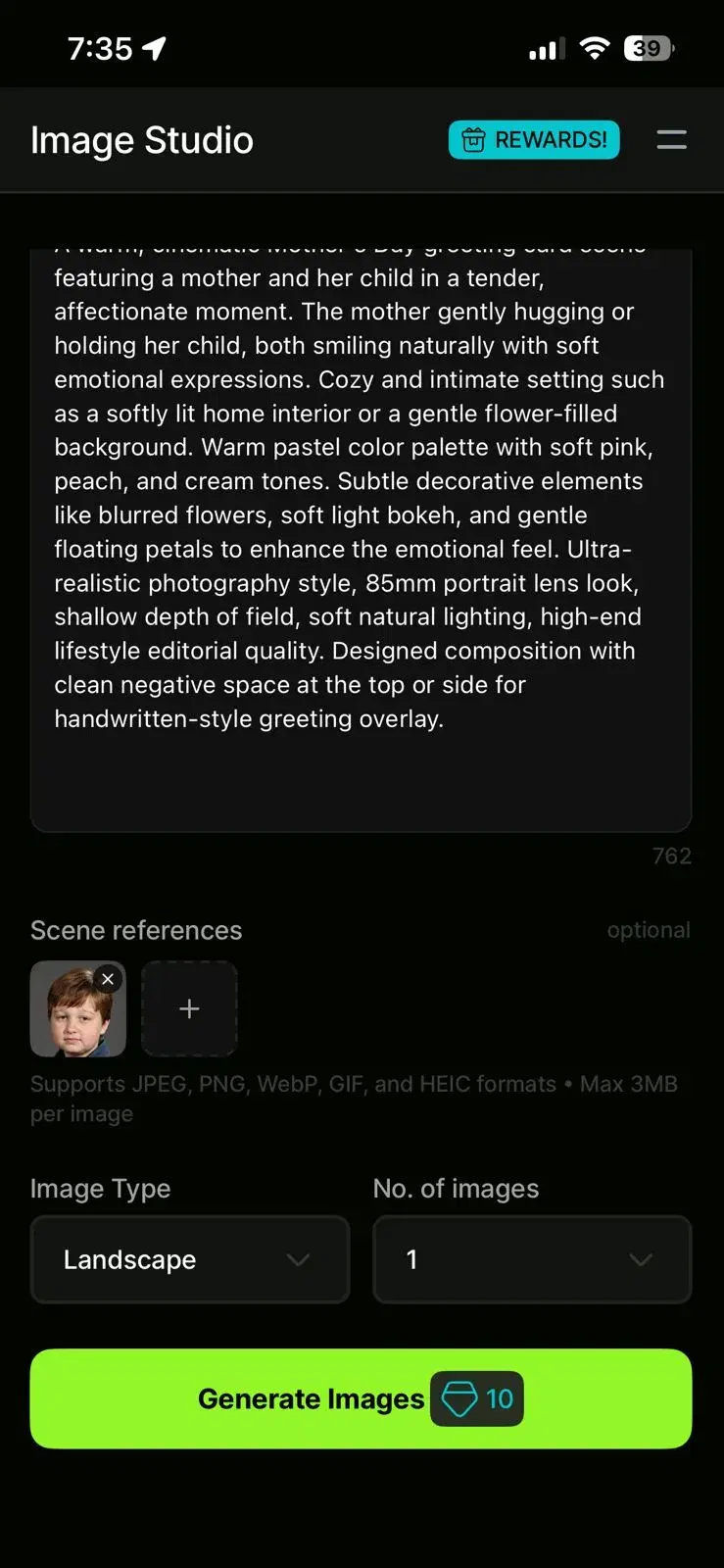
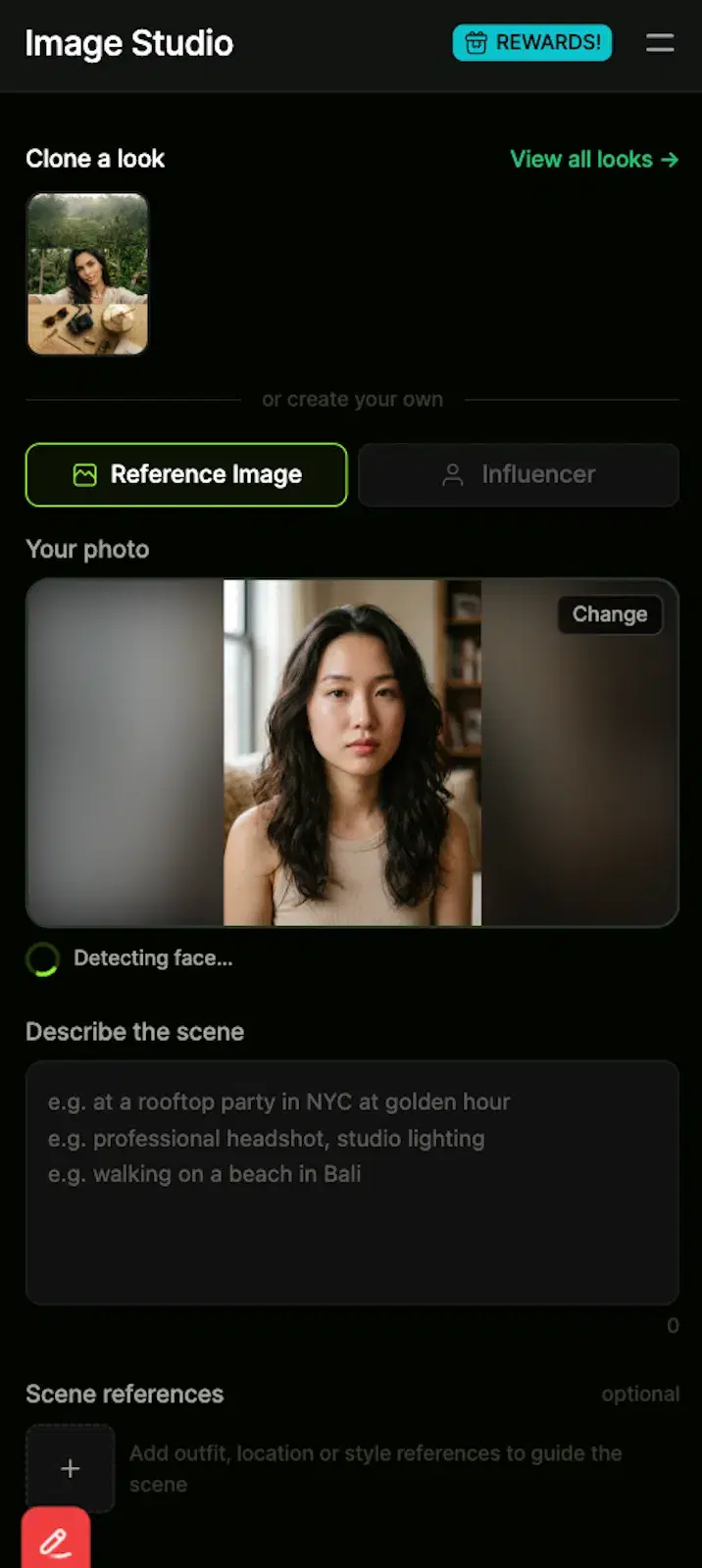
- 3Upload mom's selfiesTap Upload and pick one to five selfies of mom from your camera roll. Front-facing shots in window light work best. Avoid sunglasses, hats, masks, and heavily-filtered photos — they confuse the face-matching step and leak likeness. The upload screen shows a green checkmark on each selfie where a face is detected and a red badge where it is not.
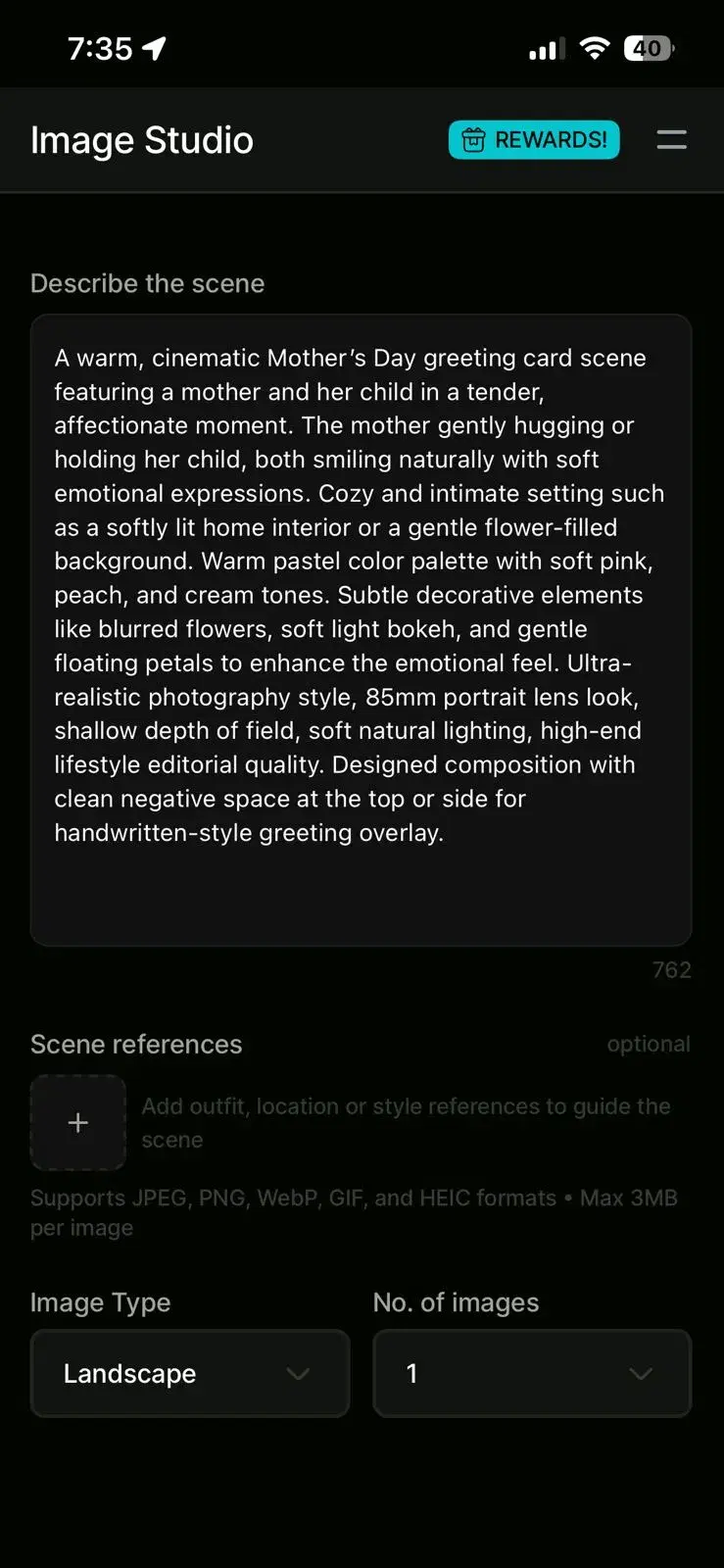
- 4Describe the SceneYou describe the couple scene you want in your own words. Type a prompt like 'romantic beach sunset,' 'Paris street at night,' or 'elegant wedding portrait.' The AI interprets your description and generates a custom scene around it. Be specific about mood, location, and lighting for best results. You can regenerate with a different prompt if the first attempt doesn't match your vision
- 5Add yourself or a sibling for multi-person scenesIf you picked a Family or Three Generations template, the next screen prompts you to add additional selfies — one per extra person. Use individual selfies, not group shots. Up to four people are supported in family templates. Solo Mother's Day templates skip this step entirely and move straight to face confirmation.
- 6Confirm face assignmentBefore generation starts, Pose AI asks who is who — mom on the left, child on the right, or whatever the template requires. This is where most first-time users make a mistake and swap the faces. Double-check the thumbnails before tapping Confirm. Once you confirm, the job is locked and you cannot edit it mid-run.
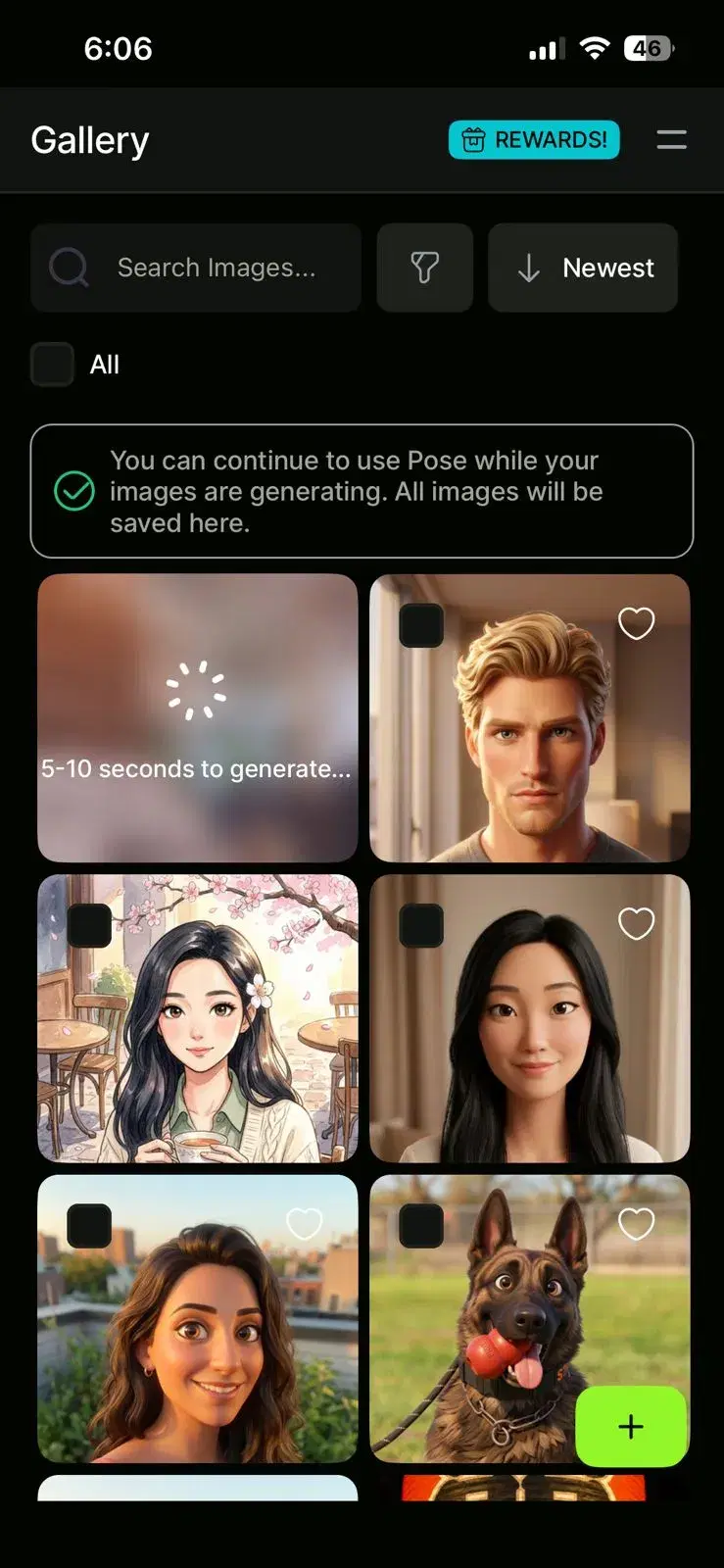
- 7Wait about 2 minutes for generationA progress screen shows three stages: face embedding, scene generation, and refinement. Embedding builds an identity vector from mom's selfies. Scene generation places her in the template. Refinement sharpens the face, hands, and background. Most templates finish in about two minutes; restoration jobs and three-generation scenes can take three to four. Enable push notifications and walk away — the alert fires when each photo is ready.
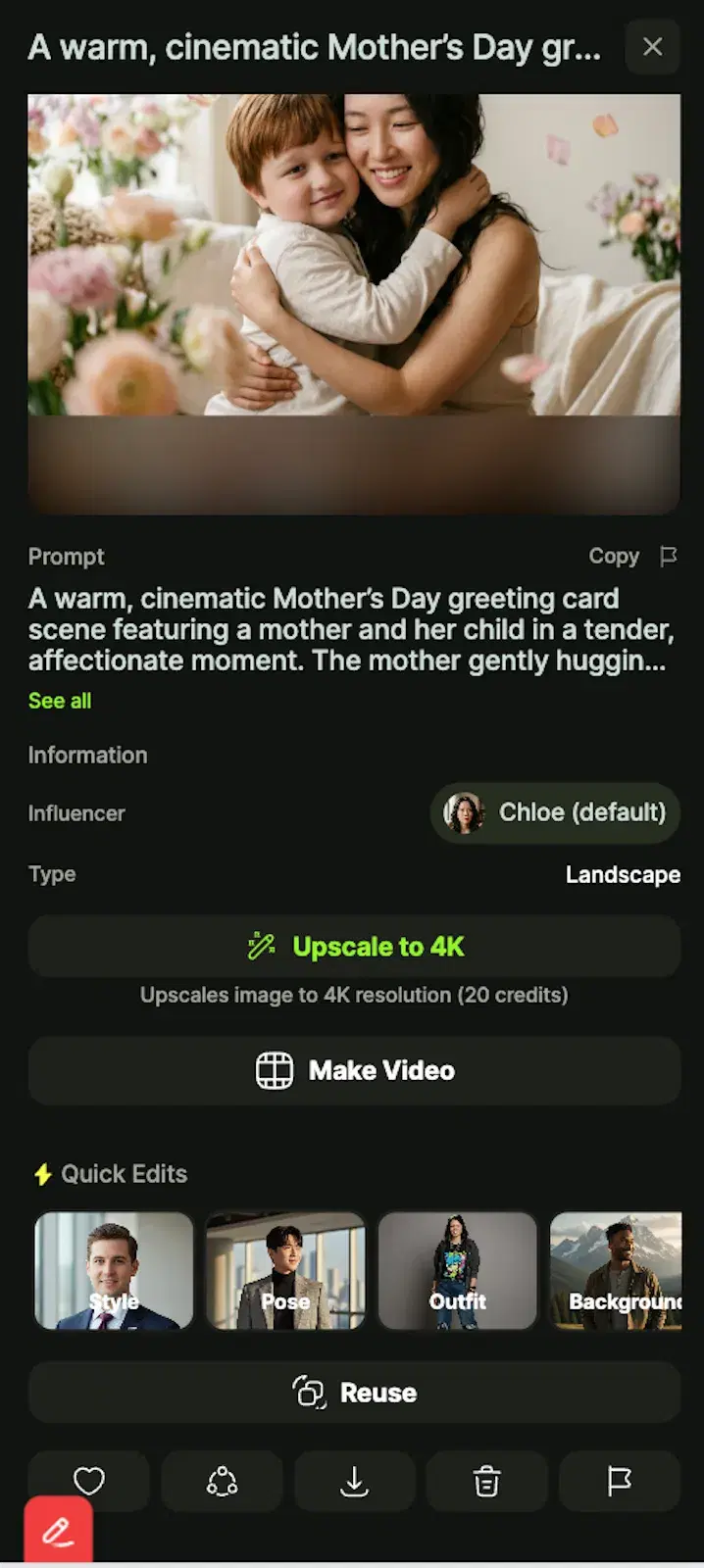
- 8Download, print, or shareWhen the photo is ready, the preview screen shows the full-resolution result with two buttons: Regenerate and Download. Roughly one in ten outputs benefits from a regenerate to clean up small artifacts. Save to camera roll, then send via WhatsApp or iMessage, attach to a digital card, or upload to a same-day photo-print service like Walgreens to have a framed print waiting on Sunday.
AI is not the only way to put together a Mother's Day gift, so the first comparison below pits an AI portrait against a last-minute store gift and a traditional photo print. The difference that matters is whether the gift can ship at midnight before Mother's Day. The second table covers the other obvious alternative — Photoshop or manual restoration — and is mostly about time and skill. Skim both and pick the lane that fits your Sunday.
AI portrait gift vs. last-minute store gift vs. traditional photo print
| AI portrait gift | Last-minute store gift | Traditional photo print | |
|---|---|---|---|
| Time | 2–10 min | 1–2 hours | 30+ min plus shipping |
| Personal | High — actual photo of mom | Low | Medium |
| Can be sent digitally | Yes | No | No |
| Can be printed | Yes | N/A | Yes |
| Works at midnight before Mother's Day | Yes | No | No |
The reason this guide exists is the last row. Almost every gift option breaks down within a day of the holiday — stores close, shipping windows pass, photo prints take a day to develop. An AI Mother's Day photo collapses the whole pipeline into a 10-minute job you can run from your phone, then drop into a same-day print service or send digitally.
AI photo gift vs. traditional photo editing
| AI photo generator | Photoshop / manual edit | |
|---|---|---|
| Time | About 2 min per image | 1–4 hours |
| Skill needed | None | Advanced — masks, layers, color matching |
| Restore old photos | Yes, automatic | Yes, manual |
| Realism | Photorealistic | Depends on editor |
| Best for | Casual gifts, cards, social posts | Professional restorations and commercial work |
If you are a working retoucher and you want pixel-level control over a hero portrait, Photoshop still wins. For everyone else — and especially for a one-off Mother's Day gift — the AI workflow is the right default. You can always hand the result to a professional later if you decide it deserves a print campaign.