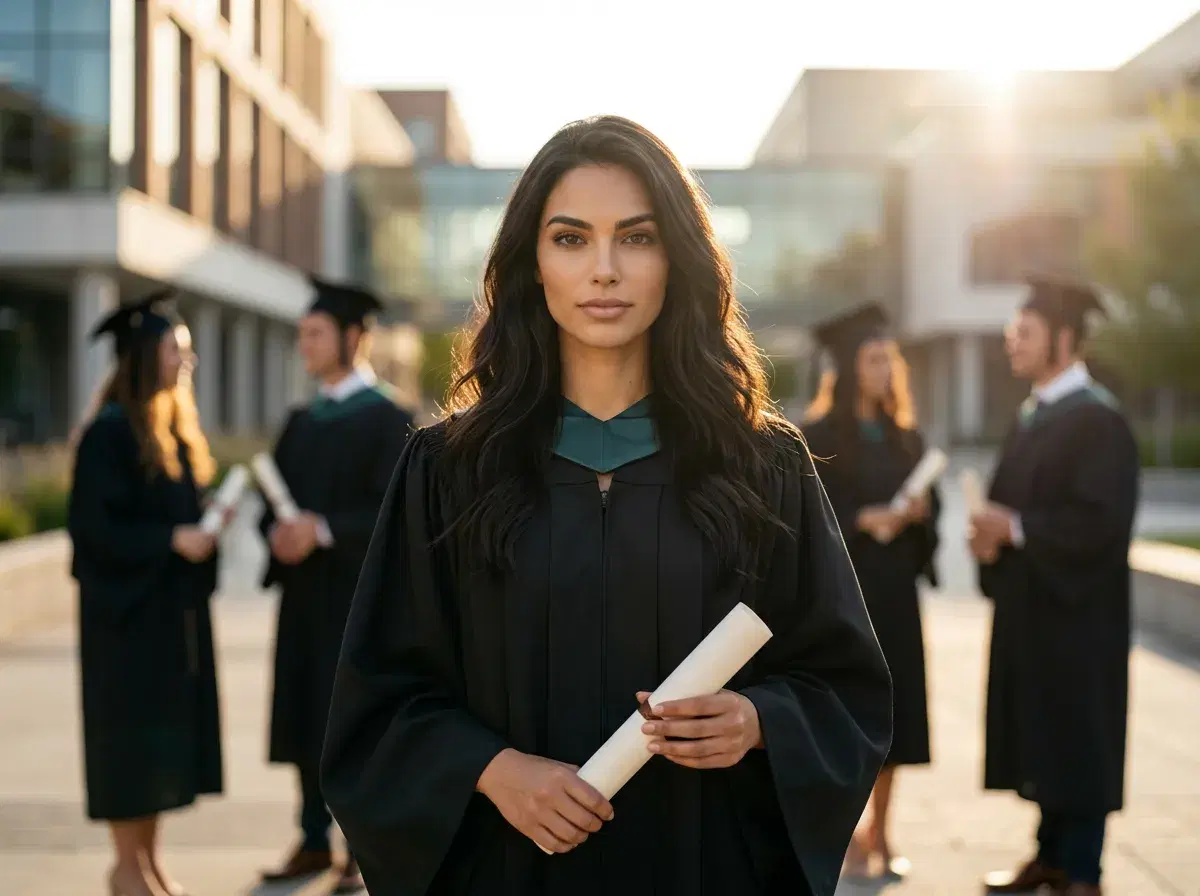
- Generate professional graduation photos in 15 minutes using AI — no photographer, no studio booking, no cap and gown required.
- Works for high school, college, master's, and doctoral grads, plus parents making gift portraits for a new grad.
- Pose AI offers a discounted first week — enough to try several graduation styles at a lower intro price.
- The eight-step walkthrough, prompt examples, and style comparison are all below.
Graduation is around the corner, and the photo plan is not always there. Studio slots fill up fast in May. A traditional cap-and-gown shoot runs $150 to $400 in most US cities, and that is before retouching. Some grads missed the on-campus session. Others had a virtual or hybrid ceremony with no professional coverage. International families could not fly in. The result is the same — a milestone goes by without the portrait that usually marks it.
AI graduation photos close that gap. With Pose AI, you upload selfies you already have on your phone, pick a graduation theme, and generate studio-quality cap-and-gown portraits in about 15 minutes. The output is high resolution, the likeness is preserved by face-matching models that were rebuilt through 2025, and the cost sits well under any photographer in your zip code. No cap, no gown, no rented space.
This guide is the full walkthrough. You will get the eight-step process from signup through download, four to six prompt examples tailored to graduation, a side-by-side comparison of AI versus traditional shoots, a style table to help you pick between classic, outdoor, library, or studio looks, and six tips that come from generating thousands of test graduation portraits. By the end you will have a finished photo set you can send to family, post to LinkedIn, or print for the wall. Last updated: May 2026.
What you'll need
The full checklist is short and you almost certainly have everything already:
Ten to twenty photos of yourself — a mix of close-ups and medium shots, varied lighting, varied angles. About 15 minutes start to finish. A Pose AI account, which comes with a discounted first week. No cap, no gown, no studio, no photographer.
How to generate AI graduation photos: step-by-step
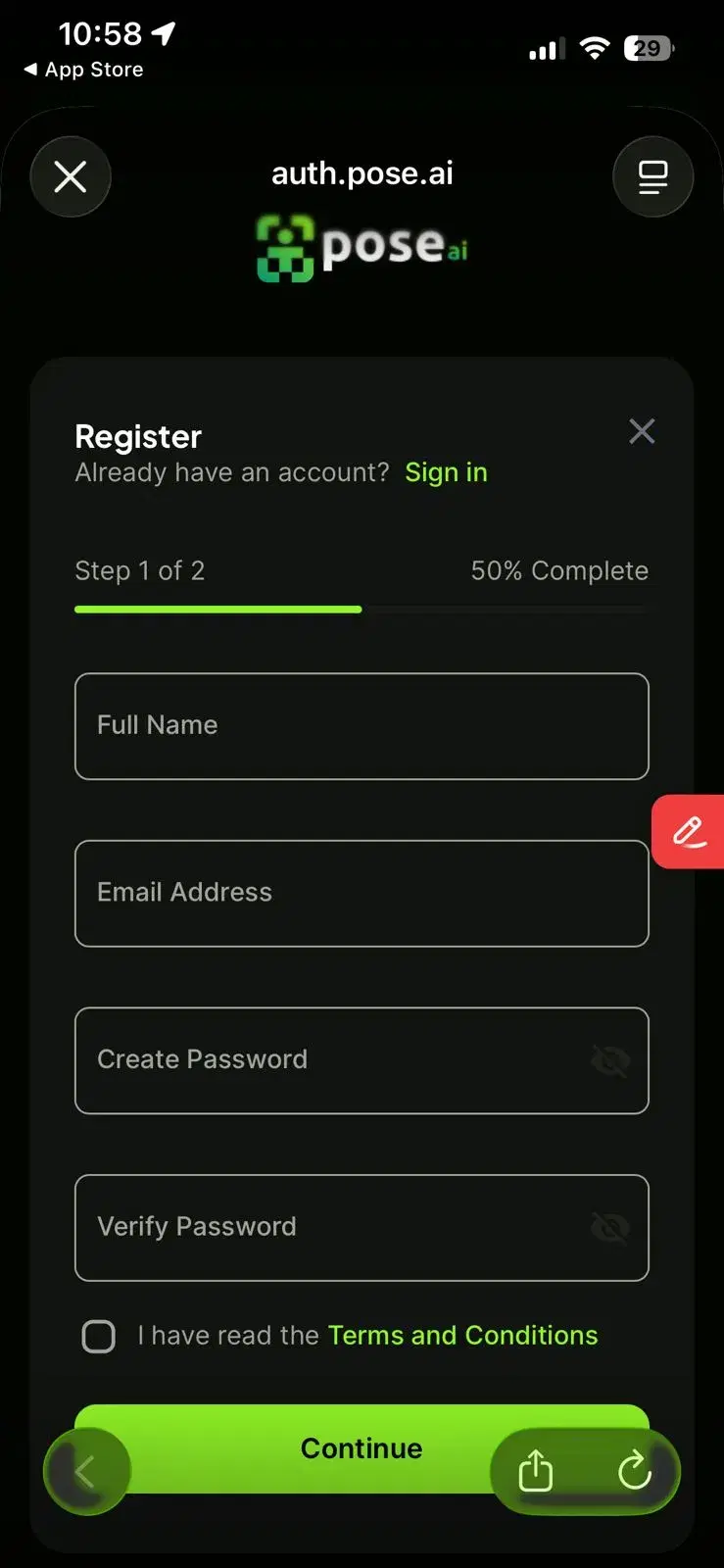
- 1Sign up and start creatingOpen pose.ai and sign up with Apple, Google, or email — no separate flow. Plans run $12/week or $9/month billed yearly, with a discounted first week that covers several graduation generations and a few refinement passes. Cancel anytime.
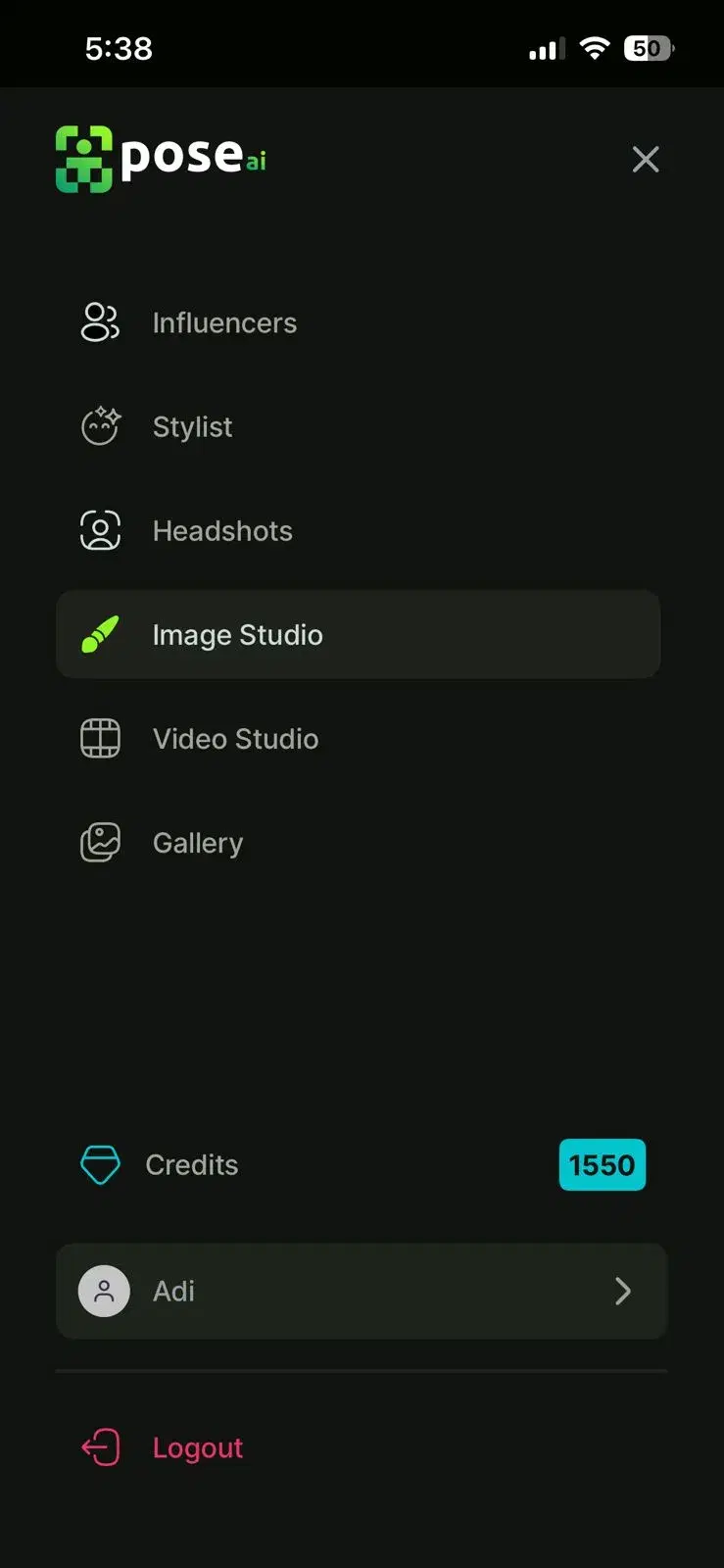
- 2Choose a graduation themeOnce the model is ready, browse the graduation theme gallery. The library covers the classics — traditional cap-and-gown studio portraits, outdoor campus quads, library and classroom interiors — alongside more modern looks like clean studio backdrops with academic regalia. Pick one theme to start; you can switch later and the credit cost is per generation, not per theme.
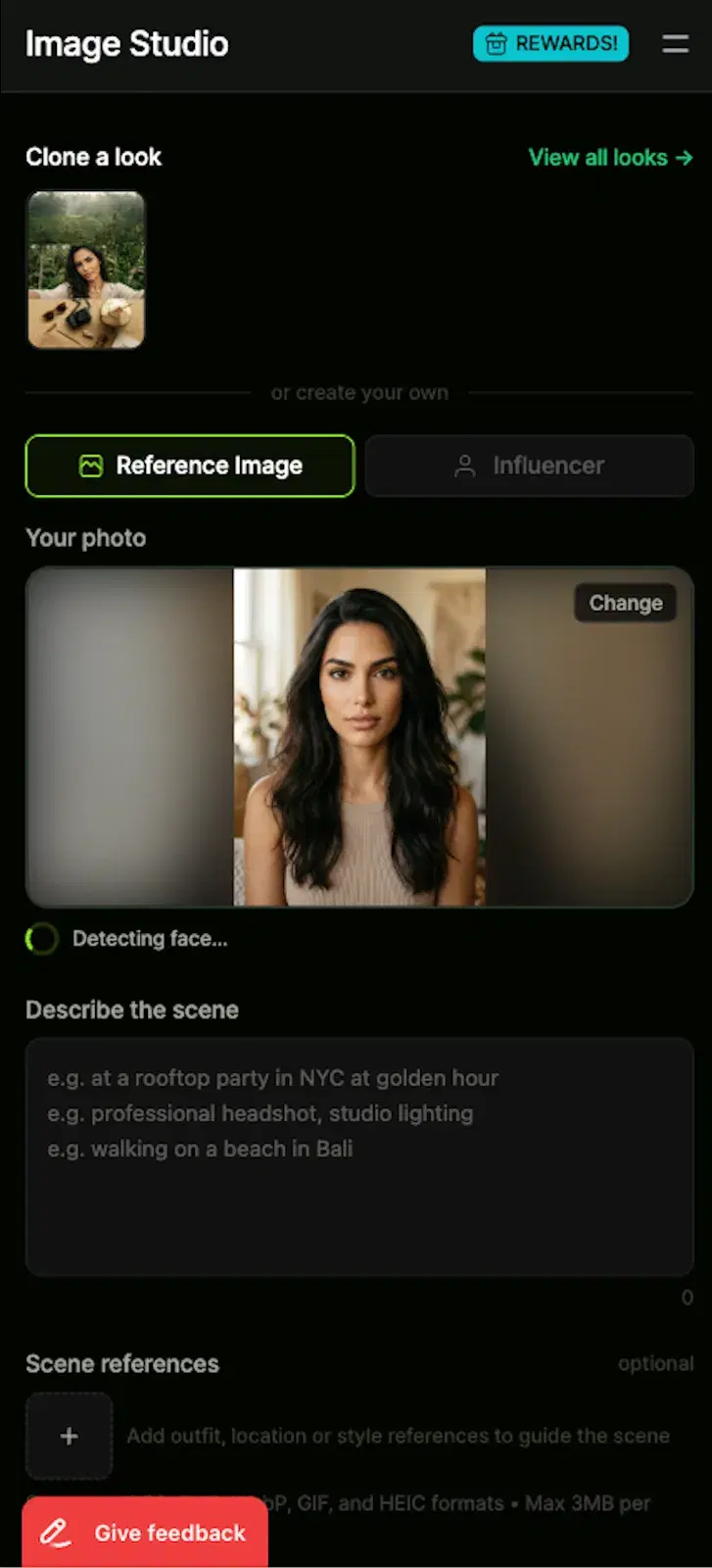
- 3Upload the graduation selfiesTap Upload and pick one to five front-facing selfies of the grad. One photo is the minimum; three to five give the model more angles to lock identity, which matters more for cap-and-gown scenes because the cap shadow and tassel can occlude part of the face. Avoid sunglasses, hats, masks, or beauty filters.
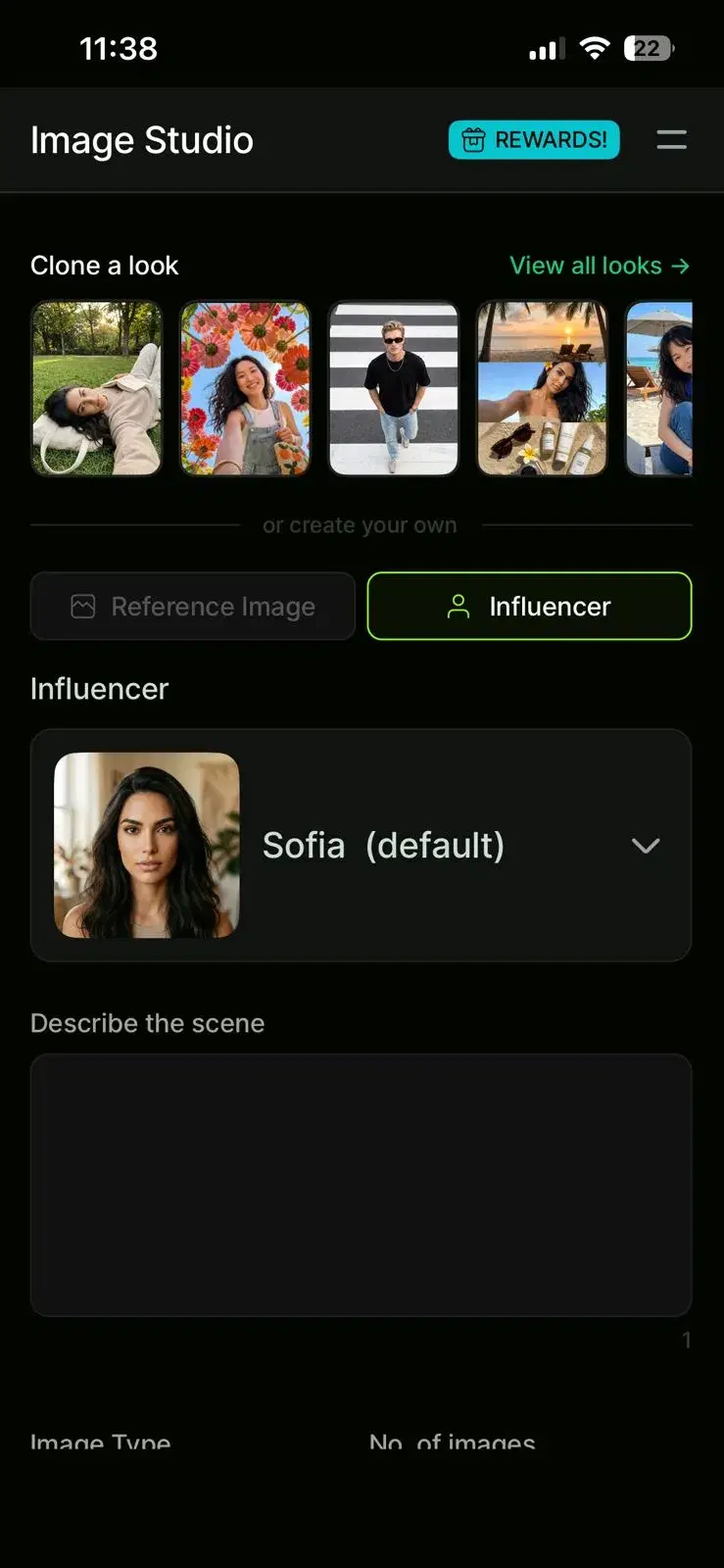
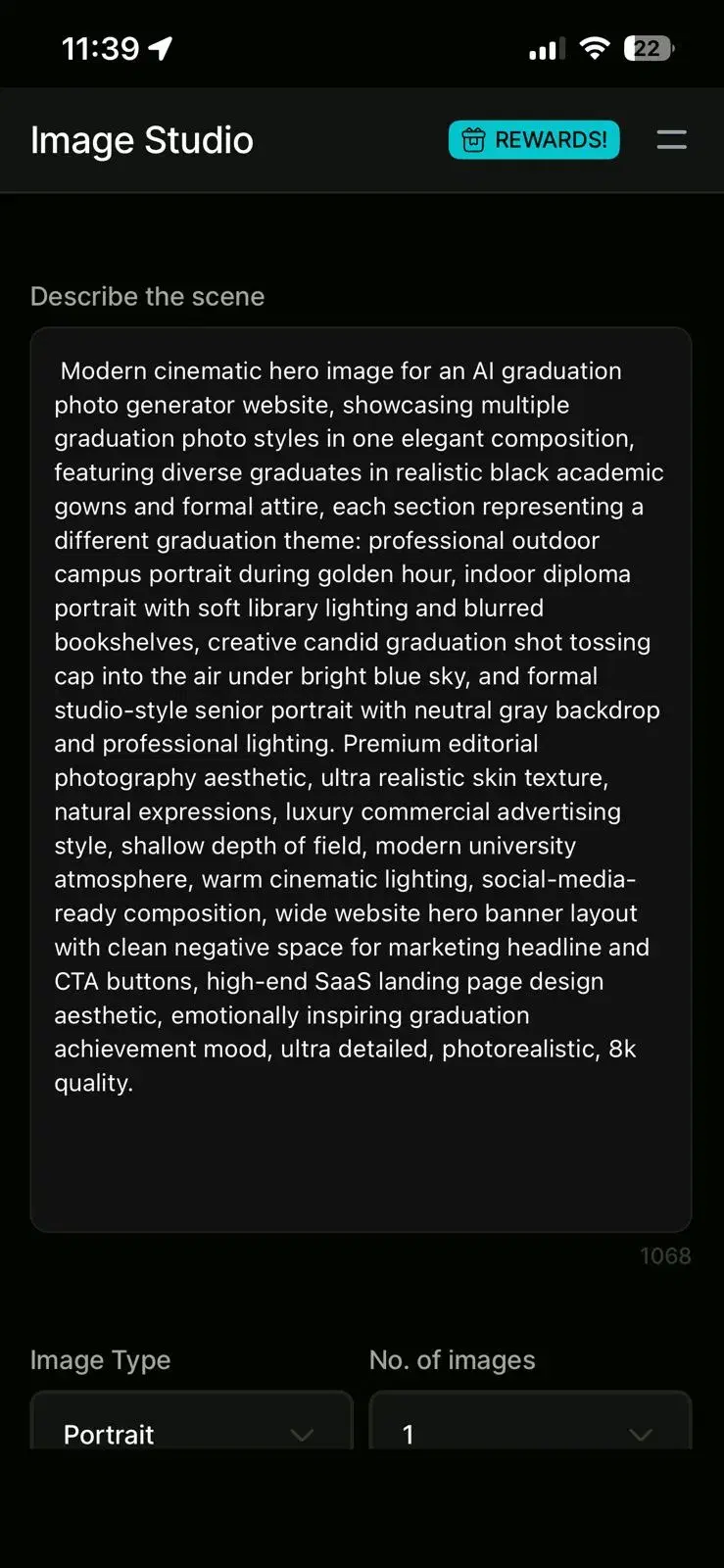
- 4Write or select your promptEach theme ships with a starter prompt, but the realism jumps when you customize. Here are four prompts that work well for graduation: "Professional graduation portrait, cap and gown, blue tassel, outdoor campus background, golden hour lighting, confident smile." "Indoor graduation photo, black gown, holding diploma, library setting, soft window light, blurred bookshelf background." "Creative graduation shot, casual clothing, tossing cap in the air, blue sky, candid expression, modern studio style." "Formal senior portrait, academic regalia, neutral gray backdrop, professional studio lighting, dignified pose." Edit the clothing color, the background, or the lighting style to shape the mood.
- 5Confirm face assignmentBefore generation starts, Pose AI asks which partner should appear on the left and which on the right. This is where most first-time users make a mistake and swap the two faces — double-check the thumbnails before tapping Confirm. The face-assignment screen is also where you can redo an upload if you realise one selfie was blurry. Once you confirm, the job is locked in and you cannot edit it mid-run.
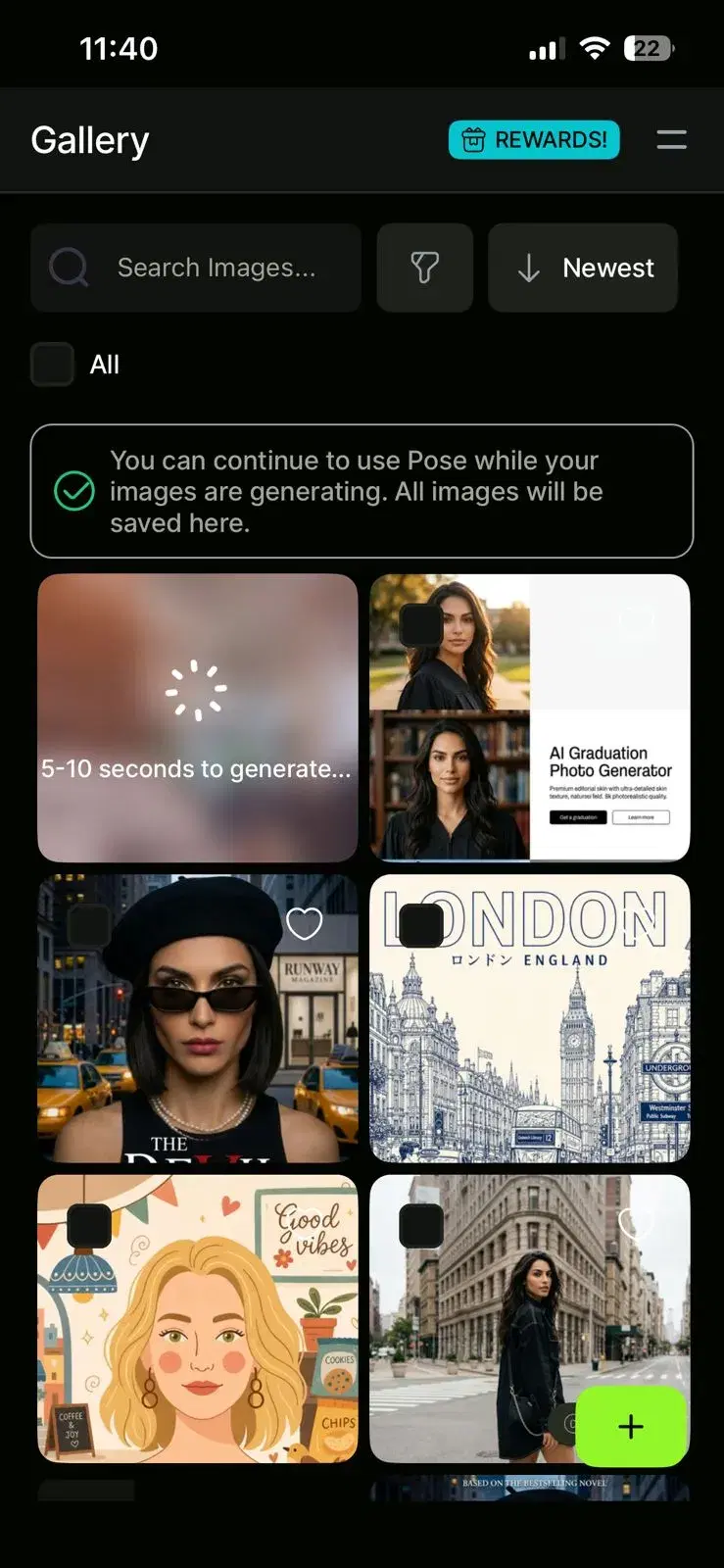
- 6Generate your photosTap Generate. Each run takes 30 to 60 seconds and uses one credit. The output is a small grid of variations on the prompt, not a single image, so you can compare framings and pick the best one. Most users run three or four generations on a favorite prompt to land on the right shot. There is enough headroom to do this for two or three different graduation themes in the same sitting.
- 7Refine and regenerateFirst passes are rarely the keeper. If the cap looks the wrong shape, specify "dark blue mortarboard graduation cap, flat top, straight tassel." If the background is busy, add "simple blurred background" or name a specific location like "university quad at golden hour." If the expression reads stiff, try "warm natural smile" or "calm dignified expression." A regenerate costs one credit and takes another minute — small adjustments compound quickly.
- 8Download and shareWhen you land on a keeper, download at full resolution from the preview screen. Common uses: a graduation announcement card, a LinkedIn profile refresh for the new grad, a printed portrait for grandparents, an Instagram post for the ceremony day. Pick two or three favorites so you have a horizontal version for headers and a vertical version for stories or printed gifts.


There are two routes to a graduation portrait you can be proud of: book a traditional photoshoot, or generate one with AI. Both can produce a clean final image. The difference is what each costs you in money, time, and flexibility. A traditional shoot still wins on the lived-experience side — being on campus, in regalia, with a photographer giving direction. AI wins everywhere else: cost, speed, retake count, location independence, and the ability to do the whole thing from your couch the weekend before the ceremony. The table below lays it out side by side.
Traditional photoshoot vs. AI graduation photos
| Traditional photoshoot | AI graduation photos | |
|---|---|---|
| Cost | $150–$400 per session | $9–$12 weekly, discounted first week |
| Time required | 1–2 hours on site, 1–2 weeks for delivery | About 15 minutes end to end |
| Location needed | Studio or campus | Anywhere with a phone |
| Outfit required | Cap and gown, plus dress code | Regular selfies — the AI generates the regalia |
| Number of photos | 20–50 in a final gallery | Dozens of generations per session |
| Editing turnaround | 1–2 weeks | Instant |
| Retakes and revisions | Limited, often paid | Unlimited, one credit each |
| Flexibility | Locked to the shoot day and place | Try any theme, season, or style |
For grads who want a polished portrait without renting regalia, booking a studio, or waiting two weeks for proofs, the AI workflow has replaced the DIY photoshoot for most personal-use cases. Traditional shoots still make sense for families that want the on-campus experience as part of the day — the photo is partly a memory of the ceremony itself. For the photo alone, the math favors AI almost every time, and the discounted first week keeps the first set inexpensive.
Different grads want different photos. A teenager finishing high school often picks a creative cap-toss shot. A doctoral candidate usually wants a dignified studio portrait that holds up framed on a wall. International families gifting a portrait to a new grad lean toward the classic cap-and-gown studio look because it reads as a graduation photo to anyone, anywhere. The table below pairs each style with the audience that suits it and the prompt keywords that tend to produce that look on the first or second pass.
Graduation photo styles: pick the right one
| Style | Best for | Prompt tips |
|---|---|---|
| Classic cap and gown | Universal — works for any grad or as a parent gift | "traditional cap and gown, neutral studio backdrop, soft front lighting" |
| Outdoor campus | College and master's grads who want a sense of place | "campus quad, golden hour, brick building behind, shallow depth of field" |
| Library or academic | Doctoral, law, and graduate students | "library interior, bookshelves behind, soft window light, dignified pose" |
| Creative studio | Modern grads who want a non-traditional look | "clean white studio, colored gel lighting, fashion-editorial framing" |
| Candid celebration | High school and undergrad cap-toss shots | "cap toss, blue sky, motion in tassel, joyful candid expression" |
| Formal portrait | PhD and professional grads, framing for a wall | "academic regalia with hood color, neutral gray backdrop, even studio lighting" |
Pick one style for the first generation, then try a second in the same session — there is plenty of credit headroom. Most grads end up with one classic portrait for parents and one modern shot for social. If a school has signature regalia colors, name them in the prompt ("crimson hood, navy gown, gold tassel") and the model will respect them more often than not.