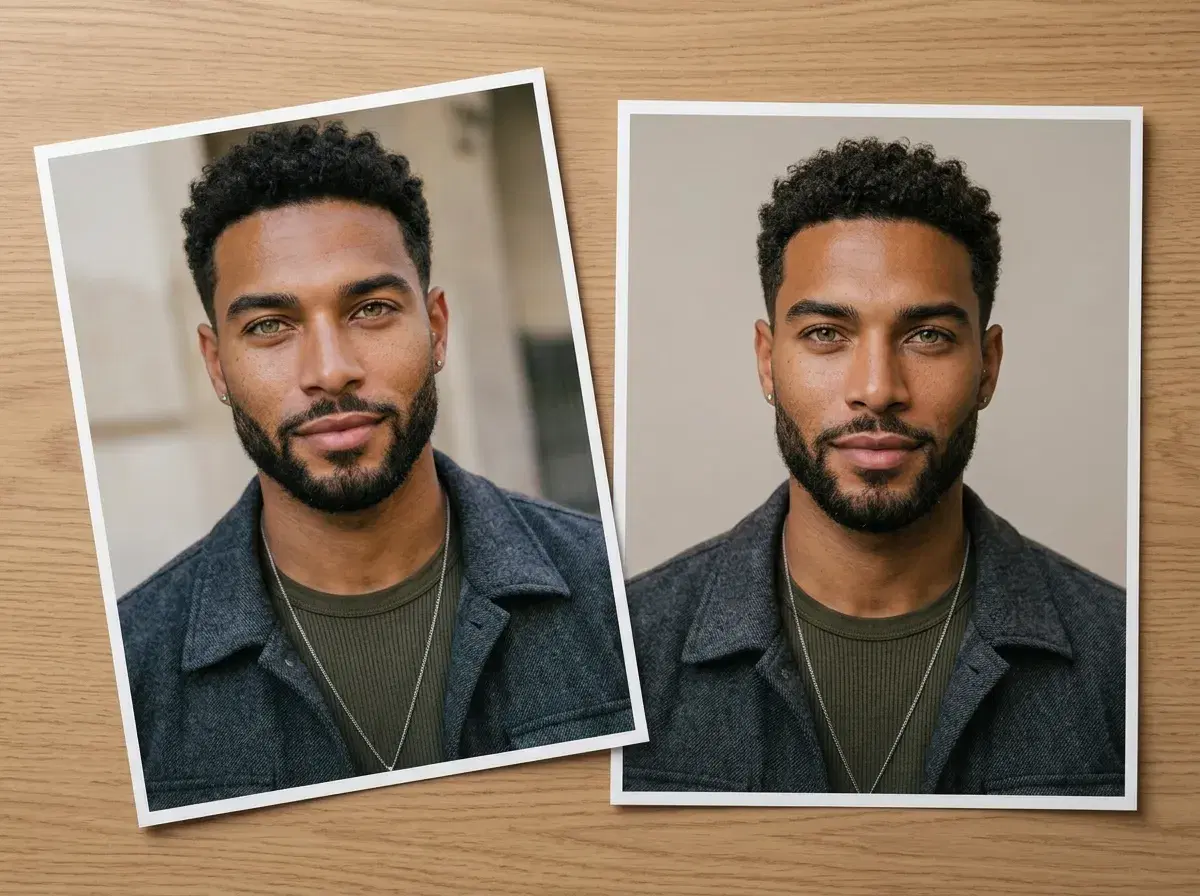
A selfie and a professional headshot do different jobs on LinkedIn, and mixing them up is a common way profiles undersell someone. This guide covers exactly when a selfie is fine, when it costs you, and how to turn a selfie into a genuinely professional headshot with AI in seconds.
The short version: your profile photo should almost always be a headshot, not a raw selfie — but a selfie still has a place elsewhere on the platform.
- Direct answer: use an AI-generated or professionally shot headshot for your LinkedIn profile photo — selfies read as casual and inconsistent in a professional context.
- A selfie is fine for casual posts, comments, and behind-the-scenes content, just not your main profile picture.
- You don't need a photographer to fix this — an AI headshot generator can turn the same selfie you'd otherwise post into a polished, professional photo in seconds.
Why selfies read as unprofessional on LinkedIn
It's not that a selfie is inherently bad — it's that LinkedIn's context sets an expectation. Recruiters, clients, and colleagues scan a profile photo in under a second and form an impression before reading a word of your bio. A selfie taken in a bathroom mirror, with inconsistent lighting or an awkward angle, signals "casual" even if the rest of your profile is polished.
A professional headshot — even a simple one — signals that you took your profile seriously. It doesn't need to be a $300 studio shoot; it needs consistent lighting, a clean background, and a framing that isn't obviously a phone held at arm's length.
Turning a selfie into a LinkedIn headshot
You don't need to throw away your selfie and book a photographer — an AI headshot generator like Pose can turn the exact same selfie into a professional headshot. Upload one clear selfie, and Nano Banana 2 reads your face and generates a polished, identity-locked headshot with professional lighting and a clean background, in seconds. There's no batch of photos to gather and no separate training step — one selfie is enough.
Try it with Pose AI headshots — upload one selfie and download a professional LinkedIn headshot.
See the full AI LinkedIn headshot styles.
Other Use Cases
A LinkedIn headshot isn't the only reason to generate a photo from a selfie. Graduation photos are a common alternative use case — cap-and-gown portraits generated the same way, from one selfie and no separate photoshoot.
See AI graduation photos from selfies.
AI Headshots vs. Selfies: The Professional Middle Ground
A selfie and a traditional studio session sit at opposite ends of a spectrum: one is fast and free but reads as casual, the other is polished but typically costs $150–$500+ and needs a scheduled session with a photographer. An AI headshot generated from one of your own selfies sits in between — it avoids the informal framing, lighting, and background that make a phone selfie look casual, while skipping the cost and scheduling of a studio shoot entirely.
Pose AI generates the headshot from one selfie you already have, identity-locked so it still looks like you rather than a generic professional stranger, for $4.99 the first week and $14.99/week after (400 credits every week). That's a fraction of a single studio session's cost, without asking you to give up the polished, professional look a selfie alone doesn't deliver.
Compare the results yourself: AI professional headshots that beat selfies.