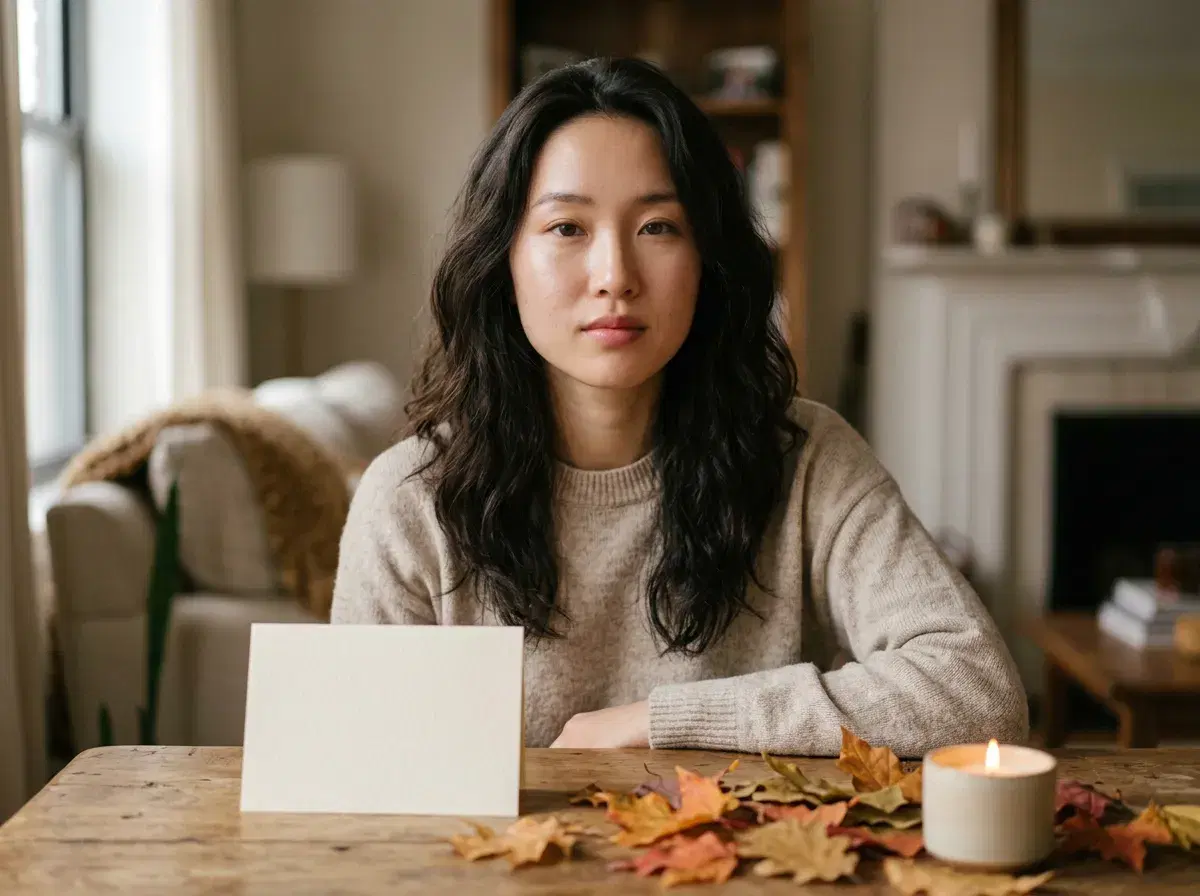
A Thanksgiving card needs a photo that suits the layout and the mood. Pose AI generates the portraits; you assemble the card in a design app.
This guide gives a four-step workflow and is clear about what Pose does and does not do.
Solo and pair portraits: AI photo generator that looks like you.
- Step 1: each person uploads one selfie.
- Step 2: generate matching portraits with a seasonal background.
- Step 3: add Thanksgiving text and decorations in your own design app.
- Step 4: export for print or digital sending.
What an AI card photo tool is
An AI card photo tool generates the portrait; a card app lays it out. Pose handles the first part: it makes portraits and seasonal backgrounds from selfies. It does not provide card templates or overlays, so use a design app for the card itself.
The workflow
Upload one clear selfie per person. Generate a portrait or pair in a shared style, such as a harvest table or warm autumn light, in the aspect ratio your card needs. Combine the portraits in a design app and add the greeting. Export at the resolution your printer asks for, upscaling to 4K in the Gallery if needed.
Group poses, print and digital
Pose is reliable with one or two people per image, so choose pair poses and combine them. For print, proof the colour and check the resolution; for digital cards, a standard web size is fine.
Couples: couple photo generator.
Product-style stills: Product Studio.