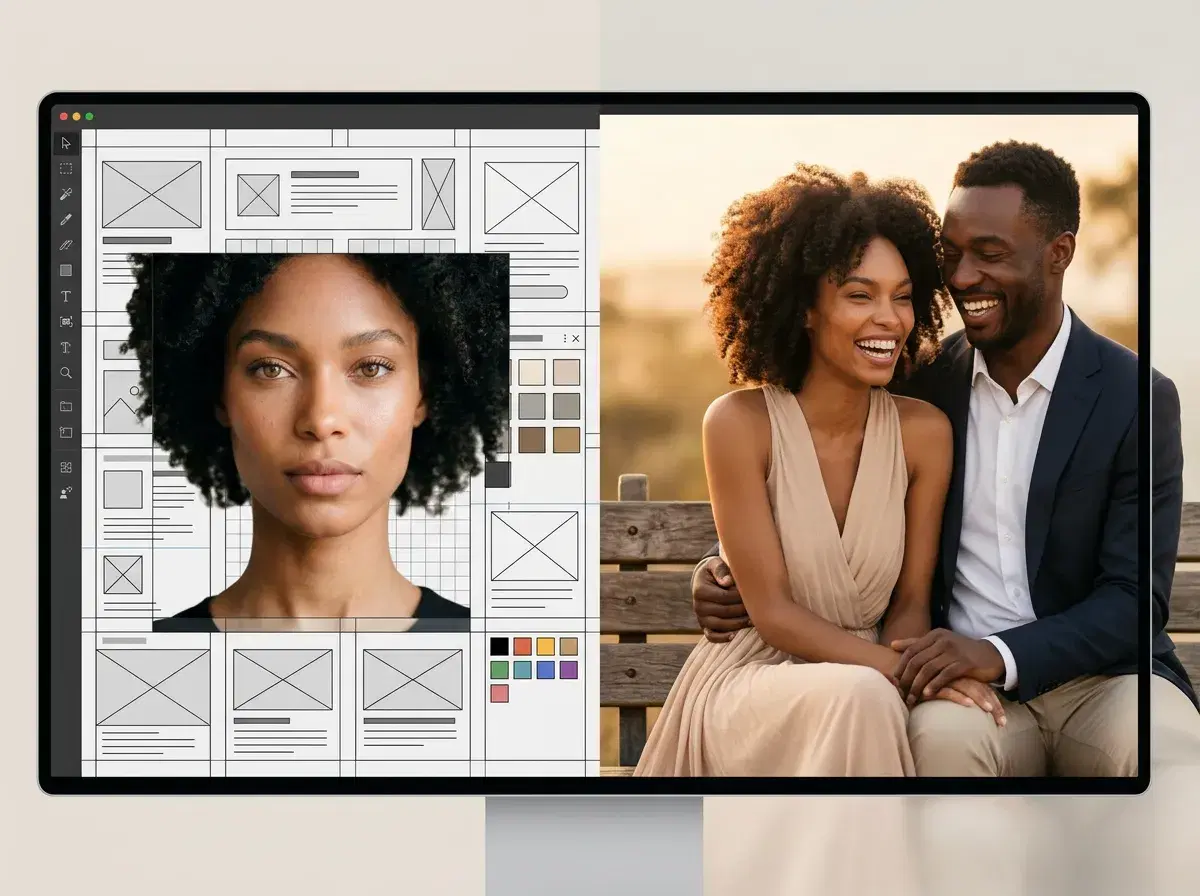
A handful of tools genuinely offer free couple-photo editing — Fotor, Canva, and Pixlr all have real free tiers for combining two photos. Pose AI is not one of them: it's a paid plan that generates a new identity-locked photo of both partners rather than merging two existing ones.
This comparison is honest about that trade-off so you can pick based on what you actually want.
- Top picks: Fotor and Canva for genuinely free photo combining; Pose AI for the best result if you want a photograph that looks like it was actually taken of the two of you — but Pose is not free.
- Free tools merge two existing photos, which usually leaves a visible seam. Pose generates one new photo from one selfie of each partner, so there's no seam.
- Pose AI: 400 credits every week, from $4.99 the first week, then $14.99/week, no watermarks — best value, not a free-forever tier.
Free AI couple photo tools compared
| Tool | Free tier | Merging capability | Quality |
|---|---|---|---|
| Fotor | Yes, genuinely free | Composite/cut-out merge | Visible seam between photos |
| Canva | Yes, genuinely free | Layout-based photo combining | Visible seam, good for layout |
| Pixlr | Yes, free with limits | Basic photo merging | Visible seam |
| Pose AI | No — not a free-forever tier | Generates a new photo, doesn't merge | No seam, single consistent lighting |
See Pose AI's pricing.
Mobile Apps for AI Couple Photos
Pose AI works in your mobile browser on iPhone and Android with the same feature set as desktop, and there's also an iPhone companion app on the App Store if you prefer a native download. Either way, the same weekly credit plan applies — 400 credits every week, starting at $4.99 the first week, then $14.99/week. There's no separate free tier on mobile.
If a tool advertises "400 free credits a week," read that carefully: at Pose, the 400 weekly credits are part of the paid plan, not a free-forever allowance. It's a real weekly refresh on a subscription, not a one-time free trial and not an unlimited pool.
Generate your own at the AI couple photo generator.