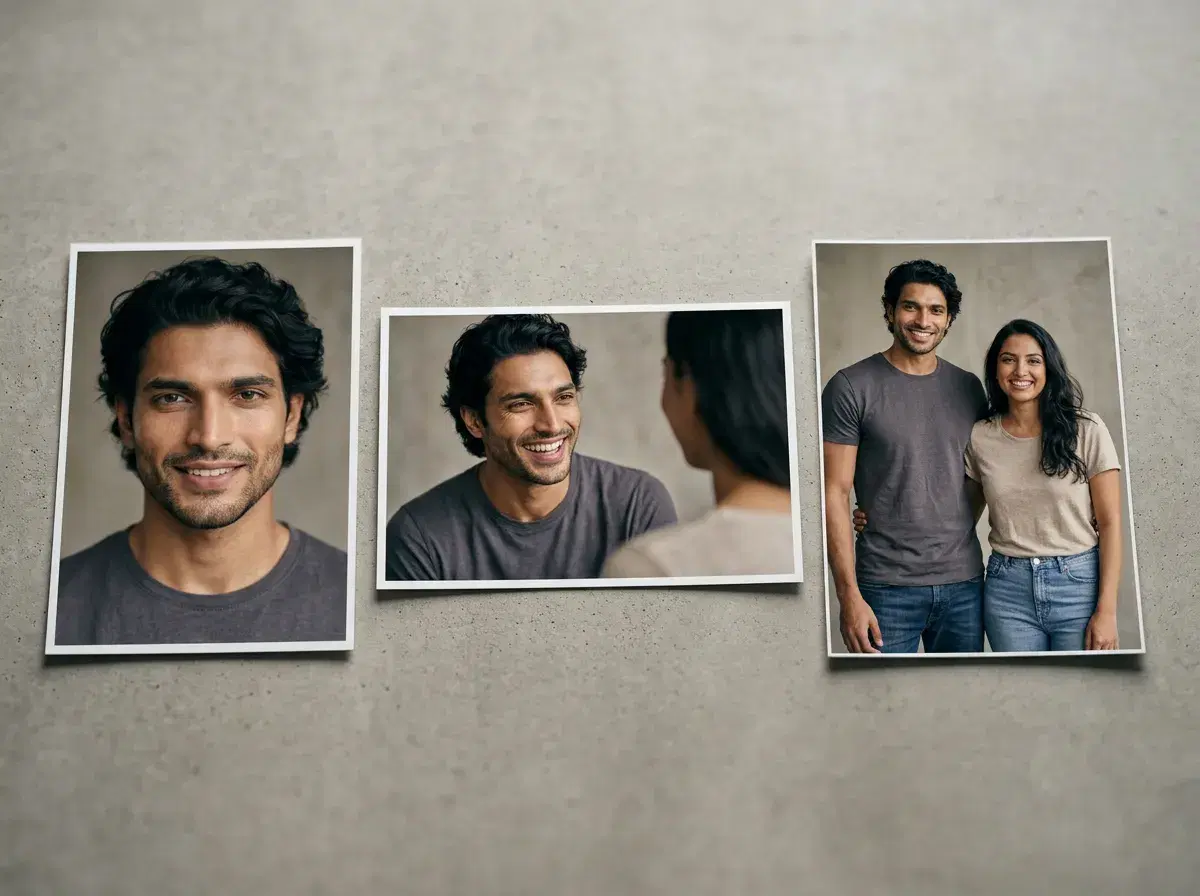
"Merging two photos into one couple photo" usually means one of two things: literally combining two existing images side by side or with a cut-out (what free editors do), or generating a brand-new photograph of two people together from one selfie of each (what Pose AI does).
This guide covers both, and is honest about which tool does which.
- 4 steps with Pose AI: upload one selfie of each partner, choose a couple style, generate, download — Pose creates a new photo, it does not literally merge or composite your two source images.
- Free editors like Canva and Fotor will genuinely combine two photos at no cost, but the join and mismatched lighting between the two shots usually show.
- Pose AI is not free — $4.99 the first week, then $14.99/week with 400 credits every week, no watermarks.
Merging vs. generating: an honest distinction
Photo merging or blending, in the literal sense, takes two existing images and combines them — side by side, or with one person cut out and pasted into the other's photo. Free tools like Canva, Fotor, and Pixlr do this well for a quick composite, but the seam and the mismatched lighting between two separately-shot photos are usually visible.
Pose AI works differently: it does not merge or splice your two photos. It generates one brand-new photograph containing both people, using one selfie of each as an identity reference — so there's a single light source and no seam to hide, because nothing was pasted together.
Merging vs. generating a couple photo
| Approach | How it works | Result | Cost |
|---|---|---|---|
| Photo merge/composite | Combine two existing photos, side by side or cut-out | Visible join, mismatched lighting between shots | Free (Canva, Fotor, Pixlr) |
| Pose AI generation | One selfie of each partner, generated as a new scene | Single consistent lighting, no seam | $14.99/week (400 credits, $4.99 first week) |
See Pose AI's couple photo generator.
Want a couple photo without the seam? try Pose's couple photo tool.