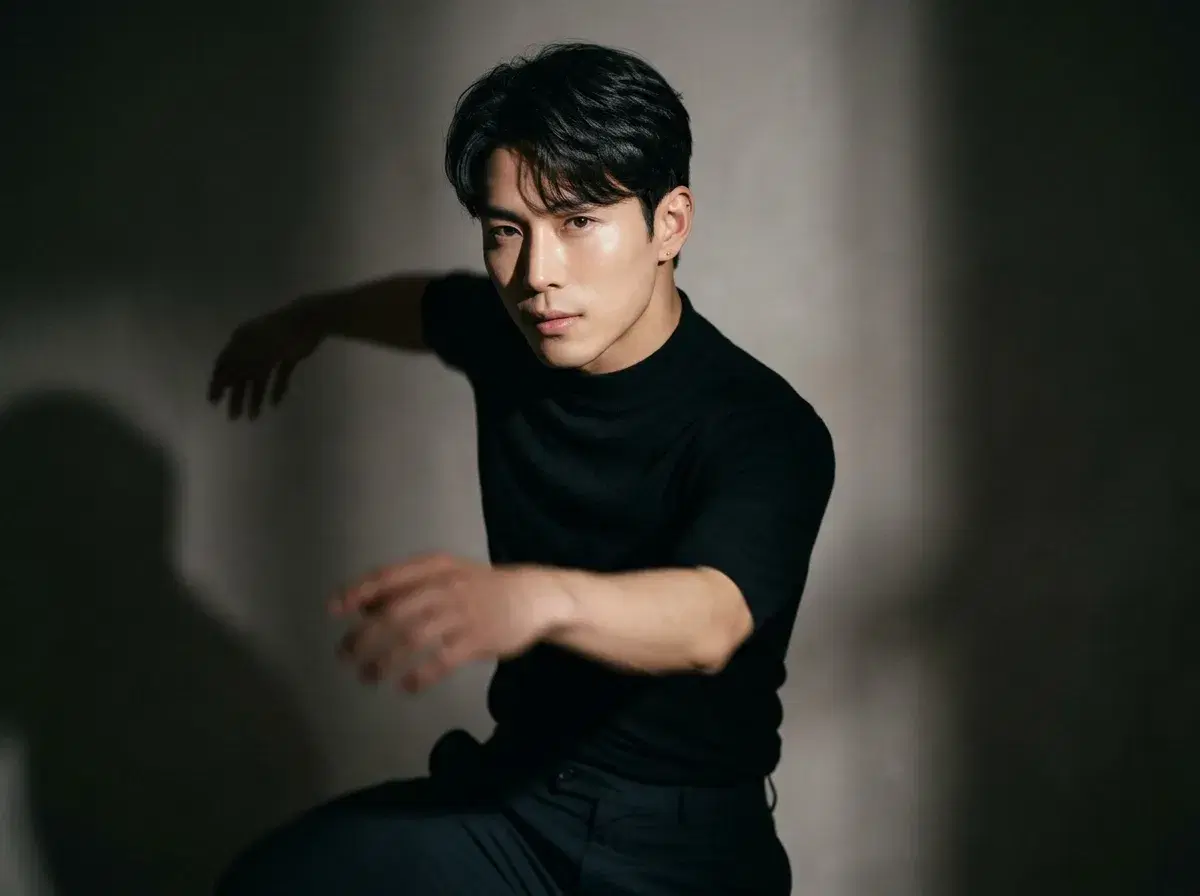
An AI dance video generator turns a still photo into a moving dance clip. Pose AI does this natively through its Video Studio using SeedDance motion transfer and Kling camera control — no filming, no choreography, no separate tool.
TL;DR
- Pose AI's SeedDance engine handles subject motion and motion transfer, animating a photo into a dance clip; Kling adds camera control for a more cinematic feel.
- Upload one photo, describe the dance (or reference a motion clip you have the rights to), and generate — identity-locked so the result still looks like you.
- Viggle is a real, useful alternative for fast, stylized character animation with a freemium tier, but its output reads more animated than photoreal.
- 400 credits every week, from $4.99 the first week, then $14.99/week — one credit-based plan, not a free-forever tier.
AI Dance Video Generators from Photos Compared
| Tool | Approach | Identity lock | Pricing |
|---|---|---|---|
| Pose AI | Native SeedDance motion transfer + Kling camera control, from one photo | Yes, identity-locked | 400 credits/week, from $4.99 first week |
| Viggle | Stylized character animation, fast and playful | Character-based, not photoreal identity lock | Freemium, clip length capped on free tier (verify current limits) |
| Runway | Cinematic motion tools, broader creative control | Reference-image based, not selfie-locked | Subscription, verify current pricing |
How photo-to-dance generation works in Pose
Upload one clear photo of yourself, then either describe the dance you want ('a slow spin with arms raised, then a hip-hop-style step sequence') or supply a reference motion clip you have the rights to use. SeedDance's motion transfer applies that movement to your identity-locked likeness, and Kling can add camera movement around the scene for a more produced look. The result exports vertical, square, or landscape with no watermarks.
Try it in Pose AI's Video Studio.
Pose AI
Turn your photo into a dance video
1st week intro pricing discounted · Cancel anytime · Secure checkout
Frequently Asked Questions
Can I make my photo dance?
Yes — upload one photo, describe the dance or reference a motion, and Pose AI's SeedDance motion transfer generates the clip. There's no filming or choreography required on your end.
Do I need a video of the dance to copy?
No, though it helps. You can describe the motion in words and SeedDance will generate a dance from that description, or supply a reference clip for closer motion matching — subject to having the rights to any reference material you upload.
How is this different from Viggle?
Viggle specializes in stylized character animation — fast and playful, but the result reads more animated than photoreal. Pose's SeedDance and Kling engines are identity-locked and aim for a photoreal dancer that still looks like you.
Is there a free way to try this?
Pose AI isn't free-forever — it runs on 400 credits every week starting at $4.99 the first week. Viggle offers a freemium tier with capped clip length if you just want a quick, stylized test (verify its current limits).