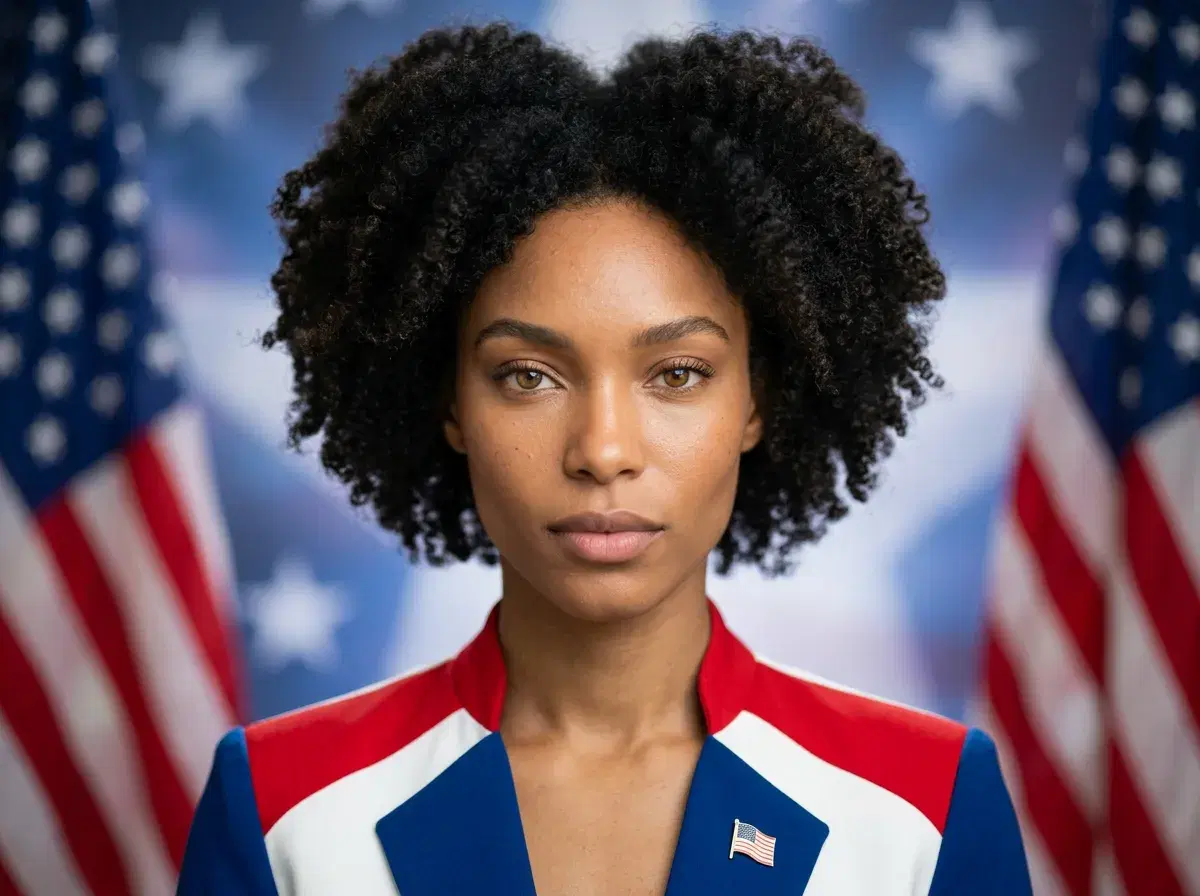
When it comes to AI Independence Day images, the two common approaches are native AI generation and template-based design. Pose AI generates custom 4th of July AI pictures from text prompts using Nano Banana 2, while Canva relies on pre-made templates with AI editing features. This guide compares the two for patriotic AI image creation — generation method, customization, pricing, and speed — so you can pick the right tool.
Want ready-made patriotic looks? Explore Pose's 4th of July photo styles — flag backgrounds, fireworks, and Americana scenes from one selfie.
- Pose AI creates custom 4th of July images from text prompts using Nano Banana 2 AI generation, while Canva offers template-based designs with AI editing tools.
- Generation method: Pose generates images natively from prompts; Canva starts from templates and stock assets.
- Customization: Pose gives prompt-based control over the whole scene; Canva is bounded by the template you start from.
- Pricing: Pose is $4.99 the first week, then $14.99/week (400 credits); Canva has a free tier and a paid Pro plan.
- Output: Pose renders in seconds with no watermarks; Canva involves manual editing and adds branding on the free tier.
- Pose also covers native video, so a flag photo can become a clip in the same plan.
What each tool is
Pose AI is an all-in-one AI creative studio with native image generation via Nano Banana 2, enabling users to create custom Independence Day photos, headshots, posters, and videos from text prompts.
Canva is a template-based design platform with AI-powered editing features, offering pre-made 4th of July layouts that users customize with text, colors, and stock images.
Pose AI vs Canva for Independence Day images
| Feature | Pose AI | Canva |
|---|---|---|
| Generation method | Nano Banana 2 native AI generation | Templates plus AI editing |
| Customization | Prompt-based, full-scene control | Bounded by the template you start from |
| Pricing | $4.99 first week, then $14.99/week (400 credits) | Free tier; paid Pro plan (~$12.99/mo) |
| Output speed | Seconds | Manual editing time |
| Watermarks | None | Branding on the free tier |
| File formats | PNG, JPG, plus MP4 for video | PNG, JPG, PDF |
Canva details are based on public information and may change — verify current plans on Canva's site. Pose AI generates AI images of you from a prompt or selfie; Canva is a design tool you build on top of templates.
When to use each tool
Choose Pose AI when you want custom, AI-generated Independence Day images — patriotic profile pictures, branded 4th of July social posts, event posters, or AI-generated fireworks scenes — created from a prompt or a single selfie. Because generation is native and identity-locked, the result looks like you or matches your described scene, not a stock template.
Choose Canva when you want to assemble a quick flyer from a pre-set layout, collaborate with a team on event graphics, or export a print-ready PDF. Canva is strong for layout, typography, and multi-page documents where you are arranging elements rather than generating a photorealistic image from scratch.
Many creators use both: generate the patriotic image or portrait in Pose AI, then drop it into a Canva layout for a flyer or multi-page handout. The two approaches complement each other — native AI generation for the imagery, template design for the page layout.
Generate your patriotic images in Pose AI's Photo Studio — upload one selfie or paste a prompt and get results in seconds.
For the plan details, see Pose AI pricing and weekly credit allowance — $4.99 the first week, then $14.99/week with 400 credits, cancel anytime.
Want more comparisons? Read more AI photo guides on the Pose blog for tool round-ups, prompt ideas, and how-tos.